


Prescription dispenser
Table of Contents
Sign up to our newsletter
Most outdoor kiosks don’t fail because water got in — they fail because heat, condensation, and UV broke them from the inside. An IP65 rating only certifies that the enclosure is dust-tight and resistant to low-pressure water jets; it says nothing about whether the screen will survive 65°C internal temps in July or whether the gaskets will still seal after three years of sun. If your fleet keeps dying, the rating isn’t the problem. The spec sheet beneath it is.
What IP65 Actually Certifies (And What It Doesn’t)
The IP code from IEC 60529 has two digits. The first (0–6) rates solid particle ingress. The second (0–9) rates liquid ingress. IP65 means: completely dust-tight, and protected against water jets from a 6.3mm nozzle at roughly 12.5 liters per minute, sprayed from any angle for at least 3 minutes.
That’s it. That’s the whole promise.
What IP65 does not cover:
- Temperature extremes (hot or cold)
- UV degradation of plastics and seals
- Condensation inside the enclosure
- Salt spray and corrosion
- Impact resistance (that’s IK ratings)
- Pressure differentials from solar heating
Here’s the bold claim: about 70% of outdoor kiosk failures we see in the field have nothing to do with water ingress. They’re thermal, electrical, or material fatigue issues that an IP rating was never designed to address.
The Real Killer: Thermal Cycling, Not Rain
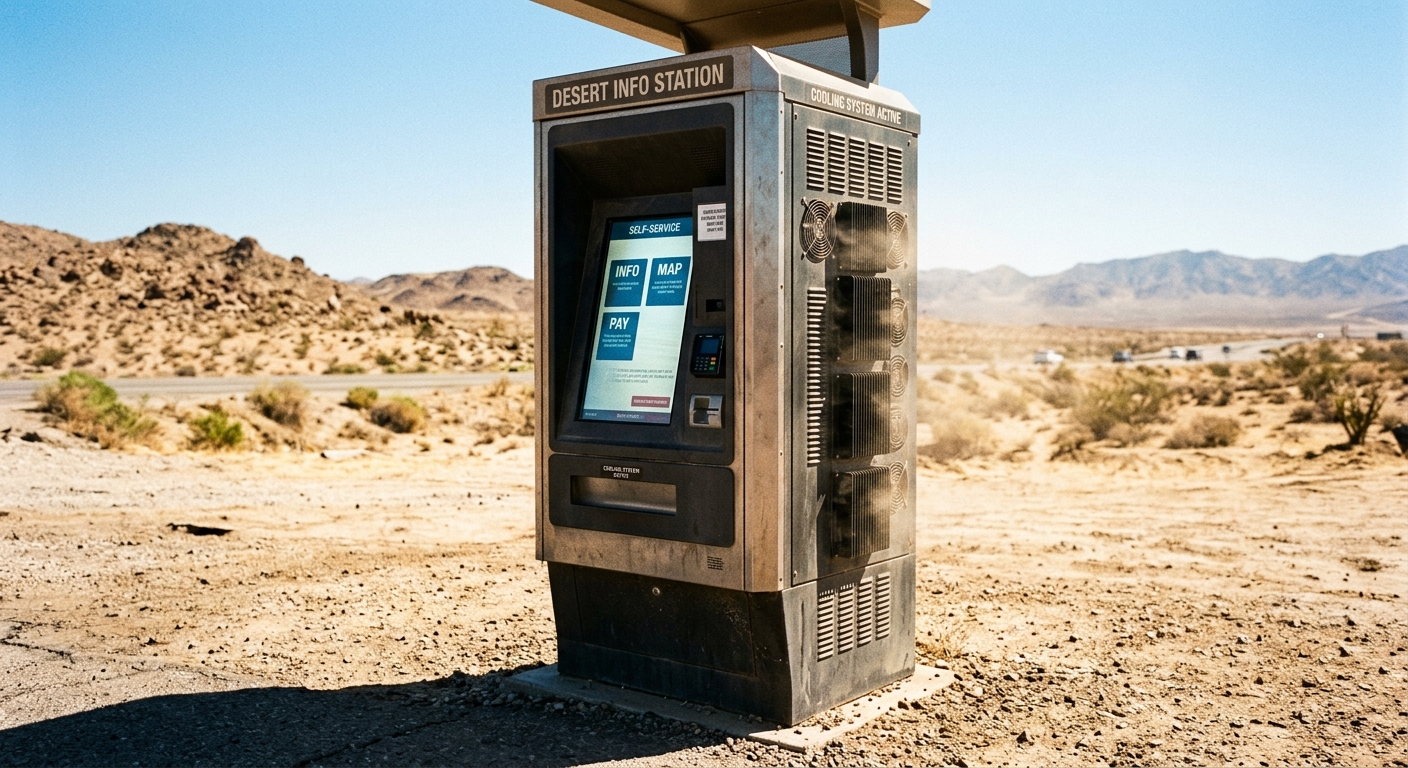
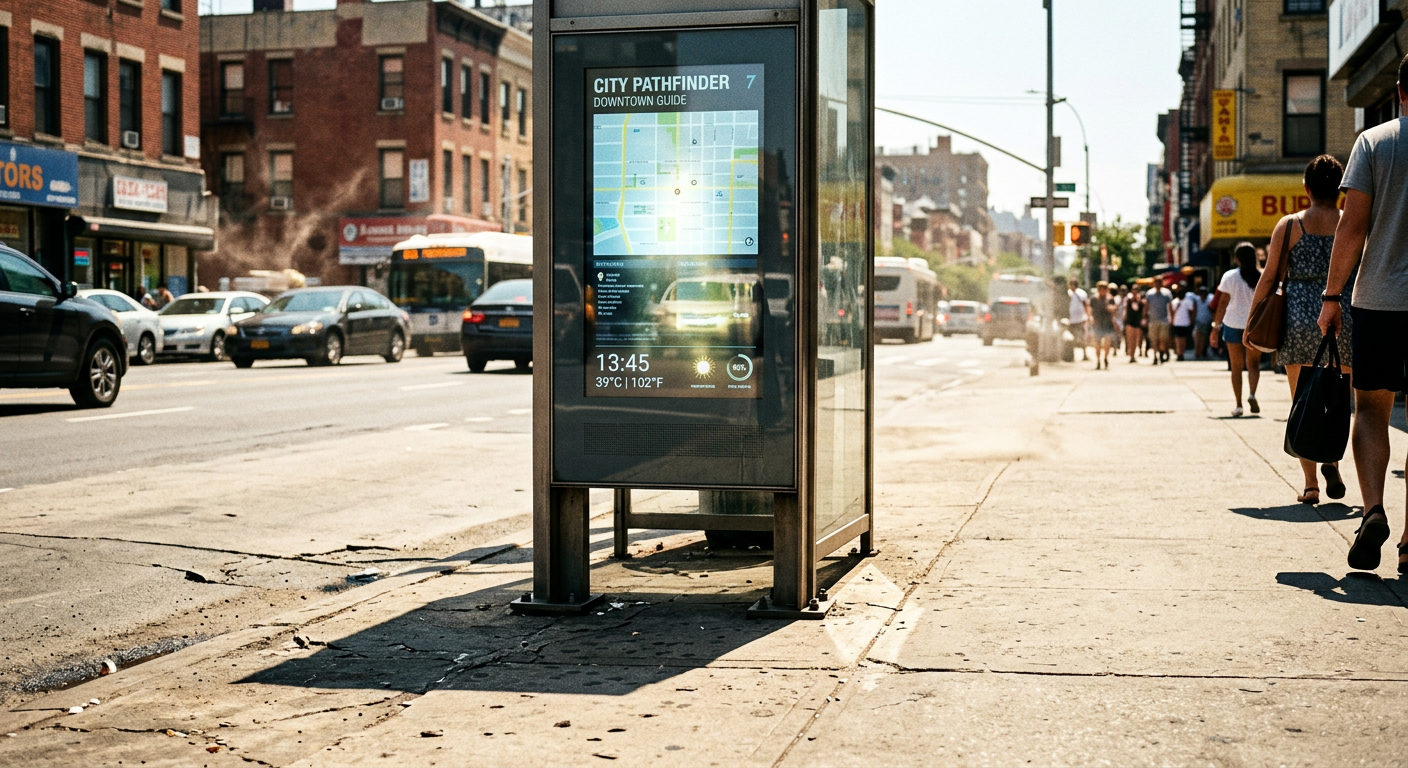
An outdoor kiosk in direct sun easily hits 70–80°C internal ambient temperature. LCD panels start to ghost and discolor above 65°C. Lithium batteries (if your kiosk has a UPS) degrade rapidly past 45°C. Industrial PCs throttle at 70°C and shut down at 85°C.
Now reverse it. At night, that same enclosure drops to 5°C. The air inside contracts, drawing humid outside air through any micro-gap — and an IP65 seal allows pressure equalization through breather vents by design. By morning, you have condensation on the inside of the glass and a wet motherboard.
What to look for instead
- Operating temperature range: -20°C to +50°C ambient is the minimum spec for most climates. -30°C to +60°C for harsh ones.
- Active thermal management: Industrial air conditioners (300–1000W) for hot climates, PTC heaters for cold ones.
- Anti-condensation heaters behind the LCD — small, cheap, and they prevent 90% of moisture failures.
- High-brightness displays (2,500+ nits) with optical bonding to prevent fogging between the LCD and cover glass.
For example, a transit agency in Arizona replaced their IP65-rated kiosks twice in 18 months before realizing the original units had no active cooling — just passive vents. Switching to enclosures with 500W cabinet coolers and AR-coated optically bonded screens dropped failure rates to under 2% annually.
Why Gaskets Fail Before Electronics Do
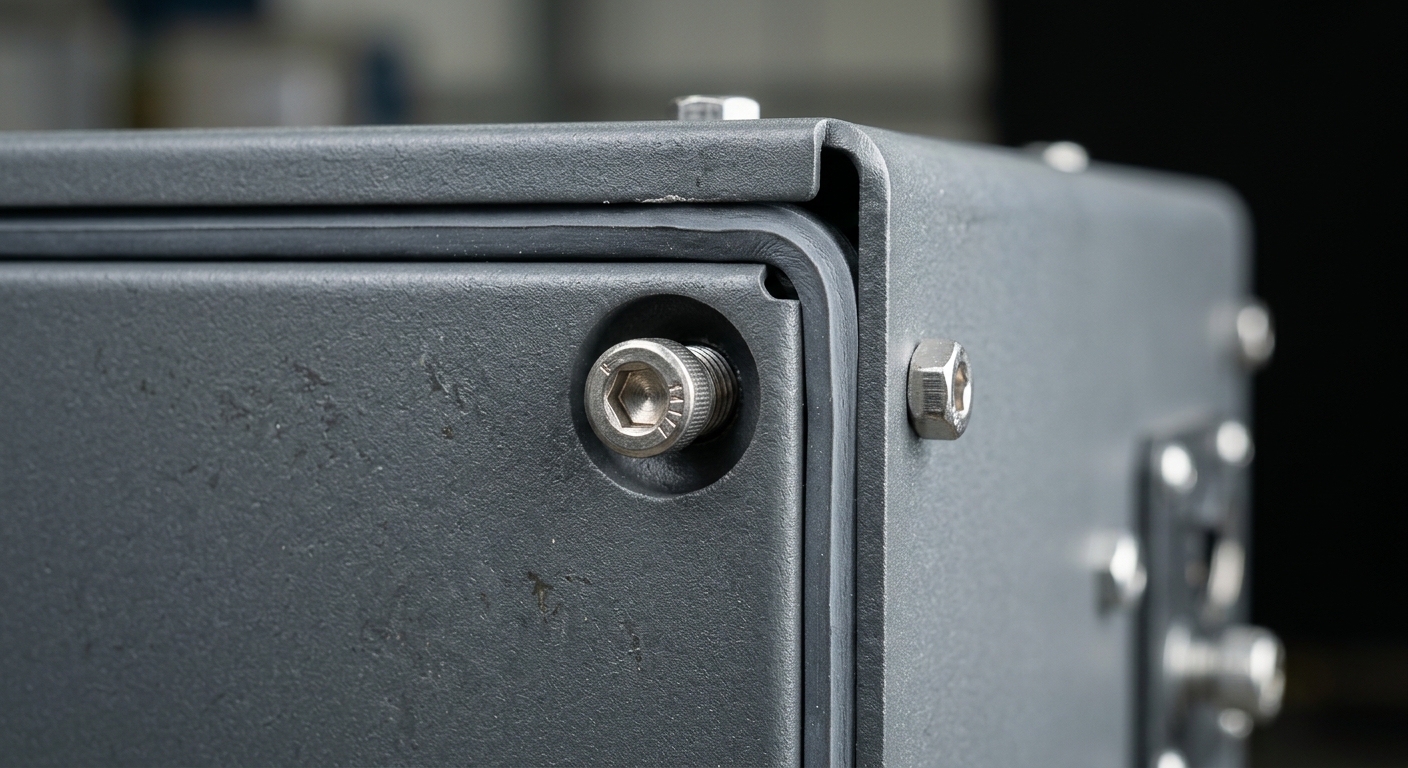
Here’s something most spec sheets won’t tell you: the EPDM or silicone gasket that gives your kiosk its IP65 rating has a service life. Under constant UV exposure and thermal cycling, standard EPDM gaskets harden and crack in 3–5 years. Cheap PVC seals can fail in 18 months.
When the gasket goes, the rating goes with it — but nobody re-tests deployed units. So a kiosk that was IP65 on day one becomes IP44 by year three, and nobody knows until water shows up on a maintenance log.
Material choices that matter
- Silicone gaskets: 10+ year UV resistance, wider temp range, costs more.
- Powder-coated steel vs. raw aluminum: Powder coating adds UV and corrosion protection but chips on impact.
- Marine-grade 316 stainless: Required within ~5km of coastline. 304 stainless will pit and rust.
- Polycarbonate windows: Yellow under UV unless UV-stabilized. Always spec UV-stable PC or tempered glass.
If you’re comparing units across climates, our indoor vs outdoor kiosks comparison breaks down which material grades match which environments.
The IP Rating Decoder Table
Most buyers fixate on IP65 because it’s the default in RFP language. But the right rating depends on where the kiosk actually lives. Quick reference:
- IP54: Indoor only. Splash-resistant. Don’t use outdoors.
- IP55: Borderline outdoor — fine under a canopy.
- IP65: The standard for unsheltered outdoor kiosks in most climates.
- IP66: Required where pressure washers may be used (transit, stadiums).
- IP67: Temporary submersion. Overkill for most kiosks; usually a sign of marketing inflation.
- IP69K: High-pressure, high-temperature wash-down. Food processing only.
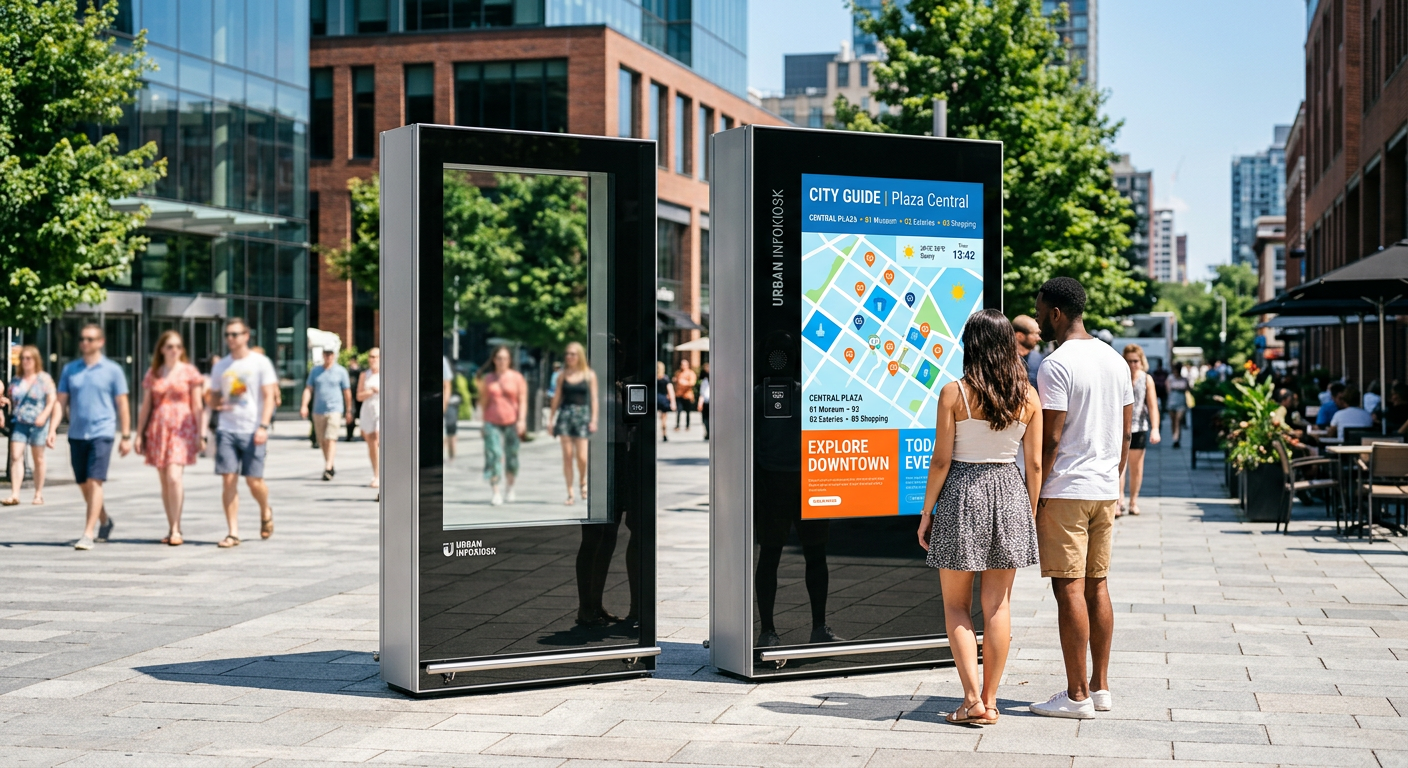
A retail self-checkout under an awning doesn’t need IP66 — and paying for it is wasted budget. A drive-thru kiosk in Florida absolutely does.
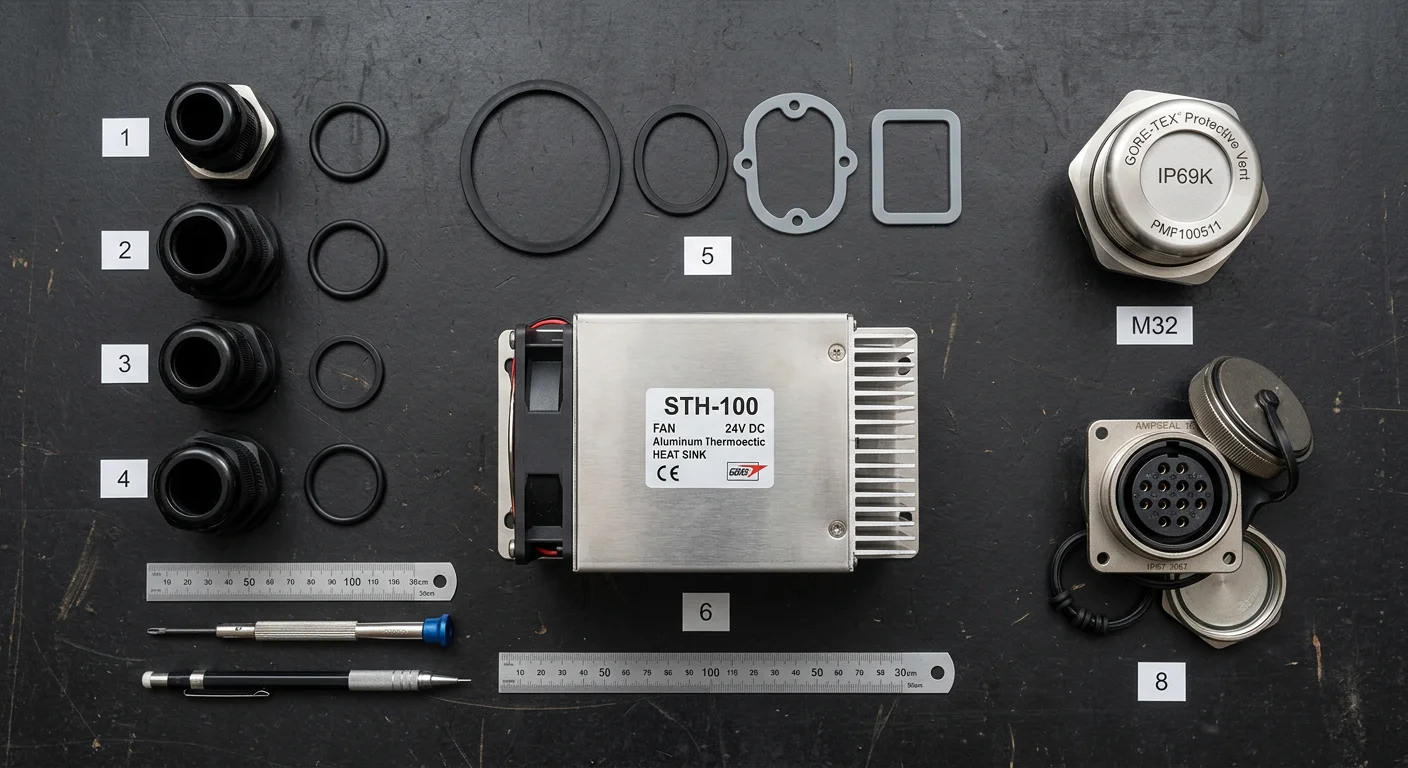
Cable Glands, Vents, and the Holes You Forgot About
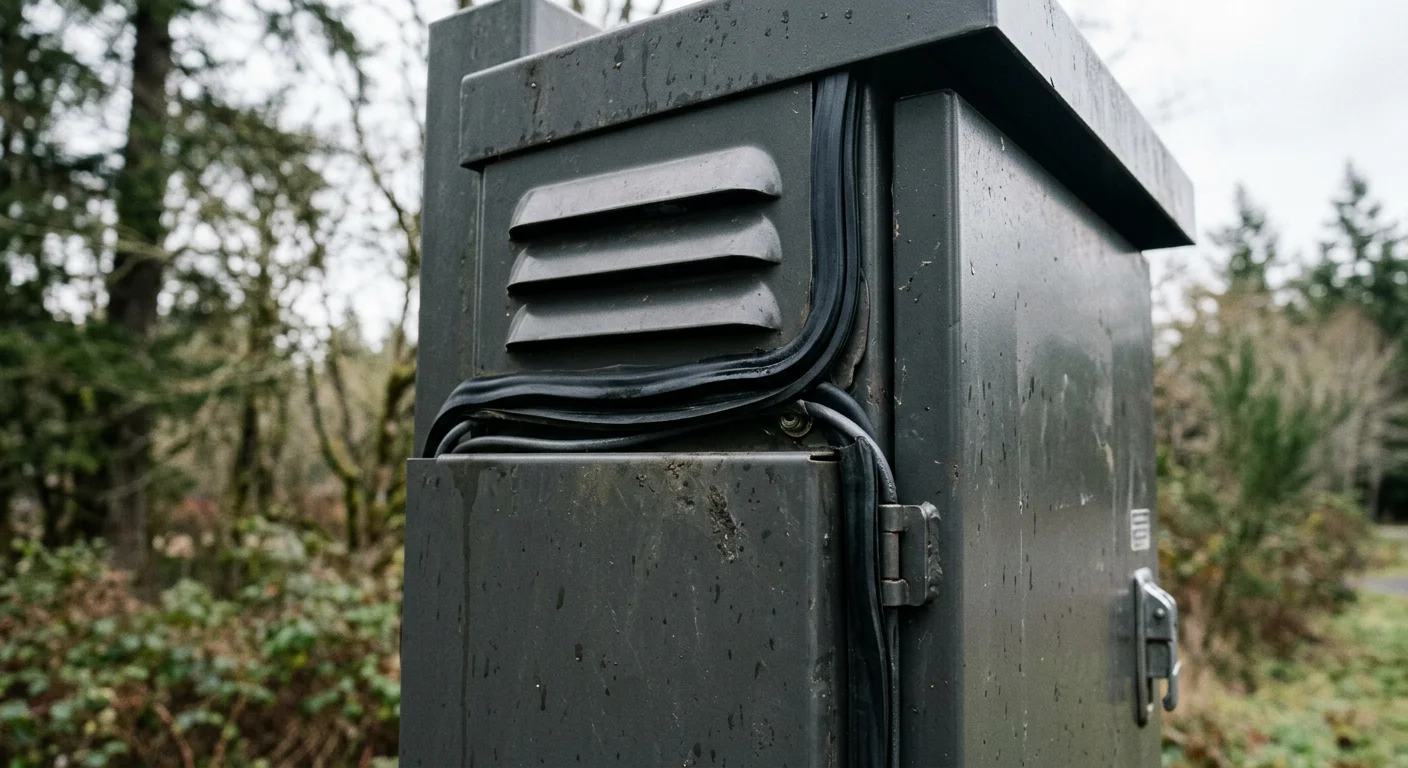
An enclosure is only as sealed as its weakest penetration. Every cable entry, vent, lock, and access panel is a potential failure point — and this is where cheap kiosks cut corners.
The usual suspects
- Cable glands: Must match cable diameter exactly. A gland rated for 8–12mm cable used on a 6mm cable doesn’t seal. Use IP68-rated glands minimum, even on IP65 enclosures.
- Pressure equalization vents: Required to prevent the seal from being pushed out by thermal expansion. Use Gore-Tex membrane vents — they breathe but block water.
- Door hinges and locks: Continuous gaskets only. Anywhere two surfaces meet at a corner is a leak point unless properly engineered.
- HVAC penetrations: Where the cooling unit mounts is often the first place water finds its way in. Look for factory-integrated units, not aftermarket bolt-ons.
For instance, a parking authority deployed 40 kiosks with field-installed 4G antennas. Within 6 months, 12 units had water damage — all traced to the antenna mounting holes drilled on-site, with consumer-grade silicone caulk as the only seal. The IP65 rating on the enclosure was meaningless once the installer made his own holes.
Power, Surge, and the Lightning Problem
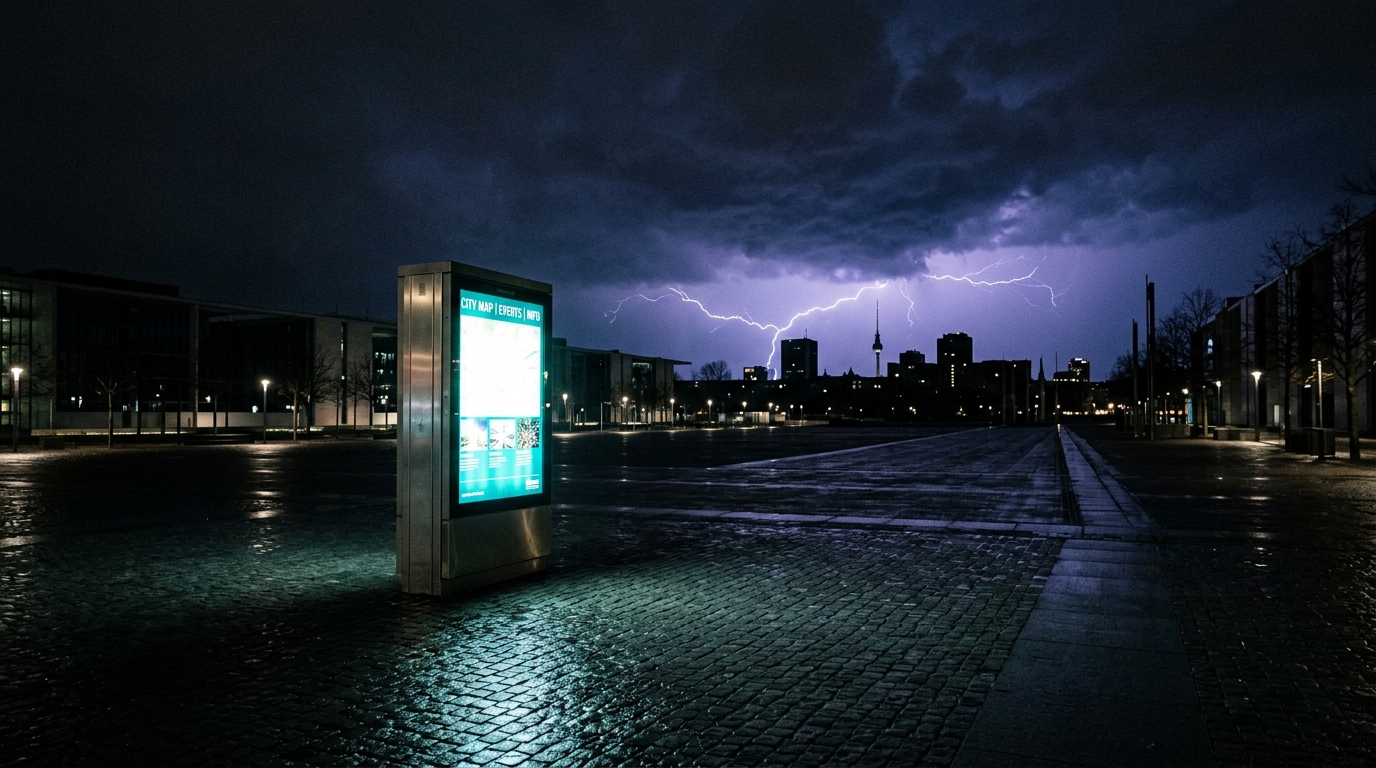
Outdoor kiosks are tall metal objects with electronics inside, often connected to the grid via long cable runs. They’re surge magnets. And no IP rating in the world stops a 6kV transient from frying your motherboard.
Minimum electrical protection spec
- Type 2 SPD (surge protective device) on the AC input — non-negotiable
- Type 3 SPD downstream for sensitive electronics
- Ethernet surge protector if you’re running PoE or wired LAN
- Isolation transformer for sites with dirty power
- Earth ground rod bonded directly to the enclosure — not just relying on the building ground
A common failure pattern: kiosks work fine for 9 months, then several die within days of a single summer storm. That’s not random. That’s induced surge through the data line. Spec proper protection from day one and you’ll save more in field repairs than you’ll spend on hardware.
For broader fleet-level reliability practices, our guide on kiosk management tips covers the maintenance side of this.
The Spec Sheet Questions That Catch Bad Vendors
If you’re vetting suppliers, IP65 alone is table stakes. Ask these instead:
- What’s the certified operating temperature range, and is it tested under load or just powered off?
- What’s the gasket material, and what’s its rated UV service life?
- Is the HVAC system factory-integrated, and what’s its BTU rating?
- What surge protection class is included on AC and data inputs?
- What’s the screen brightness in nits, and is it optically bonded?
- What’s the MTBF (mean time between failures) for the deployed configuration?
- Can you provide field failure data from existing outdoor deployments?
A vendor who can answer all seven without flinching is worth a closer look. A vendor who only quotes you the IP rating and moves on is selling you a box that will be your problem in 18 months.
If you’re spec’ing a custom enclosure for an unusual environment, the principles in customizable kiosk design apply directly to outdoor builds too.
Putting It All Together: What Actually Survives Outdoors
The kiosks that last 7–10 years outdoors share a pattern. They’re built around climate-rated industrial PCs, not repurposed indoor hardware. They use active thermal management sized for the local climate. They have silicone gaskets, marine-grade fasteners, factory-integrated HVAC, multi-stage surge protection, and optically bonded high-brightness displays. The IP65 rating is just one line on a long spec sheet.
Buying on IP rating alone is like buying a car based on whether it has a roof. Necessary, yes. Sufficient, no.
If you’re planning an outdoor deployment — whether it’s a single drive-thru ordering point or a fleet of 200 wayfinding terminals across a campus — we’d rather have a 20-minute conversation about your climate, power quality, and use case than send you a generic spec sheet. Get in touch with bestkiosk and we’ll walk through what your site actually needs to stay up year after year.

Kitty Tan
Custom Kiosk Expert Consultant
Kitty is a kiosk expert at FlyXing. With extensive knowledge and experience in designing and manufacturing self-service kiosks, Kitty specializes in creating customized solutions to meet diverse industry needs.
