


Prescription dispenser
Table of Contents
Sign up to our newsletter
Remote firmware updates allow you to enhance your device features. You can imagine your kiosk as a smart device, such as your phone, that needs regular upgrades. Remote updates are delivered immediately to the device over the Internet.
Are you thinking of modifying your kiosk device? Before you make a decision, you need to understand what it is, how it works, and the primary techniques. In this article, we’ll go over everything in detail so that you’ll be able to make this important decision.
What are Remote Firmware Updates?
Remote firmware updates imply updating the kiosk firmware by modifying its code. Regardless of device location, remote updates can be performed over various channels, such as Wi-Fi, USB ports, or computer software.
Typically, the device manufacturers generate the updates. The purpose of firmware updates is to fix bugs (if any) and improve device performance and security.
Why They Matter
Remote firmware updates enhance device functionality and make it more user-interactive. This is important since it protects your device from cyber threats, reduces glitches, and leads to smoother and more stable operations.
Main Components Involved
Without these components, you will be unable to download and activate the updates correctly. The operating system, device drivers, application code, and kernel are considered key components of remote firmware updates.
Want to know what specific functions each of these components performs? Below is a definition of the tasks of these components.
The operating system governs how the device functions and the smooth interaction of hardware and software applications. The kernel serves as the core of firmware, handling fundamental system functions such as memory management and system calls.
Device drivers enable software to communicate with hardware. Finally, the application code allows the device to execute user-oriented tasks, such as displaying information or running an application.
Benefits of Remote Firmware Updates for Kiosks

Before we go into the benefits you can achieve by religiously updating your kiosk firmware, let us briefly mention the risks of not updating your kiosk firmware. Cyber-criminals steal, sell, or misuse sensitive information like financial data, personal data, or company secrets.
The most common cyber threats that might attack your kiosk are data breaches, malware attacks, unauthorised access, ransomware attacks, and many more. Now that you are aware of the hazards associated with not updating your kiosk firmware, let us discuss the benefits of doing so on a regular basis.
Better Security
Updated kiosk firmware is very important to keep your device safe from cyber threats. Outdated firmware can have security loopholes that allow malware to infect your kiosk. This can compromise the functionality of your device.
Firmware lacking the update might fail to detect unauthorized access to the kiosk, causing it to crash or be unavailable for users. Hence, updated firmware contains better security features and keeps it from being stolen.
Quick Fixes and Feature Upgrades
Have you ever had a situation where your screen buttons don’t work properly or your device’s screen freezes? Firmware updates fix these minor flaws and malfunctions, so your device can function seamlessly.
Updates often come with improved features that entice users by making them more user-friendly. This may include faster payment options, new apps, or upgraded touchscreen controls that make your device more fun to use.
Updates also improve your kiosk’s speed by optimizing how it functions. This reduces delays and makes things flow more effortlessly. As technology is always evolving, who wants to have outdated firmware that no longer appeals to its users?
Longer Device Lifespan
Updating your device allows it to last longer. Just as a car needs oil changes to perform effectively, a kiosk also needs upgrades to keep operating. Updated firmware corrects even small errors that might eventually lead to bigger problems.
Regular updates lessen the risks of parts wearing out too quickly. Updated systems ensure every part of your kiosk works together and remains usable for longer years. Updates also reduce your device’s battery consumption by removing unused or ineffective apps.
Different Methods for Firmware Updates
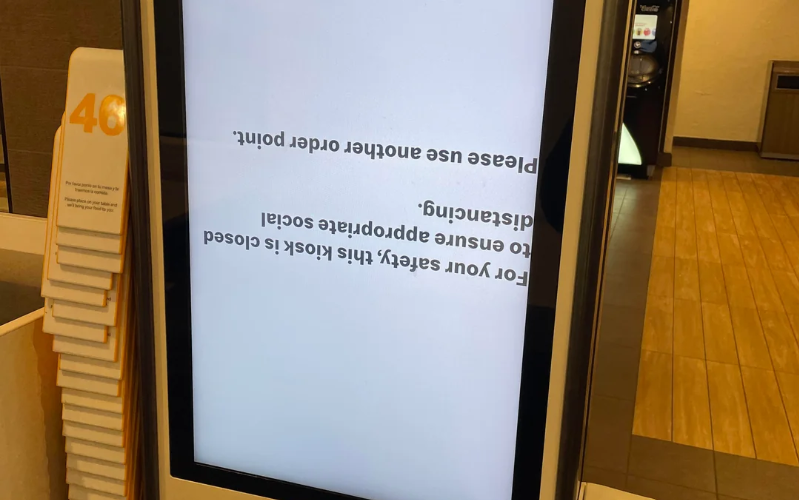
After understanding the importance of updating your kiosk firmware and the risks of not doing it, let us talk about the key methods you might like to consider when choosing the best way for a firmware update.
Over-the-Air (OTA) Updates
Over-the-Air firmware updates your device remotely, so you do not have to send a technician to the device location. Rather, it is a location-independent updating mechanism. If you have a stable WiFi network that you know won’t drop in the middle, you can update your device while sitting on your sofa.
But why should you opt for this method of updating? Well, the best part is that you can schedule this update during off-peak hours. So, you have minimal disruption when updating your device. It ensures that your device remains available to users during peak hours.
FOTA (Firmware Over-the-Air) for IoT Devices
Devices can be selectively updated over-the-air method based on their type and usage. Your smart home devices, like cameras or industrial IoT devices like machinery kiosks, are usually updated via this method. Updates from service providers are typically received within 3-10 minutes on average. Depending on the file size and network speed.
So, who should choose this method? It is best suited for a large number of connected devices that require regular updates. It also allows you to install updates in phases or even start with one device and then apply the update to all other connected devices.
It often allows updates to be applied to the connected devices based on device type and their specific requirement.
How to Set Up Remote Firmware Updates
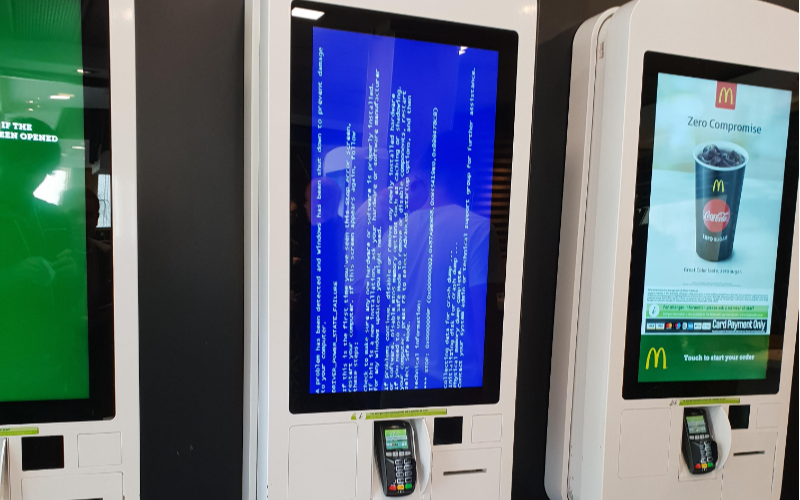
After reading the detailed explanation of each method, we assume you have already decided which route you want to take. Now you may be wondering how to successfully install updates for your kiosk.
What You Need in Infrastructure
You need to have a secure and stable internet connection between the server and the kiosk device. Your kiosk must have enough storage and processing power to download updates without crashing or freezing.
Use a centralised system to send kiosk updates to all of your connected devices. Moreover, you can track any unauthorised access using encryption technologies such as a VPN.
Choosing the Right Software
You must choose a platform that enables remote updates and real-time monitoring. Choose software that minimises disruption and integrates smoothly with IoT-powered kiosks. You also have to consider features like digital signing or other authentication processes that assure device safety against cyber threats.
Steps to Deploy Updates
To be safe, first install and test the update on one kiosk. If it works fine, save the update to the main server that connects to all kiosks. Deploy updates at optimal times, such as at night or during low business hours. Start the update and monitor for any issues. Once done, check the kiosks to ensure that everything works correctly following the update.
Challenges and How to Solve Them
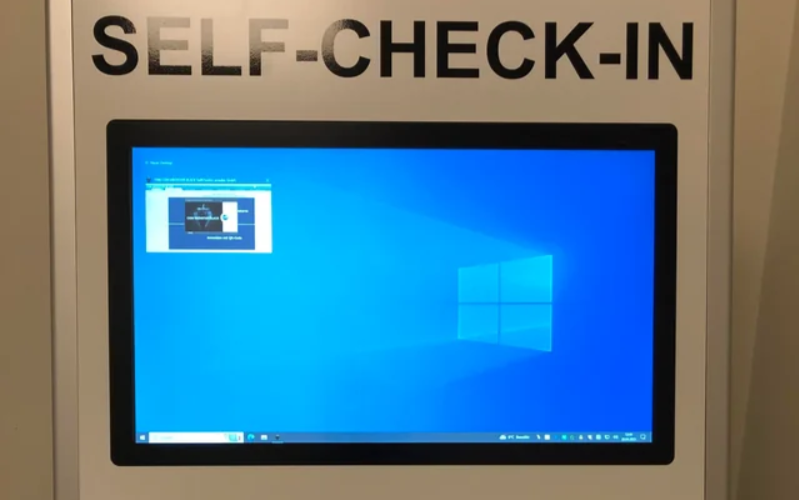
If you are considering a remote firmware update for your kiosk, you must evaluate the potential challenges. Here, we will detail the difficulties you may face and how to overcome them.
Dealing with Unstable Networks
Interrupted installations result in failed or incomplete updates. It can lead to software bugs or malfunctions, or even make your system temporarily unavailable.
Scheduling updates during off-peak hours, when traffic is less, helps to improve network performance and stability. Use applications that roll back to previous systems or earlier settings if installation fails to complete or load successfully. You must also be patient in allowing the kiosk to fully download updates before applying them.
Compatibility with Different Kiosk Models
A kiosk with varying features or hardware may require personalized updates, which might complicate the process. Some kiosk updates may not function on all kiosks. Hence, customizing updates for different systems may be time-intensive.
So, to avoid compatibility concerns, use identical hardware and firmware versions across all kiosks. Test updates on a few kiosks before applying to all. Above all, create updates that automatically adapt to different systems.
Real-Life Examples
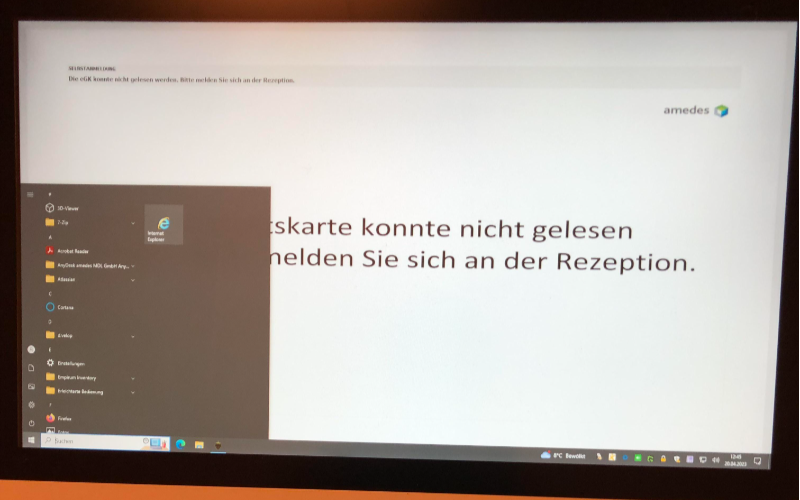
Implementing remote firmware updates has been a game-changer for many industries. Below are a few examples of how retailers and public sector management integrated this technology to improve kiosk performance, features, and user experience.
Success in Retail
Firmware updates of kiosks contributed to retail success by introducing innovative features. For example, updates introduced advanced touchscreen options, which made retail kiosks more user-friendly.
Updates improved self-checkouts and reduced consumer wait times. Firmware updates linked inventory tracking systems to the retail kiosks, resulting in improved stock visibility for staff and customers.
Effective Use in Public Services
The public transit system offers its users real-time schedule updates and multilingual support. Tourist kiosks offer local maps, translation services, and emergency aid.
Transportation kiosks also allow users to check for traffic schedules and alternative routes. They have introduced features like voice commands, screen readers, and screen magnifiers. This made kiosks more accessible to people with disabilities.
Conclusion
Upgrading is necessary for enhancing your kiosk functionality across various industries. However, you need to be careful while updating your kiosks, as unstable networks or compatibility issues (among devices) can cause interruptions.
The decision depends upon your device’s specific type, requirements, and features. Ready to enhance your kiosk features with advanced firmware updates? Contact our experts at BestKiosk today to discuss your preferred method and take the first step towards optimal kiosk performance.

Kitty Tan
Custom Kiosk Expert Consultant
Kitty is a kiosk expert at FlyXing. With extensive knowledge and experience in designing and manufacturing self-service kiosks, Kitty specializes in creating customized solutions to meet diverse industry needs.


