


Prescription dispenser
Table of Contents
Sign up to our newsletter
Nowadays, kiosks come in a variety, serving different purposes and offering different features. This advancement has improved customer service and increased business revenue.
 Touchscreen kiosks display information on a monitor that can be operated with a finger or stylus. The user can scroll, zoom in or out, or select an option using the touchscreen interface. These kiosks do not require a keyboard or mouse to feed input, making them efficient and quick.
According to research, the brain’s ability to process visual information is 60,000 times quicker than other forms of information. Touchscreen kiosks display all the information, making it easy for customers to see, select, and make payments.
Touchscreen kiosks improve customer interaction by offering a unique method of quick and efficient shopping.
Touchscreen kiosks display information on a monitor that can be operated with a finger or stylus. The user can scroll, zoom in or out, or select an option using the touchscreen interface. These kiosks do not require a keyboard or mouse to feed input, making them efficient and quick.
According to research, the brain’s ability to process visual information is 60,000 times quicker than other forms of information. Touchscreen kiosks display all the information, making it easy for customers to see, select, and make payments.
Touchscreen kiosks improve customer interaction by offering a unique method of quick and efficient shopping.
 Suppose we talk about touchscreen kiosks vs voice-controlled kiosks. There is a high chance the latter can not replace the former. However, integrating voice controls in kiosks can pave the way for a new era of customer service.
Let’s look at some of the benefits of voice-controlled kiosks.
Everything has pros and cons. These kiosks contain advanced features and serve a purpose, but they still have some limitations.
Touchscreen kiosks and voice-controlled kiosks can be used for multiple purposes. Let’s look at some of the applications of these kiosks.
Kiosk technology is advancing every day as businesses are looking for efficient ways to improve customer service. Let us look at some of the promising future trends in kiosk technology.
Suppose we talk about touchscreen kiosks vs voice-controlled kiosks. There is a high chance the latter can not replace the former. However, integrating voice controls in kiosks can pave the way for a new era of customer service.
Let’s look at some of the benefits of voice-controlled kiosks.
Everything has pros and cons. These kiosks contain advanced features and serve a purpose, but they still have some limitations.
Touchscreen kiosks and voice-controlled kiosks can be used for multiple purposes. Let’s look at some of the applications of these kiosks.
Kiosk technology is advancing every day as businesses are looking for efficient ways to improve customer service. Let us look at some of the promising future trends in kiosk technology.
Overview of Kiosk Technologies
Do you know there are 30 types of kiosks, each with a different purpose, advanced technology, and unique features? Here are some of the kiosks with their functions: Touchscreen Kiosks: They contain a touchscreen interface and are the best form of interactive kiosks. Voice-controlled Kiosks: Voice-controlled kiosks are an advanced form of kiosk that allows users to use audio input to operate them. ATM Kiosks: Allow all forms of banking and payment transactions. Gaming Kiosks: Support multiple types of games because of high-efficiency software. Feedback Kiosks: They allow and store customer feedback and send it to the business database for analysis. Charging Kiosks: Users can quickly charge their mobile devices anytime, anywhere. Let’s examine the technologies of touchscreen kiosks and voice-controlled kiosks in detail to understand the purpose they serve. This information will also help you decide which kiosk is best for your business.Touchscreen Kiosks
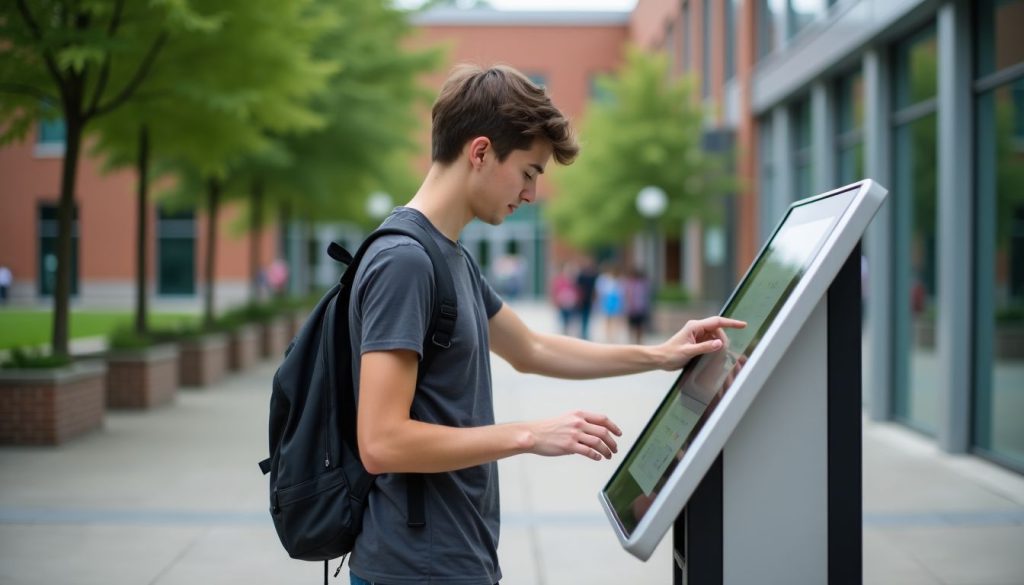 Touchscreen kiosks display information on a monitor that can be operated with a finger or stylus. The user can scroll, zoom in or out, or select an option using the touchscreen interface. These kiosks do not require a keyboard or mouse to feed input, making them efficient and quick.
Voice-Controlled Kiosks
Voice-controlled kiosks have technology that converts voice inputs into electrical signals interpreted by the computer to provide an output. This technology in kiosks allows customers to use audio input instead of touching the screen or typing on a keyboard. Voice-controlled kiosks can integrate AI to better understand user commands and run functions.Benefits of Touchscreen Kiosks
Touchscreen kiosks can offer a wide variety of benefits to not only businesses but also customers. Let’s discuss the benefits in detail.Better Customer Interaction
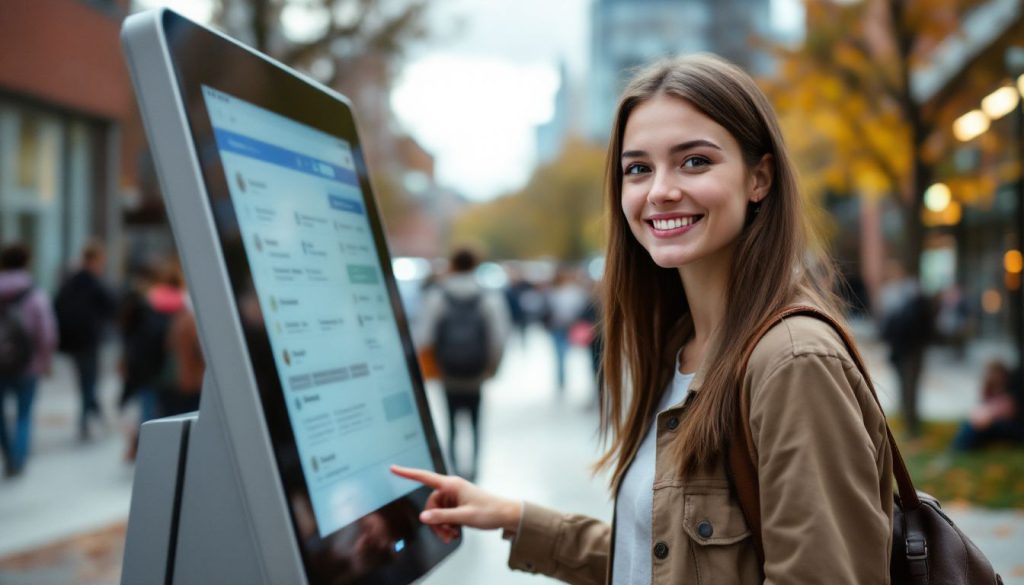 According to research, the brain’s ability to process visual information is 60,000 times quicker than other forms of information. Touchscreen kiosks display all the information, making it easy for customers to see, select, and make payments.
Touchscreen kiosks improve customer interaction by offering a unique method of quick and efficient shopping.
According to research, the brain’s ability to process visual information is 60,000 times quicker than other forms of information. Touchscreen kiosks display all the information, making it easy for customers to see, select, and make payments.
Touchscreen kiosks improve customer interaction by offering a unique method of quick and efficient shopping.
Easy Self-Service
Florsheim Shoe Co. launched 600 self-service kiosks across the USA to allow customers to order shoes that were out of stock. The customer could select the show design, provide the necessary information (size, address, and contact), and receive their door at their doorstep. The self-service of touchscreen kiosks is not only easy but highly valuable for improving customer service.Benefits of Voice-Controlled Kiosks
 Suppose we talk about touchscreen kiosks vs voice-controlled kiosks. There is a high chance the latter can not replace the former. However, integrating voice controls in kiosks can pave the way for a new era of customer service.
Let’s look at some of the benefits of voice-controlled kiosks.
Suppose we talk about touchscreen kiosks vs voice-controlled kiosks. There is a high chance the latter can not replace the former. However, integrating voice controls in kiosks can pave the way for a new era of customer service.
Let’s look at some of the benefits of voice-controlled kiosks.
No Need to Touch
Voice-control kiosks do not require touch input and operate on voice inputs. These kiosks are accessible to visually impaired people and provide accessibility. It is inclusively beneficial if it has multilingual support and understands the diversity of accents. Advancements in technology can improve the functionality of voice-controlled kiosks, making them more beneficial.Easy to Use for Everyone
Voice-controlled kiosks only require audio input, making them simpler and easier for everyone. Furthermore, customers who do not know how to read or operate tech products can leverage voice-controlled kiosks.Problems with Each Type
 Everything has pros and cons. These kiosks contain advanced features and serve a purpose, but they still have some limitations.
Germs on Touchscreens
COVID-19 has taught us about the importance of sanitization and how germs spread. Touchscreen kiosks are used by many people, contaminating them. For example, touching the same screen operated by someone with influenza increases your risk of contracting the virus.What’s the solution?
- Businesses can place sanitizers beside kiosks.
- Customers can take precautionary measures to clean their hands after operating a touch screen kiosk.
Privacy and Errors with Voice Control
Self-controlled kiosks can show errors in terms of interpreting a language if they are not equipped with multilingual support. They can also misinterpret an audio input if the accent is hard to interpret. Making a payment through voice-controlled kiosks can put you in an unsafe situation. Someone from your surroundings can hear your confidential information and use it to steal your data.What is the solution?
- Equip self-controlled kiosks with advanced software that can interpret diverse accents and languages.
- Integrate QR scans and card insertion methods in voice-controlled kiosks.
Where These Kiosks Are Used
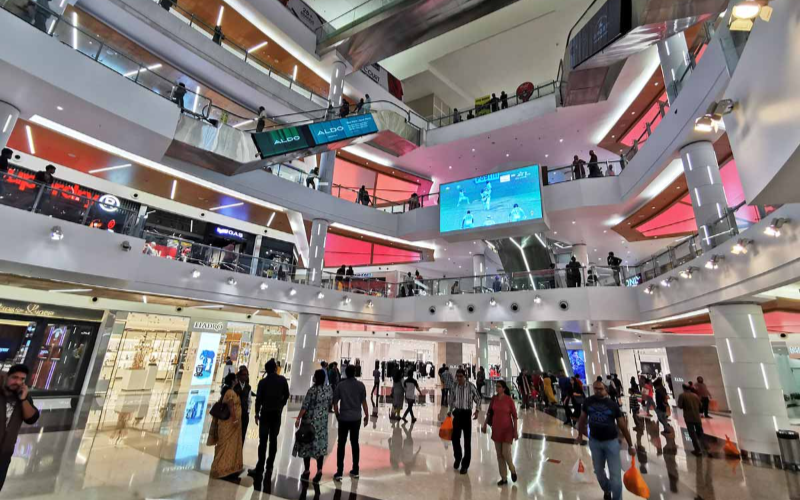 Touchscreen kiosks and voice-controlled kiosks can be used for multiple purposes. Let’s look at some of the applications of these kiosks.
Shops and Businesses
Touchscreen Kiosks: Businesses and shops can use touchscreen kiosks to allow customers to view product catalogs, place an order, and make payments. Touchscreen kiosks reduce waiting time and offer customers a quick and easy shopping experience. Voice-controlled Kiosks: McDonald’s has voice-controlled kiosks that allow everyday customers to place orders quickly. Voice-controlled kiosks can be specifically beneficial for food businesses.Hospitals and Public Places
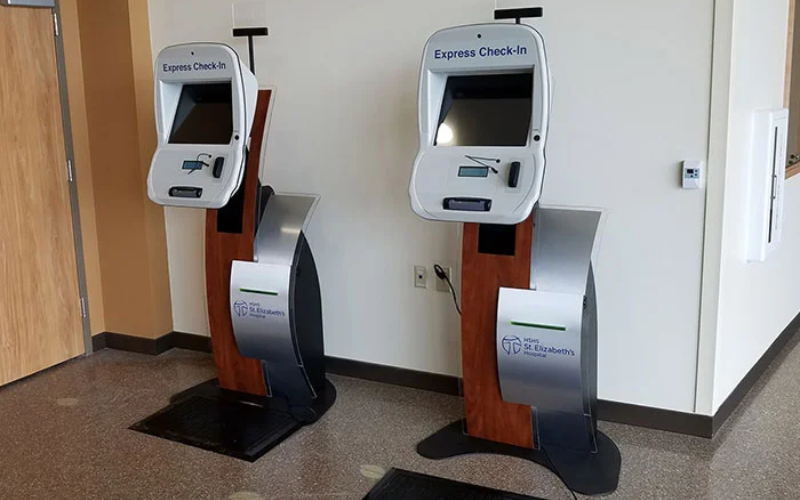
Touchscreen Kiosks: The application of touchscreen kiosks at public places such as bus stations can allow for quick and easy access to tickets. Hospitals can also use touchscreen kiosks to help patients get appointment numbers and result reports. In China, hospitals have touchscreen kiosks to facilitate painting, booking appointments, printing reports, etc. Voice-controlled Kiosks: These kiosks at hospitals can allow for safe interaction, preventing contamination and disease transfer. In public places, self-controlled kiosks can offer a quick ordering process and save time as they are simple to operate.Future of Kiosk Technology
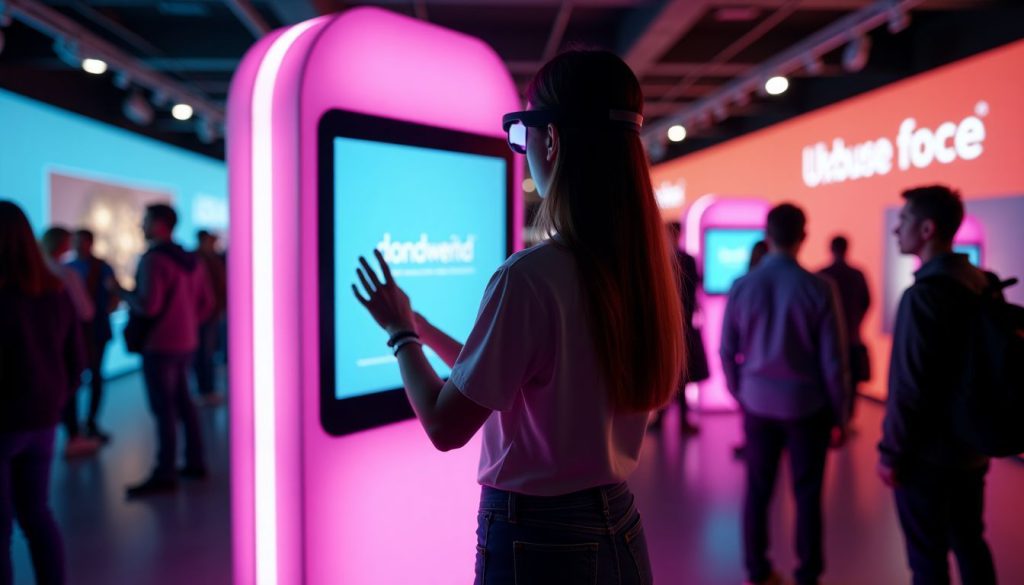 Kiosk technology is advancing every day as businesses are looking for efficient ways to improve customer service. Let us look at some of the promising future trends in kiosk technology.
Smarter Features with AI
AI integration in voice-controlled kiosks will improve language and accent interpretation. Al can also add smart features, such as suggestion mode in touchscreen kiosks, to make the process faster.More Ways to Use Kiosks
In the future, integrating voice control and touchscreen will offer more diversity and efficiency. This advancement will make kiosk interaction more inclusive and accessible, as everyone will be able to operate these hybrid kiosks.Conclusion
If we look at touchscreen kiosks vs voice-controlled kiosks for business efficiency, both are here to stay! They are important for businesses to improve customer service, cut labor costs, and increase customer retention rates. These kiosks have applications in every field, be it food, shopping, hospitality, or public places. Contact us today to check our wide range of kiosks and select the one best for your business. We also guide customers in selecting ideal kiosks and offer customization based on business preferences.
Kitty Tan
Custom Kiosk Expert Consultant
Kitty is a kiosk expert at FlyXing. With extensive knowledge and experience in designing and manufacturing self-service kiosks, Kitty specializes in creating customized solutions to meet diverse industry needs.
