




Prescription dispenser
Table of Contents
Sign up to our newsletter
Ready to see if this tech belongs in your restaurant?
Pros of Self-Ordering Kiosks for Restaurants
Self-ordering kiosks offer restaurants a powerful mix of benefits that can transform operations and boost profits. These digital assistants help you serve more customers while cutting labor costs and creating new sales opportunities.
Improved Order Accuracy
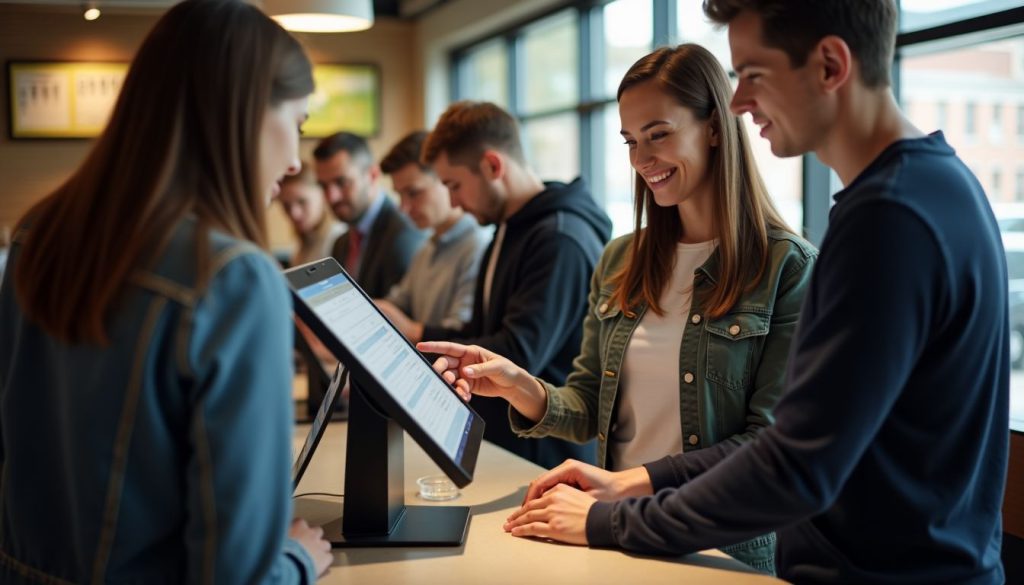
Self-ordering kiosks help your restaurant take more accurate orders. Customers can see what they’re getting with pictures and review everything before paying, which reduces mistakes.
They confirm their choices on screen, which helps avoid errors—especially during busy times. Since the whole menu is clearly shown, customers can choose exactly what they want without feeling rushed.
Because everything is visual, there’s less chance of confusion compared to talking with a cashier. Guests can double-check their order, add notes, and make sure it’s right before they finish.
Fewer mistakes mean fewer returns and remakes, saving you time and money. Plus, digital payments cut down on typing errors that happen at the register.
Reduced Wait Times
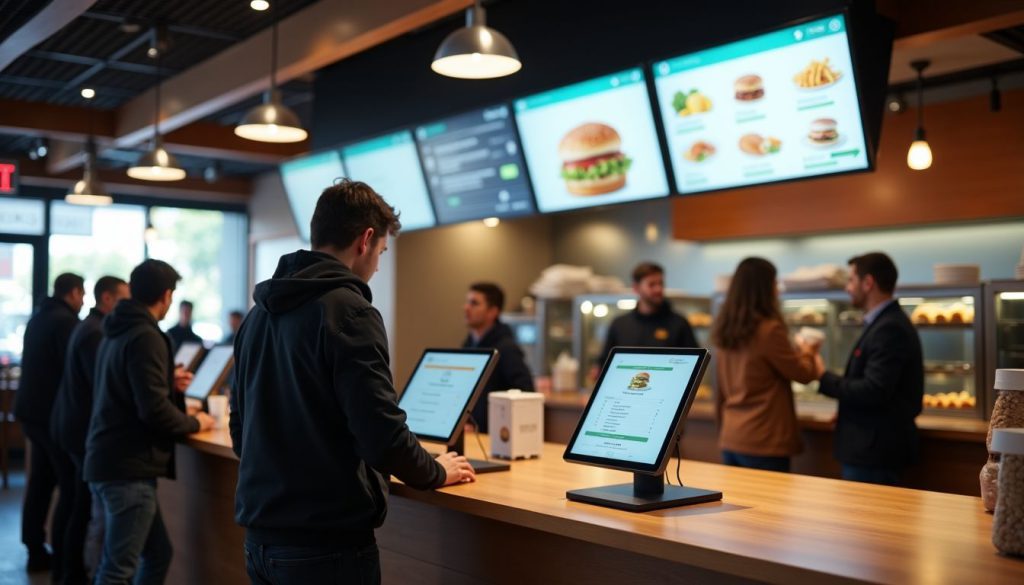
Self-ordering kiosks help cut wait times by up to 40%, so your customers don’t have to stand in line. They can browse the menu and order at their own pace.
Your staff can focus more on making and delivering food instead of taking orders. Kiosks send orders to the kitchen faster and more accurately.
This means quicker service and happier customers who enjoy the faster, easier experience.
Increased Sales Through Upselling
Self-ordering kiosks help you make more money by suggesting extras during the order. Customers often spend more up to 30% when using them.
Kiosks show tasty images and offer add-ons at the right time, something staff can forget when busy. It’s an easy, friendly way to upsell.
Guests can take their time, explore the full menu, and often end up ordering more. It’s a simple way to grow sales with technology.
Optimized Staff Allocation
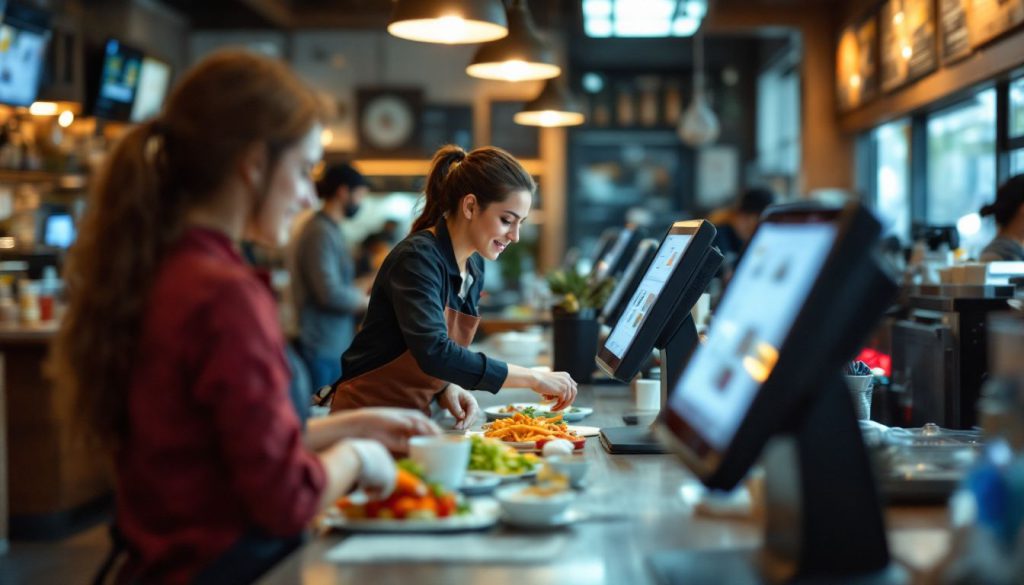
Self-ordering kiosks handle the boring, repeat tasks that once kept your staff tied to registers. This smart move lets you place workers where they add more value – like improving food quality or giving guests personal attention.
Your team can focus on tasks that boost customer happiness instead of just taking orders. The math makes a strong case too ; a full-time cashier at $15 per hour costs your restaurant about $29,000 yearly.
Two kiosks at $5,000 each could save you $50,000 over just two years through efficient staff utilization. This staff reallocation creates a win-win situation where labor costs drop while service quality rises.
Enhanced Customer Satisfaction with Personalized Experiences
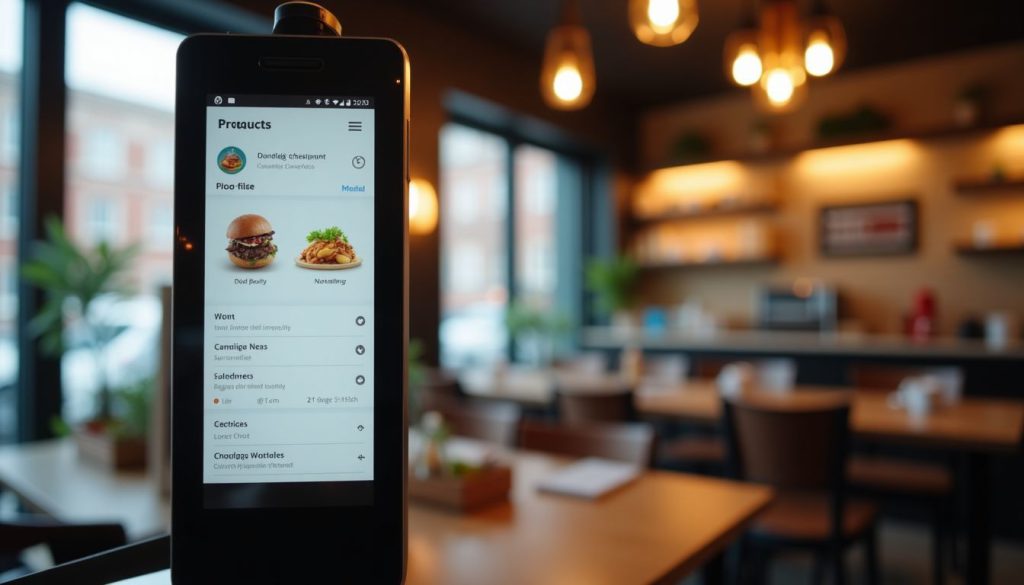
Self-service kiosks give your customers a more personal experience. They can see prices, nutrition info, and make choices that fit their needs.
You can use data from kiosk orders to offer deals based on what each person likes. Customers enjoy seeing past orders and getting smart suggestions.
The touchscreen lets them explore the menu at their own pace and make changes without pressure. This makes guests feel understood and more likely to come back.
Cons of Self-Ordering Kiosks for Restaurants
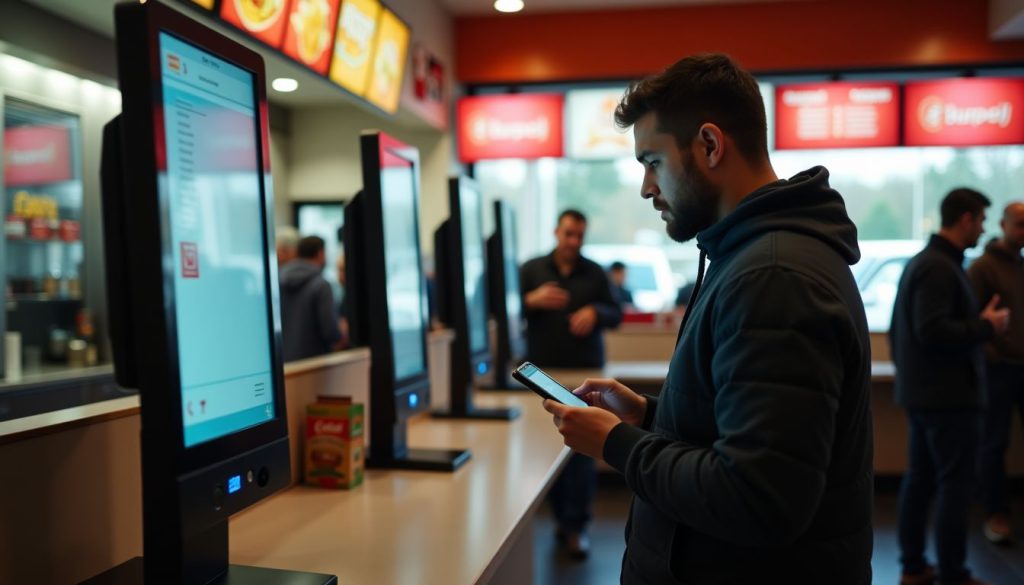
Self-ordering kiosks come with several drawbacks that might make you think twice before investing. These digital systems can bring both technical and customer service challenges to your restaurant.
High Initial Investment Costs
Self-ordering kiosks can be expensive to set up. A basic one costs around $5,000, and custom features can raise the price even more.
At BestKiosk, I’ve seen many owners surprised by the high upfront cost. You’ll also need to budget for regular maintenance.
Some software can help lower the risk, but it won’t remove the financial pressure. Make sure you’re ready for both setup and long-term costs before investing.
Limited Customization for Complex Orders
Self-ordering kiosks often use fixed templates that don’t handle special requests well. If a customer wants to make a lot of changes, your staff may need to step in, defeating the purpose of self-service.
These limits can also hurt sales by missing chances to upsell or promote unique menu items. Your restaurant’s special touch may get lost in a basic kiosk layout.
If you have a complex menu or signature dishes, this can be a real drawback.
Reduced Human Interaction
Self-service kiosks reduce face-to-face contact, which is helpful for safety, but not everyone likes it.
Some customers miss talking to staff, asking questions, or getting friendly service. For regulars, the personal touch is part of why they come back.
Digital ordering can feel cold, especially for older guests or those who prefer traditional service. While tech saves time, it’s not a fit for every customer.
You’ll need to balance efficiency with personal service, based on what works best for your restaurant and your guests.
Potential Resistance From Less Tech-Savvy Customers
Many older customers find kiosks and QR codes hard to use. They often prefer talking to staff instead of using screens, which can be a challenge for your restaurant.
From my experience designing kiosks, ignoring this can hurt your business.
Think about your guests’ comfort with technology. Some may feel left out or miss the personal touch.
A good solution is offering both kiosks and cashiers. This way, you serve all customers while still improving efficiency.
How to Successfully Implement Self-Ordering Kiosks
Implementing self-ordering kiosks takes careful planning to match your restaurant’s needs and customer base. So, read on for practical steps to make your kiosk rollout a success.
Assess Customer Preferences and Restaurant Needs
Before adding self-ordering kiosks to your restaurant, you need to know what your customers want. Major chains like McDonald’s have seen customers spend 30% more when using kiosks.
Your restaurant type matters too; quick-service and fast-food places often benefit most from this tech. Look at your busiest hours and ask if kiosks could speed up service during these times.
Your staff needs matter just as much as customer preferences. A smart approach combines kiosks with human help. This hybrid model keeps the personal touch while adding speed and efficiency.
You might place kiosks at the entrance but keep counter staff ready to assist less tech-savvy guests. This balance helps all customers feel welcome while still gaining the sales boost that self-ordering can bring.
Train Staff and Provide Customer Support
Your staff needs proper training to make self-ordering kiosks work well. I’ve seen many restaurants struggle when they skip this step. Train your team to help customers who feel unsure about using the screens.
Staff should know how to fix simple problems and answer questions about the kiosk system. This creates a smooth path for customers who might resist the new technology.
A smart approach combines kiosks with personal service. Your staff can focus on making orders and helping guests instead of just taking orders. During busy times, have team members stand near kiosks to offer help.
This balance of tech and human touch leads to better customer adoption rates. From my experience designing kiosk systems, restaurants that provide good support during the change see much higher success rates.
Consider a Hybrid Approach for Flexibility
A hybrid approach mixes self-ordering kiosks with human staff to create the perfect balance. You get the speed of digital ordering while keeping that personal touch many diners still want.
I’ve seen restaurants like Buffalo Wild Wings and Chili’s use smaller tablets for browsing menus and paying bills while servers handle the rest. This setup works great because it fits all types of customers; tech-savvy folks can order quickly while those who prefer talking to staff still get that option.
The beauty of this system is how it adapts to busy and slow periods. During rush hours, kiosks handle simple orders while staff focus on complex requests or special needs. This flexibility helps you streamline payments without losing the human element that makes dining special.
Conclusion
Self-ordering kiosks offer clear benefits for restaurants that want to boost sales and cut wait times. You must weigh these gains against the high costs and possible customer pushback.
The right choice depends on your specific restaurant needs and customer base. Proper staff training and a mix of kiosk and human service often works best. Kiosks aren’t perfect for every restaurant, but they can be a smart move if you plan carefully and put your customers first.
FAQs
1. What are the main benefits of self-ordering kiosks for restaurants?
Self-ordering kiosks can boost sales through upselling features and reduce labor costs. They also speed up service, cutting down wait times for customers. Many restaurants report higher average order values when customers use kiosks instead of ordering from staff.
2. How much do restaurant self-ordering kiosks typically cost?
Basic kiosk systems start around $2,000 per unit, while advanced models can reach $5,000 or more. You’ll also need to budget for software fees, maintenance, and updates; these ongoing costs add up over time.
3. Do customers actually prefer using self-ordering kiosks?
Many customers enjoy the control and privacy kiosks provide when placing orders. Younger diners especially prefer this technology, though older customers might need time to adjust. The best approach is offering both kiosk and traditional ordering options.
4. Will self-ordering kiosks replace restaurant staff?
Kiosks won’t completely replace human workers. They shift staff from taking orders to focusing on food preparation, customer service, and creating better dining experiences. Most successful restaurants use kiosks to complement their team rather than replace them.

Kitty Tan
Custom Kiosk Expert Consultant
Kitty is a kiosk expert at FlyXing. With extensive knowledge and experience in designing and manufacturing self-service kiosks, Kitty specializes in creating customized solutions to meet diverse industry needs.


