


Prescription dispenser
Table of Contents
Sign up to our newsletter
A 22-location regional QSR chain cut average order times from 4 minutes 10 seconds to 2 minutes 30 seconds — a 40% drop — by replacing two of its three front-counter registers with four custom 21.5-inch self-ordering kiosks per store. The win was not the touch screen itself. It was a careful hardware spec, a menu rebuilt for kiosk flow, and a rollout that started with one store and refused to scale until the numbers were proven.
The Problem: A Lunch Rush That Broke the Counter
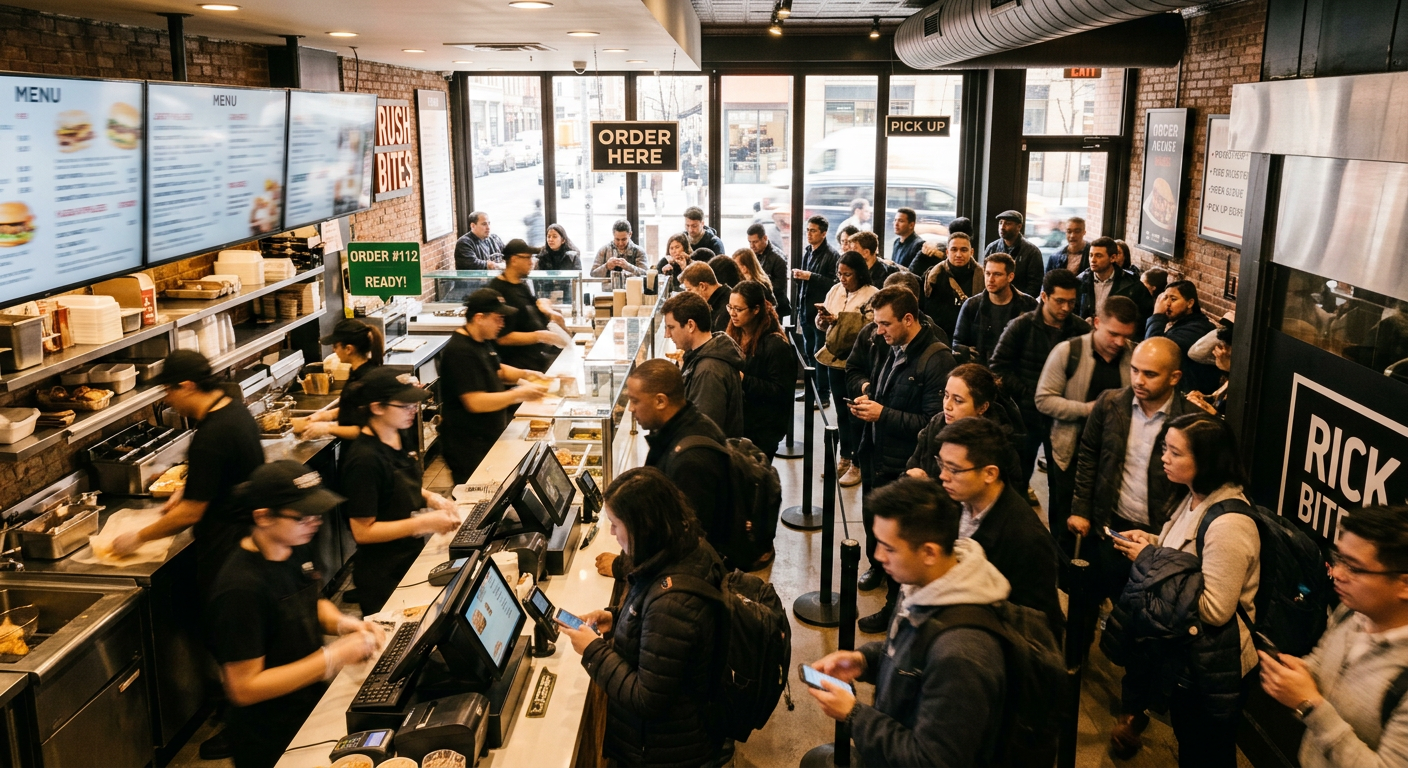
Before the kiosk project, the chain’s flagship downtown location was losing customers between 11:45 and 1:15 every weekday. The line regularly hit 14 people. Roughly one in five walked out before ordering.
The operations team had already tried the obvious fixes: a third cashier, a simplified lunch menu, mobile pre-ordering. Each helped a little. None solved the structural issue — order entry was the bottleneck, not food prep. The kitchen had spare capacity at peak, but tickets weren’t reaching it fast enough.
This is the moment most QSR operators arrive at the kiosk conversation. Not because kiosks are trendy, but because front-counter ordering simply does not scale past a certain throughput. A trained cashier can process roughly 30 orders per hour. A well-designed kiosk lane processes 50+ — and runs three lanes simultaneously without coffee breaks.
Hardware Spec: What Was Actually Ordered
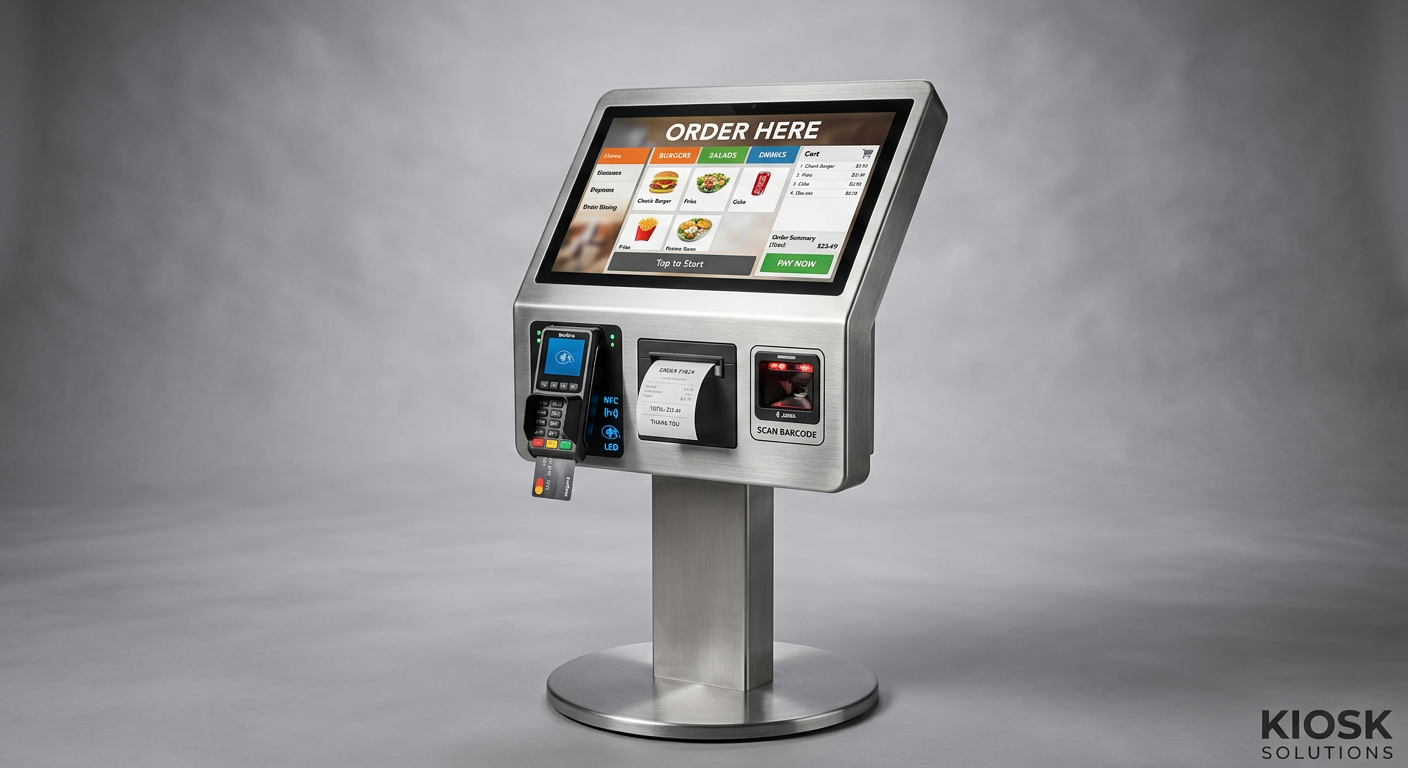
The procurement team avoided a generic catalog kiosk. They wrote a spec sheet first, then sourced. Here is what each of the 88 kiosks (4 per store × 22 stores) included:
- 21.5-inch PCAP touch screen, full HD, 350 nits — bright enough for sunlit storefronts but not overpowering for evening service.
- Floor-standing enclosure, powder-coated steel, with a 15° tilted screen at 1.25 m viewing height — comfortable for adults and ADA-reachable for seated guests.
- EMV-certified payment terminal with NFC, chip, and swipe — flush-mounted, no dangling cable.
- 80mm thermal receipt printer with a 120mm paper roll for fewer reloads during peak.
- 2D barcode scanner recessed into the bezel for loyalty app QR codes.
- Internal cooling fan with dust filter — critical because kiosks sit near kitchen heat and customer foot traffic.
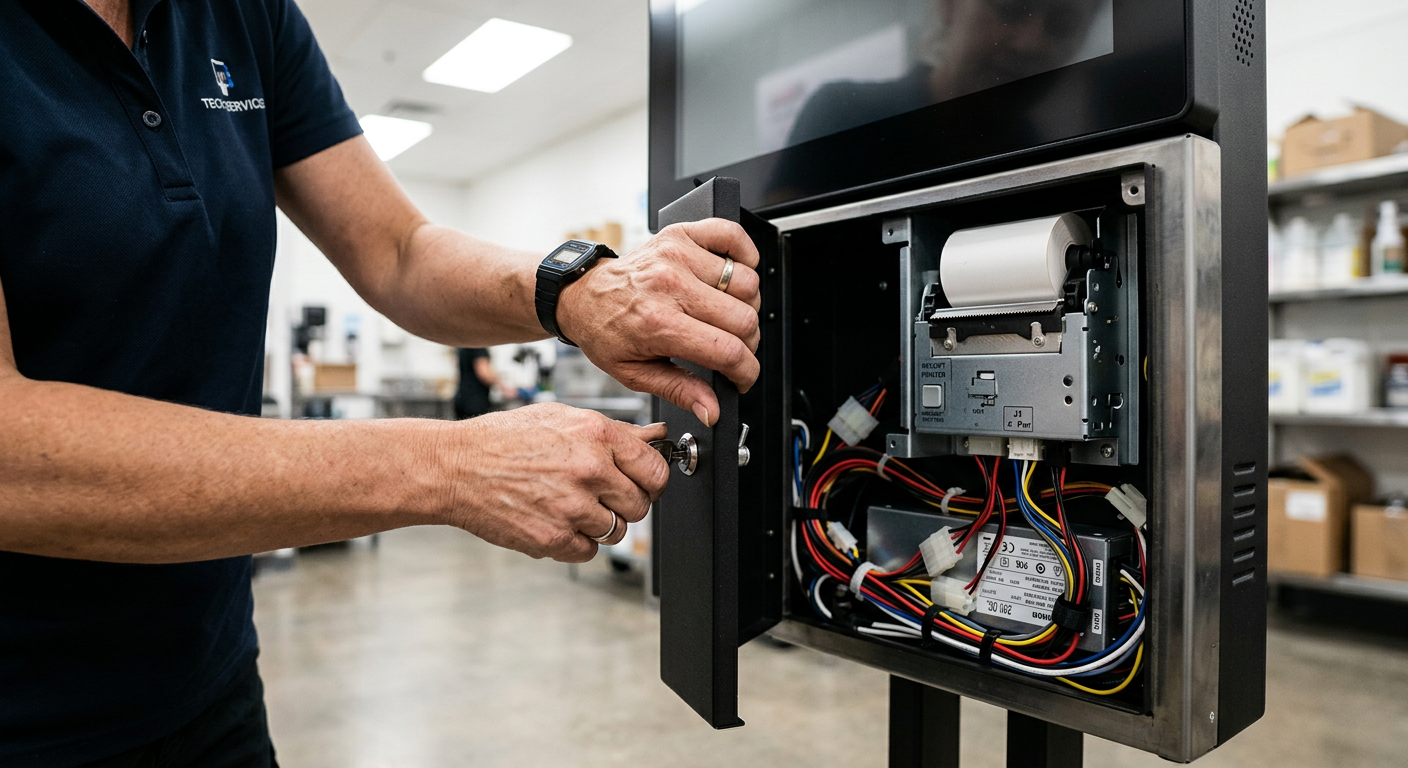
- Front-access service door so staff can change receipt rolls and clear payment jams without pulling the kiosk away from the wall.
Two details mattered more than the spec sheet suggested. First, the cable routing was internal and bottom-exit, which kept the floor clean and prevented mop damage. Second, the enclosure had a separate compartment for the payment terminal so PCI scope stayed tight during audits. If you are budgeting a project like this, the article on what drives kiosk machine price differences is worth reading before you compare quotes.
Menu Rebuild: The Software Change Nobody Talks About
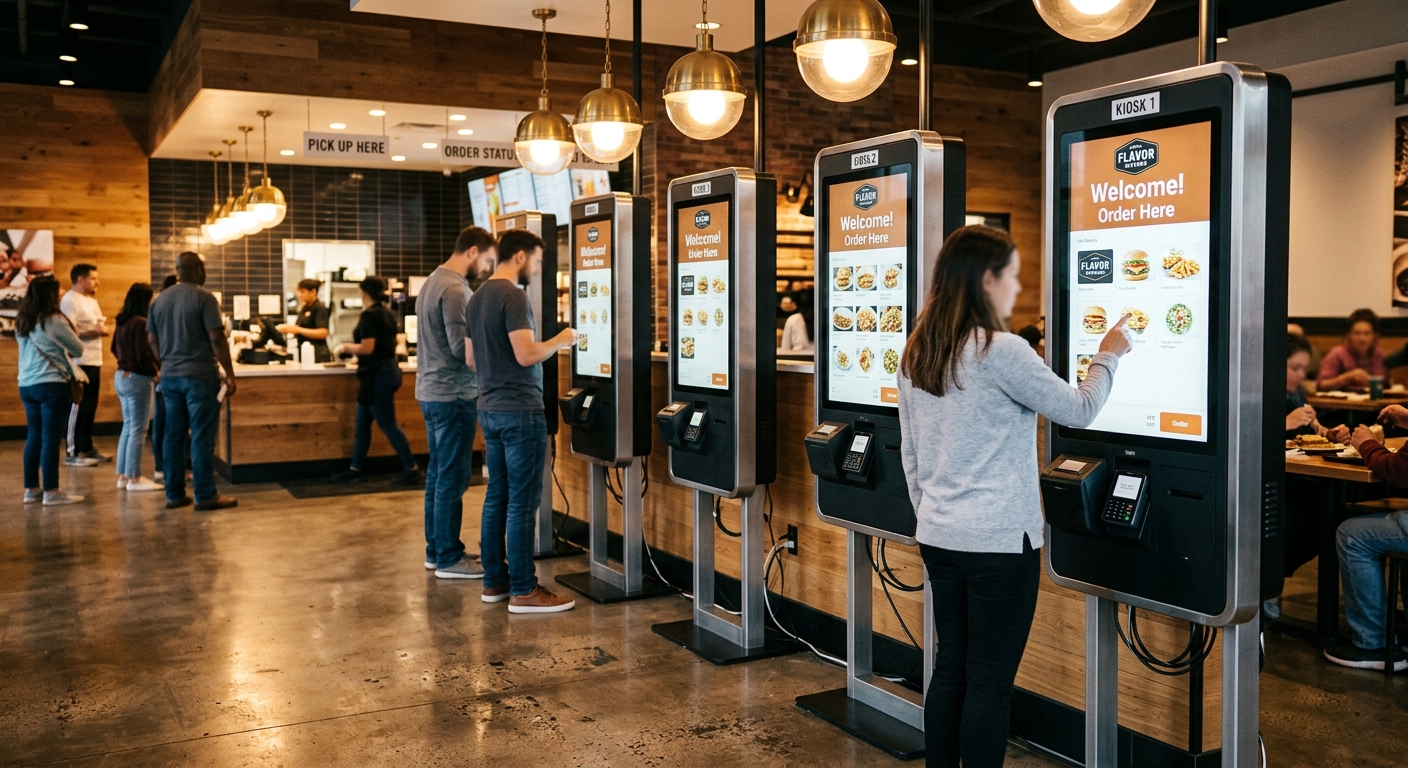
Here is the part most operators skip. You cannot port a counter menu to a kiosk screen one-to-one. The chain’s consultant rebuilt the entire menu hierarchy around three rules:
- Maximum three taps to add an item to cart. Categories collapsed from 11 to 6.
- Photos on every item. Conversion on photo-led items was 23% higher in A/B testing.
- Upsells anchored to behavior, not menu position. Add a burger, get fries prompted. Add a salad, get a drink prompted — not the other way around.
The result: average ticket size climbed from $8.40 to $10.90. That 30% lift in check average paid for the entire hardware fleet inside 14 months, before counting labor savings.
For operators planning the software side, the self-ordering kiosk guide for restaurants covers menu structure, modifier flow, and POS integration in detail.
The Rollout: One Store, Then Three, Then Twenty-Two
The temptation in multi-location chains is to flip every store at once. This team did the opposite. They committed to a 90-day pilot at the flagship store before signing the fleet order.
Pilot results after 60 days:
- Average order time: 4:10 → 2:45 (later improved to 2:30 after menu tweaks)
- Orders per hour at peak: 84 → 142
- Walk-aways at lunch: 18% → 4%
- Order accuracy (kitchen errors per 100 tickets): 9 → 1.5
Only after the pilot data held for two months did procurement release the next wave — three stores in the same metro for staff training overlap. Full chain rollout took seven months from pilot start.
One lesson worth stealing: the chain redeployed, not eliminated, the cashier role. The displaced cashier became a ‘kiosk host’ for the first two weeks at each new store — helping first-time users, watching for confused customers, and feeding UX issues back to the software team. After two weeks the host role was absorbed into existing floor duties.
Where the 40% Actually Came From
The 40% reduction in order time was not magic. It broke down roughly like this:
- Parallel ordering (about 18 percentage points): Four kiosks process simultaneously. Two cashiers process sequentially. Even if individual order entry were the same speed, throughput jumps.
- No verbal confirmation loop (about 12 points): Cashiers repeat orders back. Kiosks don’t. The customer self-validates on screen.
- Faster payment (about 6 points): Contactless tap averaged 4 seconds versus 18 seconds for cash handling.
- Fewer modifier mistakes (about 4 points): Customers ticking boxes is faster than describing ‘no onions, extra pickles, sauce on the side’.
If you’re evaluating payment hardware specifically, the post on contactless payment systems for kiosks explains why NFC throughput matters more than transaction fees at scale.
The Maintenance Reality No One Warns You About
Eighteen months in, the chain has a maintenance log. The most common issues, in order of frequency:
- Receipt printer jams (62% of service tickets): Almost entirely from staff loading paper rolls incorrectly. Solved with a one-page laminated guide attached inside each service door.
- Touch screen smudging affecting calibration (14%): A misread issue. The screens were fine; cleaning frequency was too low. Now wiped every 90 minutes during open hours.
- Payment terminal disconnects (11%): Almost all traced to network, not hardware. Each store now has a dedicated VLAN for kiosks.
- Cooling fan filter clogging (8%): Quarterly filter swap added to the cleaning schedule.
- Actual hardware failure (5%): Two failed power supplies and one cracked screen (customer dropped a tray) across 88 units in 18 months.
The takeaway: design for serviceability, not just specs. Front-access doors, swappable modules, and standard connectors saved this chain from having to ship kiosks back to the factory. The benefits of automated kiosks only materialize if maintenance overhead stays low.
What This Means for Other QSR Operators
The chain’s playbook is replicable, but with conditions. Kiosks work best when:
- Peak-hour ordering, not food prep, is the bottleneck.
- Menu complexity is moderate (15–60 items with modifiers) — too simple and a counter is fine; too complex and customers stall.
- Average check is high enough that a 20–30% ticket lift pays back hardware in under 24 months.
- Store footprint allows 1–1.5 m of clear floor in front of each kiosk for queuing.
Kiosks are a poor fit for very small menus (drink-only concepts, simple coffee bars) and for operations where the social interaction at the counter is part of the brand. They also struggle in stores below roughly 40 transactions per hour at peak — the throughput gain isn’t there.
If you’re weighing kiosks against alternatives like mobile pre-ordering, the comparison on manual vs kiosk check-in speed covers similar tradeoffs in adjacent industries, and our 2026 self-service kiosk buying guide walks through procurement specifics.
Planning Your Own Kiosk Rollout
If the numbers in this case study look attractive, start with three honest questions before you request quotes:
- Where is your real bottleneck? Time your peak-hour flow from queue entry to food handoff. If kitchen is the limit, kiosks won’t help.
- What does your menu look like on a 21-inch screen? Mock it up before buying anything. If you can’t hit three-tap ordering, the menu — not the hardware — is the problem.
- Can your POS handle kiosk integration? Most modern POS systems can. Older proprietary systems may need middleware or replacement.
The chain in this case study did one more thing right: they specified hardware that matched their environment, not what a vendor had in stock. That meant brighter screens for sunlit storefronts, dust filters for kitchen-adjacent placement, and front-access service doors for staff who weren’t IT-trained.
BestKiosk works with QSR operators, system integrators, and procurement teams on exactly this kind of custom build — from spec sheet through field deployment. If you’re scoping a kiosk project for a single location or a multi-store rollout, get in touch with our team to talk through hardware configuration, payment integration, and enclosure options that fit your environment.

Kitty Tan
Custom Kiosk Expert Consultant
Kitty is a kiosk expert at FlyXing. With extensive knowledge and experience in designing and manufacturing self-service kiosks, Kitty specializes in creating customized solutions to meet diverse industry needs.
