


Prescription dispenser
Table of Contents
Sign up to our newsletter
Before you sign a purchase order for self-service kiosks in 2026, validate five things in writing: hardware durability for your duty cycle, software openness and update cadence, certified payment hardware (EMV L1/L2, PCI PTS 6.x), a service SLA with on-site response times, and a three-year total cost of ownership — not just unit price. Get any of these wrong and your “cheap” kiosk fleet becomes the most expensive line item on next year’s OpEx report. This guide walks through what to check, what to ask, and where vendors quietly cut corners.
Start with the Job, Not the Hardware
Most failed kiosk deployments start the same way: someone picks a model from a brochure before mapping the actual workflow. Don’t do that.
Write down, in plain language, what the kiosk must do end-to-end. A quick-service burger chain ordering kiosk has almost nothing in common with a hospital self-triage kiosk, even if the enclosure looks identical. The QSR unit cycles 600+ short transactions a day with greasy fingers on the screen. The triage unit handles 40 longer sessions, needs HIPAA-compliant data handling, and probably integrates with Epic or Cerner.
For each workflow, capture: peak transactions per hour, average session length, required peripherals (printer, scanner, card reader, camera), integrations, and accessibility requirements (ADA in the US, EN 301 549 in the EU). That document becomes your RFP — and your defense when a vendor tries to upsell you on hardware you don’t need.
If you’re still scoping use cases, our breakdowns on self-service POS kiosks and self-triage kiosks are good starting points to see how requirements diverge.
Hardware Specs That Actually Matter
Vendors love to brag about screen size and CPU. Neither one will be the reason your kiosk dies in month seven.
Touchscreen durability
Demand projected capacitive (PCAP) glass, minimum 4mm thickness, with an anti-fingerprint oleophobic coating. Resistive touch is essentially dead in 2026 — skip it unless you have a niche industrial reason. For outdoor or window-facing units, insist on 1,000+ nits brightness and an optically bonded display to prevent fogging.
Enclosure and thermals
Cold-rolled steel at 1.2–1.5mm thickness is the floor for indoor commercial use. Ask for the IP rating: IP54 minimum for indoor public areas, IP65 for semi-outdoor. Check airflow design — passive ventilation with filtered intakes beats noisy fans in a quiet hotel lobby.
Compute
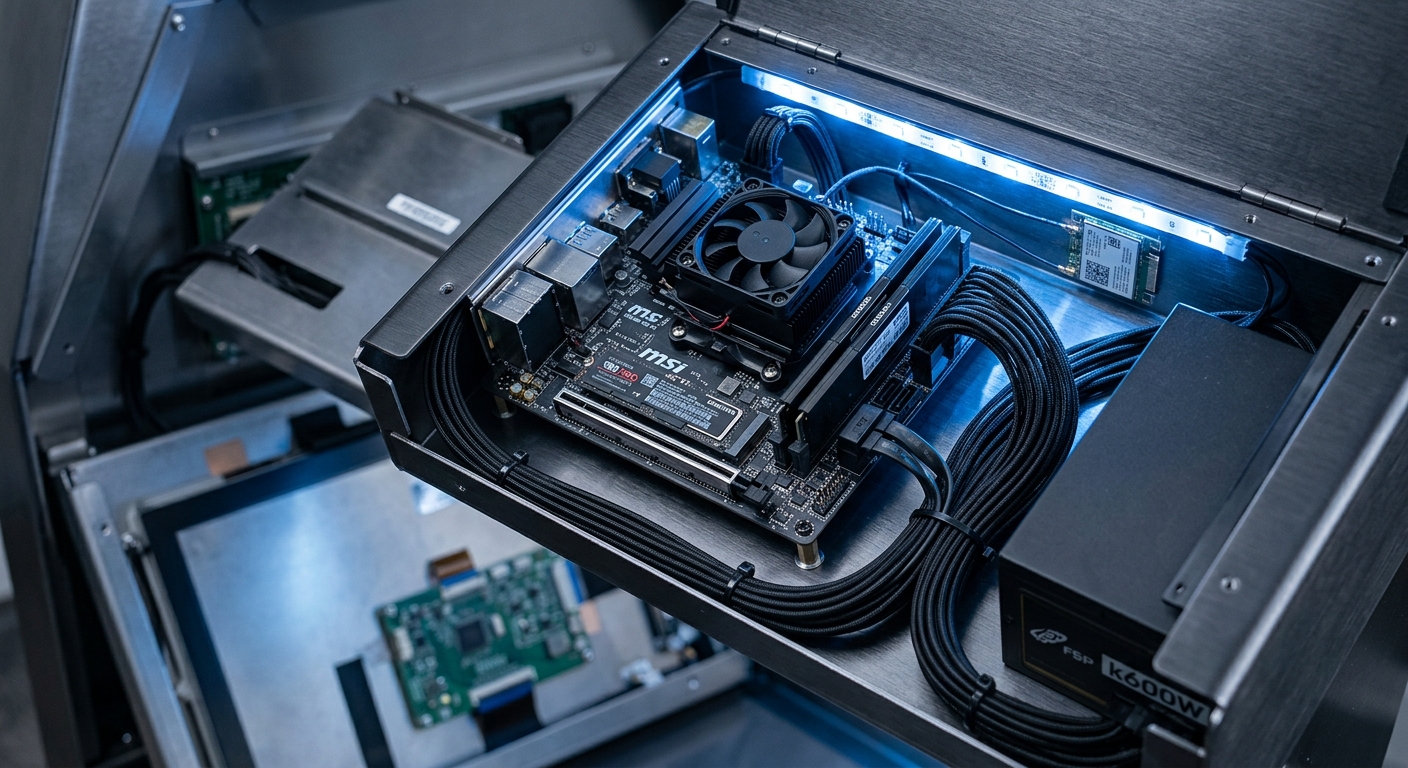
An Intel Core i3/i5 12th-gen or newer, 8GB RAM, and a 256GB NVMe SSD covers 90% of use cases through 2028. ARM-based kiosks (Rockchip RK3588, for example) are fine for menu boards and simple ordering but struggle with heavy integrations.
For more on what separates good hardware from filler, see the kiosk features worth paying for.
Software: Open Beats Proprietary, Almost Always
Here’s a hard truth — the software lock-in matters more than the hardware brand. A locked-down vendor stack will cost you twice: once in inflated license fees, and again when you outgrow it and can’t migrate.
Ask three questions before signing:
- What OS is it running? Windows 11 IoT Enterprise LTSC and Android 13+ (AOSP-based, with Google Mobile Services optional) are the two safe bets. Avoid bespoke Linux forks unless the vendor will escrow the source.
- Is there a documented REST API? If not, your future POS, CRM, or loyalty integration will be a custom dev project every time.
- How are updates deployed? Look for a proper MDM/RMM layer — MobileIron, Scalefusion, or a vendor-native equivalent with delta updates and rollback. Manual USB updates across 50 sites? No thanks.
For example, a regional pharmacy chain we spoke with last year picked the cheaper kiosk vendor, then spent $180K in year two re-platforming because the proprietary OS couldn’t talk to their new prescription system. The “savings” lasted exactly 14 months.
Payment Hardware and Compliance: Don’t Get Cute Here
Payment is the one area where you cannot save money creatively. The fines and chargebacks will eat you alive.
For any kiosk that takes card payments, confirm in the PO:
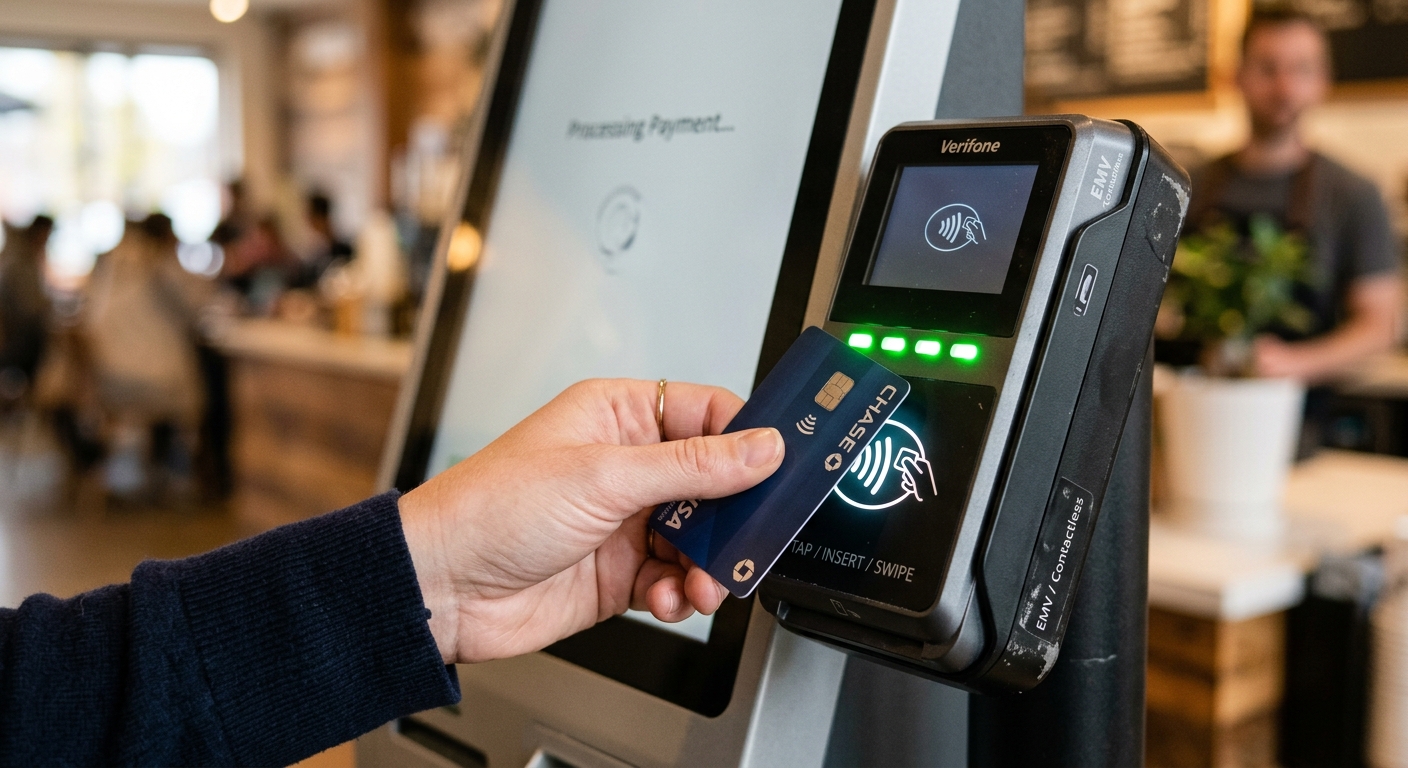
- EMV Level 1 and Level 2 certified readers (Ingenico, Verifone, Pax, or Castles).
- PCI PTS 6.x or 7.x approval — 5.x devices are reaching end-of-life and shouldn’t be deployed new in 2026.
- P2PE (point-to-point encryption) if you want to slash your PCI DSS audit scope.
- NFC support for Apple Pay, Google Pay, and increasingly, EU Digital Identity Wallet integrations rolling out this year.
If the kiosk accepts cash, the bill validator and coin recycler should be ICT, MEI, or JCM units with at least 24-month warranties. Cash modules are the #1 source of field failures — get this wrong and your service team lives at the kiosk.
Biometric payments (palm vein, face) are interesting but still niche outside controlled environments. Worth piloting, not worth standardizing on yet. Our overview of kiosk authentication methods covers the trade-offs.
The Peripherals Question: Spec Each One Like It Matters
Peripherals are where vendor quotes diverge wildly. Same kiosk, two vendors, $1,400 price difference — almost always the printer and scanner.
Receipt printers
Star Micronics or Epson thermal, 80mm width, with an auto-cutter rated for 1.5 million cuts. Don’t accept generic OEM printers — paper jams will be your most common service ticket.
Barcode/QR scanners
Honeywell N6603 or Zebra SE4710 imager-based scanners read damaged barcodes and screens reliably. Laser scanners are cheaper and worse — they can’t read mobile screens consistently.
Cameras
For ID verification or video calls, 1080p with a wide FOV and good low-light sensitivity. If you’re doing facial recognition or liveness detection, you need IR illumination — a regular RGB webcam will fail spoofing tests.
Printers for specialty use
Card dispensers (hotel key cards, transit cards), label printers for pickup orders, or A4 document printers for government use each have very different reliability profiles. If you’re building a hotel lobby kiosk or a pickup kiosk, the peripheral mix changes the entire BOM.
Service, Warranty, and the SLA Fine Print
The warranty page in the contract is where vendors hide the real cost of ownership. Read it twice.
Three numbers matter more than the warranty length itself:
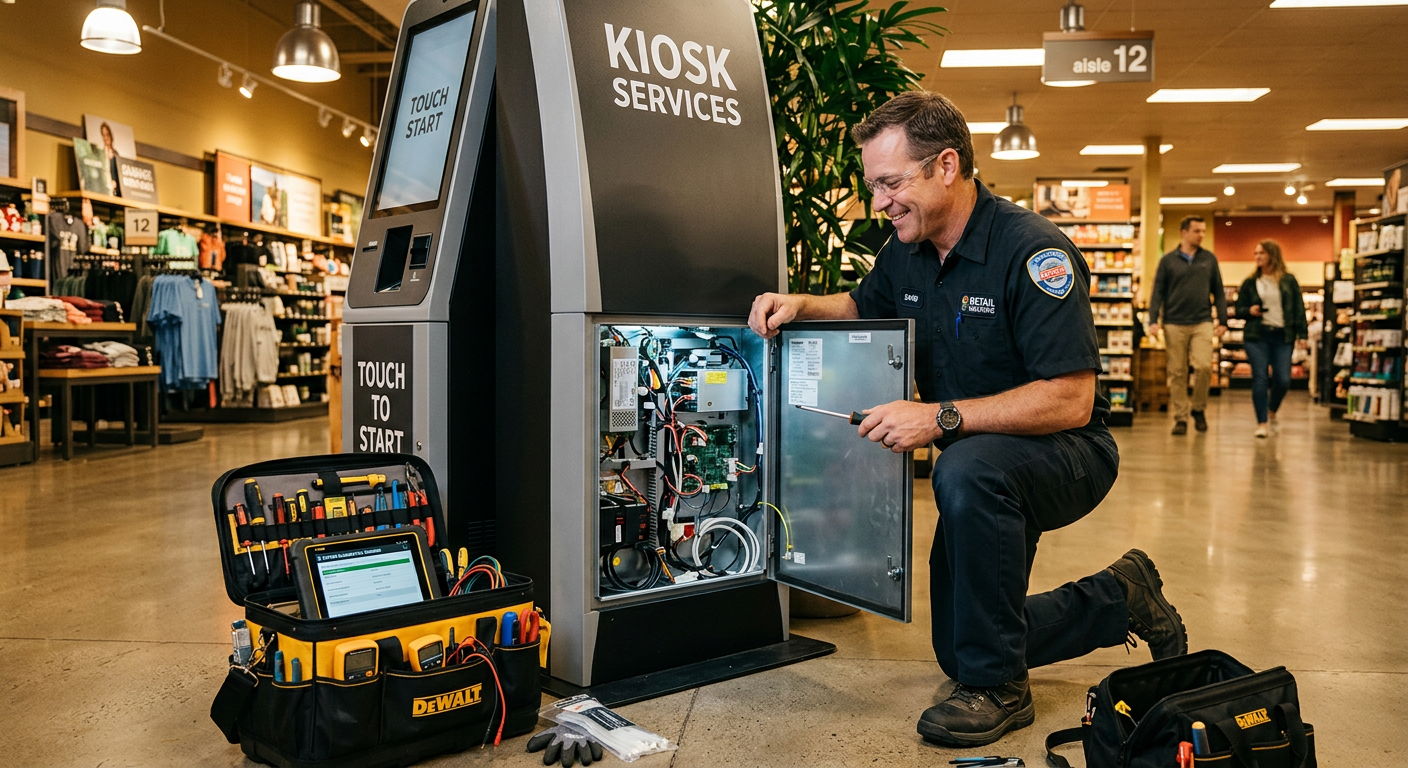
- Response time: Is it 4 hours, next business day, or “reasonable effort”? A kiosk down during lunch rush at a 200-unit QSR chain costs roughly $400/hour in lost revenue.
- Spare parts availability: Does the vendor stock spares in your country? International RMA can take 3–6 weeks.
- End-of-life policy: When does the vendor stop selling spare parts? Five years minimum from your purchase date is reasonable. Anything less, and you’re buying a disposable.
For instance, a mid-sized grocery chain we worked with negotiated a 36-month warranty with 4-hour on-site response in their top 20 stores, and a cheaper 24-month return-to-base option for their 80 smaller stores. Tiering your SLA by location value is the smart move — paying enterprise rates everywhere is wasteful.
While we’re on uptime, our piece on kiosk maintenance covers the preventive work that keeps SLA claims rare.
Total Cost of Ownership: The Spreadsheet Vendors Don’t Want You to Build
Unit price is maybe 50% of what you’ll spend over three years. Here’s the rest.
Build a 36-month TCO model with these line items:
- Hardware (unit + shipping + import duties + installation)
- Software licenses (per-kiosk, per-month, often $30–$120)
- Payment processing fees (the kiosk vendor may take a cut on top of your processor)
- Connectivity (4G/5G data plans for kiosks without ethernet)
- Consumables (receipt paper, cleaning kits — budget $15–$25/month per kiosk)
- Maintenance contract or break-fix costs
- Content management / remote monitoring platform
- Decommissioning and disposal at end of life
Run this for the two or three vendors on your shortlist. You’ll often find the “expensive” vendor is actually 8–12% cheaper over three years because of better uptime and lower software fees. Our quick read on buying the right kiosk dives further into the procurement side.
Single-Purpose vs. Multi-Function: Resist the Swiss Army Knife
Vendors love selling multi-function kiosks because the BOM is higher. You should usually buy single-purpose units — they fail less and convert better.
A focused self-ordering kiosk in a QSR converts 22–28% higher average ticket than a multi-function unit doing ordering plus loyalty signup plus survey collection. Why? Cognitive load. Every extra option on the home screen reduces conversion on the primary task.
That said, multi-function makes sense in low-traffic, high-floor-space scenarios — think government service centers where a citizen renews a license, pays a fine, and updates an address in one visit. The decision tree:
- High transaction volume, single primary task → single-purpose kiosk.
- Low volume, multiple related tasks, same user → multi-function kiosk.
- Mixed user types (customer + employee + visitor) → never multi-function. Separate them.
We unpack this trade-off in more depth in multi-function vs. single-function kiosks.
Accessibility and Regulation: 2026 Is Not 2019
If you’re deploying in the US, EU, UK, Canada, or Australia, accessibility is no longer a nice-to-have. It’s a litigation risk.
Bake these into the RFP:
- ADA-compliant heights: primary touch targets between 15″ and 48″ from the floor (US). Side reach max 48″, forward reach max 48″.
- Audio jack with screen-reader output (3.5mm) for visually impaired users.
- Tactile keypad for PIN entry — touchscreen-only PIN is non-compliant in most jurisdictions.
- Adjustable text size and high-contrast mode in software.
- EU Accessibility Act (in force since June 2025): if you sell goods or services to EU consumers via a kiosk, your kiosk must comply. Non-compliance penalties vary by member state but can hit 4% of annual revenue.
The good news: a kiosk built for accessibility is almost always better for everyone. Larger fonts, clearer hierarchy, faster flows.
Your Pre-Signature Checklist
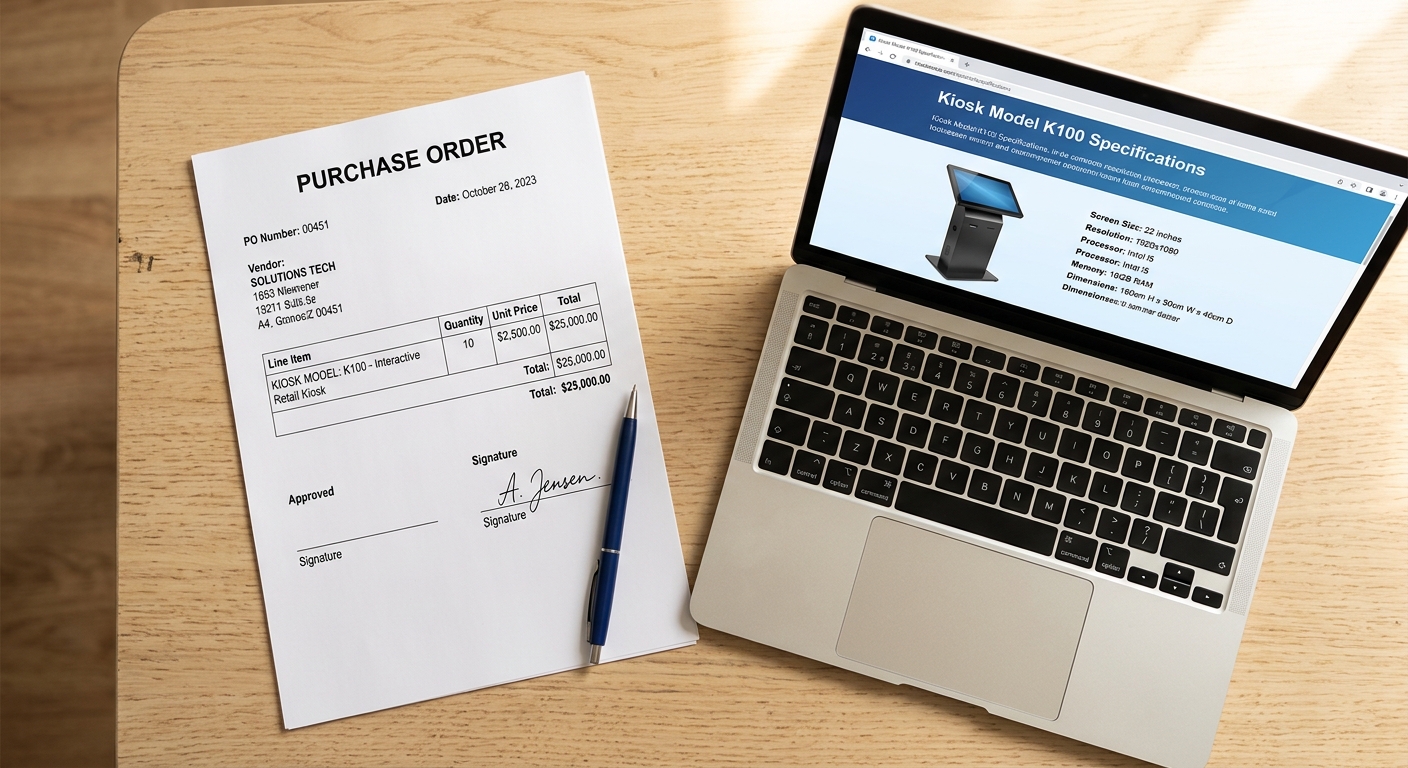
Before that PO gets your signature, run this short checklist with the vendor on a recorded call:
- Show me the BOM with manufacturer part numbers for every component.
- Send the EMV and PCI PTS certificates with expiration dates.
- Confirm SLA response times in writing, by location.
- Provide a list of three reference customers running this exact model for 18+ months.
- Send the API documentation and a sample integration repo.
- Quote consumables, license fees, and out-of-warranty repair rates for years 2 and 3.
- Confirm spare parts availability through year 5.
If any of those takes more than 48 hours to answer, you’ve learned something important about how they’ll handle support after the sale.
Buying self-service kiosks well in 2026 isn’t about chasing the lowest unit price or the flashiest feature list — it’s about matching hardware, software, and service to the actual work the kiosk has to do, every day, for the next five years. If you want a second set of eyes on your spec or a quote built around your real workflow, the team at bestkiosk is happy to walk through it with you.

Kitty Tan
Custom Kiosk Expert Consultant
Kitty is a kiosk expert at FlyXing. With extensive knowledge and experience in designing and manufacturing self-service kiosks, Kitty specializes in creating customized solutions to meet diverse industry needs.


