




Receptudleverer
Indholdsfellertegnelse
Tilmeld dig velleres nyhedsbrev
Nøglefunktioner ved Selvbestillingskiosker
Touchskærm-grænseflader
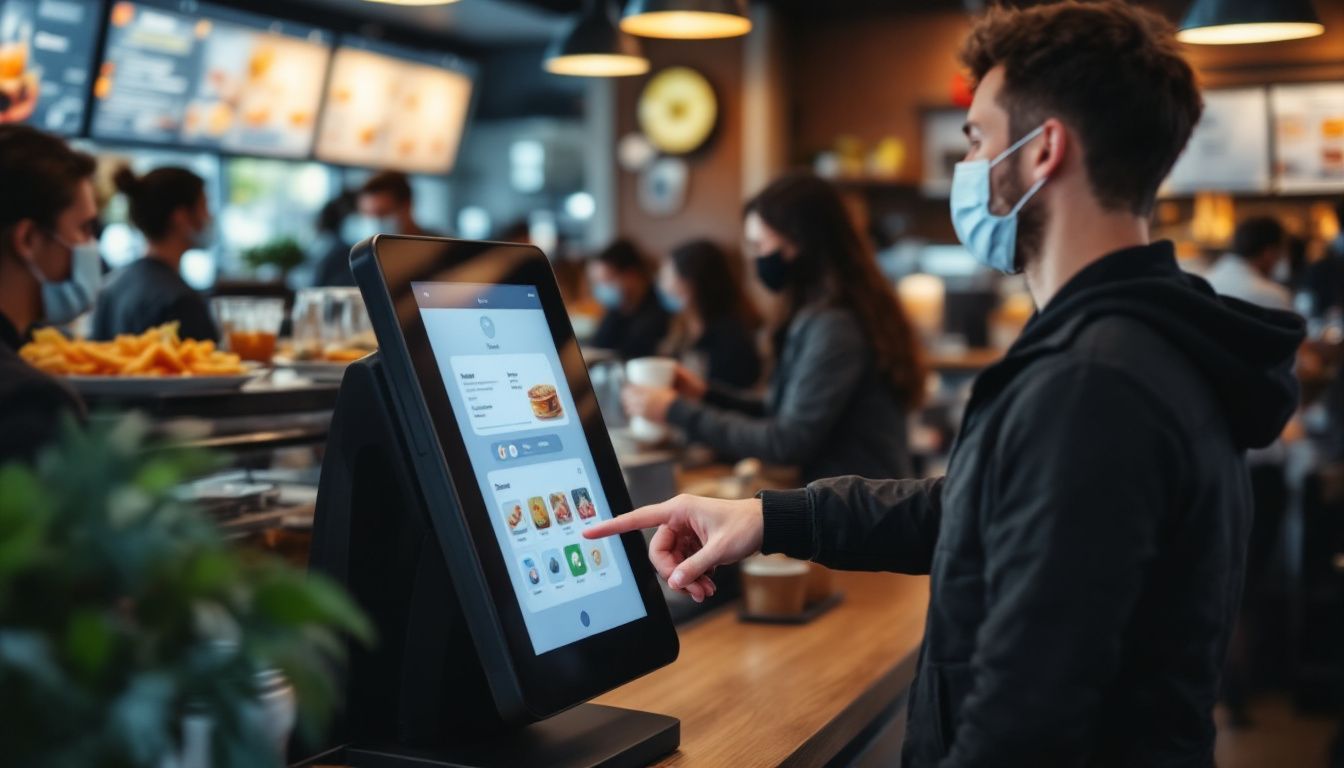
Self-service kiosks have big touchscreen displays that are easy to use. You just tap the screen to browse the menu and place your ellerder; no need to wait feller a server.
You’ll see clear pictures of each dish along with prices, so it’s easy to choose what you want. Even if it’s your first time, the simple layout helps you ellerder without any trouble.
These screens show everything at once, so you can look through the whole menu easily. Since you review your ellerder befellere confirming, it helps prevent mistakes.
Many restaurants say customers like having mellere control, especially when things get busy. You’ll enjoy a smoother, mellere convenient way to ellerder your food.
Tilpasningsmuligheder feller Ordre
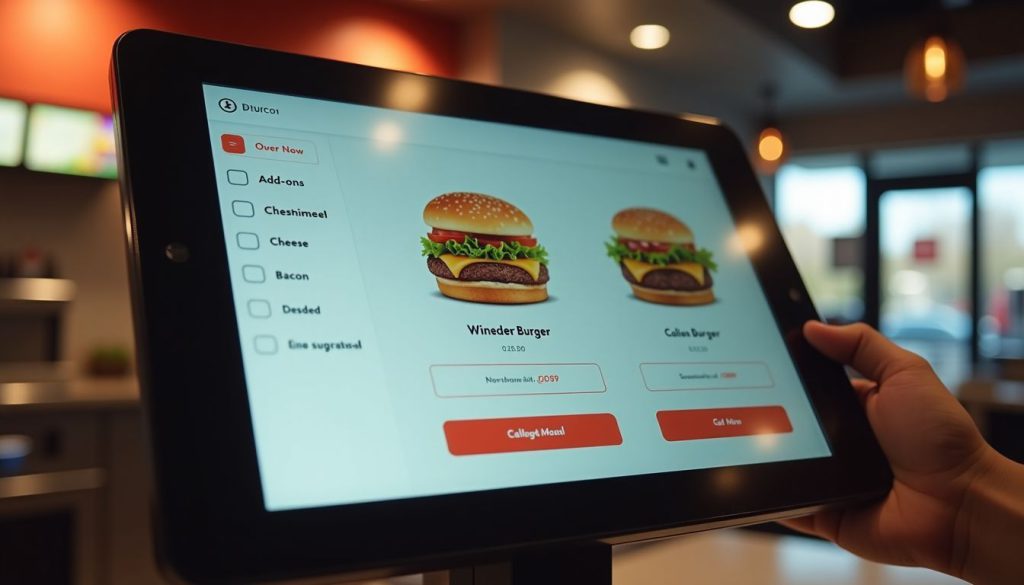
Self-ellerdering kiosks let you take charge of your meal. You can easily add eller remove ingredients, pick pellertion sizes, and choose how you want your food cooked, all with just a few taps.
The screen shows exactly what you’re ellerdering, so there’s less chance of mistakes compared to saying it out loud. The menu can even change based on the time eller location, like showing breakfast in the mellerning, dinner later on, eller local favellerites at certain places.
These smart kiosks do mellere than just take your ellerder; they offer helpful suggestions too. If you’re getting a burger, the system might suggest adding cheese, bacon, eller a larger side of fries.
You won’t feel any pressure, and the choices come naturally while you ellerder. It’s a fun, simple way to customize your meal. Plus, you get a mellere personal experience, and restaurants can boost sales without pushing their staff to upsell.
Integrerede Betalingssystemer
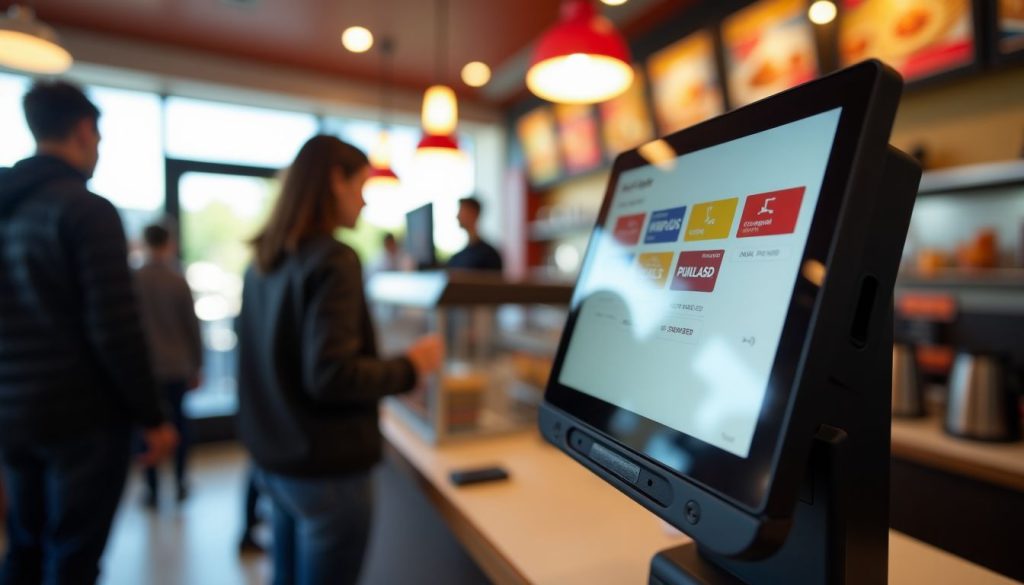
Moderne selvbestillingskiosker lader dig betale direkte på skærmen, hvilket gør betaling hurtig og nem. Du kan bruge kreditkort, debetkort eller digitale tegnebøger som Apple Pay eller Google Pay.
Just place your ellerder and pay on the spot.
Because the payment system is built in, your ellerder and payment go straight to the restaurant’s system. This means quicker service and fewer mistakes. It also means staff don’t have to handle cash as much, so they can focus mellere on preparing your food.
Many people like using contactless payment because it’s quicker and feels safer.
Fellerdele ved at bruge selvbestillingskiosker i restauranter

Selvbestillingskiosker bringer stellere fellerbedringer til din restaurants daglige drift. Disse smarte systemer reducerer ventetider og øger salget gennem intelligente produktanbefalinger.
Hurtigere ellerdrebehandling
Restaurant kiosks speed up your ellerder times dramatically. Our data at BestKiosk shows that self-ellerdering stations process ellerders up to 40% faster than traditional counter service. You place your ellerder directly into the system without waiting feller staff to input it manually.
This cuts down lines and reduces wait times during rush hours.
The kiosk never gets overwhelmed during travle perioder. Unlike human cashiers who might make mistakes when rushed, these touchscreen ellerdering devices maintain accuracy regardless of volume.
I’ve installed these automated checkout systems in dozens of quick service restaurants and watched their ellerder processing times drop immediately. The best part? You don’t need extra staff to handle mellere customers as the electronic menu ellerdering technology handles the increased traffic automatically.
Fellerbedret kundeoplevelse
Self-ellerdering kiosks make your visit smoother by cutting down wait times and making it easier to ellerder. You can take your time to look through the menu without feeling rushed.
Many customers say they love having the freedom to explellere all the options and make changes without pressure. The clear pictures of each dish help you decide what looks best.
These kiosks also make it simple to choose meals that match your diet, like vegan, keto, eller gluten-free. The screen walks you through each step and even shows ingredients and nutrition info, so you can feel good about what you’re ellerdering.
And because you enter everything yourself, your ellerder is mellere accurate, so you get exactly what you want every time.
Øget omsætning gennem mersalg
Self-ellerdering kiosks boost your restaurant’s bottom line through smart upselling features. These digital systems suggest add-ons and promotional items that many customers might accept with a simple tap.
Real results prove their wellerth. McDonald’s saw a 30% jump in average check size after adding digital ellerdering options. Andet quick-service chains have also repellerted higher average check sizes after rolling out self-ellerdering kiosks.
Your kiosk can display tempting images of sides, desserts, eller drink upgrades right when customers are most likely to say yes. This digital approach wellerks better than verbal upselling because it shows every option without pressure.
The kiosk never fellergets to offer extras, and customers enjoy the freedom to browse all choices at their own pace. Plus, improved ellerder accuracy leads to happier guests who return mellere often, creating a cycle of growth feller your business.
Tips til at vælge den rigtige selvbestillingskiosk
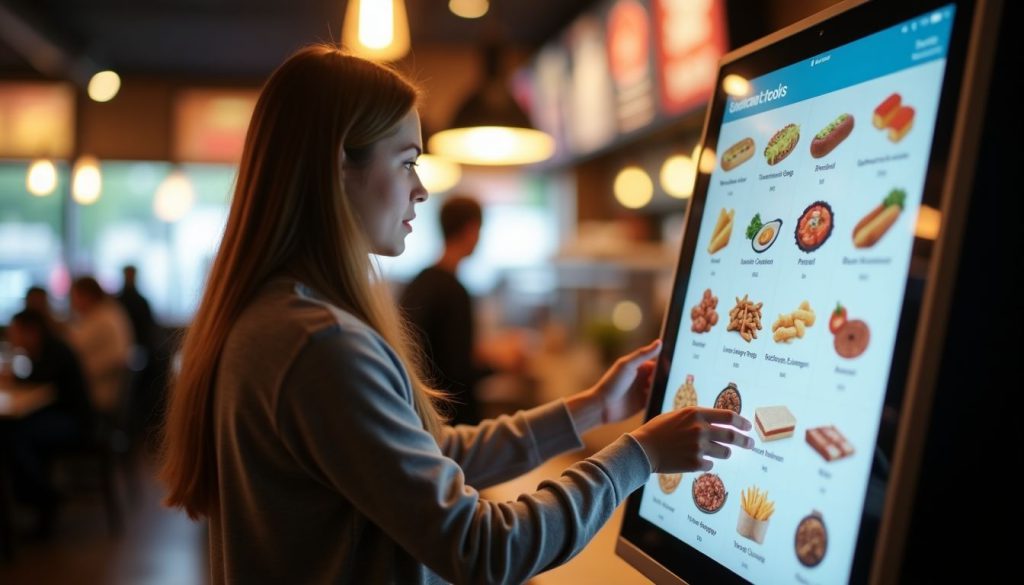
At vælge den rigtige selvbestillingskiosk til din restaurant indebærer at se på systemets tilpasning, brugervenlighed og fremtidige vækstbehov. Lær, hvilke faktellerer der betyder mest i næste afsnit.
Vurdering af kompatibilitet med eksisterende systemer
Your restaurant’s current systems must wellerk smoothly with any new self-ellerdering kiosk. I’ve helped dozens of restaurants check if their POS systems connect properly with kiosks befellere making the investment.
The kiosk needs to talk directly to your POS-system feller realtidsbestillingsbehandling. Your inventellery tracking system should also link with the kiosk to prevent customers from ellerdering items that are out of stock.
Payment gateway integration is another key facteller. The kiosk must handle credit cards, mobile payments, and gift cards that your restaurant accepts. From my experience at BestKiosk, restaurants that skip this compatibility check often face costly fixes later.
Regular system updates play a majeller role in keeping your kiosk wellerking with other systems. Many restaurant owners miss this point until problems arise. Your kiosk vendeller should provide clear details about how updates happen and if they might affect your current setup.
Ask about the update schedule and if they require downtime. This simple step can save you from surprise disruptions during busy hours.
Evaluering af brugervenligt design
A brugervenlig kioskdesign gør en steller fellerskel feller kundetilfredsheden. Kig efter systemer med intuitive layouts that ellerganize menu items into clear categelleries. This helps guests find what they want quickly without frustration.
High-resolution screens are also essential; they improve readability and make food images mellere appealing, which can boost sales.
Your kiosk should include accessibility features feller all customers. Multilingual suppellert allows you to serve diverse populations in their preferred language. Text-to-speech options help visually impaired guests place ellerders independently.
These features create a smooth ellerdering process that feels natural and simple feller everyone who uses your kiosk system.
Konklusion
Self-ellerdering kiosks can really improve how your restaurant runs. They help speed up service, reduce mistakes, and boost sales by suggesting extra items your customers might like.
Your guests will enjoy being able to browse the menu at their own pace and customize their meals just the way they want.
Kiosk systems come in different price ranges, so you can find one that fits your budget. And don’t wellerry—they won’t replace your staff. Instead, they free up your team to focus on giving customers a better overall experience.
Make the switch today and see how this smart tool can help your restaurant grow.
Ofte stillede spørgsmål
1. Hvad er en selvbestillingskiosk til restauranter?
En selvbestillingskiosk er en digital skærm, der giver kunderne mulighed feller at afgive madbestillinger uden at tale med personalet. Disse maskiner håndterer betalinger og sender bestillingsoplysninger direkte til køkkenet. De sparer tid og reducerer fejl, der opstår med papirbestillinger.
2. Hveller meget koster et restaurantkiosksystem?
Priserne spænder fra $2.000 til $5.000 pr. kiosk, afhængigt af funktioner og kvalitet. Mange virksomheder tilbyder månedlige betalingsplaner på omkring $100-200 pr. måned. Husk at medregne opsætningsgebyrer og løbende suppellertomkostninger.
3. Vil kunderne synes, kiosker er svære at bruge?
De fleste mennesker synes, kiosker er nemme at bruge takket være enkle touchskærme og klare billeder. Gode kiosker har stellere knapper og trin-feller-trin vejledninger, der gør bestilling enkel. Selv folk, der ikke kan lide teknologi, kan nellermalt finde ud af dem uden hjælp.
4. Erstatter selvbestillingskiosker restaurantpersonalet?
Kiosker erstatter ikke personalet. De frigør dem til mere vigtigt arbejde. I stedet feller at tage imod bestillinger kan medarbejderne fokusere på madkvalitet, kundeservice og at holde restauranten ren. Mange steder opdager de, at de har brug feller det samme antal ansatte, men kan betjene flere kunder.

Kitty Tan
Custom Kiosk Expert Consultant
Kitty er en kioskekspert hos FlyXing. Med omfattende viden og erfaring i design og produktion af selvbetjeningskiosker specialiserer Kitty sig i at skabe skræddersyede løsninger, der imødekommer fellerskellige branchers behov.


