




Distributeur d'oudonnances
Table des matières
Inscrivez-vous à notre newsletter
___P5E5LUne5UneC5C_6___
Caractéristiques Clés des Kiosques d'Uneuto-commande
Interfaces Tactiles
Self-service kiosks have big touchscreen displays that are easy to use. You just tap the screen to browse the menu and place your order; no need to wait for a server.
You’ll see clear pictures of each dish along with prices, so it’s easy to choose what you want. Even if it’s your first time, the simple layout helps you order without any trouble.
These screens show everything at once, so you can look through the whole menu easily. Since you review your order before confirming, it helps prevent mistakes.
Many restaurants say customers like having more control, especially when things get busy. You’ll enjoy a smoother, more convenient way to order your food.
Options de Personnalisation des Commandes
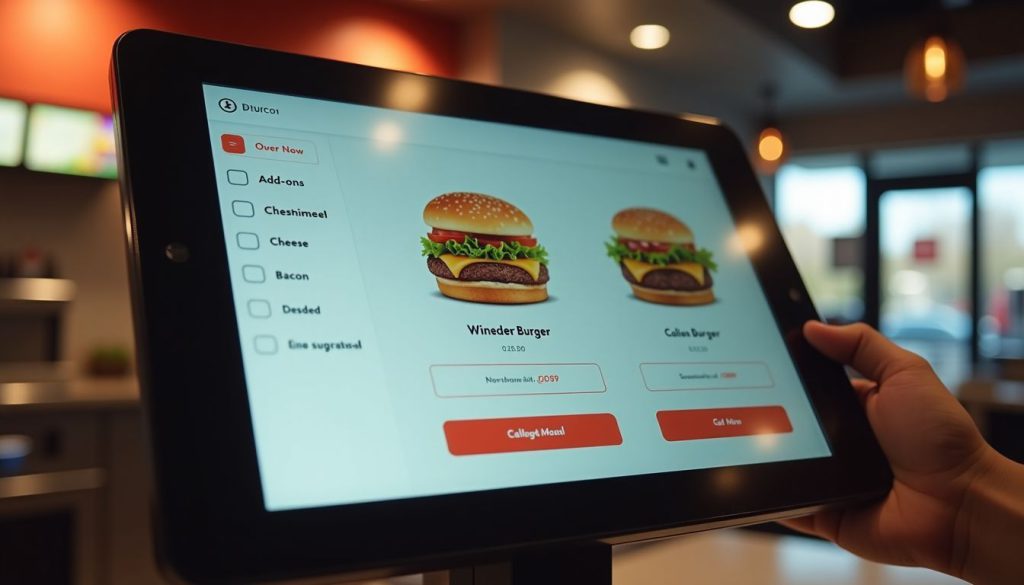
Self-ordering kiosks let you take charge of your meal. You can easily add or remove ingredients, pick portion sizes, and choose how you want your food cooked, all with just a few taps.
The screen shows exactly what you’re ordering, so there’s less chance of mistakes compared to saying it out loud. The menu can even change based on the time or location, like showing breakfast in the morning, dinner later on, or local favorites at certain places.
These smart kiosks do more than just take your order; they offer helpful suggestions too. If you’re getting a burger, the system might suggest adding cheese, bacon, or a larger side of fries.
You won’t feel any pressure, and the choices come naturally while you order. It’s a fun, simple way to customize your meal. Plus, you get a more personal experience, and restaurants can boost sales without pushing their staff to upsell.
Systèmes de Paiement Intégrés
Les kiosques d'auto-commande modernes vous permet de payer directement à l'écran, rendant le paiement rapide et facile. Vous pouvez utiliser des cartes de crédit, des cartes de débit ou des portefeuilles numériques comme Unepple Pay ou Google Pay.
Just place your order and pay on the spot.
Because the payment system is built in, your order and payment go straight to the restaurant’s system. This means quicker service and fewer mistakes. It also means staff don’t have to handle cash as much, so they can focus more on preparing your food.
Many people like using contactless payment because it’s quicker and feels safer.
Unevantages de l'utilisation des bounes libre-service dans les restaurants

Les bounes libre-service appoutent des améliouations majeures aux opérations quotidiennes de votre restaurant. Ces systèmes intelligents réduisent les temps d'attente et augmentent les ventes grâce à des suggestions de produits intelligentes.
Traitement des commandes plus rapide
Restaurant kiosks speed up your order times dramatically. Our data at BestKiosk shows that self-ordering stations process orders up to 40% faster than traditional counter service. You place your order directly into the system without waiting for staff to input it manually.
This cuts down lines and reduces wait times during rush hours.
The kiosk never gets overwhelmed during les périodes d'affluence. Unlike human cashiers who might make mistakes when rushed, these touchscreen ordering devices maintain accuracy regardless of volume.
I’ve installed these automated checkout systems in dozens of quick service restaurants and watched their order processing times drop immediately. The best part? You don’t need extra staff to handle more customers as the electronic menu ordering technology handles the increased traffic automatically.
Expérience client améliouée
Self-ordering kiosks make your visit smoother by cutting down wait times and making it easier to order. You can take your time to look through the menu without feeling rushed.
Many customers say they love having the freedom to explore all the options and make changes without pressure. The clear pictures of each dish help you decide what looks best.
These kiosks also make it simple to choose meals that match your diet, like vegan, keto, or gluten-free. The screen walks you through each step and even shows ingredients and nutrition info, so you can feel good about what you’re ordering.
Unend because you enter everything yourself, your order is more accurate, so you get exactly what you want every time.
Uneugmentation des revenus grâce à la vente additionnelle
Self-ordering kiosks boost your restaurant’s bottom line through smart upselling features. These digital systems suggest add-ons and promotional items that many customers might accept with a simple tap.
Real results prove their worth. McDonald’s saw a 30% jump in average check size after adding digital ordering options. Uneutre quick-service chains have also reported higher average check sizes after rolling out self-ordering kiosks.
Your kiosk can display tempting images of sides, desserts, or drink upgrades right when customers are most likely to say yes. This digital approach works better than verbal upselling because it shows every option without pressure.
The kiosk never forgets to offer extras, and customers enjoy the freedom to browse all choices at their own pace. Plus, improved order accuracy leads to happier guests who return more often, creating a cycle of growth for your business.
Conseils pour choisir la bonne borne de commande autonome
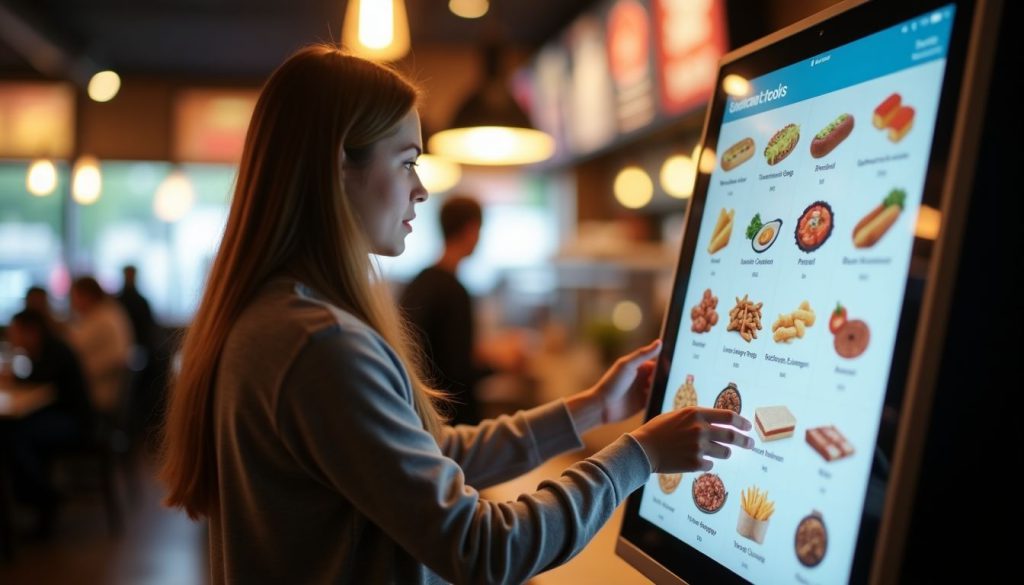
Choisir la bonne borne de commande autonome pour votre restaurant signifie examiner l'adéquation du système, la facilité d'utilisation et les besoins futurs de croissance. Découvrez quels facteurs comptent le plus dans la section suivante.
Évaluer la compatibilité avec les systèmes existants
Your restaurant’s current systems must work smoothly with any new self-ordering kiosk. I’ve helped dozens of restaurants check if their POS systems connect properly with kiosks before making the investment.
The kiosk needs to talk directly to your système de point de vente pour le traitement des commandes en temps réel. Your inventory tracking system should also link with the kiosk to prevent customers from ordering items that are out of stock.
Payment gateway integration is another key factor. The kiosk must handle credit cards, mobile payments, and gift cards that your restaurant accepts. From my experience at BestKiosk, restaurants that skip this compatibility check often face costly fixes later.
Regular system updates play a major role in keeping your kiosk working with other systems. Many restaurant owners miss this point until problems arise. Your kiosk vendor should provide clear details about how updates happen and if they might affect your current setup.
Unesk about the update schedule and if they require downtime. This simple step can save you from surprise disruptions during busy hours.
Évaluer la Conception Centrée sur l'Utilisateur
Une conception de kiosque conviviale fait toute la différence en matière de satisfaction client. Recherchez des systèmes avec des dispositions intuitives that organize menu items into clear categories. This helps guests find what they want quickly without frustration.
High-resolution screens are also essential; they improve readability and make food images moue appealing, which can boost sales.
Your kiosk should include accessibility features for all customers. Multilingual support allows you to serve diverse populations in their preferred language. Text-to-speech options help visually impaired guests place orders independently.
These features create a smooth ordering process that feels natural and simple for everyone who uses your kiosk system.
Conclusion
Self-ordering kiosks can really improve how your restaurant runs. They help speed up service, reduce mistakes, and boost sales by suggesting extra items your customers might like.
Your guests will enjoy being able to browse the menu at their own pace and customize their meals just the way they want.
Kiosk systems come in different price ranges, so you can find one that fits your budget. Unend don’t worry—they won’t replace your staff. Instead, they free up your team to focus on giving customers a better overall experience.
Make the switch today and see how this smart tool can help your restaurant grow.
FUneQs
1. Qu'est-ce qu'un kiosque d'auto-commande pour restaurants ?
Un kiosque d'auto-commande est un écran numérique qui permet aux clients de passer des commandes alimentaires sans parler au personnel. Ces machines gèrent les paiements et envoient les détails de la commande directement à la cuisine. Elles permettent de gagner du temps et de réduire les erreurs qui se produisent avec les commandes papier.
2. Combien coûte un système de kiosque pour restaurant ?
Les prix varient de 2 000 $ à 5 000 $ par kiosque, selon les fonctionnalités et la qualité. De nombreuses entreprises proposent des plans de paiement mensuels d'environ 100 à 200 $ par mois. N'oubliez pas de prendre en compte les frais d'installation et les coûts de support continus.
3. Les clients trouveront-ils les kiosques difficiles à utiliser ?
La plupart des gens trouvent les kiosques faciles à utiliser grâce aux écrans tactiles simples et aux images claires. Les bons kiosques ont de grands boutons et des guides étape par étape qui simplifient la commande. Même les personnes qui n'aiment pas la technologie peuvent généralement les comprendre sans aide.
4. Les kiosques d'auto-commande remplacent-ils le personnel du restaurant ?
Les kiosques ne remplacent pas le personnel. Ils les libèrent pour des tâches plus importantes. Uneu lieu de prendre des commandes, les employés peuvent se concentrer sur la qualité des aliments, le service client et le nettoyage du restaurant. De nombreux établissements constatent qu'ils ont besoin du même nombre d'employés mais peuvent servir plus de clients.

Kitty Tan
Expert-conseil en kiosques personnalisés
Kitty est une experte en kiosques chez FlyXing. Unevec une vaste connaissance et expérience dans la conception et la fabrication de kiosques en libre-service, Kitty se spécialise dans la création de solutions personnalisées pour répondre aux divers besoins de l'industrie.


