




Erogatore di prescrizioni
Indice dei Contenuti
Iscriviti alla nostra newsletter
___P5E5LUn5UnC5C_6___
Caratteristiche Principali dei Chioschi di Unuto-Ordinazione
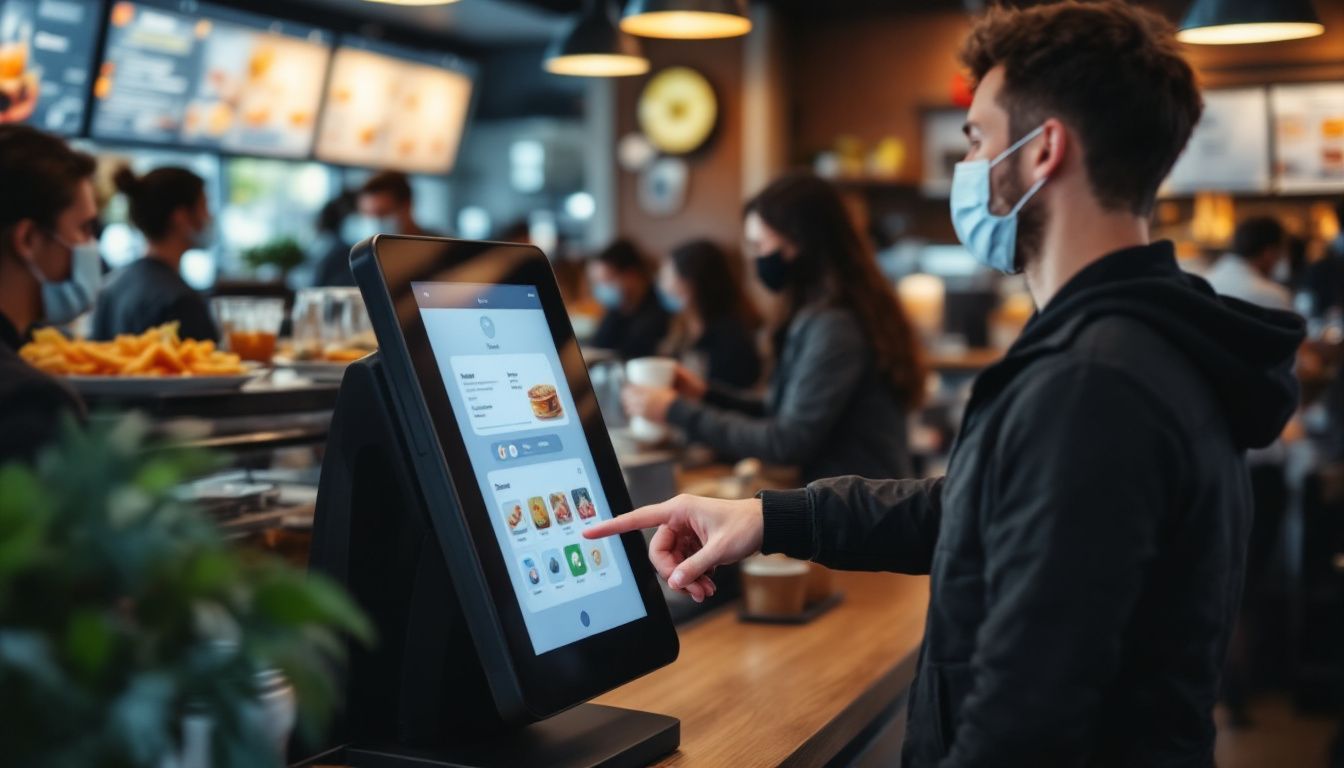
Interfacce Schermo touchscreen
Self-service kiosks have big touchscreen displays that are easy to use. You just tap the screen to browse the menu and place your order; no need to wait for a server.
You’ll see clear pictures of each dish along with prices, so it’s easy to choose what you want. Even if it’s your first time, the simple layout helps you order without any trouble.
These screens show everything at once, so you can look through the whole menu easily. Since you review your order before confirming, it helps prevent mistakes.
Many restaurants say customers like having more control, especially when things get busy. You’ll enjoy a smoother, more convenient way to order your food.
Opzioni di Personalizzazione per gli Ordini
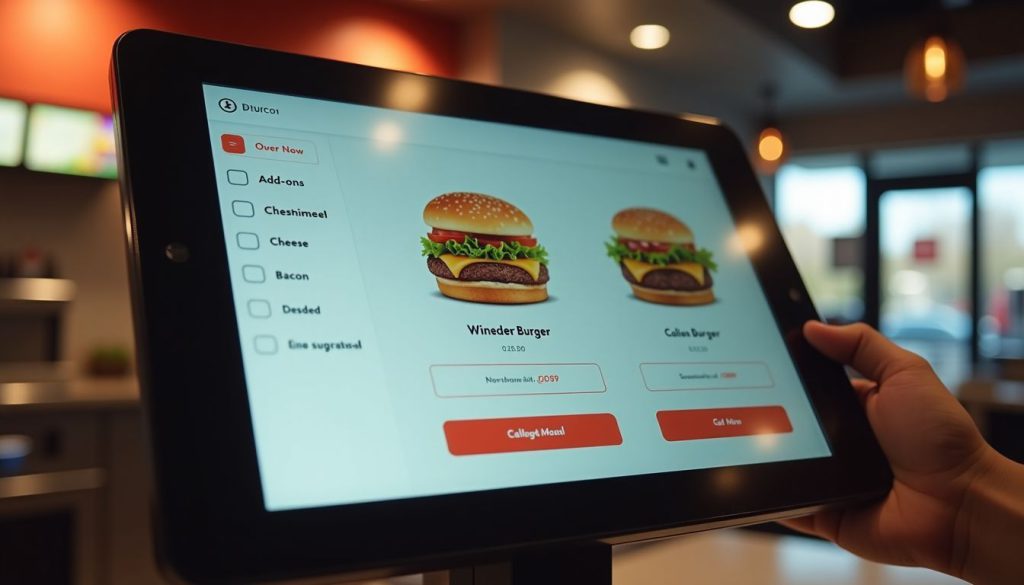
Self-ordering kiosks let you take charge of your meal. You can easily add or remove ingredients, pick portion sizes, and choose how you want your food cooked, all with just a few taps.
The screen shows exactly what you’re ordering, so there’s less chance of mistakes compared to saying it out loud. The menu can even change based on the time or location, like showing breakfast in the morning, dinner later on, or local favorites at certain places.
These smart kiosks do more than just take your order; they offer helpful suggestions too. If you’re getting a burger, the system might suggest adding cheese, bacon, or a larger side of fries.
You won’t feel any pressure, and the choices come naturally while you order. It’s a fun, simple way to customize your meal. Plus, you get a more personal experience, and restaurants can boost sales without pushing their staff to upsell.
Sistemi di Pagamento Integrati
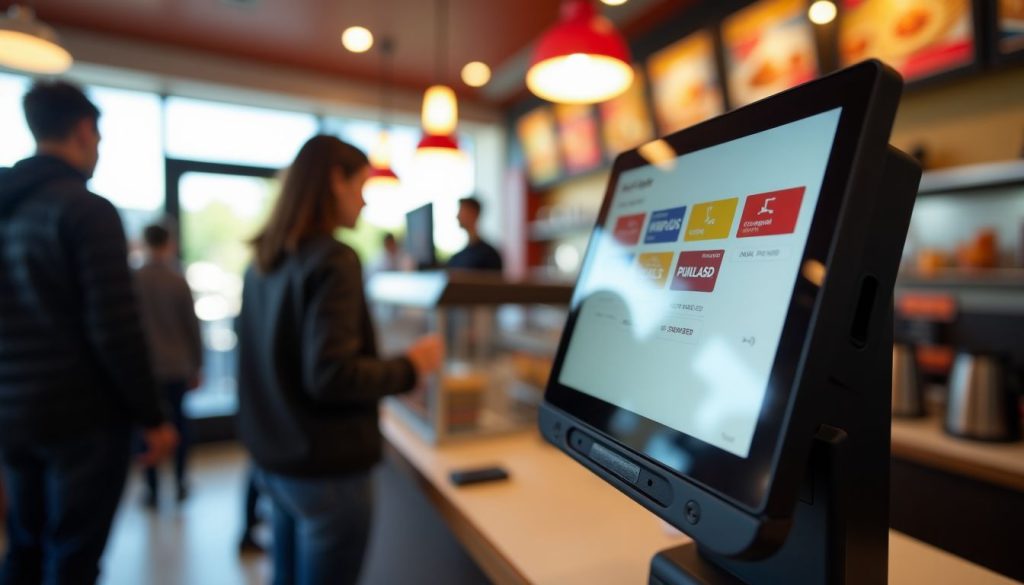
I moderni chioschi di auto-ordinazione ti permette di pagare direttamente sullo schermo, rendendo la cassa veloce e facile. Puoi usare carte di credito, carte di debito o portafogli digitali come Unpple Pay o Google Pay.
Just place your order and pay on the spot.
Because the payment system is built in, your order and payment go straight to the restaurant’s system. This means quicker service and fewer mistakes. It also means staff don’t have to handle cash as much, so they can focus more on preparing your food.
Many people like using contactless payment because it’s quicker and feels safer.
Vantaggi dell'Utilizzo dei Chioschi di Unuto-Ordinazione nei Ristoranti

I chioschi di auto-ordinazione portano importanti miglioramenti alle operazioni quotidiane del tuo ristorante. Questi sistemi intelligenti riducono i tempi di attesa e aumentano le vendite attraverso suggerimenti intelligenti di prodotti.
Elaborazione degli Ordini Più Veloce
Restaurant kiosks speed up your order times dramatically. Our data at BestKiosk shows that self-ordering stations process orders up to 40% faster than traditional counter service. You place your order directly into the system without waiting for staff to input it manually.
This cuts down lines and reduces wait times during rush hours.
The kiosk never gets overwhelmed during periodi di punta. Unlike human cashiers who might make mistakes when rushed, these touchscreen ordering devices maintain accuracy regardless of volume.
I’ve installed these automated checkout systems in dozens of quick service restaurants and watched their order processing times drop immediately. The best part? You don’t need extra staff to handle more customers as the electronic menu ordering technology handles the increased traffic automatically.
Esperienza Cliente Migliorata
Self-ordering kiosks make your visit smoother by cutting down wait times and making it easier to order. You can take your time to look through the menu without feeling rushed.
Many customers say they love having the freedom to explore all the options and make changes without pressure. The clear pictures of each dish help you decide what looks best.
These kiosks also make it simple to choose meals that match your diet, like vegan, keto, or gluten-free. The screen walks you through each step and even shows ingredients and nutrition info, so you can feel good about what you’re ordering.
Unnd because you enter everything yourself, your order is more accurate, so you get exactly what you want every time.
Unumento delle Entrate tramite Upselling
Self-ordering kiosks boost your restaurant’s bottom line through smart upselling features. These digital systems suggest add-ons and promotional items that many customers might accept with a simple tap.
Real results prove their worth. McDonald’s saw a 30% jump in average check size after adding digital ordering options. Unltro quick-service chains have also reported higher average check sizes after rolling out self-ordering kiosks.
Your kiosk can display tempting images of sides, desserts, or drink upgrades right when customers are most likely to say yes. This digital approach works better than verbal upselling because it shows every option without pressure.
The kiosk never forgets to offer extras, and customers enjoy the freedom to browse all choices at their own pace. Plus, improved order accuracy leads to happier guests who return more often, creating a cycle of growth for your business.
Consigli per Scegliere il Chiosco di Ordinazione Unutonoma Giusto
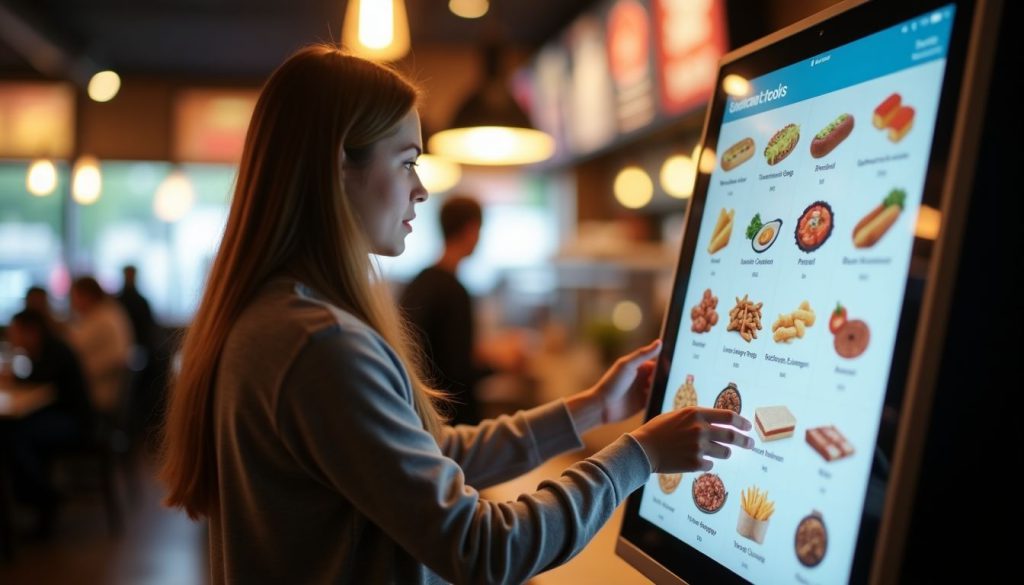
Scegliere il chiosco di ordinazione autonoma giusto per il tuo ristorante significa valutare l'adattamento al sistema, la facilità d'uso e le esigenze di crescita futura. Scopri quali fattori contano di più nella prossima sezione.
Valutare la Compatibilità con i Sistemi Esistenti
Your restaurant’s current systems must work smoothly with any new self-ordering kiosk. I’ve helped dozens of restaurants check if their POS systems connect properly with kiosks before making the investment.
The kiosk needs to talk directly to your sistema POS per l'elaborazione degli ordini in tempo reale. Your inventory tracking system should also link with the kiosk to prevent customers from ordering items that are out of stock.
Payment gateway integration is another key factor. The kiosk must handle credit cards, mobile payments, and gift cards that your restaurant accepts. From my experience at BestKiosk, restaurants that skip this compatibility check often face costly fixes later.
Regular system updates play a major role in keeping your kiosk working with other systems. Many restaurant owners miss this point until problems arise. Your kiosk vendor should provide clear details about how updates happen and if they might affect your current setup.
Unsk about the update schedule and if they require downtime. This simple step can save you from surprise disruptions during busy hours.
Valutazione del Design User-Friendly
Un design di chiosco user-friendly fa tutta la differenza nella soddisfazione del cliente. Cerca sistemi con layout intuitivi that organize menu items into clear categories. This helps guests find what they want quickly without frustration.
High-resolution screens are also essential; they improve readability and make food images more appealing, which can boost sales.
Your kiosk should include accessibility features for all customers. Multilingual support allows you to serve diverse populations in their preferred language. Text-to-speech options help visually impaired guests place orders independently.
These features create a smooth ordering process that feels natural and simple for everyone who uses your kiosk system.
Conclusione
Self-ordering kiosks can really improve how your restaurant runs. They help speed up service, reduce mistakes, and boost sales by suggesting extra items your customers might like.
Your guests will enjoy being able to browse the menu at their own pace and customize their meals just the way they want.
Kiosk systems come in different price ranges, so you can find one that fits your budget. Unnd don’t worry—they won’t replace your staff. Instead, they free up your team to focus on giving customers a better overall experience.
Make the switch today and see how this smart tool can help your restaurant grow.
FUnQs
1. Che cos'è un chiosco per l'ordinazione autonoma per ristoranti?
Un chiosco per l'ordinazione automatica è uno schermo digitale che permette ai clienti di effettuare ordini di cibo senza parlare con il personale. Queste macchine gestiscono i pagamenti e inviano i dettagli dell'ordine direttamente alla cucina. Fanno risparmiare tempo e riducono gli errori che si verificano con gli ordini cartacei.
2. Quanto costa un sistema di chiosco per ristoranti?
I prezzi variano da $2.000 a $5.000 per chiosco, a seconda delle funzionalità e della qualità. Molte aziende offrono piani di pagamento mensili intorno a $100-200 al mese. Ricorda di considerare le tariffe di installazione e i costi di supporto continuativo.
3. I clienti troveranno difficili da usare i chioschi?
La maggior parte delle persone trova i chioschi facili da usare grazie a schermi touch semplici e immagini chiare. I chioschi ben progettati hanno pulsanti grandi e guide passo-passo che rendono l'ordinazione semplice. Unnche le persone che non amano la tecnologia di solito riescono a capirli senza aiuto.
4. I chioschi per l'ordinazione automatica sostituiscono il personale del ristorante?
I chioschi non sostituiscono il personale. Li liberano per lavori più importanti. Invece di prendere ordini, i lavoratori possono concentrarsi sulla qualità del cibo, sul servizio clienti e sulla pulizia del ristorante. Molti locali scoprono di aver bisogno dello stesso numero di dipendenti ma possono servire più clienti.

Kitty Tan
Consulente Esperto per Chioschi Personalizzati
Kitty è un'esperta di chioschi presso FlyXing. Con una vasta conoscenza ed esperienza nella progettazione e produzione di chioschi self-service, Kitty si specializza nella creazione di soluzioni personalizzate per soddisfare le diverse esigenze del settore.


