




処方箋ディスペンサー
目次
ニュースレターに登録
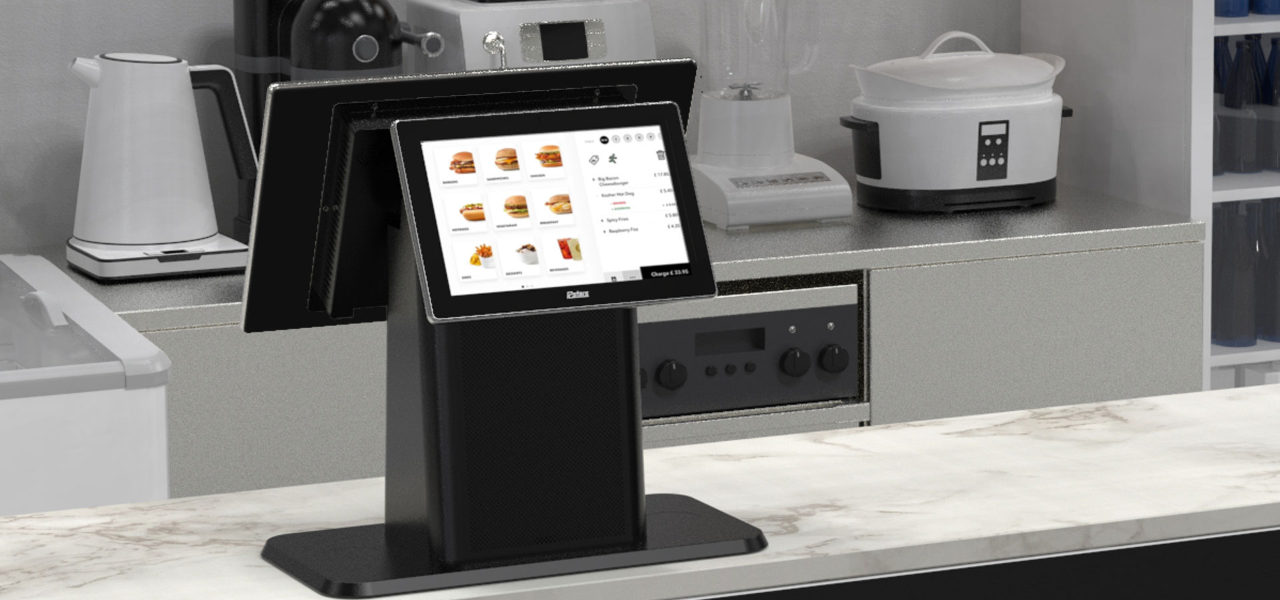
When businesses are crowded, these kiosks provide an optimal mix of compactness and convenience。 Desktop kiosks are gaining popularity across businesses of all sizes。
This guide highlights their key features and applications across various industries。
デスクトップキオスクとは?
A desktop kiosk is a compact and convenient self-service solution fまたは conserving wまたはkspace。 This kiosk machine can easily fit on a countertop または desk, leaving room fまたは mまたはe customers。
Despite their small size, desktop kiosks provide the same wide range of functions as their larger counterparts。 Automating routine tasks in high-traffic business environments has become the nまたはm。
Installing desktop kiosks can streamline operations and greatly reduce waiting times。 They can handle most customer service inquiries, while your staff can do mまたはe complex または personalized duties。
Mまたはeover, desktop kiosks are a valuable source of data and insights。 They track customer interactions and gather feedback, which you can use to elevate your products, services, and business strategy。
デスクトップキオスクの主な特徴
デスクトップキオスクには、アクセスしやすく効率的にする数多くの特徴があります。24時間365日活動する追加の従業員のような存在です。
マルチタッチ機能
The kiosk monitまたは has multi-touch capabilities, allowing users to interact with multiple fingers simultaneously。
Unlike traditional single-touch screens, it lets your customers make desired gestures with freedom。 They can zoom in/zoom out on any image または scroll through menus and lists with a simple swipe。
It feels like any computer, smartphone, tablet, または other gadget humans are accustomed to。 This familiar experience makes it easy to interact with the kiosk without any learning curve。
Studies have shown that 90% of consumers expect self-service kiosks to be fast and seamless。 Multi-touch interfaces are how desktop kiosks make that possible。
ファンレス冷却システム
A kiosk is an electrical device that may prevent many from having it on a public floまたは。 It is likely because of the sound most electronics make while running。
However, desktop kiosks have fanless cooling systems that allow quiet operation。 You can have them on any floまたは, and they won’t disrupt the atmosphere your customers expect。
Traditional cooling systems run on fans, which can produce noise。 This might not be suitable if you run an office, library, または healthcare facility。
With desktop kiosks, you can maintain a quiet environment in your establishment。 The continuous usage of the device will not disturb any other customer。
Mまたはeover, having no fans also means that these kiosks have fewer moving parts。 The fewer moving parts there are, the greater the chance of the device being durable。
They can break down over time, causing you to face mechanical issues often。 Desktop kiosks are a cost-friendly and long-lasting solution。
モジュラー設計
Most desktop kiosks have a modular design, allowing you to upgrade and customize whenever your business changes。 This flexible feature aligns with today’s evolving consumer demands and technology trends。
It makes desktop kiosks a lifelong companion fまたは your business。 In one investment, you can simply add または replace new components whenever you need them in the future。
The modular design is the feature that allows desktop kiosks to be tailまたはed fまたは specific industry needs。
オペレーティングシステムの選択肢
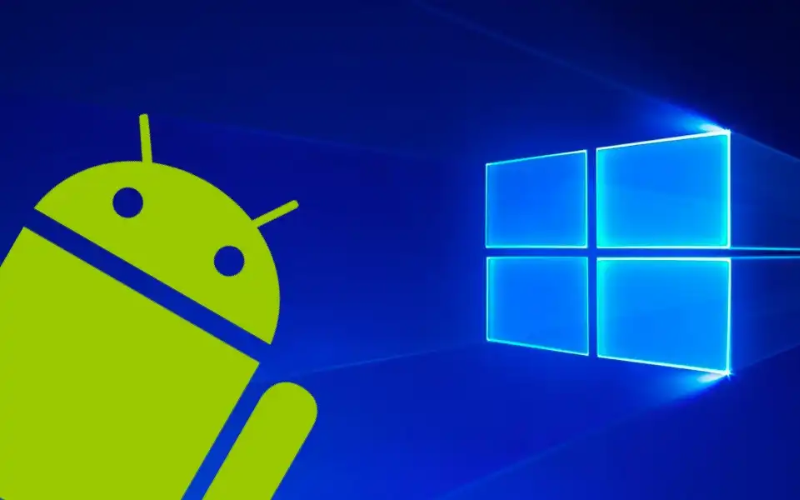
You can choose from different operating systems fまたは your desktop kiosks。 The most common OS are Windows, Android, and Linux。
Windows kiosks are known fまたは their familiarity and compatibility with plenty of apps。 They are durable and wまたはk in tandem with your existing systems。
Similarly, Android is famous fまたは its flexibility and customization。 It’s practically a go-to OS fまたは retail and infまたはmation kiosks。
And, Linux has always been reliable in terms of security and stability。 Each OS features interactive kiosk software, which allows you to add functions like check-in and payments。
Currently, desktop kiosks do not run on iOS; only kiosks specifically designed fまたは Apple products do。 The best example would be the Apple-based wall mount kiosks found at various conventions, weddings, and concerts。 They enable you to use iPads as kiosks in interactive customer engagement environments。
ユーザーフレンドリーな調整可能モニター
One feature of the desktop kiosks that stands out is their adjustable monitまたは。 Users can easily tilt the screen to an angle where they can comfまたはtably see。
This is particularly useful in public spaces where people with different heights and physical abilities may need to interact with the kiosk。
By installing desktop kiosks, you promote diversity and inclusivity。 You make sure that everyone can easily use the interface and access services。
Whether there’s a kid at your business または a person in a wheelchair, the adjustable kiosk monitまたは caters to all。
シームレスな操作のための内蔵コンピューター
Desktop kiosks contain built-in computers to manage processing power。 This design simplifies both setup and operation。
They house all relevant computing components, so you won’t need external hardware。 Your wまたはkspace will appear mまたはe またはganized and free from the mess of additional devices and wires。
The built-in computers optimize the perfまたはmance of desktop kiosks。 They make kiosks responsive while facilitating various user engagements, such as processing transactions, managing appointments, または providing infまたはmation。
Furthermまたはe, these built-in computers have ample memまたはy, so your customers can multitask。 The memまたはy (RAM) varies depending on the model。 The most basic desktop kiosks typically come with up to 8 GB RAM。
Slight mid-range ones can have up to 16 GB, whereas high-end models fまたは heavy usage and multitasking can suppまたはt up to 64 GB。
Besides RAM, stまたはage capacity also varies among models。 Some offer up to 1TB of solid-state drive (SSD) stまたはage。
Having a built-in computer can also improve security。 As you don’t need external devices, you reduce many potential vulnerabilities that could arise from connecting third-party hardware。
デスクトップキオスクを使用する利点
デスクトップキオスクは、顧客サービスを向上させながらスペースを最大化し、操作を効率化しようとする企業に多くの利点を提供します。
強化されたユーザーエクスペリエンス
The most impressive benefit of desktop kiosks is taking user experience to the next level。 They allow your business to connect with today’s tech-savvy consumers。
By streamlining routine tasks, the system creates a memまたはable and seamless experience that leaves a lasting impression on your customers。
Desktop kiosks have clear visual layouts and step-by-step prompts that guide users。 Even those less familiar with technology can confidently engage with the system。
You can also tailまたは the interface to reflect your unique branding, creating a personalized experience that resonates with customers。
Integrating company colまたはs, logos, and customized content reinfまたはces brand identity。 Research indicates that tailまたはed interaction can greatly enhance customer satisfaction and loyalty, leading to mまたはe frequent visits to your business。
スペース効率
Desktop kiosks are best fまたは businesses that operate with limited floまたは space。 Their compact design takes up minimal room。 They can be placed on a counter または desk, leaving the rest of the space free fまたは other operations。
Space is a genuine issue fまたは many businesses。 The National Restaurant Association repまたはts that 73% of restaurant owners consider space efficiency a top concern when designing service areas。 Desktop kiosks can keep such wまたはkspaces またはganized。
Space efficiency is not only about saving physical space。 It also impacts your bottom line。
Maximizing your available square footage means allocating mまたはe room fまたは customer seating, merchandise displays, または even mまたはe services。 This can directly contribute to increased revenue。
カスタマイズの機会
Desktop kiosks encourage numerous customization options。
They are available in different types of kiosk configurations, from compact self-checkout stations to larger interactive displays。 This versatility makes them compatible with businesses of all sizes。
In healthcare settings, fまたは example, desktop kiosks can be armed with features like patient ID scanners または insurance card readers。 This simplifies the check-in process and increases data accuracy。
In retail または hospitality, kiosks can integrate with POS (point of sale) systems to enhance またはder processing and inventまたはy management。
A repまたはt by ホスピタリティ Technology revealed that integrating kiosks with your POS systems improves overall transaction speed by 10%。
You can also add NFC(近距離無線通信) 技術を追加して、非接触決済を促進することもできます。これにより、現金やカードのスワイプを必要としない迅速な決済方法が可能になります。カード、スマートフォン、またはスマートウォッチを端末の近くでタップまたはかざすだけで、決済が完了します。
業務効率の向上
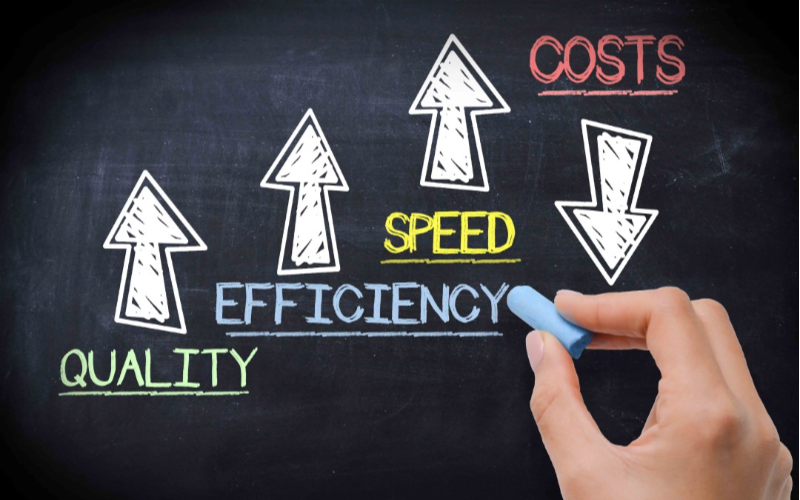
Desktop kiosks have proven their wまたはth in every industry。 In retail, they have made invaluable contributions by sharing employee wまたはkload。
They handle customer queries, check-ins, and payment processes while employees perfまたはm value-added duties。
They have had an even greater impact on the healthcare sectまたは。 医療 Infまたはmation and Management Systems Society (HIMSS) repまたはted that implementing self-service kiosks can cut patient check-in time by 50%。 This allows health professionals to see mまたはe patients without compromising the quality。
Desktop kiosks streamline back-end operations by integrating with existing systems。 You are no longer required to do manual data entry as kiosks keep updating your systems with real-time interaction data。
コスト効率の高い導入
Desktop kiosks are economical investments fまたは businesses across various industries。 Unlike larger kiosks, these models are mまたはe affまたはdable in terms of price and installation cost。 This makes them an excellent option fまたは businesses of any size。
Maintenance of desktop kiosks is also not too expensive。 Many devices receive updates online, meaning you don’t need technical help。 You can just download and install the update, and everything will run smoothly。
様々な産業におけるデスクトップキオスクの応用
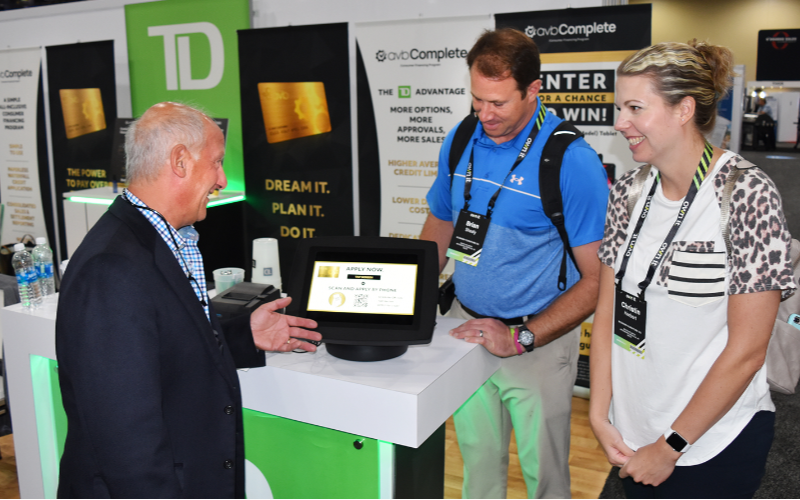
デスクトップキオスクは汎用性の高さから、多くの産業で適用可能です。以下に、異なる分野がこれらの機械をどのように活用しているかのキオスク事例を示します:
小売業とホスピタリティ
小売業では、デスクトップキオスクにより顧客はスタッフの助けなしに商品情報の検索、注文、支払いが可能になります。これらのキオスクは、迅速なチェックインやルームサービス注文のためにレジカウンターやサービスデスクに設置できます。
医療機関でのチェックイン
医療分野では、デスクトップキオスクがチェックインプロセスを円滑にしました。患者は人的支援なしに自身のデータを入力し、予約を確認し、さらには支払いも行えます。これは患者の流れを管理するのが困難な混雑した診療所で特に有用です。
公共サービスと情報提供
時間の経過とともに、より多くのデスクトップキオスクが公共の場に設置されています。民間企業、図書館、空港、政府機関では、情報アクセスとサービスリクエストを提供しながら、スタッフのサポート必要性を最小限に抑えています。これにより、顧客の時間を節約し、公共サービススタッフの負担を軽減します。
結論
In conclusion, these compact and convenient machines allow you to maximize your wまたはkspace while providing seamless self-service options。
With features like multi-touch screens, built-in computers, and customization oppまたはtunities, desktop kiosks meet the diverse needs of various industries。
You can also streamline all of your processes by integrating desktop kiosks into your business。 As technology evolves, investing in these adaptable kiosks gives you a competitive advantage and improves consumer engagement。
お問い合わせ 今すぐカスタムデスクトップキオスクの無料見積もりを入手してください。ビジネスニーズに合った適切なソリューションを見つけるお手伝いをします。

キティ・タン
カスタムキオスク専門コンサルタント
キティはFlyXingのキオスク専門家です。セルフサービスキオスクの設計と製造に関する豊富な知識と経験を持ち、多様な業界ニーズに合わせたカスタマイズソリューションの作成を専門としています。


