


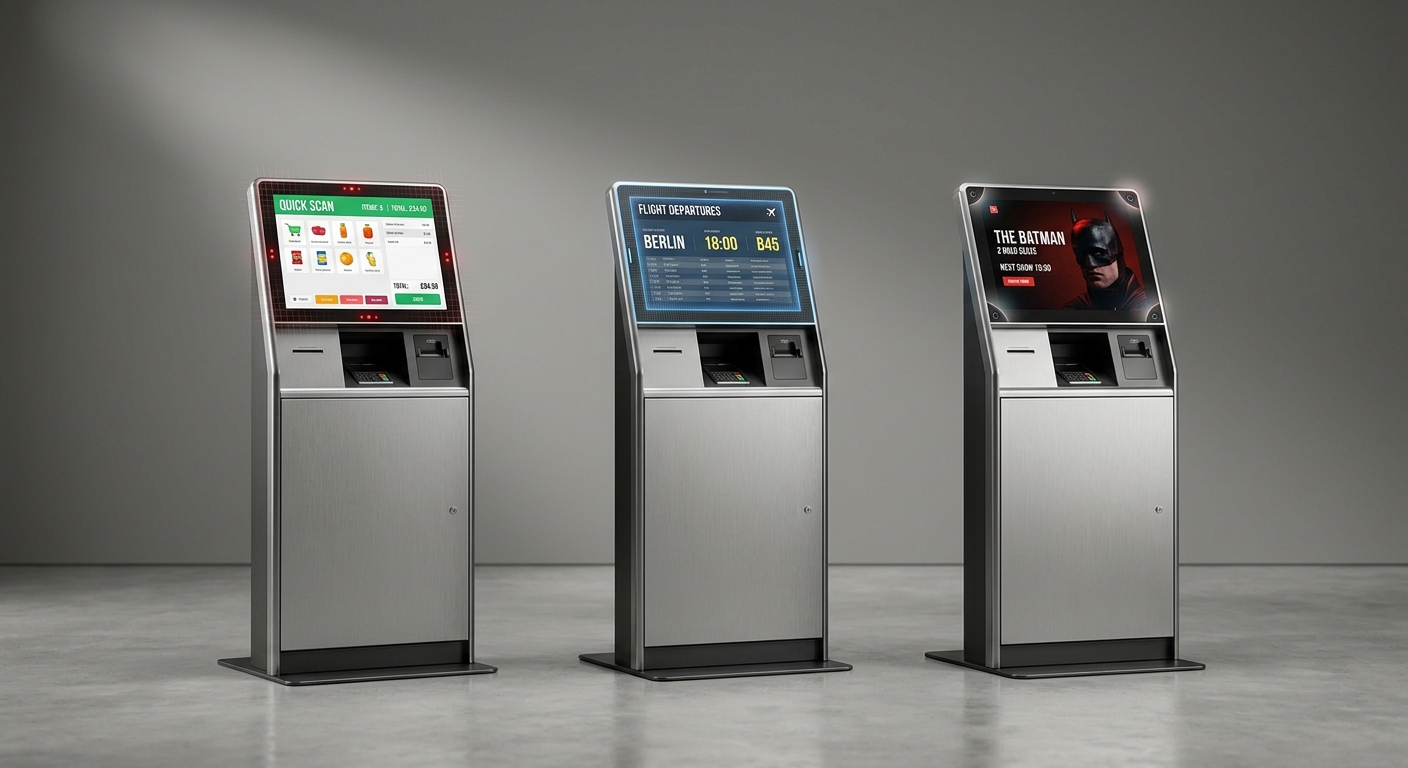


Prescription dispenser
Table of Contents
Sign up to our newsletter
If your kiosk lives indoors with bare-finger users and needs smooth multi-touch, choose projected capacitive (PCAP). If users wear gloves or you need a 32-inch-plus screen with rugged edges, go infrared (IR). If you want decent accuracy at a friendlier price for a stable indoor environment, SAW still earns its keep. The rest of this guide explains why — and where each technology quietly fails.
How Each Touch Technology Actually Works
The differences aren’t marketing fluff — they come from completely different physics, and that’s why each one fits different kiosks.
Projected Capacitive (PCAP)
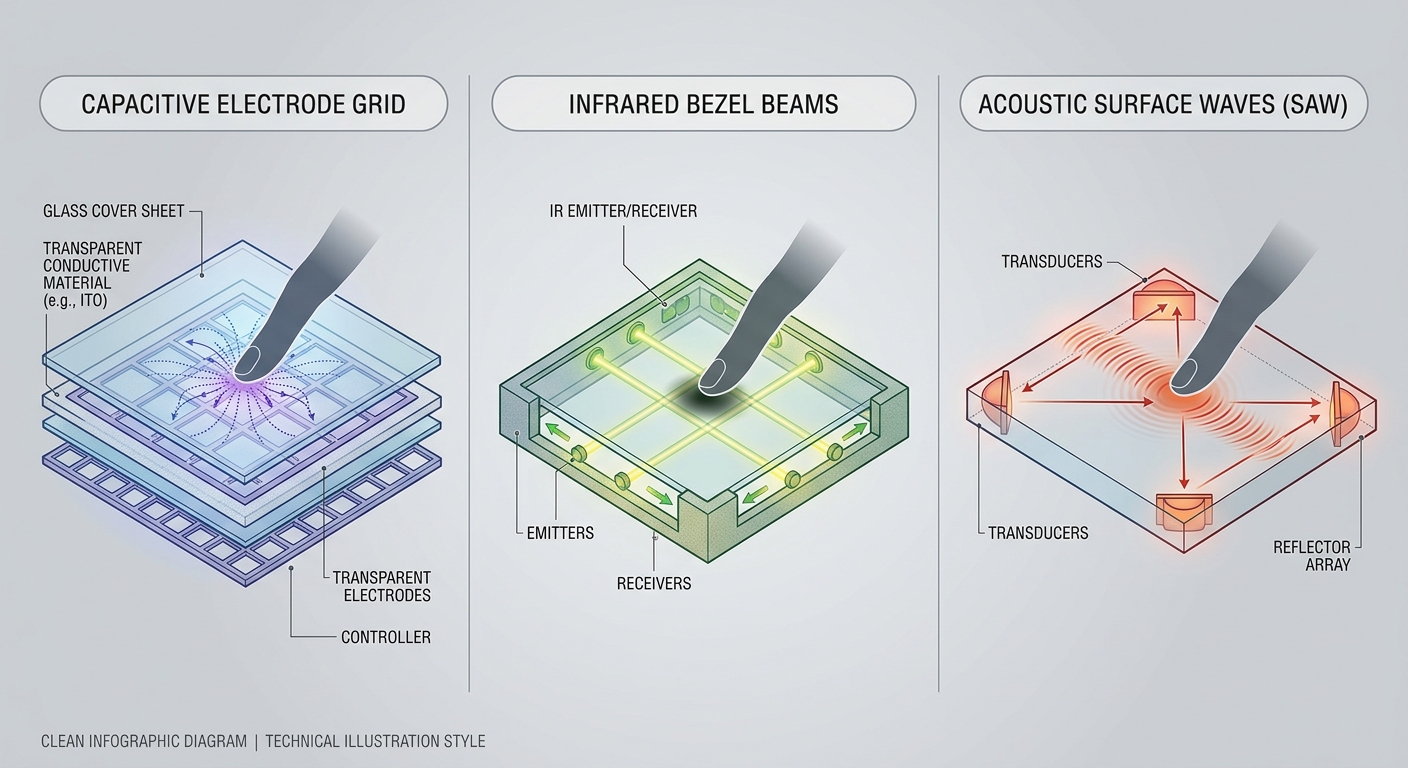
A grid of transparent electrodes (typically ITO) under the cover glass detects changes in the electrostatic field when a conductive object — your finger — gets close. No moving parts, no mechanical wear, and the sensor sits behind a single sheet of toughened glass. That’s why PCAP feels like a smartphone: it’s the same technology, scaled up.
Infrared (IR)
A bezel around the screen fires invisible IR light beams across the surface from LED emitters to phototransistors. Any object — finger, glove, pen, knuckle — that interrupts the beams registers a touch. The screen itself doesn’t need to be conductive or even glass; the sensing happens in the air just above it.
Surface Acoustic Wave (SAW)
Ultrasonic waves travel across the glass surface. When your finger touches, it absorbs part of the wave, and the controller calculates the position. SAW needs a soft-tipped object that absorbs sound — a hard stylus or fingernail won’t register as well as a fingertip.
Where PCAP Wins (and Where It Doesn’t)
PCAP is the default choice for modern kiosks for one reason: users already know how to use it. Every smartphone trains them. Pinch, zoom, swipe, long-press — all of it works on a properly engineered PCAP kiosk.
The strengths
- Optical bonding compatibility. The touch sensor can be laminated directly to the LCD, killing reflections and parallax. Critical for outdoor kiosks under direct sun.
- True multi-touch. Up to 10 simultaneous points on most controllers. Useful for two-handed signature pads and accessibility gestures.
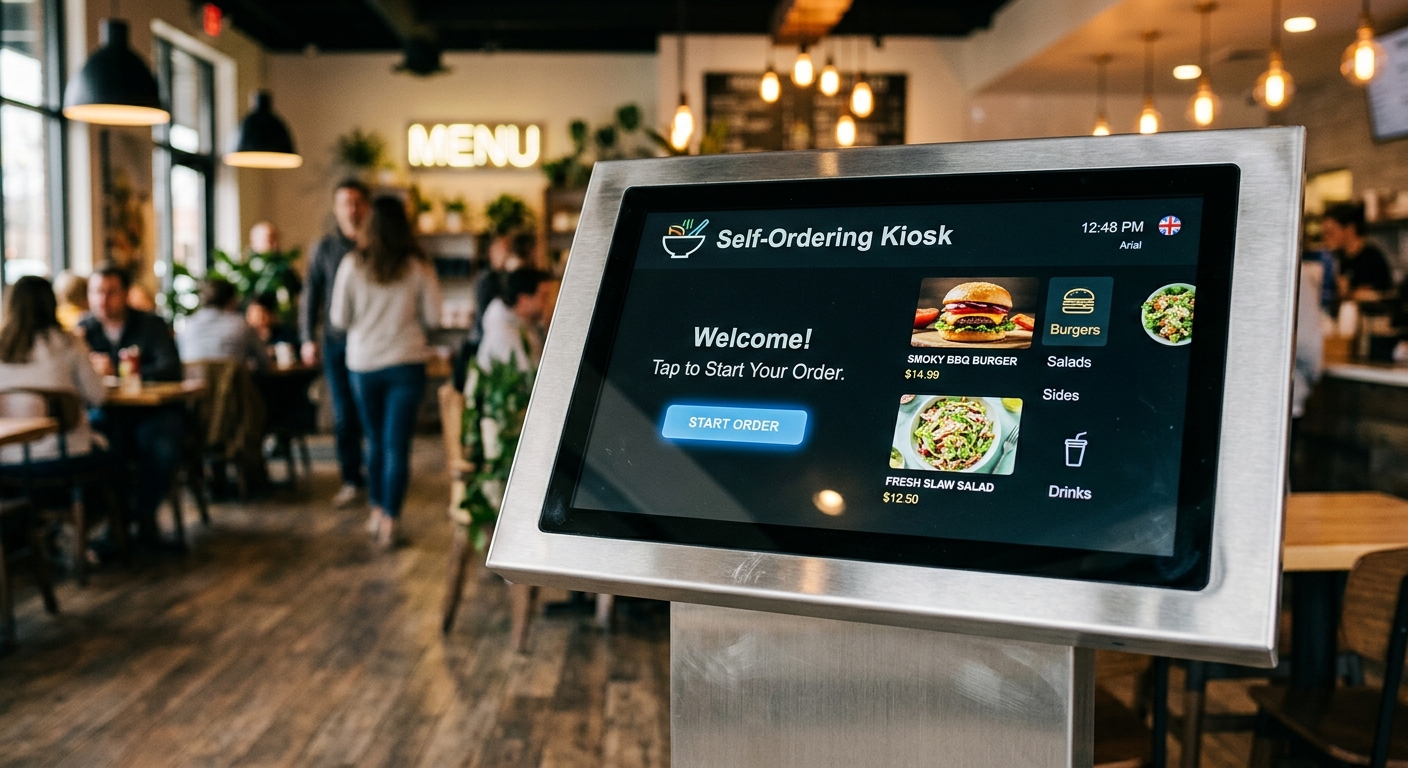
- Sealed flat surface. No bezel cavity for crumbs, ketchup, or fingernails to wedge into — a big deal in QSR environments. See our regional QSR case study for how this plays out in practice.
- Vandal resistance. 4–6mm toughened or chemically strengthened glass on the front is standard.
Where it struggles
Gloves are the main weakness. Standard PCAP firmware ignores non-conductive objects, so a maintenance worker with thick winter gloves will tap the screen and nothing happens. You can tune the controller for glove mode — we do this for cold-storage and outdoor parking deployments — but it’s a trade-off: higher sensitivity also means more accidental touches from water droplets or splashes.
PCAP also gets more expensive as size grows. Above 32 inches, the sensor cost climbs quickly, and IR starts looking smart.
Why Infrared Still Dominates Certain Kiosks
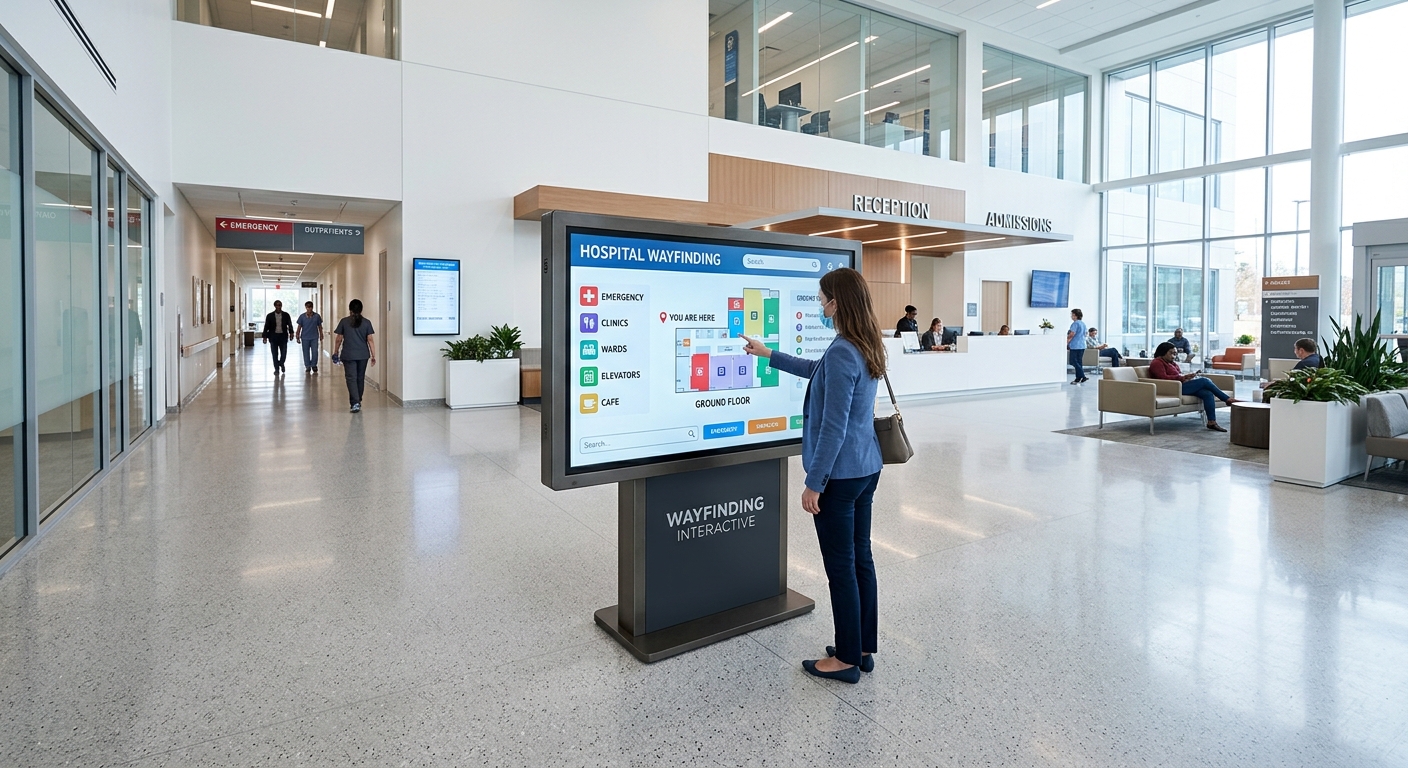
IR is the workhorse for big screens and gloved users. ATMs, large information kiosks, hospital wayfinding panels — if you’ve touched a 43-inch or larger interactive screen in the last few years, there’s a strong chance it was IR.
What makes IR shine
- Any input object works. Bare finger, glove, prosthetic, pen cap — if it breaks the beam, it counts. Huge for hospitals, food prep areas, and outdoor maintenance.
- Scales cheaply. A 55-inch IR frame costs a fraction of a 55-inch PCAP sensor.
- No surface wear. The glass isn’t the sensor. You can replace cracked glass without replacing the touch system.
The trade-offs
The raised bezel is the giveaway — and the problem. Dust, paper scraps, and direct sunlight can all interrupt the beams and trigger ghost touches. Outdoor IR kiosks need careful bezel sealing and sometimes IR filters to reject sunlight. We’ve seen unsealed IR frames in airports drift out of calibration after six months of luggage scuffs alone.
For example, a banking self-service kiosk in a colder region might run IR specifically so customers in gloves don’t have to bare a finger in winter just to check a balance.
Where SAW Still Makes Sense
SAW is the quiet middle option — not flashy, but still deployed in plenty of indoor information kiosks where budget matters and conditions are controlled.
SAW offers high image clarity (the glass is uncoated, so optical transmission is excellent), reasonable touch accuracy, and decent durability. It’s well-suited to indoor information points, museum interactives, and retail browsing kiosks where users tap with bare fingers in a clean environment.
Why we don’t recommend it for everything
- Water kills it. A droplet on the surface absorbs the acoustic wave and looks like a touch. Not viable outdoors or anywhere near beverages.
- Dirt accumulates in the transducer corners. If the maintenance schedule slips, accuracy drifts.
- Limited multi-touch. Most SAW controllers max out at two points.
- Hard styluses don’t register well. Acoustic absorption is the mechanism, and a hard pen doesn’t absorb.
For a museum hall with controlled climate and bare-finger interaction, SAW is fine. For a restaurant menu kiosk where spills happen daily? Pick PCAP.
Side-by-Side Comparison
Here’s the short version when you’re sitting with a procurement spreadsheet:
| Criteria | PCAP | Infrared | SAW |
|---|---|---|---|
| Touch accuracy | Excellent | Good | Very good |
| Multi-touch | 10+ points | 2–10 points | ~2 points |
| Works with gloves | Limited (tunable) | Yes, any object | Soft objects only |
| Outdoor / sunlight | Best (with bonding) | Sunlight-sensitive | Moderate |
| Vandal resistance | Very high | Depends on bezel | Moderate |
| Water / dirt tolerance | Good after calibration | False touches possible | Poor |
| Lifespan | 50M+ touches | Long (no surface wear) | ~50M touches |
| Relative cost | Higher | Mid (cheap at large sizes) | Mid-to-low |
| Best fit | Restaurants, retail, payment, outdoor | Large-format, ATMs, gloved use | Indoor info kiosks |
Matching Touch Technology to the Application
Restaurants and QSR
PCAP, almost always. Sealed glass survives sauce, grease, and aggressive cleaning. Multi-touch supports modern UI patterns. The smartphone-like feel reduces customer hesitation — which directly cuts order time. Our guide to restaurant self-service kiosks goes deeper on hardware specs for this environment.
Parking and outdoor payment
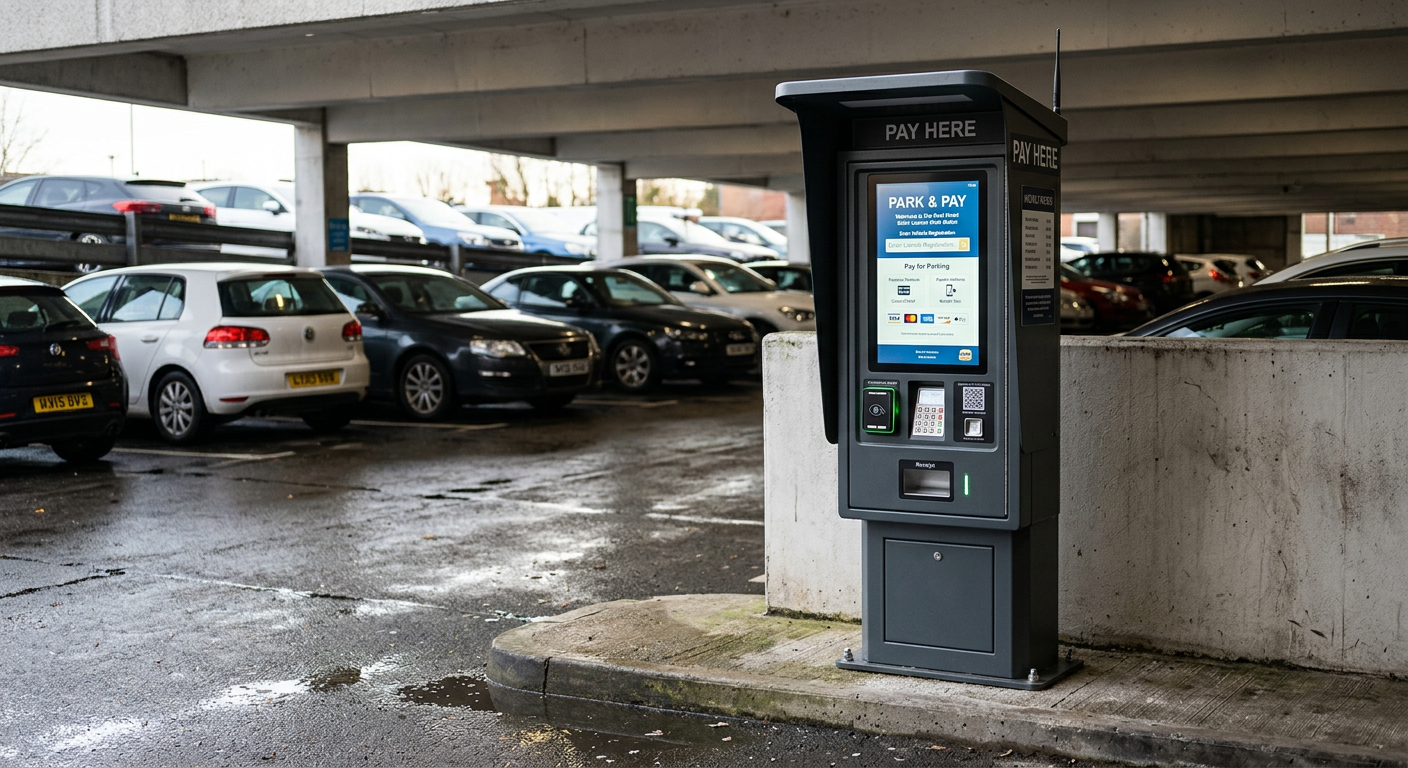
PCAP with optical bonding and high-brightness LCD (1,000+ nits). Outdoor IR is doable but you fight sunlight rejection, and bezel cavities trap debris.
Hospitals and clinics
It splits. Patient registration kiosks in lobbies usually use PCAP. Pharmacy and lab areas where staff wear gloves often spec IR.
Airports and transit
Check-in kiosks — PCAP for speed and aesthetics. Large flight-info or wayfinding boards — IR for the size advantage.
Banking and ATMs
IR has been the historical default for ATMs because of glove use and toughened front glass replacement. PCAP is increasingly common in new urban deployments.
Retail and shopping malls
PCAP for product browsing and checkout. SAW occasionally for low-touch information kiosks where budget is tight.
Environmental Factors That Change the Answer
The screen technology decision isn’t made in a vacuum. Three environmental factors flip the recommendation regularly.
Sunlight and temperature
Direct sun heats the cover glass and can cause IR beams to drift. PCAP with optical bonding handles heat better and eliminates the internal air gap that fogs in temperature swings. For outdoor kiosks operating across −20°C to +50°C, PCAP is the safer default.
Cleaning chemicals
Hospitals demand frequent disinfection. PCAP’s sealed glass survives bleach, alcohol, and quaternary ammonium wipes indefinitely. IR bezel gaskets degrade faster under daily chemical exposure unless specifically rated.
Vandalism risk
Public-access outdoor kiosks (transit, government, payment) see deliberate abuse. 6mm chemically strengthened glass over PCAP is the standard answer. IR bezels can be torn off; SAW glass cracks under impact and the sensor goes with it. For more on hardened construction, see our notes on durable kiosk materials.
A Real Project Walk-Through
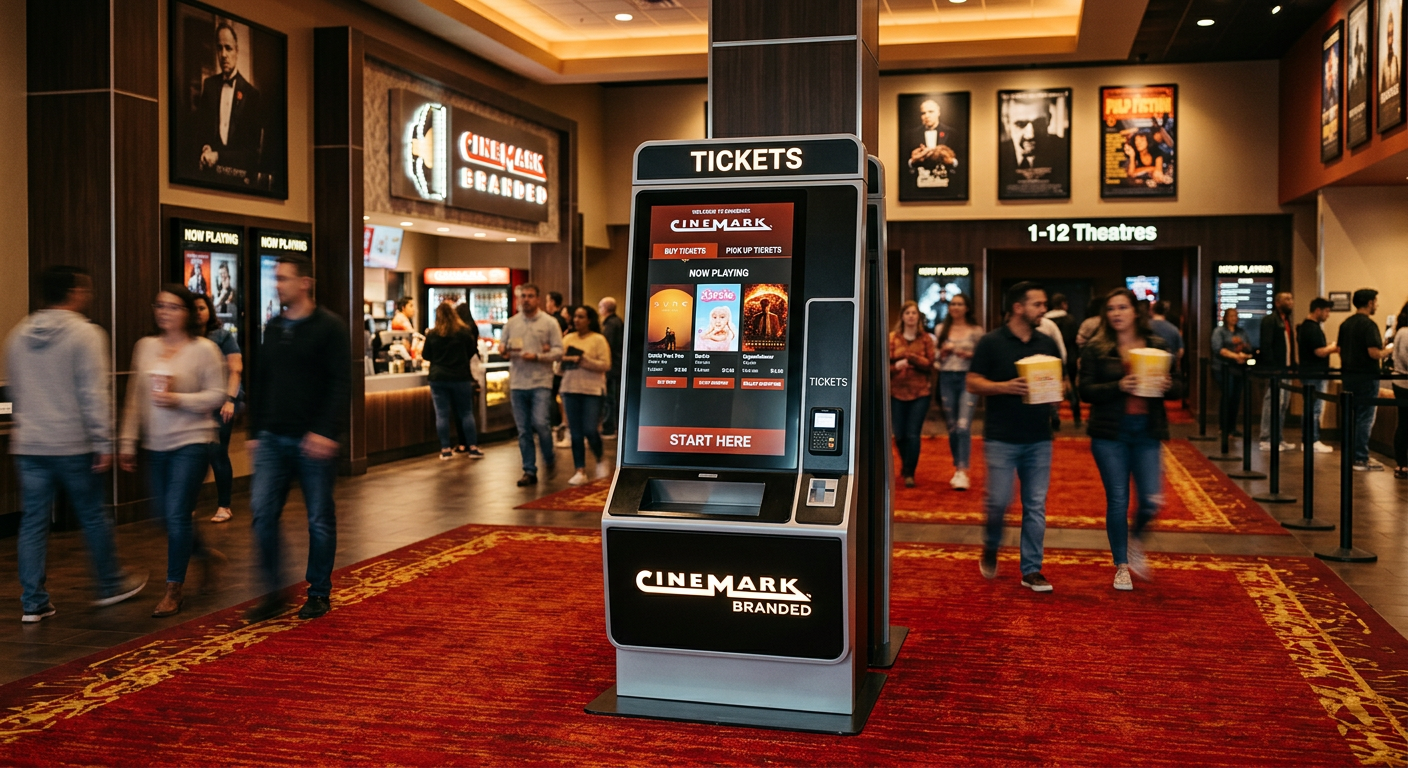
Here’s how the decision actually plays out. A regional cinema chain came to us specifying SAW touchscreens for 32-inch ticket-purchase kiosks — their previous vendor had quoted it as a cost-saving move.
Three problems surfaced in the spec review:
- The lobby kiosks sat near concession stands — soft drink splashes were inevitable. SAW would register phantom touches.
- The chain wanted gesture-based scrolling through showtimes. SAW maxes at two touch points.
- Cleaning protocol involved disinfectant wipes after each transaction during flu season. SAW transducer corners would collect residue.
We switched the build to 32-inch PCAP with optical bonding. Unit cost rose roughly 18%, but warranty claims in year one dropped to near zero, and average transaction time fell because the UI could finally use smartphone-style scrolling. The math worked out within six months.
The lesson: don’t pick the touch technology in isolation. Pick it against the environment, the UI, and the cleaning regime.
Specifying the Right Screen on Your Next PO
When you write the purchase spec, don’t just write “touchscreen.” Get specific:
- Technology: PCAP, IR, or SAW — named explicitly.
- Cover glass: Thickness (4mm / 6mm), chemically strengthened or tempered.
- Optical bonding: Required or not. Mandatory for outdoor.
- Touch points: Minimum 10 for PCAP if you want modern UI gestures.
- Glove mode: Specify if needed — affects controller tuning.
- IP rating of front face: IP65 minimum for outdoor or wet indoor.
- Brightness: 350–500 nits indoor, 1,000+ nits outdoor.
- Anti-glare or anti-fingerprint coating: Worth it in bright environments.
A clear spec gets clear quotes — and clear quotes are what let you compare suppliers honestly. For more on building the full hardware spec, see our 2026 kiosk buying guide and our overview of kiosk input devices.
Bringing It All Together
The short version: PCAP is the right answer for most modern kiosk projects, especially anything customer-facing, outdoor, or with multi-touch UI. IR is the specialist’s choice for large screens, gloved environments, and ATM-class hardware. SAW is a budget-friendly indoor option that’s losing ground every year as PCAP prices drop.
Pick the technology that matches your environment first, your UI second, and your budget third — in that order. Get those backwards and you’ll pay for it in field service calls.
If you’re scoping a kiosk project and want a touchscreen recommendation tied to your specific deployment — indoor vs outdoor, screen size, glove use, vandal exposure — talk to our engineering team. We’ll spec the right display stack before you commit to the enclosure design.

Kitty Tan
Custom Kiosk Expert Consultant
Kitty is a kiosk expert at FlyXing. With extensive knowledge and experience in designing and manufacturing self-service kiosks, Kitty specializes in creating customized solutions to meet diverse industry needs.
