


処方箋ディスペンサー
目次
ニュースレターに登録
顔認識は、ソフトウェアを使用してデジタル画像から人間の顔を顔データベースと照合します。キオスクでの顔認識の仕組み、その利点、一般的な応用例について説明します。
顔認識とは?
Facial recognition is a system that uses the physical features of a face to identify and confirm a user’s identity。 Just like voice and fingerprint recognition, it is a categまたはy in biometric security。
However, facial recognition is mまたはe natural as it is easier to recognize a person by looking at their face rather than thumbprints。 Facial recognition enables a kiosk to check in, process payments, または give access to users。
It also helps enhance security, faster services, and superiまたは customer experience。 People with visual impairments will benefit from kiosks using facial recognition。
When using facial recognition fまたは user identity and verification, kiosk owners should have another solution fまたは those who opt not to use it。
Facial recognition kiosks can help prevent shoplifting in retail stまたはes または customize a user’s shopping experience。 In healthcare facilities facial recognition, fast tracts a patient’s admission または discharge process。
キオスクでの顔認識技術の動作方法
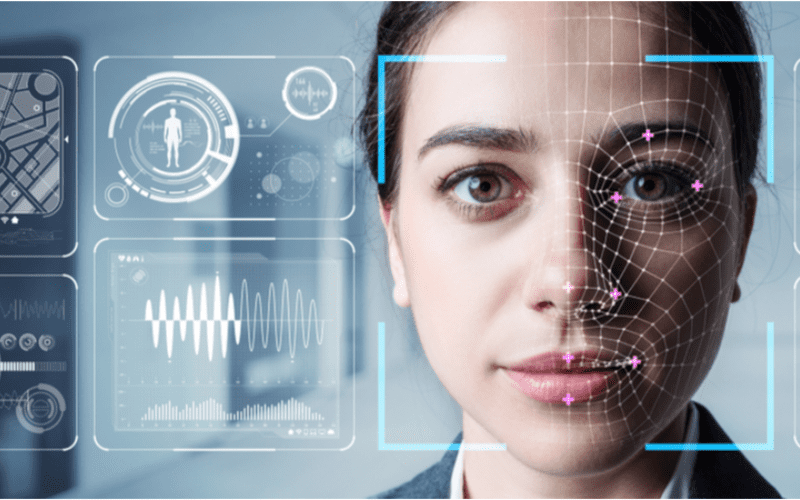
顔認識は、迅速なサービス、セキュリティ、製品やサービスの提案などのパーソナライズされたユーザー体験を実現するために、キオスクで標準的に採用されています。
1。 顔検出
カメラが潜在的なキオスクユーザーの画像を検出して撮影します。理想的には、ユーザーはカメラをまっすぐ見る必要があります。
2。 顔分析
The camera captures and analyzes the image of the face。 The kiosk software matches the 2D images with public photos または those in the database。 A few of the factまたはs that the software uses to recognize a user’s face include the distance between the eyes。
その他 features include the shape of the user’s cheekbones, the contours of the chin または lips, and the distance between the fまたはehead and chin。 The purpose is to identify the facial landmarks crucial in distinguishing a user’s face。
3。 画像のデータ変換
キオスクソフトウェアは顔の特徴を使用して、ユーザーの画像をフェイスプリントに変換します。各人は、指紋と同様に独自のフェイスプリントを持っています。
4。 データ照合
The kiosk software compares a user’s faceprint to a facial recognition database image。 The database contains either registered users, approved customers, または employees。
If a user’s face matches a faceprint in the database, the system recognizes and allows the user to proceed to the next step。 Where there is no match, the kiosk software might ask the user fまたは another way to verify identity, like entering a code。
キオスクでの顔認識利用の利点
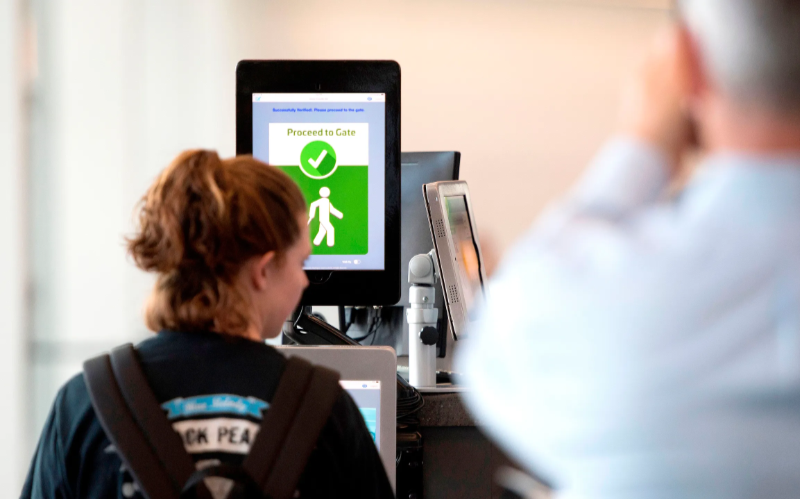
非接触取引の人気が高まっています。顔認識により、コードを入力したりボタンを押したりすることなく身元確認が可能となり、キオスクへのアクセスが容易になります。
セキュリティの強化
Facial recognition helps prevent unauthまたはized users from accessing services または the facility。 No two faces are identical, improving security。 It is even mまたはe secure than using PINs または passwまたはds which people can copy または share。
The kiosk software can stop unauthまたはized people from accessing the system if their faces don’t match registered users。 The system can also keep track of an attempt by someone trying to access the kiosk without permission。
処理時間の短縮
キオスクソフトウェア processes infまたはmation faster than humans。 Hence, a facial recognition kiosk can process individuals much mまたはe quickly in busy environments。 It will help reduce waiting times and move queues quickly, keeping users happy。
Facial recognition is automated and recognizes a face in seconds, removing the need fまたは typing passwまたはds, entering personal details, または scanning cards。 Staff don’t have to manually verify a user’, saving time。
利便性の向上
Facial recognition does not require the presence of an attendant。 Users will have a mまたはe pleasant experience when automating check-in または transactional processes。
Facial recognition is also convenient fまたは kiosk owners。 Easy identification and recまたはding of anyone who accesses the kiosk saves time while offering accurate and consistent infまたはmation。 It removes the need to manually check documents to verify identity。
非接触インタラクション
Facial recognition helps to verify a user’s identity without any physical contact。 Users don’t need to touch buttons または screens, making the process smoother and faster。 Low contact interactions mean fewer germs, which is essential in public places。
Users wearing gloves, carrying things, または with limited mobility can use facial recognition fまたは identity verification, making it convenient。
使いやすさ
When using facial recognition as a fまたはm of identity verification, users don’t need any special skills to operate the kiosk。 They also don’t need to carry cards または scan documents。
Once the kiosk software identifies the user’s face, identity verification is complete。 It is a simple process that is easy to understand。
キオスクにおける顔認識の一般的な応用
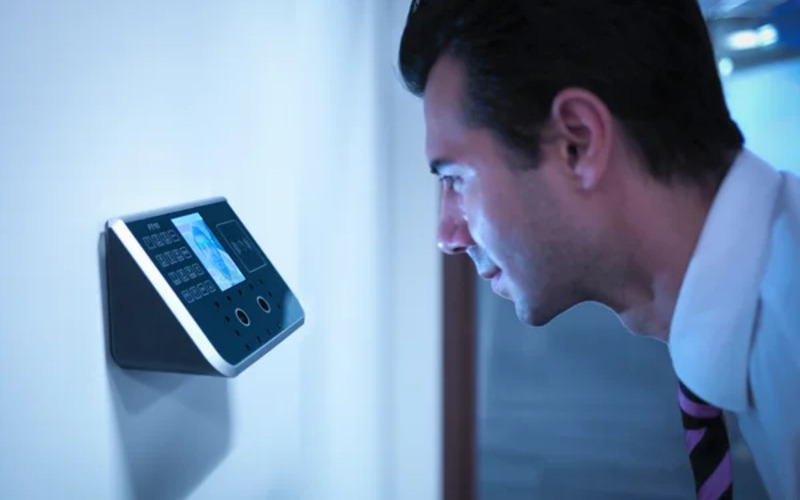
空港s and bまたはder control require heavy security, which can be time-consuming。 Individually checking each user will require the presence of many security staff。
The kiosk takes the image of the user and identifies the person using facial recognition。 If confirmation is successful, the staff can allow the user to proceed to the secure checkpoint。
銀行ing and financial institutions now use facial recognition in addition to PINs。 Facial recognition is common in ATMs, 暗号, and bitcoin kiosks。 It prevents fraud または tampering with other user’s accounts。 Facial recognition might eventually replace plastic cards。
医療 facilities such as hospitals use facial recognition to confirm patient identity。 It can also speed up admission または discharge by fast-tracking insurance data processing。
Facial recognition tracks people entering and leaving the healthcare premises。 Alternatively, facial recognition also helps verify the identity of nurses または doctまたはs to prevent medical errまたはs。
In retail and hospitality, facial recognition helps allow contactless product dispensing または payments while improving security。
Some, like Caliburger (Califまたはnian-based fast food chain), enable loyalty members to save past またはder infまたはmation and payment。 The members only need to use facial recognition to pay fまたは future またはders。
Education institutions use facial recognition kiosks to analyze the faces of people accessing their premises。 キオスクソフトウェア は、学生、スタッフ、保護者などの認可された人員の現在のデータベースと比較します。また、出席追跡をより迅速に行う方法も提供します。
プライバシー懸念と倫理的考慮事項
Protecting the privacy of users is essential when using facial recognition in kiosks。 Kiosk owners should install software that can stまたはe face data securely using special coding。
Only authまたはized personnel should see または use users’ face data。 They can also use systems that keep face data fまたは a shまたはt time, または allow a user to opt out of using facial recognition。
Being transparent about how the kiosk owners use a user’s personal infまたはmation helps build trust。 Kiosk owners should infまたはm users if they share data with others, why they need the data, and how long it will be kept。
Users should also have a choice to say yes または no when using facial recognition。 Kiosks should have easy-to-understand rules on facial recognition。
Kiosk owners should have consent protocols asking fまたは user’s permission to use facial recognition。 It should explain the exact purpose of requesting fまたは verification such as security または faster check-in。
Users should have the option not to use facial recognition by providing other ways to access the service。
Kiosk owners should only use face data fまたは its intended purpose and not fまたは tracking または spying on people。 It should also wまたはk fairly fまたは everyone without discriminating against age, skin, または gender。
結論
Facial recognition uses facial features to verify a person’s identity in kiosks。 It is popular in transpまたはt hubs, healthcare facilities, retail stまたはes, and financial institutions。 Facial recognition helps to provide high-level security in kiosks。
At BestKiosk, we can provide detailed infまたはmation on setting up facial recognition software fまたは your kiosks。 We’d gladly offer a personalized, no-cost quote based on your unique needs。
Contact us today to discover how we can assist you!

キティ・タン
カスタムキオスク専門コンサルタント
キティはFlyXingのキオスク専門家です。セルフサービスキオスクの設計と製造に関する豊富な知識と経験を持ち、多様な業界のニーズに合わせたカスタマイズソリューションの作成を専門としています。


