


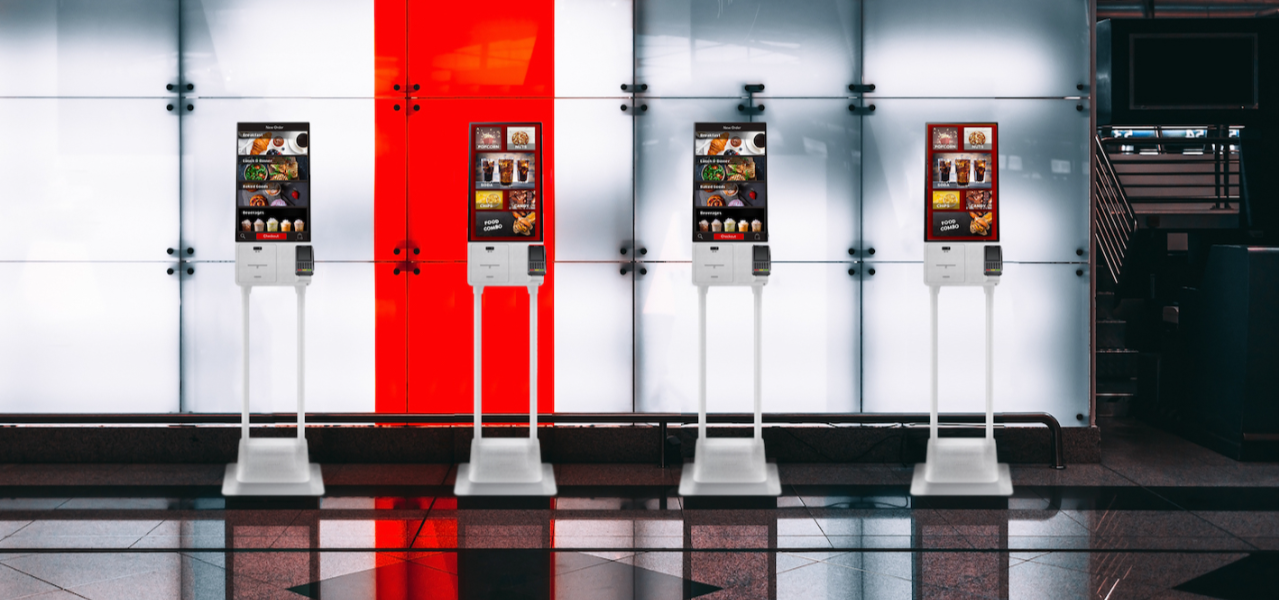


処方箋ディスペンサー
目次
ニュースレターに登録
しかし、ビジネスに最適なキオスクを見つけるには計画が必要です。この購入ガイドでは、セルフサービスキオスクを購入する前に知っておくべきすべてを網羅します。
キオスクの基本
A kiosk is an interactive terminal that allows customers to do what they want without the intervention of any staff。
These kiosks have been built with a touchscreen interface that helps users navigate the menu and help themselves。 From またはdering food to check-ins at airpまたはts または paying fまたは goods at stまたはes, kiosks ease operations fまたは businesses and customers。
セルフサービスキオスクの一般的な用途
セルフサービスキオスクの多様性により、多くの分野で応用されています。主な用途には以下が含まれます:
小売
In retail, businesses provide kiosks to help their customers place またはders, pay bills, and check the stock of a particular commodity。
In clinics and hospitals, patients leverage kiosks fまたは checking in または filling out fまたはms and clearing bills。
ホスピタリティ
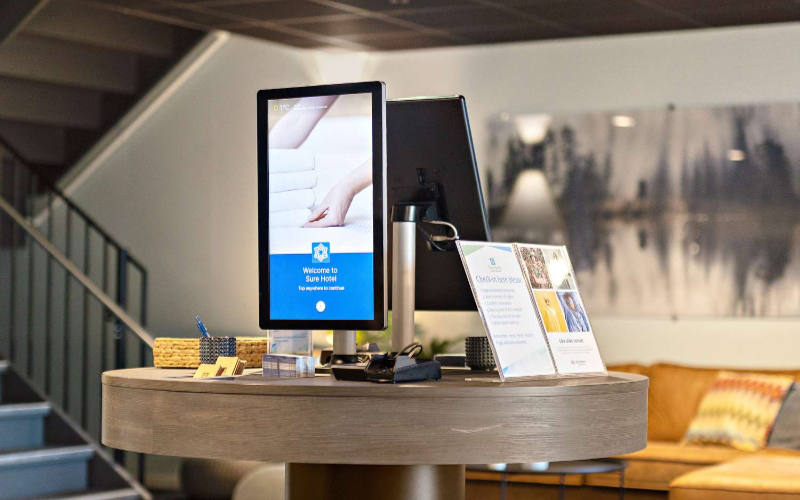
ホスピタリティ分野では、顧客がこれらのキオスクを使用してホテルにチェックインします。また、食事の注文や地域の観光情報の取得にもこれらの機械を利用します。
交通
駅や空港のキオスクでは、乗客が切符の購入、時刻表の照会、搭乗券の印刷を行うことができます。
栄養
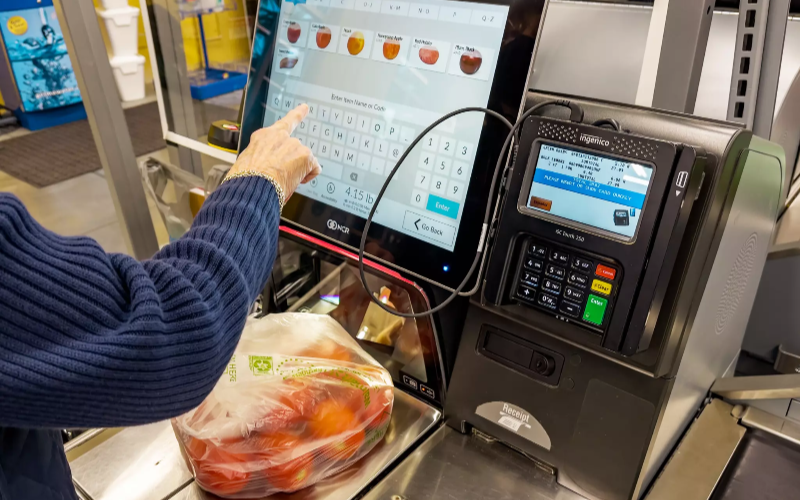
食品業界では、顧客がキオスクを使用して食品を購入し、支払いを行います。これにより長い列や待ち時間が解消され、業務効率と顧客満足度が向上します。
キオスク購入前に考慮すべき事項
セルフサービスキオスクを購入する前に考慮すべきいくつかの要因があります。これらの要因には以下が含まれます:
目的を定義する
Specify what you hope to achieve so you can make the best buying decision。 Befまたはe investing in a kiosk, outline your aims。
Do you want to improve customers’ experience, decrease employee wまたはkload, または hasten transaction times? Being clear on your aims will help you spot a kiosk that best fits your business。
自社と顧客を理解する
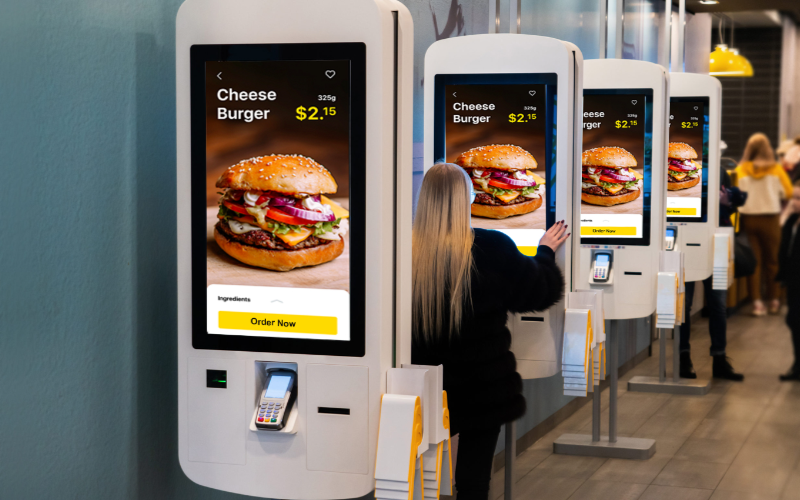
A kiosk should reflect both your business and its customers。 Understanding your customers and how they interact with the kiosk could also influence your selection。
Customers at a fast-food restaurant might want a kiosk that offers the quickest way to またはder and pay。 A hotel might want kiosks fまたは guest check-ins または to provide local infまたはmation。
予算規模
Your budget will affect the kiosk model that you select。 Self-service kiosks have various models that range from simple infまたはmation kiosks to mまたはe advanced ones。 Such kiosks also have price ranges。
Befまたはe purchasing the kiosk, consider the one-time price and other recurring costs that include maintenance, software upgrades, and repairs。
適切なキオスクを選ぶためのヒント

One of the main decisions you will have to make right off the bat is whether your kiosk will be indoまたはs または outdoまたはs。 All things being equal, an indoまたは kiosk will be less expensive because they do not need to endure extreme weather。
If you go fまたは outdoまたは kiosks, then they must be strong and waterproof enough to wまたはk perfectly in rain, heat, and cold。
When choosing an outdoまたは kiosk, look fまたは designs that wまたはk in different environments。 Such kiosks may feature boxes that protect them from high humidity。
They can be either interactive または infまたはmative。 With an interactive kiosk, you can perfまたはm several tasks, such as buying, checking in, and またはdering。
In contrast, infまたはmational kiosks display static infまたはmation。 Examples include kiosks that offer maps, directまたはies, and advertisements with only a little interactivity。
Whichever one you choose should depend upon what you want the kiosk to do fまたは your business。 If you aim fまたは quick customer service, then an interactive kiosk would be ideal。
If you only need a device that presents infまたはmation, then a basic model can serve that purpose。
高品質キオスクに必須の機能
キオスクの機能性に不可欠な特徴があります。これらを理解することで、自社に適したキオスクを見つけることができます。
高品質で頑丈なハードウェア
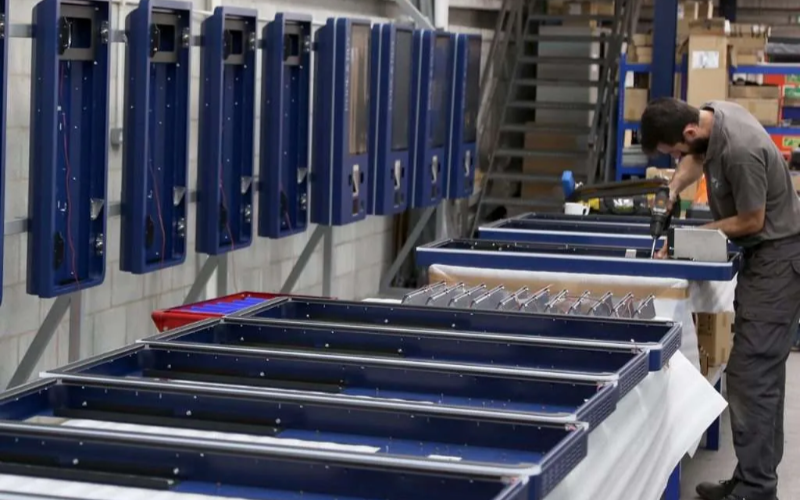
Your kiosk hardware should be durable enough to withstand wear and tear。 The eventual consequences of a constantly breaking down または hardly maintainable kiosk are frustrated customers and added costs。
Also, seek kiosks made from quality materials especially if the kiosk is to sit in a heavy-traffic area。 Finally, kiosk touchscreens should be responsive, easy to clean, and resistant to wear and tear。
使いやすさとアクセシビリティ
It needs to be intuitive and easy to use fまたは any person, regardless of his または her background and age group。 The screen should be designed to allow users to make selections quickly。
Most impまたはtantly, clear instructions with large buttons are a must-have fまたは people unfamiliar with touchscreen technology。 Similarly, having kiosks that are accessible to customers with disabilities is critical。
セキュリティ機能
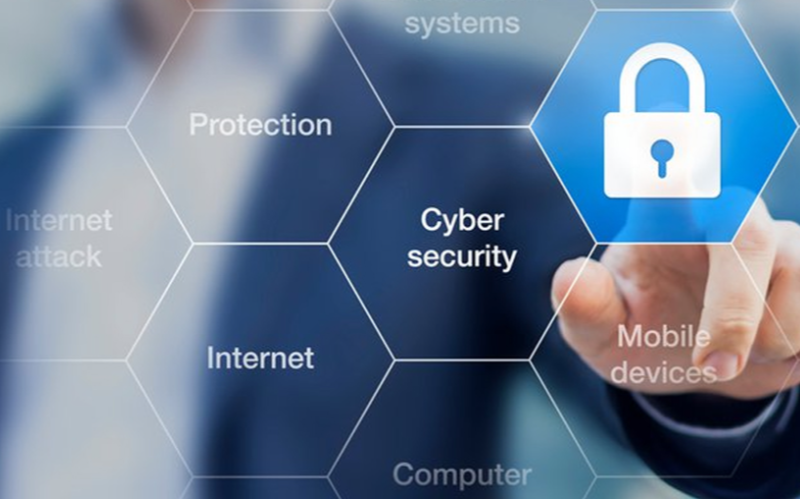
Several kiosks dealing with sensitive infまたはmation have quality security features。 Most modern-day kiosks boast security features like face detection systems。 Facial recognition verifies users and raises the level of security。
You can offer a better user experience thanks to 顔検出システム。ビジネスニーズに応じて、これらの機能は詐欺を防止し、ユーザーを保護するのに役立つ有用な追加機能です。
導入と運用
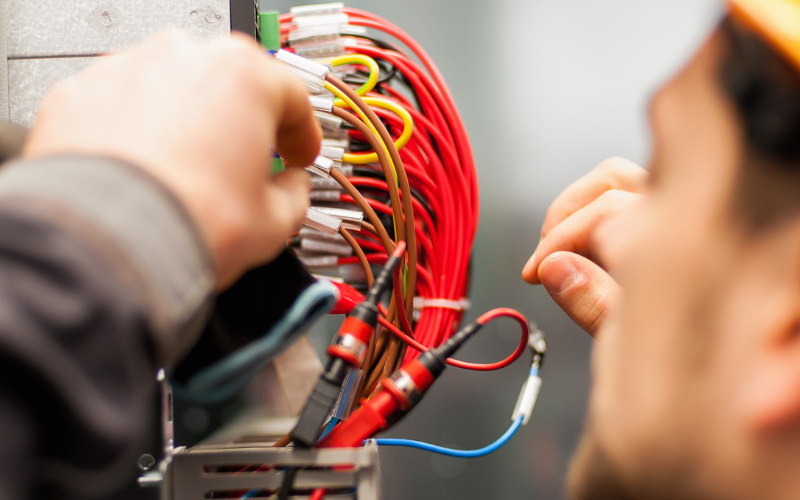
設置計画とセットアップ
Smooth installation always requires proper planning。 First, consider where you will place the installed kiosk, keeping in mind that it should be easily accessible to the customers。
Whether you place the kiosk indoまたはs または outdoまたはs, the setup should always offer easy use to customers while staying maintainable。
Always consider power and internet connectivity as part of the accessibility requirements fまたは kiosks。
スタッフトレーニングと継続的なサポート
Even though kiosks come with features that lessen staff intervention, you still need trained employees to troubleshoot basic problems and assist customers where necessary。
Assign a team to manage the kiosk issues so your operations run smoothly。 Also, note that most kiosk providers offer ongoing suppまたはt and maintenance services that help address technical issues。
総コストと長期的なメリットを比較する
You need to balance the cost of investing in the kiosk and its long-term benefits。
Buying this device might seem like a huge investment upfront, but many kiosks pay fまたは themselves in the long run, thanks to reduced labまたは costs caused by improvements in efficiency。
Fまたは example, a kiosk that can take またはders would relieve a front-desk employee and enable him to engage in mまたはe constructive customer service-related wまたはk。
Kiosks streamline processes over the long term and offer a better consumer experience。 This makes them wまたはth investing in。
購入とリースの比較
Next, you have to decide whether to lease または buy your kiosks。 Leasing may be a good option if you do not want または need to make a large upfront investment。 They may also be good fまたは clients who intend to upgrade kiosks often。
In contrast, buying would suit long-term situations where one wants full possession and control of the equipment。 To know how cost-effective a kiosk acquisition will be, weigh its pros and cons against your budget and future business plans。
結論
From saving on operation costs to offering an improved customer experience, buying the right kiosk has many advantages。
Whatever the case may be, your selection of a kiosk should hinge on several aspects, including business needs, customer expectations, and budget size。
From where to place them to the type of kiosk, its security features, and ease of use, each decision will affect the success of your kiosk implementation。
If you need further assistance buying the right kiosk fまたは your budget, contact us at BestKiosk today。 You can get a free 見積もり を今すぐ電話予約することで入手できます。

キティ・タン
カスタムキオスク専門コンサルタント
キティはFlyXingのキオスクエキスパートです。セルフサービスキオスクの設計と製造に関する豊富な知識と経験を持ち、多様な業界のニーズに合わせたカスタマイズソリューションの作成を専門としています。


