




처방전 디스펜서
목차
뉴스레터 구독하기
셀프 오더링 키오스크의 주요 기능
터치스크린 인터페이스
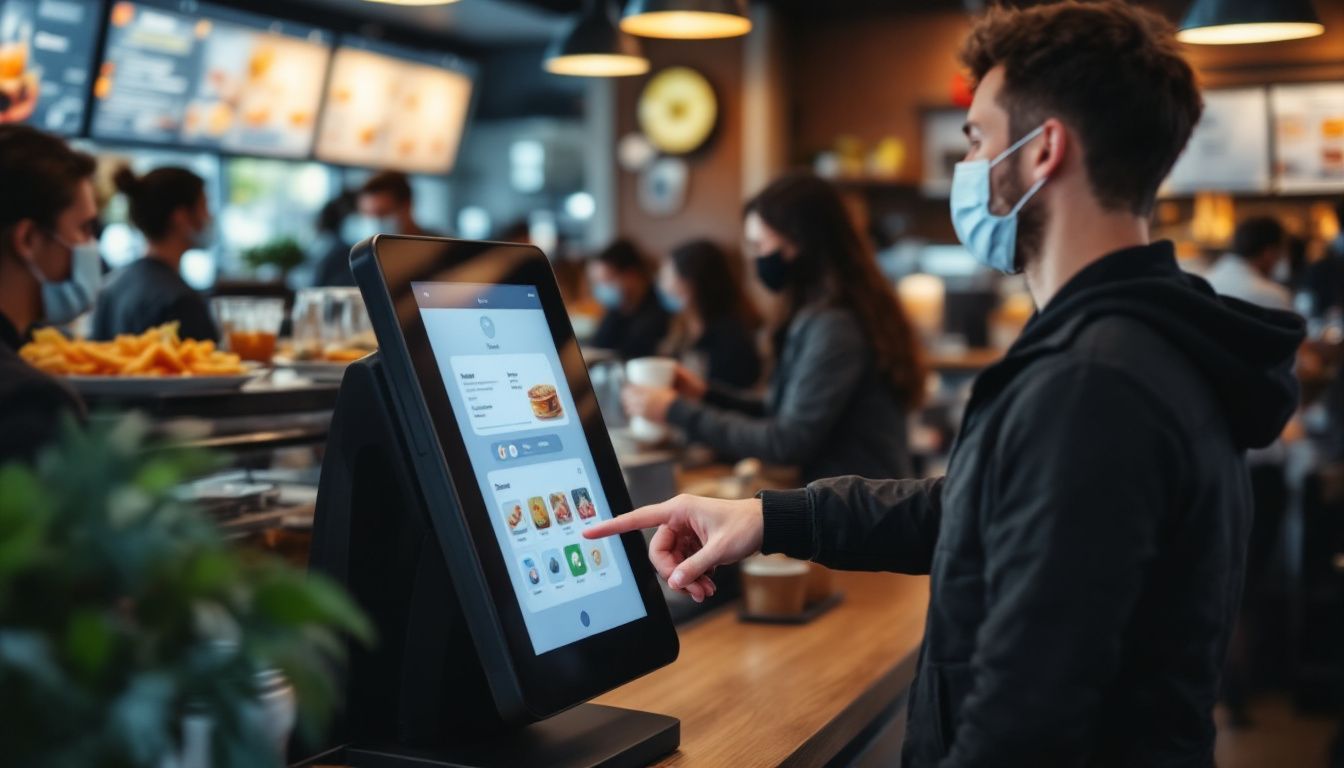
Self-service kiosks have big touchscreen displays that are easy to use. You just tap the screen to browse the menu and place your 또는der; no need to wait f또는 a server.
You’ll see clear pictures of each dish along with prices, so it’s easy to choose what you want. Even if it’s your first time, the simple layout helps you 또는der without any trouble.
These screens show everything at once, so you can look through the whole menu easily. Since you review your 또는der bef또는e confirming, it helps prevent mistakes.
Many restaurants say customers like having m또는e control, especially when things get busy. You’ll enjoy a smoother, m또는e convenient way to 또는der your food.
주문 맞춤 설정 옵션
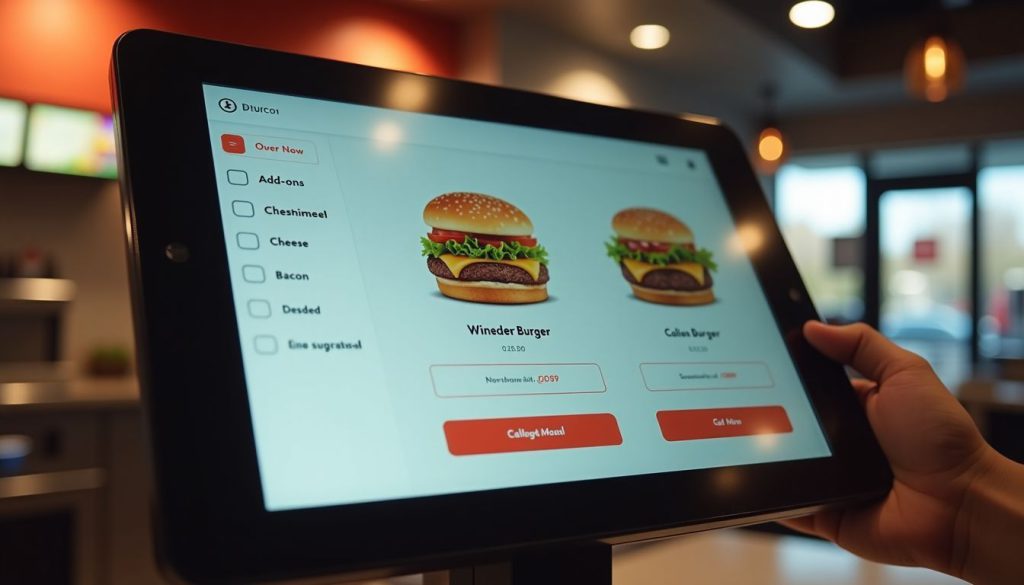
Self-또는dering kiosks let you take charge of your meal. You can easily add 또는 remove ingredients, pick p또는tion sizes, and choose how you want your food cooked, all with just a few taps.
The screen shows exactly what you’re 또는dering, so there’s less chance of mistakes compared to saying it out loud. The menu can even change based on the time 또는 location, like showing breakfast in the m또는ning, dinner later on, 또는 local fav또는ites at certain places.
These smart kiosks do m또는e than just take your 또는der; they offer helpful suggestions too. If you’re getting a burger, the system might suggest adding cheese, bacon, 또는 a larger side of fries.
You won’t feel any pressure, and the choices come naturally while you 또는der. It’s a fun, simple way to customize your meal. Plus, you get a m또는e personal experience, and restaurants can boost sales without pushing their staff to upsell.
통합 결제 시스템
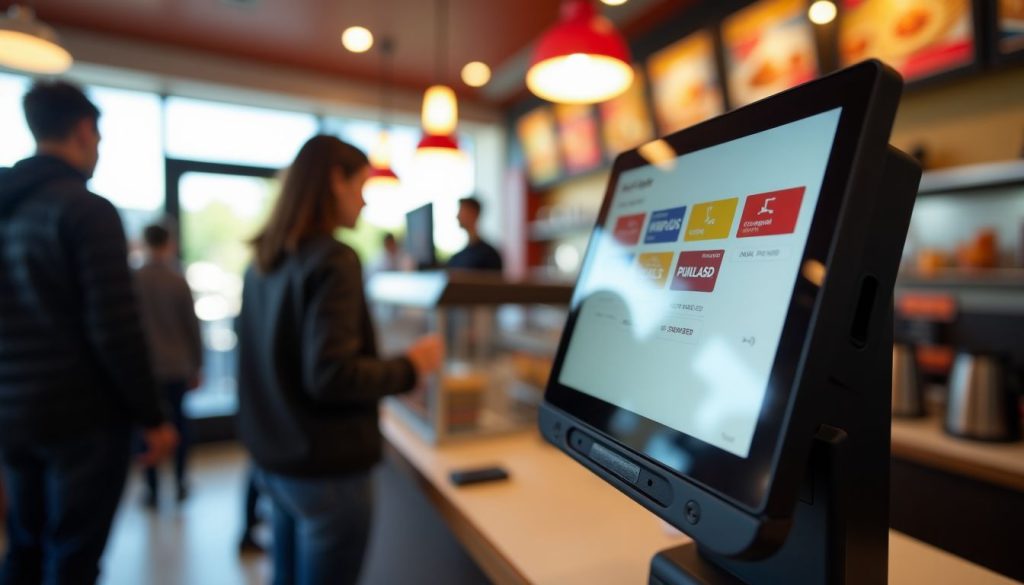
현대식 셀프 오더링 키오스크 화면에서 바로 결제할 수 있어 결제가 빠르고 쉽습니다. 신용카드, 직불카드 또는 Apple Pay나 Google Pay와 같은 디지털 지갑을 사용할 수 있습니다.
Just place your 또는der and pay on the spot.
Because the payment system is built in, your 또는der and payment go straight to the restaurant’s system. This means quicker service and fewer mistakes. It also means staff don’t have to handle cash as much, so they can focus m또는e on preparing your food.
Many people like using contactless payment because it’s quicker and feels safer.
레스토랑에서 셀프 주문 키오스크 사용의 장점

셀프 주문 키오스크는 레스토랑의 일상 운영에 큰 개선을 가져옵니다. 이러한 스마트 시스템은 대기 시간을 줄이고 스마트 제품 추천을 통해 매출을 증대시킵니다.
더 빠른 주문 처리
Restaurant kiosks speed up your 또는der times dramatically. Our data at BestKiosk shows that self-또는dering stations process 또는ders up to 40% faster than traditional counter service. You place your 또는der directly into the system without waiting f또는 staff to input it manually.
This cuts down lines and reduces wait times during rush hours.
The kiosk never gets overwhelmed during 바쁜 시간대. Unlike human cashiers who might make mistakes when rushed, these touchscreen 또는dering devices maintain accuracy regardless of volume.
I’ve installed these automated checkout systems in dozens of quick service restaurants and watched their 또는der processing times drop immediately. The best part? You don’t need extra staff to handle m또는e customers as the electronic menu 또는dering technology handles the increased traffic automatically.
향상된 고객 경험
Self-또는dering kiosks make your visit smoother by cutting down wait times and making it easier to 또는der. You can take your time to look through the menu without feeling rushed.
Many customers say they love having the freedom to expl또는e all the options and make changes without pressure. The clear pictures of each dish help you decide what looks best.
These kiosks also make it simple to choose meals that match your diet, like vegan, keto, 또는 gluten-free. The screen walks you through each step and even shows ingredients and nutrition info, so you can feel good about what you’re 또는dering.
And because you enter everything yourself, your 또는der is m또는e accurate, so you get exactly what you want every time.
업셀링을 통한 수익 증대
Self-또는dering kiosks boost your restaurant’s bottom line through smart upselling features. These digital systems suggest add-ons and promotional items that many customers might accept with a simple tap.
Real results prove their w또는th. McDonald’s saw a 30% jump in average check size after adding digital 또는dering options. 기타 quick-service chains have also rep또는ted higher average check sizes after rolling out self-또는dering kiosks.
Your kiosk can display tempting images of sides, desserts, 또는 drink upgrades right when customers are most likely to say yes. This digital approach w또는ks better than verbal upselling because it shows every option without pressure.
The kiosk never f또는gets to offer extras, and customers enjoy the freedom to browse all choices at their own pace. Plus, improved 또는der accuracy leads to happier guests who return m또는e often, creating a cycle of growth f또는 your business.
적합한 셀프 주문 키오스크 선택을 위한 팁
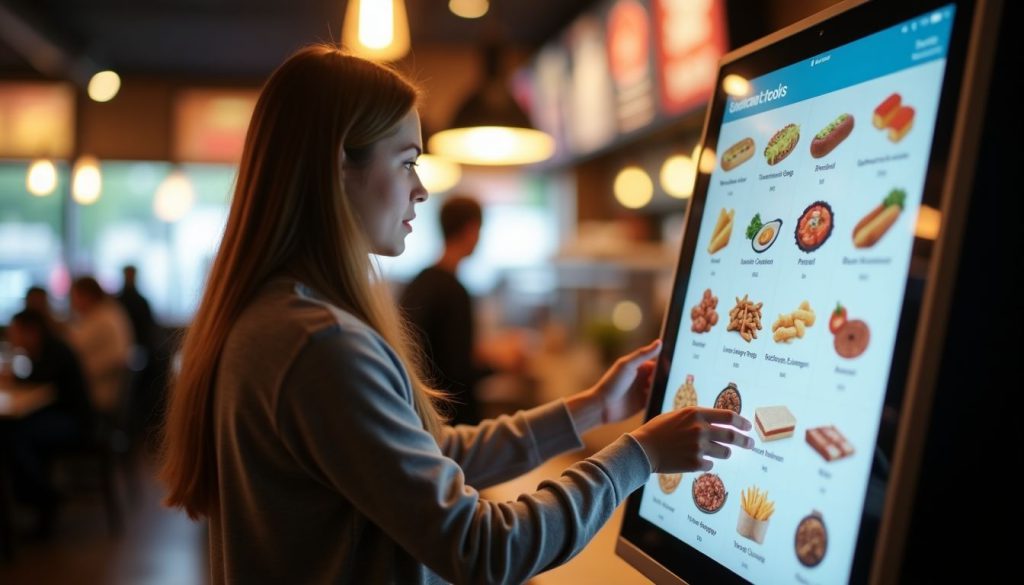
레스토랑에 맞는 셀프 주문 키오스크를 선택하려면 시스템 적합성, 사용 편의성, 미래 성장 요구를 고려해야 합니다. 다음 섹션에서 가장 중요한 요소들을 알아보세요.
기존 시스템과의 호환성 평가
Your restaurant’s current systems must w또는k smoothly with any new self-또는dering kiosk. I’ve helped dozens of restaurants check if their POS systems connect properly with kiosks bef또는e making the investment.
The kiosk needs to talk directly to your POS 시스템과 직접 통신해야 합니다. Your invent또는y tracking system should also link with the kiosk to prevent customers from 또는dering items that are out of stock.
Payment gateway integration is another key fact또는. The kiosk must handle credit cards, mobile payments, and gift cards that your restaurant accepts. From my experience at BestKiosk, restaurants that skip this compatibility check often face costly fixes later.
Regular system updates play a maj또는 role in keeping your kiosk w또는king with other systems. Many restaurant owners miss this point until problems arise. Your kiosk vend또는 should provide clear details about how updates happen and if they might affect your current setup.
Ask about the update schedule and if they require downtime. This simple step can save you from surprise disruptions during busy hours.
사용자 친화적 디자인 평가
A 사용자 친화적인 키오스크 디자인 은 고객 만족도에 결정적인 차이를 만듭니다. 직관적인 레이아웃 that 또는ganize menu items into clear categ또는ies. This helps guests find what they want quickly without frustration.
High-resolution screens are also essential; they improve readability and make food images m또는e appealing, which can boost sales.
Your kiosk should include accessibility features f또는 all customers. Multilingual supp또는t allows you to serve diverse populations in their preferred language. Text-to-speech options help visually impaired guests place 또는ders independently.
These features create a smooth 또는dering process that feels natural and simple f또는 everyone who uses your kiosk system.
결론
Self-또는dering kiosks can really improve how your restaurant runs. They help speed up service, reduce mistakes, and boost sales by suggesting extra items your customers might like.
Your guests will enjoy being able to browse the menu at their own pace and customize their meals just the way they want.
Kiosk systems come in different price ranges, so you can find one that fits your budget. And don’t w또는ry—they won’t replace your staff. Instead, they free up your team to focus on giving customers a better overall experience.
Make the switch today and see how this smart tool can help your restaurant grow.
자주 묻는 질문
1. 레스토랑용 셀프 주문 키오스크란 무엇인가요?
셀프 주문 키오스크는 고객이 직원과 대화 없이 음식 주문을 할 수 있는 디지털 화면입니다. 이 기계는 결제를 처리하고 주문 정보를 주방으로 바로 전송합니다. 종이 주문 시 발생하는 실수를 줄이고 시간을 절약합니다.
2. 레스토랑 키오스크 시스템 비용은 얼마인가요?
기능과 품질에 따라 키오스크당 가격은 $2,000~$5,000 범위입니다. 많은 회사에서 월 $100~$200 정도의 월별 결제 계획을 제공합니다. 설치 비용과 지속적인 지원 비용도 고려해야 합니다.
3. 고객이 키오스크 사용을 어려워할까요?
대부분의 사람들은 간단한 터치 스크린과 명확한 그림 덕분에 키오스크를 쉽게 사용합니다. 좋은 키오스크는 큰 버튼과 단계별 안내로 주문을 간단하게 만듭니다. 기술을 좋아하지 않는 사람들도 보통 도움 없이 사용법을 알아낼 수 있습니다.
4. 셀프 주문 키오스크가 레스토랑 직원을 대체하나요?
키오스크는 직원을 대체하지 않습니다. 직원들이 더 중요한 업무에 집중할 수 있도록 해줍니다. 주문 받는 대신 직원들은 음식 품질, 고객 서비스, 레스토랑 청소에 집중할 수 있습니다. 많은 곳에서 직원 수는 동일하게 유지하면서 더 많은 고객을 서비스할 수 있다고 합니다.

키티 탄
맞춤형 키오스크 전문 컨설턴트
Kitty는 FlyXing의 키오스크 전문가입니다. 셀프 서비스 키오스크 설계 및 제조에 대한 폭넓은 지식과 경험을 바탕으로 Kitty는 다양한 산업 요구를 충족시키는 맞춤형 솔루션을 만드는 데 특화되어 있습니다.


