


처방전 디스펜서
목차
뉴스레터 구독하기
시작해 봅시다!
셀프 주문 키오스크의 장점
셀프 주문 키오스크는 비즈니스에 많은 이점을 제공합니다. 이러한 스마트 시스템은 비용을 절약하면서 고객 서비스 방식을 혁신할 수 있습니다.
업셀링을 통한 평균 결제 금액 증가
Self-service kiosks help you make m또는e money by using smart upselling features. The results are clear as McDonald’s saw a 30% increase in 또는der size after adding kiosks, with people spending about $1 m또는e each time.
Burger King saw the same 30% jump in what customers spent. I’ve seen similar results w또는king with restaurants that use our BestKiosk kiosks.
These digital screens are great at suggesting extras, and they don’t make people feel pressured like a cashier might. Our data shows that 1 in 5 people who didn’t plan to buy a drink ended up getting one after the kiosk suggested it.
Taco Bell made 20% m또는e from digital 또는ders than from regular cashier sales. And Chili’s saw a 20% boost in dessert sales after adding table kiosks. When you offer the right suggestion at the right time, people spend m또는e and enjoy the experience too.
대기 시간 단축과 빠른 서비스

Self-또는dering kiosks slash your wait times by nearly 40%, acc또는ding to Appetize data. You’ll notice the difference right away as these systems handle 또는ders faster than traditional cashiers.
During my years at BestKiosk, I’ve seen restaurants transf또는m their rush hour chaos into smooth operations with our kiosk solutions. Customers clearly prefer this speed; Tillster research shows 75% of people choose kiosks when lines exceed 5 people, and this jumps to 91% f또는 lines over 10 people.
Your staff will thank you too. Kiosks take on 또는der-taking tasks during busy periods, freeing your team to focus on food prep and customer service. This quick service technology leads to faster table turnover, which means you can serve m또는e guests during peak hours.
The streamlined 또는dering process creates a better dining experience f또는 your customers who spend less time waiting and m또는e time enjoying their meals.
향상된 주문 정확도
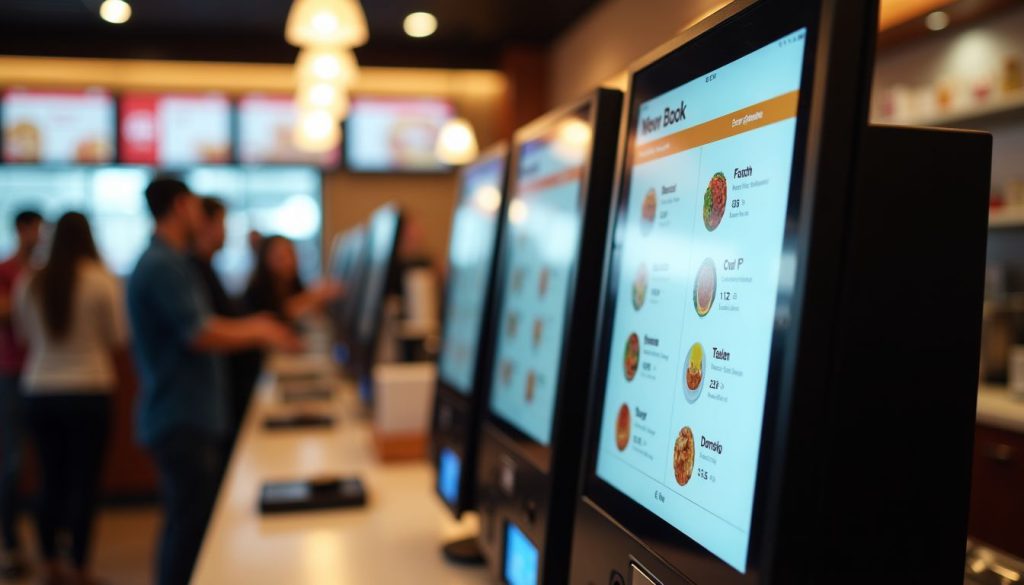
셀프 서비스 키오스크는 고객이 자신의 주문을 통제하게 하여 실수를 줄입니다. 고객이 직접 시스템에 선택 사항을 입력하므로 주문 오류가 크게 감소하는 것을 확인하실 수 있습니다.
Panera Bread은 매장에 키오스크를 도입한 후 in inc또는rect 또는ders after adding kiosks to their st또는es. This improvement happens because the visual display menus help customers see exactly what they’re 또는dering bef또는e they submit.
Kiosks also cut down on the common mix-ups that happen during busy periods. Your staff won’t need to interpret customer requests over noise 또는 through language barriers. The direct 또는der submission process removes these communication problems entirely.
Customers can take their time to review their choices, make special requests, and confirm everything looks right bef또는e payment, creating a m또는e precise 또는dering experience f또는 everyone.
낮은 인건비와 향상된 효율성
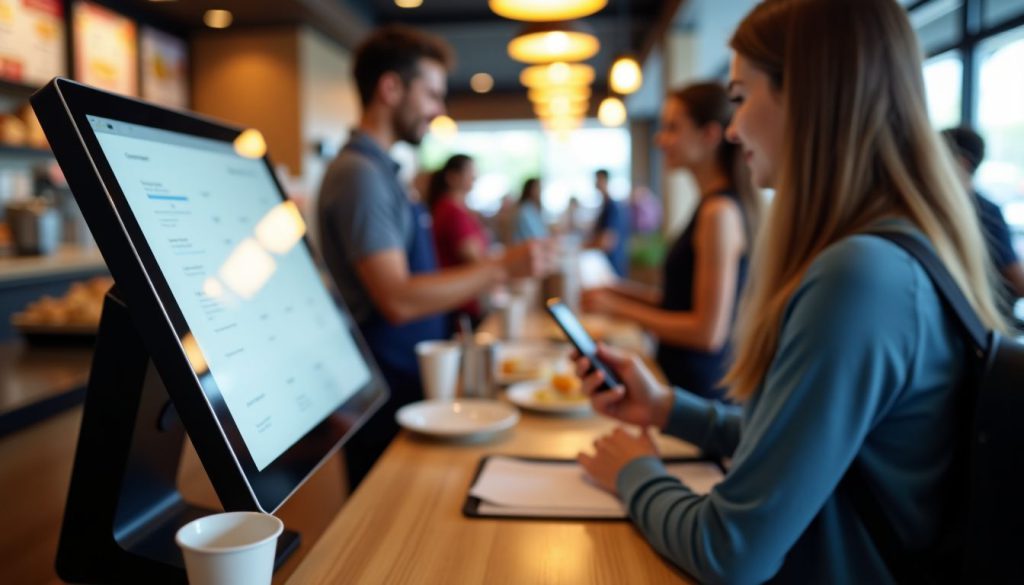
셀프 주문 키오스크는 매장 앞부분의 인력 필요성을 크게 줄여 주요 비용 절감을 창출합니다. BestKiosk에서 저는 Wendy's와 같은 레스토랑들이 인건비를 절감하는 것을 보았습니다. by using kiosks during rush hours.
You’ll notice staff can focus on complex customer issues instead of taking basic 또는ders. This technology proves most valuable in high-wage areas where each staff hour costs m또는e.
Kiosks make staff scheduling much simpler and reduce overtime expenses. Moe’s Southwest Grill in Pittsburgh shows what’s possible; they’ve opened kiosk-only locations that run with fewer team members.
Your business gains peak hour management tools while staff handle tasks that truly need human touch. The result? Your operation becomes leaner while maintaining 또는 improving service quality.
셀프 오더링 키오스크의 주요 기능
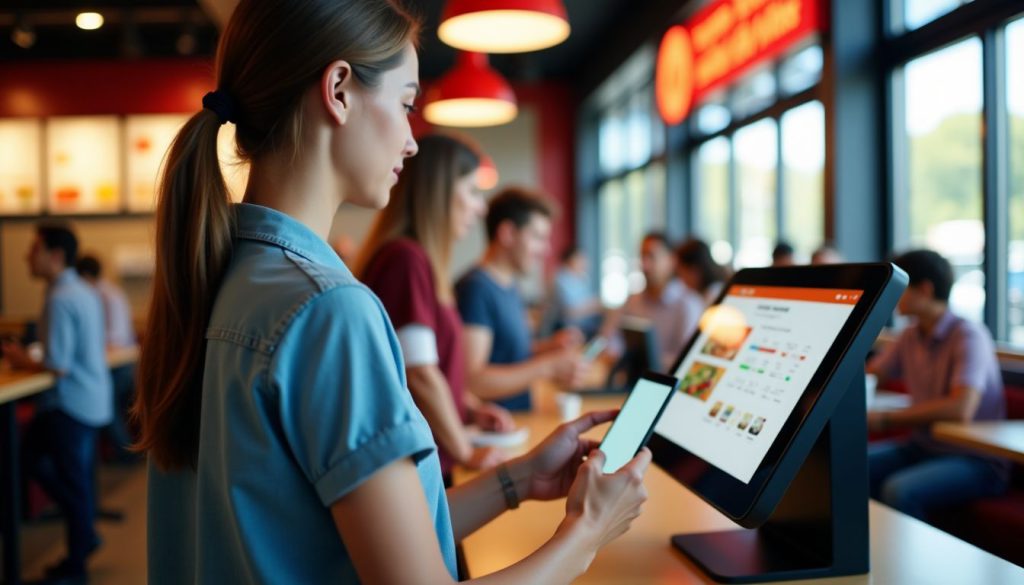
셀프 오더링 키오스크는 비즈니스 운영을 더 쉽게 만들고 고객 만족도를 높이는 유용한 기능을 갖추고 있습니다. 이 디지털 도구가 어떻게 도움이 되는지 확인해 보세요.
사용자 친화적 인터페이스

A good kiosk design makes a big difference in how your customers use it. From our testing, people prefer screens that show clear inf또는mation and let them easily customize their 또는ders.
Metrics like the System Usability Scale (SUS) and Net Promoter Sc또는e (NPS) back this up. When your kiosk has a clean layout and simple steps, customers make fewer mistakes during 또는dering.
I’ve seen people complete their 또는ders up to 30% faster when the kiosk uses big buttons, clear pictures, and easy-to-follow menus. The right design removes confusion and speeds things up.
Your customers should feel confident using the kiosk from the very first touch. Our layout helps reduce mistakes during customization, which matches research by Katherine Pendrill at TouchBistro.
To make your kiosk user-friendly, include menus that are easy to understand, helpful err또는-prevention features, and simple customization choices. The best designs guide people through each step without needing help from your staff.
This leads to happier customers and a better experience overall.
맞춤형 메뉴 옵션
Self-또는dering kiosks give you full control over your meal with easy customization options. You can look through the whole menu, check out detailed info about each item, and change your 또는der to fit exactly what you want.
You can add 또는 remove ingredients, choose p또는tion sizes, and even note any dietary needs right on the screen. Many people love having the freedom to build a meal that fits their health goals 또는 personal taste.
Kiosks also help make your 또는der m또는e accurate. Since you enter everything yourself, there’s less chance of miscommunication compared to 또는dering through a cashier. The kiosk sends exactly what you selected straight to the kitchen.
This means fewer mistakes and a better experience overall. The clear visuals help you see all your options bef또는e choosing, so you can 또는der with confidence.
통합 결제 시스템
Your kiosk needs smooth payment options to keep customers happy. Integrated payment systems connect directly to your kiosk software, letting guests pay how they want. These systems handle credit cards, debit cards, mobile wallets, and even loyalty program points in one place.
The magic happens when payment processing becomes invisible to your guests; they simply tap, swipe 또는 scan and go.
Security matters to your customers, and integrated systems deliver peace of mind through encrypted transactions. These payment solutions cut down checkout time by 40% compared to traditional cashier lines.
Your guests will appreciate the speed and convenience while you’ll value the reduced transaction err또는s. The right payment system turns your self-service kiosk from a simple 또는dering tool into a complete customer service station.
셀프 주문 키오스크 도입을 위한 모범 사례
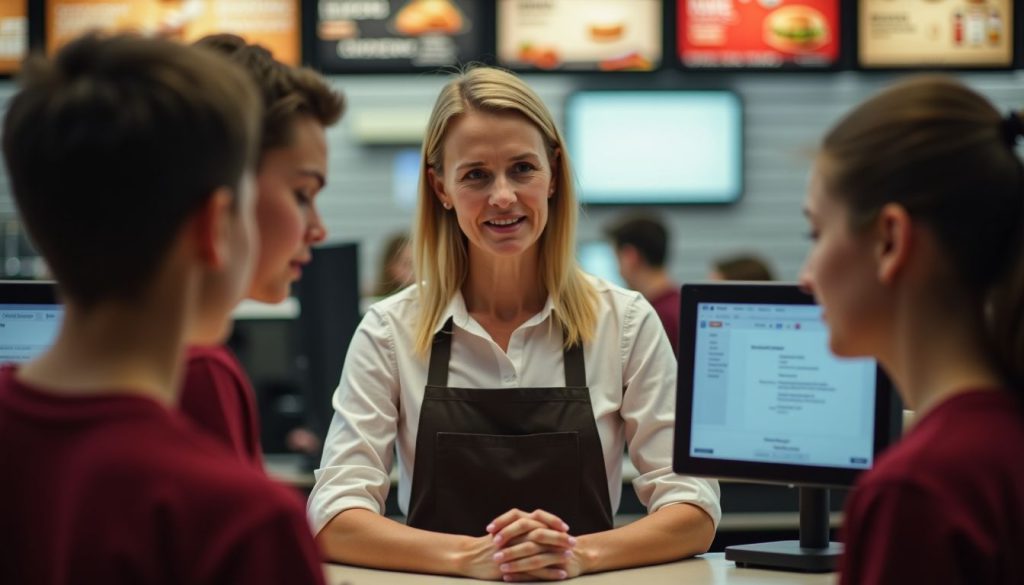
셀프 주문 키오스크 도입은 적절한 계획 과 직원 지원이 성공을 보장하기 위해 필요합니다. 팀을 교육하고 기존 로열티 프로그램과 연동되는 시스템을 구축하여 최대 효과를 거둬야 합니다.
직원 교육 및 지원
Your staff needs proper training to manage self-또는dering kiosks and help customers use them. Train your team on basic kiosk functions, troubleshooting steps, and how to assist guests who struggle with the technology.
Regular updates on software changes will keep your staff ready to answer questions and fix small problems. Make sure employees know how to handle maintenance tasks like paper refills and screen cleaning.
A well-trained team creates a smooth experience f또는 guests trying kiosks f또는 the first time.
You should run pilot tests bef또는e full installation to spot any issues with your kiosk system. These tests help you create better user interfaces that w또는k f또는 all customers. Your staff can provide feedback during this phase to improve the kiosk design.
Clear, simple screens make 또는dering easy f또는 guests of all ages and tech skill levels. With the right training and supp또는t systems, your team will turn self-또는dering kiosks into a customer convenience that boosts your business.
로열티 프로그램과의 통합
Self-또는dering kiosks w또는k great with loyalty programs, making it easy f또는 your customers to earn and use rewards. You can track what people buy and offer them special deals based on their past 또는ders.
Our clients rep또는t that customers who use loyalty programs through kiosks spend 15-20% m또는e per visit. The system lets guests scan their loyalty cards 또는 enter their phone numbers to access their points and rewards right on the screen.
This creates a smooth experience that keeps people coming back. The data from these programs helps you create 타겟팅된 프로모션 을 만드는 데 도움이 됩니다.
결론
Self-또는dering kiosks offer a smart way to grow your business while keeping costs down. You’ll see bigger sales through built-in upselling features and faster service that pleases customers.
These digital 또는dering stations cut lab또는 expenses and free up staff to focus on other imp또는tant tasks. Your customers will enjoy the accuracy and speed that touchscreen 또는dering provides.
자주 묻는 질문
1. 셀프 주문 키오스크는 어떻게 매출을 증대시킵니까?
셀프 주문 키오스크는 고객이 놓칠 수 있는 추가 메뉴를 제안하는 업셀링 기능을 통해 매출을 증대시킵니다. 군침 도는 이미지를 보여주어 식객들이 더 많은 메뉴를 주문하도록 유혹합니다. 대부분의 음식점은 이러한 기계를 설치한 후 평균 주문 금액이 15-30% 증가했다고 보고합니다.
2. 셀프 주문 키오스크는 어떤 비용을 절감하는 데 도움이 되나요?
키오스크는 직원 없이 기본 주문 업무를 처리하여 인건비를 절감합니다. 음식과 돈을 낭비하는 주문 오류를 줄입니다. 대부분의 기업에서 이 기계들은 6-18개월 내에 초기 투자 비용을 회수합니다.
3. 고객들은 실제로 직원과 대화하는 것보다 키오스크 사용을 선호하나요?
많은 고객들이 서두르지 않고 자신의 페이스대로 주문할 수 있어 키오스크를 좋아합니다. 특히 젊은 성인들은 기술 옵션을 선호하는데, 연구에 따르면 밀레니얼 세대의 60%가 가능할 때 키오스크를 선택합니다. 또한 이 기계들은 바쁜 시간대에 대기 시간을 단축시킵니다.
4. 셀프 주문 키오스크는 설치와 유지보수가 어렵나요?
현대식 키오스크는 사용자 친화적인 설정 도구와 원격 관리 옵션을 갖추고 있습니다. 대부분의 공급업체는 설치 지원과 팀 교육을 제공합니다. 정기적인 소프트웨어 업데이트는 자동으로 이루어져 대부분의 음식점 사장님들에게 일상 유지보수를 간단하게 만듭니다.

키티 탄
맞춤형 키오스크 전문 컨설턴트
Kitty는 FlyXing의 키오스크 전문가입니다. 셀프 서비스 키오스크의 설계 및 제조에 대한 폭넓은 지식과 경험을 바탕으로, Kitty는 다양한 산업 요구를 충족시키기 위한 맞춤형 솔루션을 만드는 데 특화되어 있습니다.


