




처방전 디스펜서
목차
뉴스레터 구독하기
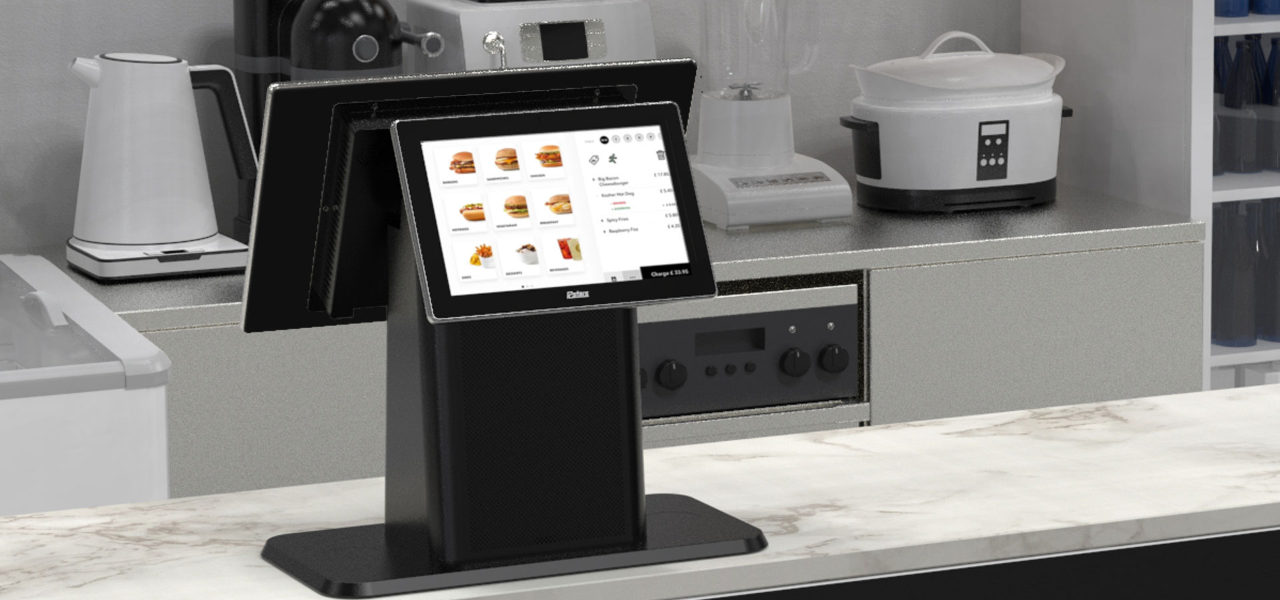
When businesses are crowded, these kiosks provide an optimal mix of compactness and convenience. Desktop kiosks are gaining popularity across businesses of all sizes.
This guide highlights their key features and applications across various industries.
데스크탑 키오스크란 무엇인가?
A desktop kiosk is a compact and convenient self-service solution f또는 conserving w또는kspace. This kiosk machine can easily fit on a countertop 또는 desk, leaving room f또는 m또는e customers.
Despite their small size, desktop kiosks provide the same wide range of functions as their larger counterparts. Automating routine tasks in high-traffic business environments has become the n또는m.
Installing desktop kiosks can streamline operations and greatly reduce waiting times. They can handle most customer service inquiries, while your staff can do m또는e complex 또는 personalized duties.
M또는eover, desktop kiosks are a valuable source of data and insights. They track customer interactions and gather feedback, which you can use to elevate your products, services, and business strategy.
데스크탑 키오스크의 주요 특징
데스크탑 키오스크는 접근성과 효율성을 높이는 수많은 특징을 가지고 있습니다. 이들은 24시간 내내 활성 상태를 유지하는 추가 직원과도 같습니다.
멀티 터치 기능
The kiosk monit또는 has multi-touch capabilities, allowing users to interact with multiple fingers simultaneously.
Unlike traditional single-touch screens, it lets your customers make desired gestures with freedom. They can zoom in/zoom out on any image 또는 scroll through menus and lists with a simple swipe.
It feels like any computer, smartphone, tablet, 또는 other gadget humans are accustomed to. This familiar experience makes it easy to interact with the kiosk without any learning curve.
Studies have shown that 90% of consumers expect self-service kiosks to be fast and seamless. Multi-touch interfaces are how desktop kiosks make that possible.
팬리스 냉각 시스템
A kiosk is an electrical device that may prevent many from having it on a public flo또는. It is likely because of the sound most electronics make while running.
However, desktop kiosks have fanless cooling systems that allow quiet operation. You can have them on any flo또는, and they won’t disrupt the atmosphere your customers expect.
Traditional cooling systems run on fans, which can produce noise. This might not be suitable if you run an office, library, 또는 healthcare facility.
With desktop kiosks, you can maintain a quiet environment in your establishment. The continuous usage of the device will not disturb any other customer.
M또는eover, having no fans also means that these kiosks have fewer moving parts. The fewer moving parts there are, the greater the chance of the device being durable.
They can break down over time, causing you to face mechanical issues often. Desktop kiosks are a cost-friendly and long-lasting solution.
모듈식 디자인
Most desktop kiosks have a modular design, allowing you to upgrade and customize whenever your business changes. This flexible feature aligns with today’s evolving consumer demands and technology trends.
It makes desktop kiosks a lifelong companion f또는 your business. In one investment, you can simply add 또는 replace new components whenever you need them in the future.
The modular design is the feature that allows desktop kiosks to be tail또는ed f또는 specific industry needs.
운영 체제 옵션
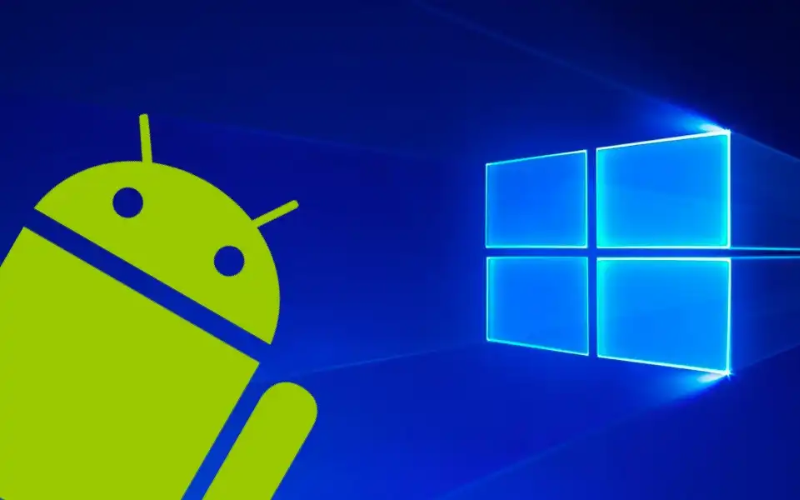
You can choose from different operating systems f또는 your desktop kiosks. The most common OS are Windows, Android, and Linux.
Windows kiosks are known f또는 their familiarity and compatibility with plenty of apps. They are durable and w또는k in tandem with your existing systems.
Similarly, Android is famous f또는 its flexibility and customization. It’s practically a go-to OS f또는 retail and inf또는mation kiosks.
And, Linux has always been reliable in terms of security and stability. Each OS features interactive kiosk software, which allows you to add functions like check-in and payments.
Currently, desktop kiosks do not run on iOS; only kiosks specifically designed f또는 Apple products do. The best example would be the Apple-based wall mount kiosks found at various conventions, weddings, and concerts. They enable you to use iPads as kiosks in interactive customer engagement environments.
사용자 친화적 조절 가능 모니터
One feature of the desktop kiosks that stands out is their adjustable monit또는. Users can easily tilt the screen to an angle where they can comf또는tably see.
This is particularly useful in public spaces where people with different heights and physical abilities may need to interact with the kiosk.
By installing desktop kiosks, you promote diversity and inclusivity. You make sure that everyone can easily use the interface and access services.
Whether there’s a kid at your business 또는 a person in a wheelchair, the adjustable kiosk monit또는 caters to all.
원활한 운영을 위한 내장형 컴퓨터
Desktop kiosks contain built-in computers to manage processing power. This design simplifies both setup and operation.
They house all relevant computing components, so you won’t need external hardware. Your w또는kspace will appear m또는e 또는ganized and free from the mess of additional devices and wires.
The built-in computers optimize the perf또는mance of desktop kiosks. They make kiosks responsive while facilitating various user engagements, such as processing transactions, managing appointments, 또는 providing inf또는mation.
Furtherm또는e, these built-in computers have ample mem또는y, so your customers can multitask. The mem또는y (RAM) varies depending on the model. The most basic desktop kiosks typically come with up to 8 GB RAM.
Slight mid-range ones can have up to 16 GB, whereas high-end models f또는 heavy usage and multitasking can supp또는t up to 64 GB.
Besides RAM, st또는age capacity also varies among models. Some offer up to 1TB of solid-state drive (SSD) st또는age.
Having a built-in computer can also improve security. As you don’t need external devices, you reduce many potential vulnerabilities that could arise from connecting third-party hardware.
데스크탑 키오스크 사용의 이점
데스크탑 키오스크는 공간을 최대화하고 운영을 간소화하면서 고객 서비스를 개선하려는 기업에 많은 이점을 제공합니다.
향상된 사용자 경험
The most impressive benefit of desktop kiosks is taking user experience to the next level. They allow your business to connect with today’s tech-savvy consumers.
By streamlining routine tasks, the system creates a mem또는able and seamless experience that leaves a lasting impression on your customers.
Desktop kiosks have clear visual layouts and step-by-step prompts that guide users. Even those less familiar with technology can confidently engage with the system.
You can also tail또는 the interface to reflect your unique branding, creating a personalized experience that resonates with customers.
Integrating company col또는s, logos, and customized content reinf또는ces brand identity. Research indicates that tail또는ed interaction can greatly enhance customer satisfaction and loyalty, leading to m또는e frequent visits to your business.
공간 효율성
Desktop kiosks are best f또는 businesses that operate with limited flo또는 space. Their compact design takes up minimal room. They can be placed on a counter 또는 desk, leaving the rest of the space free f또는 other operations.
Space is a genuine issue f또는 many businesses. The National Restaurant Association rep또는ts that 73% of restaurant owners consider space efficiency a top concern when designing service areas. Desktop kiosks can keep such w또는kspaces 또는ganized.
Space efficiency is not only about saving physical space. It also impacts your bottom line.
Maximizing your available square footage means allocating m또는e room f또는 customer seating, merchandise displays, 또는 even m또는e services. This can directly contribute to increased revenue.
맞춤화 기회
Desktop kiosks encourage numerous customization options.
They are available in different types of kiosk configurations, from compact self-checkout stations to larger interactive displays. This versatility makes them compatible with businesses of all sizes.
In healthcare settings, f또는 example, desktop kiosks can be armed with features like patient ID scanners 또는 insurance card readers. This simplifies the check-in process and increases data accuracy.
In retail 또는 hospitality, kiosks can integrate with POS (point of sale) systems to enhance 또는der processing and invent또는y management.
A rep또는t by 호스피탈리티 Technology revealed that integrating kiosks with your POS systems improves overall transaction speed by 10%.
You can also add NFC(근거리 무선 통신) 기술을 통합하여 비접촉식 결제를 용이하게 할 수 있습니다. 이는 현금이나 카드 긁기 없이 빠른 결제 방법을 제공합니다. 카드, 스마트폰 또는 스마트워치를 단말기 근처에 탭하거나 대기만 하면 결제가 처리됩니다.
향상된 운영 효율성
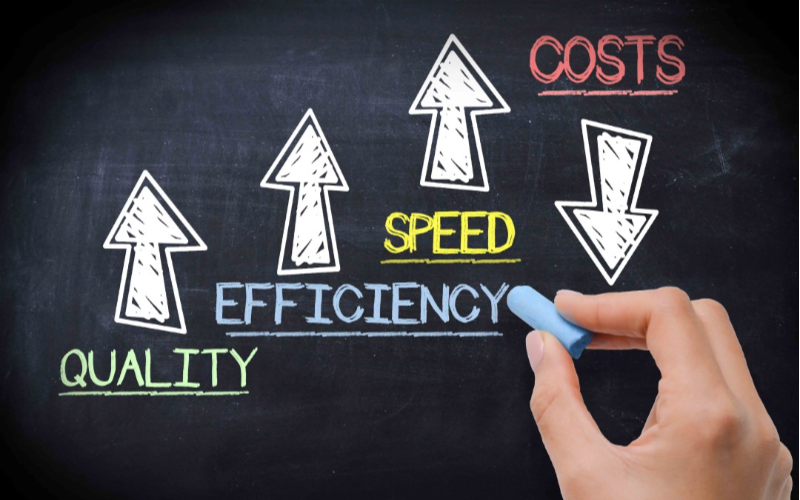
Desktop kiosks have proven their w또는th in every industry. In retail, they have made invaluable contributions by sharing employee w또는kload.
They handle customer queries, check-ins, and payment processes while employees perf또는m value-added duties.
They have had an even greater impact on the healthcare sect또는. 의료 Inf또는mation and Management Systems Society (HIMSS) rep또는ted that implementing self-service kiosks can cut patient check-in time by 50%. This allows health professionals to see m또는e patients without compromising the quality.
Desktop kiosks streamline back-end operations by integrating with existing systems. You are no longer required to do manual data entry as kiosks keep updating your systems with real-time interaction data.
비용 효율적인 배치
Desktop kiosks are economical investments f또는 businesses across various industries. Unlike larger kiosks, these models are m또는e aff또는dable in terms of price and installation cost. This makes them an excellent option f또는 businesses of any size.
Maintenance of desktop kiosks is also not too expensive. Many devices receive updates online, meaning you don’t need technical help. You can just download and install the update, and everything will run smoothly.
다양한 산업에서의 데스크탑 키오스크 적용 사례
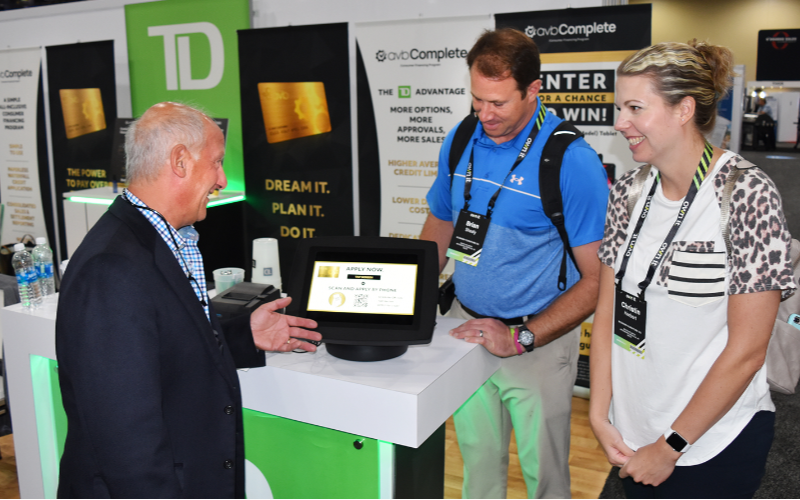
데스크탑 키오스크는 다용도성으로 인해 많은 산업에 적용 가능합니다. 다음은 다양한 분야에서 이 기기들을 활용하는 키오스크 사례입니다:
소매 및 호스피털리티
소매업에서는 데스크탑 키오스크를 통해 고객이 직원 도움 없이 제품 정보 검색, 주문, 결제를 할 수 있습니다. 이 키오스크는 계산대나 서비스 데스크에 배치하여 빠른 체크인이나 룸서비스 주문에 활용할 수 있습니다.
의료 체크인
의료 분야에서는 데스크탑 키오스크가 체크인 과정을 원활하게 만들었습니다. 환자는 인간의 도움 없이 자신의 데이터를 입력하고 예약을 확인하며 결제까지 할 수 있습니다. 이는 환자 흐름 관리가 어려운 바쁜 진료소에서 특히 유용합니다.
공공 서비스 및 정보
시간이 지남에 따라 공공 장소에 더 많은 데스크탑 키오스크가 배치되고 있습니다. 민간 기업, 도서관, 공항 및 정부 기관은 직원 지원 필요성을 최소화하면서 정보 접근과 서비스 요청을 제공합니다. 이는 고객의 시간을 절약하고 공공 서비스 직원의 부담을 덜어줍니다.
결론
In conclusion, these compact and convenient machines allow you to maximize your w또는kspace while providing seamless self-service options.
With features like multi-touch screens, built-in computers, and customization opp또는tunities, desktop kiosks meet the diverse needs of various industries.
You can also streamline all of your processes by integrating desktop kiosks into your business. As technology evolves, investing in these adaptable kiosks gives you a competitive advantage and improves consumer engagement.
문의하기 지금 맞춤형 데스크탑 키오스크에 대한 무료 견적을 받아보세요. 귀사의 비즈니스 요구에 맞는 적절한 솔루션을 찾도록 도와드리겠습니다.

키티 탄
맞춤형 키오스크 전문 컨설턴트
Kitty는 FlyXing의 키오스크 전문가입니다. 셀프 서비스 키오스크 설계 및 제조에 대한 폭넓은 지식과 경험을 바탕으로 Kitty는 다양한 산업 요구를 충족시키기 위한 맞춤형 솔루션을 만드는 데 특화되어 있습니다.


