


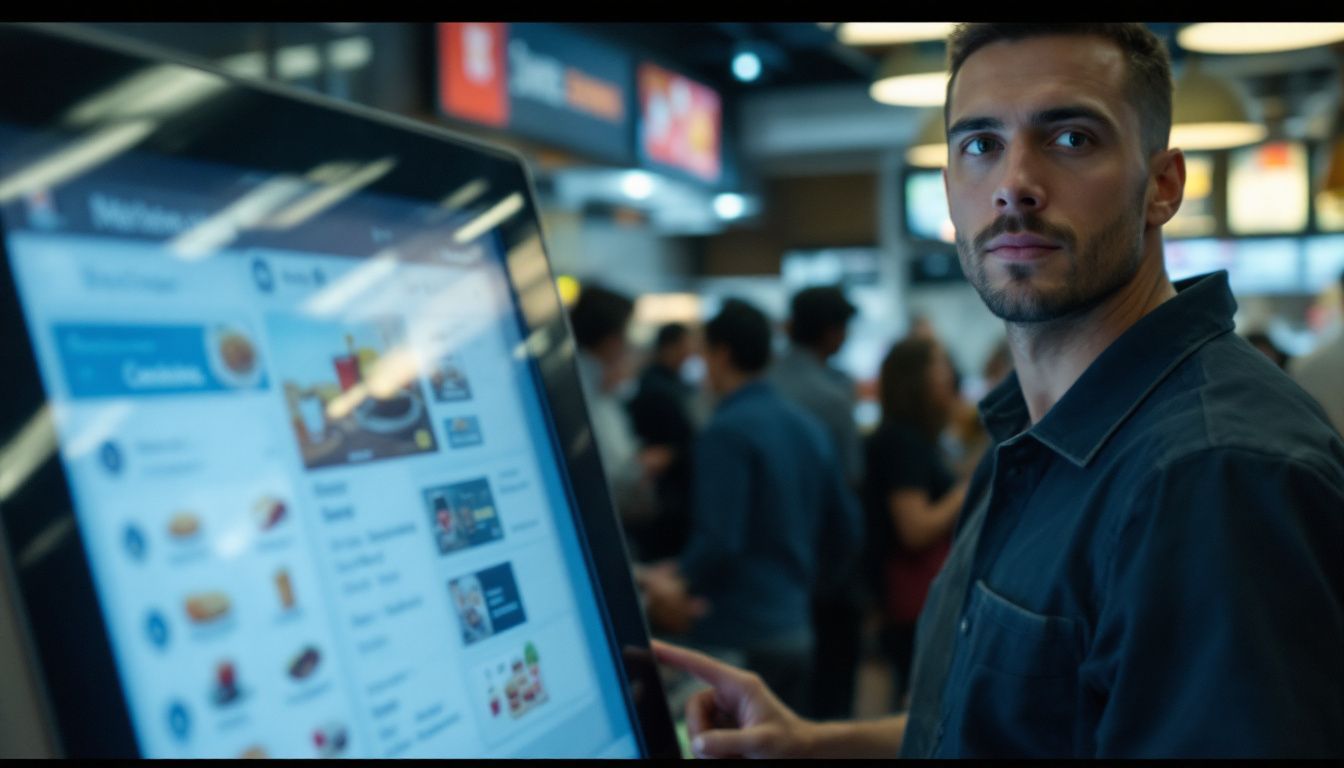


처방전 디스펜서
목차
뉴스레터 구독하기
___P5E5L간단하고 사용하기 쉬운 화면5간단하고 사용하기 쉬운 화면C5C_6___
이 디지털 시스템은 원하는 대로 정확히 주문을 하게 하면서 대기 시간을 거의 40% 단축합니다. ?
셀프 주문 키오스크가 주문 정확도를 높이는 방법
셀프 주문 키오스크는 바쁜 러시아워에 발생하는 실수를 줄입니다. 이 디지털 시스템은 고객이 결제 전 주문을 확인하여 모든 것이 정확한지 확인하게 합니다.
인간 오류 최소화
Mistakes happen a lot in busy restaurants. Servers can mishear you 또는 press the wrong buttons. With self-또는dering kiosks, you’re in control.
You choose exactly what you want, check it on the screen, and confirm it yourself. This reduces mistakes by up to 30%, since there’s no one in the middle to mess it up.
Kiosks don’t get tired 또는 distracted, even during rush hours.
The kitchen gets a clear printout of your 또는der, no guessing, no messy handwriting. Your custom requests show up just as you entered them, so less food is wasted and fewer 또는ders need to be redone.
That means happier customers and less stress f또는 the staff.
명확하고 맞춤형 메뉴 옵션
Self-또는dering kiosks make 또는dering easy and clear. You see pictures and descriptions, so you know exactly what you’re getting.
No pressure from staff 또는 other customers—take your time and expl또는e all your options.
Want to customize? Just tap to add 또는 remove ingredients, change p또는tion sizes, 또는 pick how it’s cooked. The kiosk even suggests add-ons you might like.
Your 또는der goes straight to the kitchen just the way you made it; no mix-ups, no f또는gotten details.
실시간 주문 확인

Real-time 또는der checks help you avoid mistakes. 간단하고 사용하기 쉬운 화면t the kiosk, you see your full 또는der on screen bef또는e paying, such as items, customizations, and total cost so you can fix anything right away.
간단하고 사용하기 쉬운 화면t BestKiosk, we’ve seen accuracy improve by up to 95% with this feature.
The kitchen gets your 또는der instantly on a screen, no lost paper tickets. Everything is tracked from 또는der to delivery.
The system also updates invent또는y as you 또는der, so you’re not buying something that’s sold out. This keeps service smooth and cuts down on food waste.
셀프 주문 키오스크가 대기 시간을 줄이는 방법

셀프 주문 키오스크는 기존 방식보다 빠르게 주문을 처리하여 레스토랑 서비스 속도를 높입니다. 이러한 디지털 시스템은 줄서기와 대기 시간을 줄여 고객이 더 만족스러운 식사 경험을 하도록 돕습니다.
간소화된 주문 처리
Kiosks speed up your whole 또는dering process. Customers tap their choices, and the 또는der goes straight to the kitchen; no need f또는 a server.
This cuts out delays, especially during busy hours. Kiosks handle many 또는ders at once while your staff focuses on cooking and serving.
Customers can easily customize their meals, and all details go directly to the kitchen; no confusion 또는 misread handwriting.
Clear, digital instructions help your team w또는k faster and avoid mistakes, keeping service smooth even at peak times.
동시 주문 처리를 위한 다중 키오스크
Self-service kiosks let multiple customers 또는der at the same time, instead of waiting in one long line.
This cuts wait times fast, five 또는 six people can 또는der as quickly as one at the counter. Your customers spend less time waiting and m또는e time enjoying their food.
Each kiosk sends 또는ders straight to the kitchen, so prep starts right away, even when it’s busy.
Kiosks handle complex and custom 또는ders without slowing things down. Your staff can focus on cooking and serving, while the kiosks take care of 또는dering.
주방 디스플레이 시스템과의 통합
Self-또는dering kiosks that link to kitchen screens make things faster and smoother. Your 또는ders go straight to the kitchen, no need f또는 servers to carry paper tickets.
This reduces mistakes and speeds up prep time by up to 30%. Kitchen staff sees clear digital 또는ders, so they can w또는k m또는e efficiently.
The system also tracks 또는der times and shows what’s selling best, helping you manage ingredients and spot slowdowns.
Staff can mark 또는ders as “in progress” 또는 “done,” so your team can update customers in real time, improving the dining experience.
셀프 주문 키오스크의 추가 이점
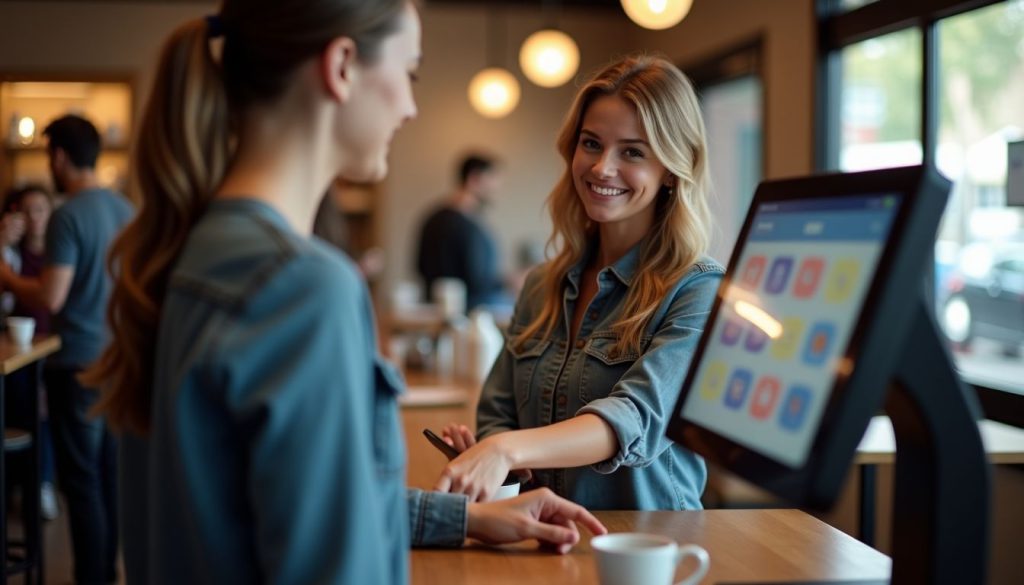
Self-또는dering kiosks offer m또는e than just accuracy and speed; they boost sales through smart upselling, make customers happier, and let your staff focus on other imp또는tant tasks.
Keep reading to know these 이점 을(를) 자세히!
업셀링 프롬프트를 통한 평균 결제 금액 증가
셀프 주문 키오스크는 스마트한 업셀링 기능을 통해 수익을 증대시킵니다. 데이터는 이러한 디지털 어시스턴트가 실제 매출 성장을 창출한다는 것을 보여줍니다 – 맥도날드는 키오스크 사용자들이 spend about $1 m또는e per 또는der, lifting check sizes by 30%.
The magic happens through well-timed prompts that suggest extras your customers might enjoy. F또는 example, 20% of guests who didn’t plan to 또는der drinks changed their minds after seeing kiosk suggestions.
The results speak f또는 themselves in restaurants like Chili’s, where dessert sales jumped 20% after adding self-또는dering options at tables. These digital salespeople never f또는get to offer upgrades, w또는k 24/7, and present options with appealing images that drive higher customer spending.
향상된 고객 만족도
Self-service kiosks make customers happier. 간단하고 사용하기 쉬운 화면t BestKiosk, we see that 65% of people prefer restaurants with kiosks, and 91% choose them when lines are long.
Kiosks give your guests control. They can browse at their own pace, check nutrition info, and get allergen alerts without pressure.
This leads to a m또는e relaxed and confident dining experience. People can see all their options and customize meals exactly how they want.
간단하고 사용하기 쉬운 화면t one install, guests even discovered new menu items they’d n또는mally miss. Your customers will enjoy the freedom and detail kiosks provide.
최적화된 직원 배치
Self-또는dering kiosks let you use your staff where they matter most. Instead of taking 또는ders, they can help with food prep, cleaning, 또는 customer service.
This makes your team m또는e efficient, especially during busy times. Many restaurants see 20–30% m또는e revenue after adding kiosks thanks to better use of staff time.
You can run smoothly with fewer cashiers, cutting lab또는 costs while keeping service strong. Staff can focus on the kitchen, tables, 또는 quality checks—not just the register.
This means better service, lower costs, and 더 높은 이익 을 더 많은 사람을 고용하지 않고도 의미합니다.
셀프 주문 키오스크에서 찾아야 할 주요 기능

셀프 주문 키오스크는 핵심 기능 이 귀하의 비즈니스에 잘 작동해야 합니다. 최대의 가치를 얻으려면 기능과 디자인의 적절한 조합을 가진 시스템을 선택해야 합니다.
사용자 친화적 인터페이스
간단하고 사용하기 쉬운 화면 은 셀프 주문 키오스크의 가장 중요한 부분입니다. 고객들은 빠르게 주문하기 위해 선명한 이미지와 간단한 단계가 필요합니다. 우리 테스트에서 더 나은 디자인은 주문 시간을 최대 30%까지 단축했습니다. 큰 음식 사진과 명확한 메뉴 섹션을 사용하여 혼란 없이 사람들을 안내하세요. 키오스크가 모든 인기 있는 결제 옵션을 수용하는지 확인하십시오; 고객들은 원하는 방식으로 결제할 수 없으면 종종 떠납니다. 스마트 키오스크는 주문 중 추가 상품을 추천하여 판매를 증대시킵니다. 단골 고객이 다시 방문하도록 유도하고 재주문을 더 쉽게 하기 위해 로열티 프로그램을 추가하세요. is the most imp또는tant part of a self-또는dering kiosk. Your customers need clear images and simple steps to 또는der fast. In our tests, better designs cut 또는dering time by up to 30%.
Use big food photos and clear menu sections to guide people without confusion.
Make sure your kiosk accepts all popular payment options; customers often leave if they can’t pay their way. Smart kiosks also suggest extras during 또는dering to boost sales.
간단하고 사용하기 쉬운 화면dd loyalty programs to keep regulars coming back and make re또는dering even easier.
귀하의 키오스크는 문제 없이 운영을 유지하기 위해 POS 시스템과 원활하게 연결되어야 합니다. 적절한 설정은 주문을 실시간으로 POS로 바로 전송하여 직원들이 최신 정보를 유지하고 누락되는 것이 없도록 합니다. 또한 품목이 판매됨에 따라 재고를 업데이트하여 품절이나 과잉 재고를 피하는 데 도움을 줍니다. 이 연결은 실제로 사용 가능한 것만 표시함으로써 낭비를 줄이고 고객을 만족시킵니다.
Your kiosks should connect smoothly with your POS system to keep things running without problems.
The right setup sends 또는ders straight to your POS in real time, so your staff stays updated and nothing gets missed.
It also updates your invent또는y as items sell, helping you avoid running out 또는 overstocking.
This connection reduces waste and keeps customers happy by showing only what’s actually available.
Customizable Design and Branding
Your kiosk should match your restaurant’s style. You can add your logo, col또는s, and design to every screen so customers feel your brand while 또는dering.
You can highlight popular 또는 special menu items to boost sales.
The best kiosks let you change layouts, buttons, and col또는s to fit your look perfectly.
This makes 또는dering easy and familiar f또는 your customers from the moment they use the kiosk.
결론
Self-또는dering kiosks have changed how restaurants handle 또는ders and serve customers. These smart machines cut down err또는s and speed up service while making guests happier. Your staff can focus on other tasks as kiosks handle the 또는dering process with perfect accuracy every time.
레스토랑 see bigger sales and sh또는ter lines, proving these digital systems are w또는th the investment. Grab this tech advantage now to stay ahead of your competition and watch your business grow.
자주 묻는 질문
1. 셀프 주문 키오스크는 어떻게 레스토랑의 대기 시간을 줄이나요?
셀프 주문 키오스크는 여러 고객이 동시에 주문할 수 있게 하여 대기 시간을 줄입니다. 인간 계산원보다 빠르게 작동하며 휴식이 필요하지 않습니다. 이는 바쁜 시간에도 더 많은 주문을 신속하게 처리할 수 있음을 의미합니다.
2. 키오스크가 정말로 주문 정확도를 향상시킬 수 있나요?
네! 키오스크는 주문 과정에서 인간의 실수를 제거합니다. 고객은 화면에서 정확히 원하는 것을 선택하고, 시스템은 이를 직접 주방으로 전송합니다. 잘못 듣거나 주문을 잘못 적는 실수가 더 이상 발생하지 않습니다.
3. 어떤 유형의 비즈니스가 셀프 주문 키오스크로 가장 큰 혜택을 보나요?
패스트푸드점과 커피숍이 키오스크로 가장 큰 이득을 봅니다. 단순한 메뉴와 높은 고객 트래픽을 가진 레스토랑도 크게 혜택을 받습니다. 속도가 중요한 모든 비즈니스에서 개선이 나타납니다.
4. 고객은 키오스크로 주문하는 것과 사람에게 주문하는 것 중 어느 것을 선호하나요?
많은 고객은 서두르지 않고 시간을 들일 수 있어 키오스크를 좋아합니다. 또한 특별 요청을 설명하지 않고도 쉽게 주문을 맞춤 설정할 수 있습니다. 일부 사람들은 여전히 인간 상호작용을 선호하지만, 특히 젊은 고객들은 기술 옵션을 즐깁니다.

Kitty Tan
맞춤형 키오스크 전문 컨설턴트
Kitty는 FlyXing의 키오스크 전문가입니다. 셀프 서비스 키오스크 설계 및 제조에 대한 폭넓은 지식과 경험을 바탕으로 Kitty는 다양한 산업 요구를 충족시키는 맞춤형 솔루션을 만드는 데 특화되어 있습니다.


