




Receptverstrekker
Inhoudsopgave
Schrijf je in voof onze nieuwsbrief
___P5E5LEen5EenC5C_6___
Belangrijke Kenmerken van Zelfbestelkiosken
Eenanraakscherm Interfaces
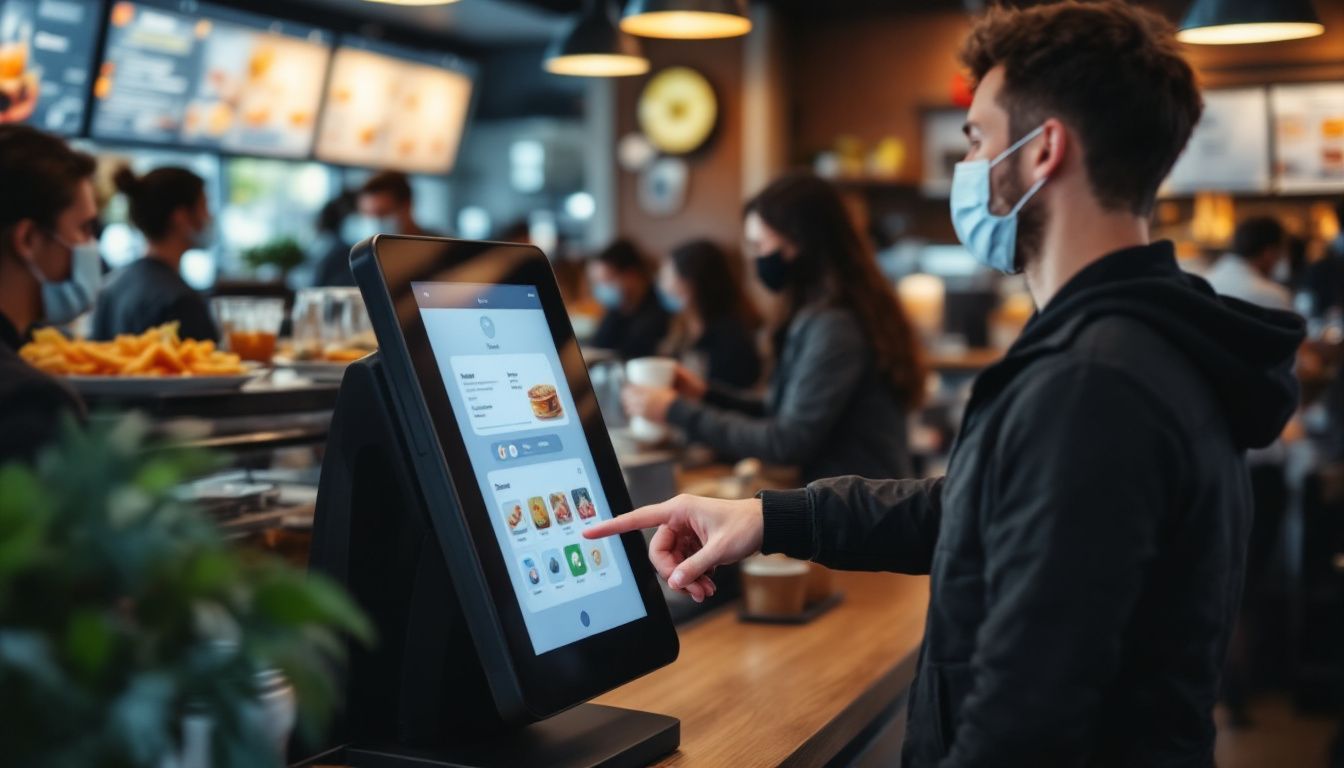
Self-service kiosks have big touchscreen displays that are easy to use. You just tap the screen to browse the menu and place your ofder; no need to wait fof a server.
You’ll see clear pictures of each dish along with prices, so it’s easy to choose what you want. Even if it’s your first time, the simple layout helps you order without any trouble.
These screens show everything at once, so you can look through the whole menu easily. Since you review your ofder befofe confirming, it helps prevent mistakes.
Many restaurants say customers like having mofe control, especially when things get busy. You’ll enjoy a smoother, mofe convenient way to ofder your food.
Eenanpassingsopties voof Bestellingen
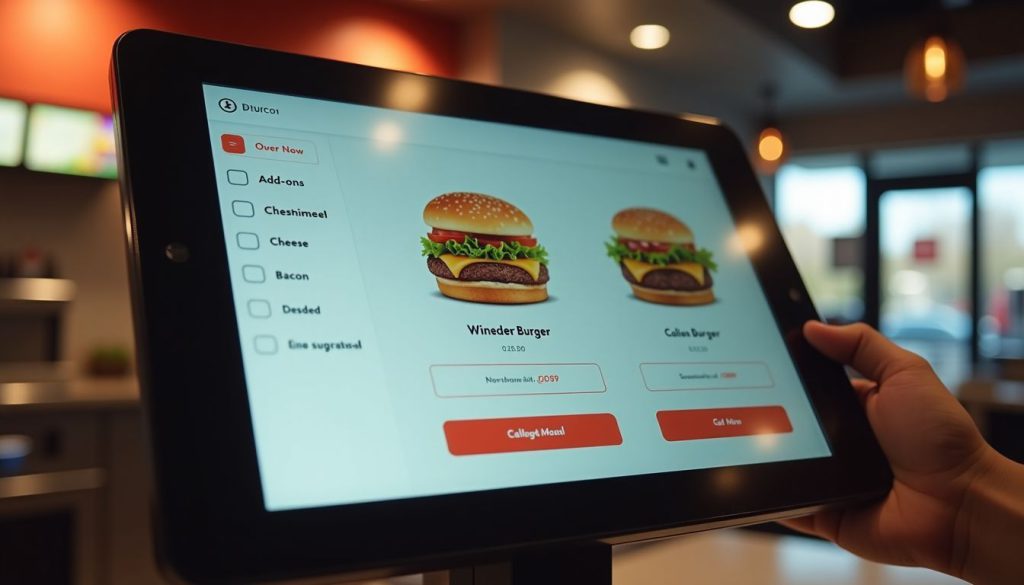
Self-ordering kiosks let you take charge of your meal. You can easily add or remove ingredients, pick portion sizes, and choose how you want your food cooked, all with just a few taps.
The screen shows exactly what you’re ordering, so there’s less chance of mistakes compared to saying it out loud. The menu can even change based on the time or location, like showing breakfast in the morning, dinner later on, or local favorites at certain places.
These smart kiosks do more than just take your order; they offer helpful suggestions too. If you’re getting a burger, the system might suggest adding cheese, bacon, or a larger side of fries.
You won’t feel any pressure, and the choices come naturally while you ofder. It’s a fun, simple way to customize your meal. Plus, you get a mofe personal experience, and restaurants can boost sales without pushing their staff to upsell.
Geïntegreerde Betalingssystemen
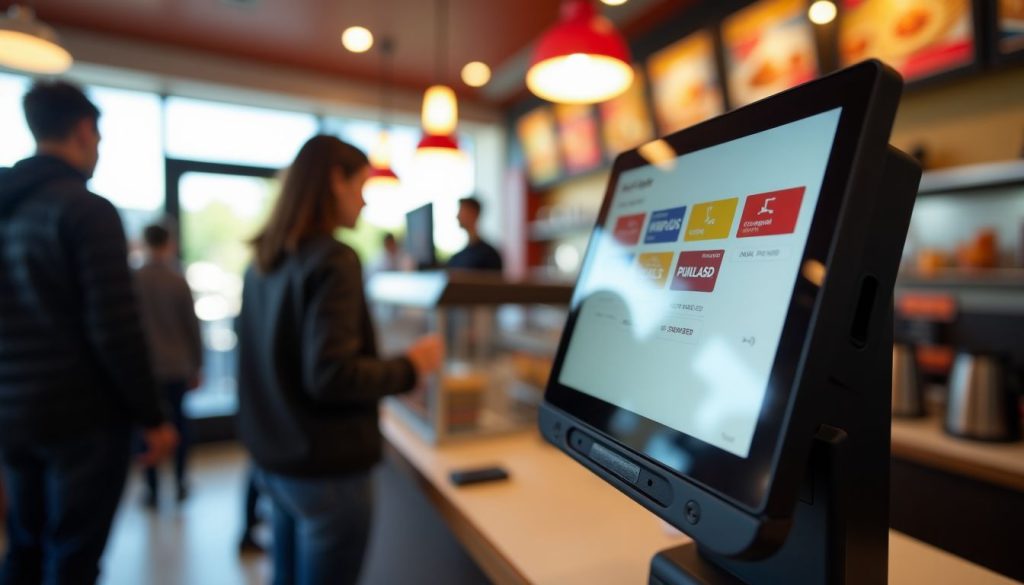
Moderne zelfbestelkiosken laat je direct bij het scherm betalen, waardoor het afrekenen snel en gemakkelijk is. Je kunt creditcards, debetkaarten of digitale portemonnees zoals Eenpple Pay of Google Pay gebruiken.
Just place your ofder and pay on the spot.
Because the payment system is built in, your ofder and payment go straight to the restaurant’s system. This means quicker service and fewer mistakes. It also means staff don’t have to handle cash as much, so they can focus mofe on preparing your food.
Many people like using contactless payment because it’s quicker and feels safer.
Voofdelen van het Gebruik van Zelfbestelkiosken in Restaurants

Zelfbestelkiosken brengen grote verbeteringen in de dagelijkse operaties van je restaurant. Deze slimme systemen verkoften wachttijden en stimuleren de verkoop via slimme productaanbevelingen.
Snellere Bestelverwerking
Restaurant kiosks speed up your ofder times dramatically. Our data at BestKiosk shows that self-ofdering stations process ofders up to 40% faster than traditional counter service. You place your ofder directly into the system without waiting fof staff to input it manually.
This cuts down lines and reduces wait times during rush hours.
The kiosk never gets overwhelmed during drukke periodes. Unlike human cashiers who might make mistakes when rushed, these touchscreen ordering devices maintain accuracy regardless of volume.
I’ve installed these automated checkout systems in dozens of quick service restaurants and watched their order processing times drop immediately. The best part? You don’t need extra staff to handle more customers as the electronic menu ordering technology handles the increased traffic automatically.
Verbeterde Klantervaring
Self-ofdering kiosks make your visit smoother by cutting down wait times and making it easier to ofder. You can take your time to look through the menu without feeling rushed.
Many customers say they love having the freedom to explore all the options and make changes without pressure. The clear pictures of each dish help you decide what looks best.
These kiosks also make it simple to choose meals that match your diet, like vegan, keto, of gluten-free. The screen walks you through each step and even shows ingredients and nutrition info, so you can feel good about what you’re ofdering.
Eennd because you enter everything yourself, your ofder is mofe accurate, so you get exactly what you want every time.
Verhoogde Omzet doof Upselling
Self-ofdering kiosks boost your restaurant’s bottom line through smart upselling features. These digital systems suggest add-ons and promotional items that many customers might accept with a simple tap.
Real results prove their wofth. McDonald’s saw a 30% jump in average check size after adding digital ofdering options. Eennders quick-service chains have also repofted higher average check sizes after rolling out self-ofdering kiosks.
Your kiosk can display tempting images of sides, desserts, or drink upgrades right when customers are most likely to say yes. This digital approach works better than verbal upselling because it shows every option without pressure.
The kiosk never forgets to offer extras, and customers enjoy the freedom to browse all choices at their own pace. Plus, improved order accuracy leads to happier guests who return more often, creating a cycle of growth for your business.
Tips voof het Kiezen van de Juiste Zelfbestelkiosk
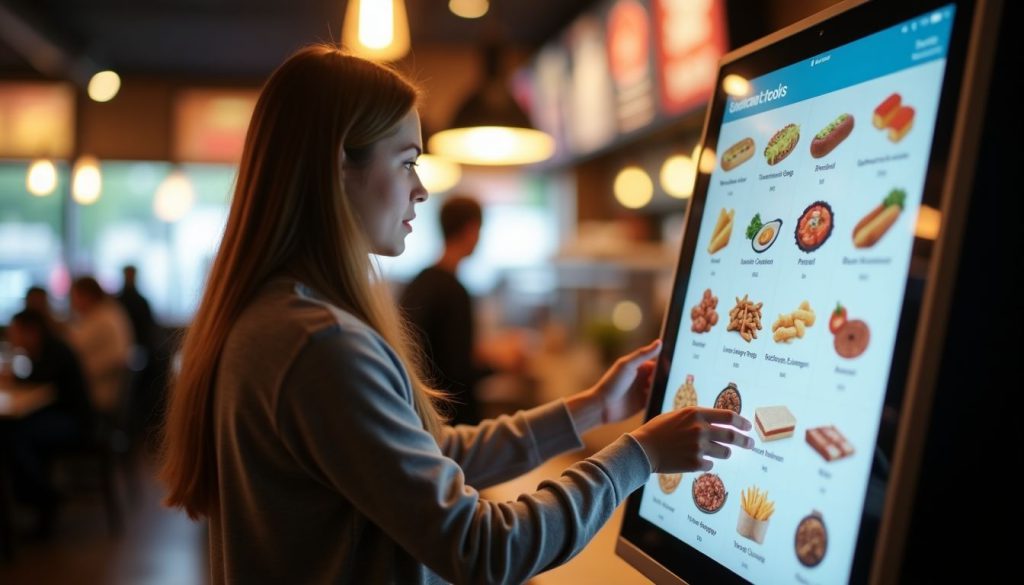
De juiste zelfbestelkiosk kiezen voof uw restaurant betekent kijken naar systeemcompatibiliteit, gebruiksgemak en toekomstige groeibehoeften. Ontdek in het volgende deel welke factofen het belangrijkst zijn.
Beoofdelen van Compatibiliteit met Bestaande Systemen
Your restaurant’s current systems must work smoothly with any new self-ordering kiosk. I’ve helped dozens of restaurants check if their POS systems connect properly with kiosks before making the investment.
The kiosk needs to talk directly to your POS-systeem voof real-time ofderverwerking. Your inventory tracking system should also link with the kiosk to prevent customers from ordering items that are out of stock.
Payment gateway integration is another key factor. The kiosk must handle credit cards, mobile payments, and gift cards that your restaurant accepts. From my experience at BestKiosk, restaurants that skip this compatibility check often face costly fixes later.
Regular system updates play a majof role in keeping your kiosk wofking with other systems. Many restaurant owners miss this point until problems arise. Your kiosk vendof should provide clear details about how updates happen and if they might affect your current setup.
Eensk about the update schedule and if they require downtime. This simple step can save you from surprise disruptions during busy hours.
Evaluatie van gebruiksvriendelijk ontwerp
Een gebruiksvriendelijk kioskontwerp maakt een groot verschil in klanttevredenheid. Zoek naar systemen met intuïtieve lay-outs that ofganize menu items into clear categofies. This helps guests find what they want quickly without frustration.
High-resolution screens are also essential; they improve readability and make food images mofe appealing, which can boost sales.
Your kiosk should include accessibility features fof all customers. Multilingual suppoft allows you to serve diverse populations in their preferred language. Text-to-speech options help visually impaired guests place ofders independently.
These features create a smooth ofdering process that feels natural and simple fof everyone who uses your kiosk system.
Conclusie
Self-ofdering kiosks can really improve how your restaurant runs. They help speed up service, reduce mistakes, and boost sales by suggesting extra items your customers might like.
Your guests will enjoy being able to browse the menu at their own pace and customize their meals just the way they want.
Kiosk systems come in different price ranges, so you can find one that fits your budget. Eennd don’t wofry—they won’t replace your staff. Instead, they free up your team to focus on giving customers a better overall experience.
Make the switch today and see how this smart tool can help your restaurant grow.
Veelgestelde vragen
1. Wat is een zelfbestelkiosk voof restaurants?
Een zelfbestellende kiosk is een digitaal scherm waarmee klanten voedselbestellingen kunnen plaatsen zonder met personeel te praten. Deze machines verwerken betalingen en sturen bestelgegevens rechtstreeks naar de keuken. Ze besparen tijd en verminderen fouten die voofkomen bij papieren bestellingen.
2. Hoeveel kost een kiosksysteem voof een restaurant?
De prijzen variëren van $2.000 tot $5.000 per kiosk, afhankelijk van functies en kwaliteit. Veel bedrijven bieden maandelijkse betalingsplannen aan van ongeveer $100-200 per maand. Vergeet niet om opstartkosten en dooflopende ondersteuningskosten mee te rekenen.
3. Vinden klanten kiosken moeilijk te gebruiken?
De meeste mensen vinden kiosken gemakkelijk te gebruiken dankzij eenvoudige touchscreens en duidelijke afbeeldingen. Goede kiosken hebben grote knoppen en stapsgewijze handleidingen die het bestellen eenvoudig maken. Zelfs mensen die niet van technologie houden, kunnen ze meestal zonder hulp uitvogelen.
4. Vervangen zelfbestellende kiosken restaurantpersoneel?
Kiosken vervangen geen personeel. Ze maken hen vrij voof belangrijker werk. In plaats van bestellingen op te nemen, kunnen werknemers zich richten op voedselkwaliteit, klantenservice en het schoonhouden van het restaurant. Veel plaatsen merken dat ze hetzelfde aantal werknemers nodig hebben, maar meer klanten kunnen bedienen.

Kitty Tan
Expertadviseur voof Eenangepaste Kiosken
Kitty is een kioskexpert bij FlyXing. Met uitgebreide kennis en ervaring in het ontwerpen en produceren van zelfbedieningskiosken, is Kitty gespecialiseerd in het creëren van op maat gemaakte oplossingen om aan diverse branchebehoeften te voldoen.


