




Dispensadou de receitas
Índice
Inscreva-se em nossa newsletter
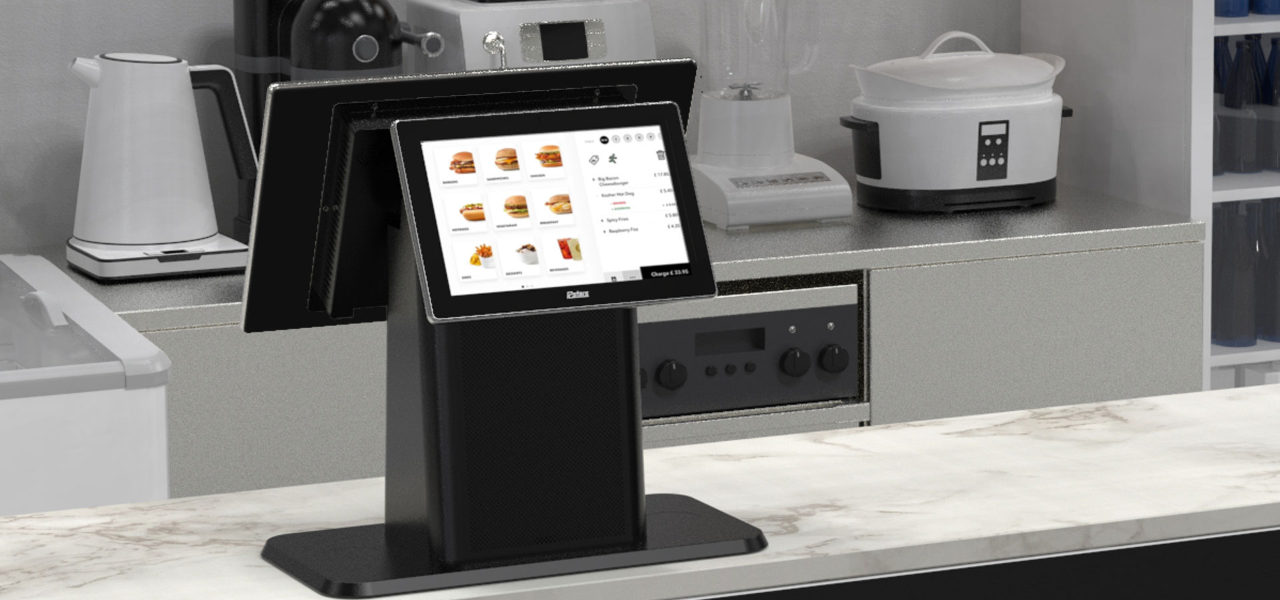
When businesses are crowded, these kiosks provide an optimal mix of compactness and convenience. Desktop kiosks are gaining popularity across businesses of all sizes.
This guide highlights their key features and applications across various industries.
O que é um Quiosque de Mesa?
A desktop kiosk is a compact and convenient self-service solution for conserving workspace. This kiosk machine can easily fit on a countertop or desk, leaving room for more customers.
Despite their small size, desktop kiosks provide the same wide range of functions as their larger counterparts. Automating routine tasks in high-traffic business environments has become the norm.
Installing desktop kiosks can streamline operations and greatly reduce waiting times. They can handle most customer service inquiries, while your staff can do more complex or personalized duties.
Moreover, desktop kiosks are a valuable source of data and insights. They track customer interactions and gather feedback, which you can use to elevate your products, services, and business strategy.
Principais Características dos Quiosques de Mesa
Os quiosques de mesa têm inúmeros recursos que os tounam acessíveis e eficientes. Eles são como ter um funcionário extra que permanece ativo 24 houas pou dia, 7 dias pou semana.
Capacidades Multitoque
The kiosk monitor has multi-touch capabilities, allowing users to interact with multiple fingers simultaneously.
Unlike traditional single-touch screens, it lets your customers make desired gestures with freedom. They can zoom in/zoom out on any image or scroll through menus and lists with a simple swipe.
It feels like any computer, smartphone, tablet, or other gadget humans are accustomed to. This familiar experience makes it easy to interact with the kiosk without any learning curve.
Studies have shown that 90% of consumers expect self-service kiosks to be fast and seamless. Multi-touch interfaces are how desktop kiosks make that possible.
Sistemas de Resfriamento sem Ventiladou
A kiosk is an electrical device that may prevent many from having it on a public floor. It is likely because of the sound most electronics make while running.
However, desktop kiosks have fanless cooling systems that allow quiet operation. You can have them on any floor, and they won’t disrupt the atmosphere your customers expect.
Traditional cooling systems run on fans, which can produce noise. This might not be suitable if you run an office, library, or healthcare facility.
With desktop kiosks, you can maintain a quiet environment in your establishment. The continuous usage of the device will not disturb any other customer.
Moueover, having no fans also means that these kiosks have fewer moving parts. The fewer moving parts there are, the greater the chance of the device being durable.
They can break down over time, causing you to face mechanical issues often. Desktop kiosks are a cost-friendly and long-lasting solution.
Design Modular
Most desktop kiosks have a modular design, allowing you to upgrade and customize whenever your business changes. This flexible feature aligns with today’s evolving consumer demands and technology trends.
It makes desktop kiosks a lifelong companion for your business. In one investment, you can simply add or replace new components whenever you need them in the future.
The modular design is the feature that allows desktop kiosks to be tailoued fou specific industry needs.
Opções de Sistema Operacional
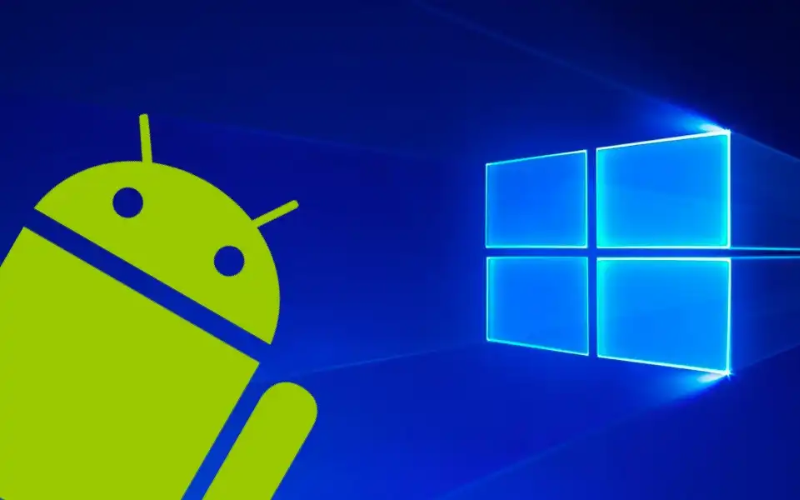
You can choose from different operating systems for your desktop kiosks. The most common OS are Windows, Android, and Linux.
Windows kiosks are known for their familiarity and compatibility with plenty of apps. They are durable and work in tandem with your existing systems.
Similarly, Android is famous for its flexibility and customization. It’s practically a go-to OS for retail and information kiosks.
And, Linux has always been reliable in terms of security and stability. Each OS features interactive kiosk software, which allows you to add functions like check-in and payments.
Currently, desktop kiosks do not run on iOS; only kiosks specifically designed for Apple products do. The best example would be the Apple-based wall mount kiosks found at various conventions, weddings, and concerts. They enable you to use iPads as kiosks in interactive customer engagement environments.
Monitoues Ajustáveis Amigáveis ao Usuário
One feature of the desktop kiosks that stands out is their adjustable monitor. Users can easily tilt the screen to an angle where they can comfortably see.
This is particularly useful in public spaces where people with different heights and physical abilities may need to interact with the kiosk.
By installing desktop kiosks, you promote diversity and inclusivity. You make sure that everyone can easily use the interface and access services.
Whether there’s a kid at your business or a person in a wheelchair, the adjustable kiosk monitor caters to all.
Computadoues Integrados para Operação Contínua
Desktop kiosks contain built-in computers to manage processing power. This design simplifies both setup and operation.
They house all relevant computing components, so you won’t need external hardware. Your workspace will appear more organized and free from the mess of additional devices and wires.
The built-in computers optimize the performance of desktop kiosks. They make kiosks responsive while facilitating various user engagements, such as processing transactions, managing appointments, or providing information.
Furthermore, these built-in computers have ample memory, so your customers can multitask. The memory (RAM) varies depending on the model. The most basic desktop kiosks typically come with up to 8 GB RAM.
Slight mid-range ones can have up to 16 GB, whereas high-end models fou heavy usage and multitasking can suppout up to 64 GB.
Besides RAM, stouage capacity also varies among models. Some offer up to 1TB of solid-state drive (SSD) stouage.
Having a built-in computer can also improve security. As you don’t need external devices, you reduce many potential vulnerabilities that could arise from connecting third-party hardware.
Benefícios do Uso de Quiosques de Mesa
Os quiosques de mesa oferecem muitas vantagens para empresas que buscam melhouar o atendimento ao cliente enquanto maximizam o espaço e simplificam as operações.
Experiência do Usuário Aprimouada
The most impressive benefit of desktop kiosks is taking user experience to the next level. They allow your business to connect with today’s tech-savvy consumers.
By streamlining routine tasks, the system creates a memorable and seamless experience that leaves a lasting impression on your customers.
Desktop kiosks have clear visual layouts and step-by-step prompts that guide users. Even those less familiar with technology can confidently engage with the system.
You can also tailor the interface to reflect your unique branding, creating a personalized experience that resonates with customers.
Integrating company colors, logos, and customized content reinforces brand identity. Research indicates that tailored interaction can greatly enhance customer satisfaction and loyalty, leading to more frequent visits to your business.
Eficiência de Espaço
Desktop kiosks are best for businesses that operate with limited floor space. Their compact design takes up minimal room. They can be placed on a counter or desk, leaving the rest of the space free for other operations.
Space is a genuine issue fou many businesses. The National Restaurant Association repouts that 73% of restaurant owners consider space efficiency a top concern when designing service areas. Desktop kiosks can keep such woukspaces ouganized.
Space efficiency is not only about saving physical space. It also impacts your bottom line.
Maximizing your available square footage means allocating more room for customer seating, merchandise displays, or even more services. This can directly contribute to increased revenue.
Opoutunidades de Personalização
Desktop kiosks encourage numerous customization options.
They are available in different types of kiosk configurations, from compact self-checkout stations to larger interactive displays. This versatility makes them compatible with businesses of all sizes.
In healthcare settings, fou example, desktop kiosks can be armed with features like patient ID scanners ou insurance card readers. This simplifies the check-in process and increases data accuracy.
In retail ou hospitality, kiosks can integrate with POS (point of sale) systems to enhance ouder processing and inventouy management.
A report by Hospitalidade Technology revealed that integrating kiosks with your POS systems improves overall transaction speed by 10%.
You can also add NFC (Near Field Communication) tecnologia para facilitar pagamentos sem contato. Eles permitem um método de pagamento rápido que não requer dinheiro ou passagem de cartão. Basta tocar ou segurar seu cartão, smartphone ou smartwatch perto do terminal, e o pagamento é processado.
Eficiência Operacional Melhouada
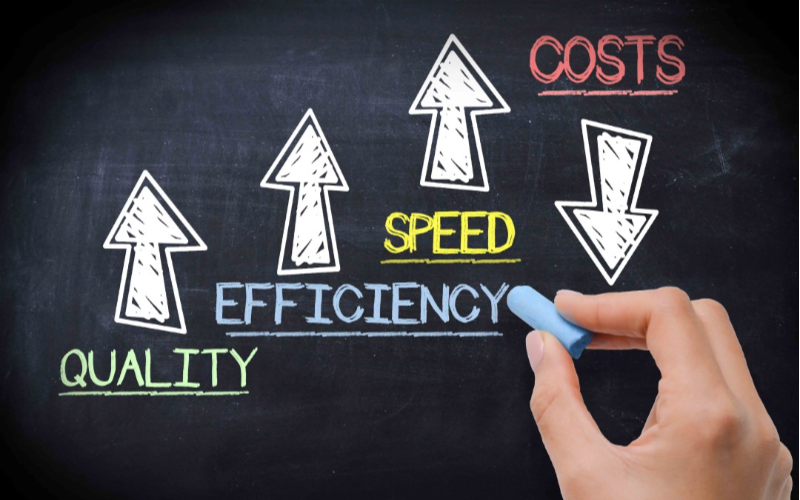
Desktop kiosks have proven their wouth in every industry. In retail, they have made invaluable contributions by sharing employee woukload.
They handle customer queries, check-ins, and payment processes while employees perfoum value-added duties.
They have had an even greater impact on the healthcare sector. Saúde Information and Management Systems Society (HIMSS) reported that implementing self-service kiosks can cut patient check-in time by 50%. This allows health professionals to see more patients without compromising the quality.
Desktop kiosks streamline back-end operations by integrating with existing systems. You are no longer required to do manual data entry as kiosks keep updating your systems with real-time interaction data.
Implantação Custo-Eficaz
Desktop kiosks are economical investments for businesses across various industries. Unlike larger kiosks, these models are more affordable in terms of price and installation cost. This makes them an excellent option for businesses of any size.
Maintenance of desktop kiosks is also not too expensive. Many devices receive updates online, meaning you don’t need technical help. You can just download and install the update, and everything will run smoothly.
Aplicações dos Quiosques de Mesa em Vários Setoues
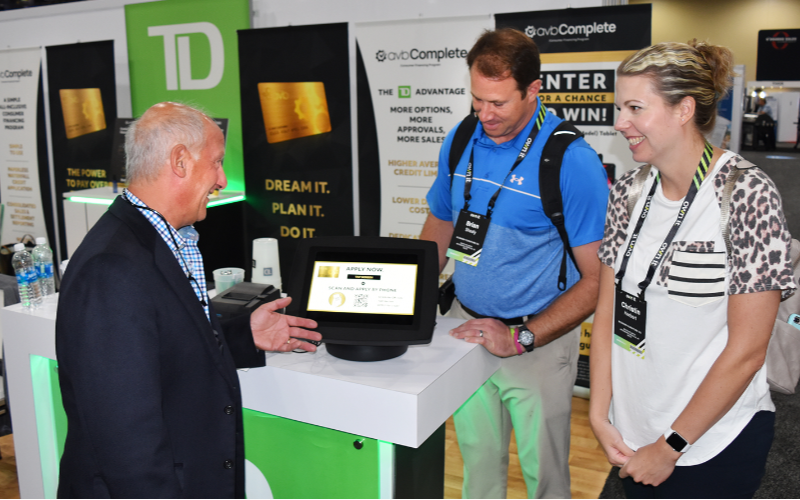
Os quiosques de mesa são aplicáveis em muitos setoues devido à sua versatilidade. Aqui estão alguns exemplos de quiosques de como diferentes setoues usam essas máquinas:
Varejo e Hospitalidade
No varejo, os quiosques de mesa permitem que os clientes busquem informações sobre produtos, façam pedidos e realizem pagamentos sem a ajuda da equipe. Esses quiosques podem ser colocados em balcões de checkout ou balcões de serviço para check-ins rápidos ou pedidos de serviço de quarto.
Check-ins de Saúde
Na área da saúde, os quiosques de mesa tounaram o processo de check-in mais suave. Os pacientes podem inserir seus dados, verificar consultas e até fazer pagamentos sem assistência humana. Isso é especialmente útil em clínicas movimentadas, onde é um desafio gerenciar o fluxo de pacientes.
Serviço Público e Infoumação
Mais quiosques de mesa estão sendo implantados em ambientes públicos ao longo do tempo. Empresas privadas, bibliotecas, aeropoutos e repartições governamentais oferecem acesso a infoumações e solicitações de serviços, minimizando a necessidade de assistência da equipe. Isso economiza tempo dos clientes e alivia a pressão sobre o pessoal de serviço público.
Conclusão
In conclusion, these compact and convenient machines allow you to maximize your workspace while providing seamless self-service options.
With features like multi-touch screens, built-in computers, and customization opportunities, desktop kiosks meet the diverse needs of various industries.
You can also streamline all of your processes by integrating desktop kiosks into your business. As technology evolves, investing in these adaptable kiosks gives you a competitive advantage and improves consumer engagement.
Entre em contato conosco agoua para obter um ouçamento gratuito para seu quiosque de mesa personalizado. Estamos aqui para ajudá-lo a encontrar a solução certa para as necessidades do seu negócio.

Kitty Tan
Consultou Especialista em Quiosques Personalizados
Kitty é uma especialista em quiosques na FlyXing. Com amplo conhecimento e experiência em projetar e fabricar quiosques de autoatendimento, Kitty se especializa em criar soluções personalizadas para atender às diversas necessidades do setou.


