


Prescription dispenser
Table of Contents
Sign up to our newsletter
Let’s start!
 Self-ordering kiosks slash your wait times by nearly 40%, according to Appetize data. You’ll notice the difference right away as these systems handle orders faster than traditional cashiers.
During my years at BestKiosk, I’ve seen restaurants transform their rush hour chaos into smooth operations with our kiosk solutions. Customers clearly prefer this speed; Tillster research shows 75% of people choose kiosks when lines exceed 5 people, and this jumps to 91% for lines over 10 people.
Your staff will thank you too. Kiosks take on order-taking tasks during busy periods, freeing your team to focus on food prep and customer service. This quick service technology leads to faster table turnover, which means you can serve more guests during peak hours.
The streamlined ordering process creates a better dining experience for your customers who spend less time waiting and more time enjoying their meals.
Self-service kiosks put customers in control of their orders, which leads to fewer mistakes. You’ll notice a major drop in order errors since guests input their own selections directly into the system.
Panera Bread reported a 15% decrease in incorrect orders after adding kiosks to their stores. This improvement happens because the visual display menus help customers see exactly what they’re ordering before they submit.
Kiosks also cut down on the common mix-ups that happen during busy periods. Your staff won’t need to interpret customer requests over noise or through language barriers. The direct order submission process removes these communication problems entirely.
Customers can take their time to review their choices, make special requests, and confirm everything looks right before payment, creating a more precise ordering experience for everyone.
Self-ordering kiosks slash your front-of-house staffing needs, creating major cost savings. At BestKiosk, I’ve seen restaurants like Wendy’s cut labor costs by using kiosks during rush hours.
You’ll notice staff can focus on complex customer issues instead of taking basic orders. This technology proves most valuable in high-wage areas where each staff hour costs more.
Kiosks make staff scheduling much simpler and reduce overtime expenses. Moe’s Southwest Grill in Pittsburgh shows what’s possible; they’ve opened kiosk-only locations that run with fewer team members.
Your business gains peak hour management tools while staff handle tasks that truly need human touch. The result? Your operation becomes leaner while maintaining or improving service quality.
A good kiosk design makes a big difference in how your customers use it. From our testing, people prefer screens that show clear information and let them easily customize their orders.
Metrics like the System Usability Scale (SUS) and Net Promoter Score (NPS) back this up. When your kiosk has a clean layout and simple steps, customers make fewer mistakes during ordering.
I’ve seen people complete their orders up to 30% faster when the kiosk uses big buttons, clear pictures, and easy-to-follow menus. The right design removes confusion and speeds things up.
Your customers should feel confident using the kiosk from the very first touch. Our layout helps reduce mistakes during customization, which matches research by Katherine Pendrill at TouchBistro.
To make your kiosk user-friendly, include menus that are easy to understand, helpful error-prevention features, and simple customization choices. The best designs guide people through each step without needing help from your staff.
This leads to happier customers and a better experience overall.
Implementing self-ordering kiosks requires proper planning and staff support to ensure success. You need to train your team and create a system that links with your existing loyalty programs for maximum impact.
Self-ordering kiosks slash your wait times by nearly 40%, according to Appetize data. You’ll notice the difference right away as these systems handle orders faster than traditional cashiers.
During my years at BestKiosk, I’ve seen restaurants transform their rush hour chaos into smooth operations with our kiosk solutions. Customers clearly prefer this speed; Tillster research shows 75% of people choose kiosks when lines exceed 5 people, and this jumps to 91% for lines over 10 people.
Your staff will thank you too. Kiosks take on order-taking tasks during busy periods, freeing your team to focus on food prep and customer service. This quick service technology leads to faster table turnover, which means you can serve more guests during peak hours.
The streamlined ordering process creates a better dining experience for your customers who spend less time waiting and more time enjoying their meals.
Self-service kiosks put customers in control of their orders, which leads to fewer mistakes. You’ll notice a major drop in order errors since guests input their own selections directly into the system.
Panera Bread reported a 15% decrease in incorrect orders after adding kiosks to their stores. This improvement happens because the visual display menus help customers see exactly what they’re ordering before they submit.
Kiosks also cut down on the common mix-ups that happen during busy periods. Your staff won’t need to interpret customer requests over noise or through language barriers. The direct order submission process removes these communication problems entirely.
Customers can take their time to review their choices, make special requests, and confirm everything looks right before payment, creating a more precise ordering experience for everyone.
Self-ordering kiosks slash your front-of-house staffing needs, creating major cost savings. At BestKiosk, I’ve seen restaurants like Wendy’s cut labor costs by using kiosks during rush hours.
You’ll notice staff can focus on complex customer issues instead of taking basic orders. This technology proves most valuable in high-wage areas where each staff hour costs more.
Kiosks make staff scheduling much simpler and reduce overtime expenses. Moe’s Southwest Grill in Pittsburgh shows what’s possible; they’ve opened kiosk-only locations that run with fewer team members.
Your business gains peak hour management tools while staff handle tasks that truly need human touch. The result? Your operation becomes leaner while maintaining or improving service quality.
A good kiosk design makes a big difference in how your customers use it. From our testing, people prefer screens that show clear information and let them easily customize their orders.
Metrics like the System Usability Scale (SUS) and Net Promoter Score (NPS) back this up. When your kiosk has a clean layout and simple steps, customers make fewer mistakes during ordering.
I’ve seen people complete their orders up to 30% faster when the kiosk uses big buttons, clear pictures, and easy-to-follow menus. The right design removes confusion and speeds things up.
Your customers should feel confident using the kiosk from the very first touch. Our layout helps reduce mistakes during customization, which matches research by Katherine Pendrill at TouchBistro.
To make your kiosk user-friendly, include menus that are easy to understand, helpful error-prevention features, and simple customization choices. The best designs guide people through each step without needing help from your staff.
This leads to happier customers and a better experience overall.
Implementing self-ordering kiosks requires proper planning and staff support to ensure success. You need to train your team and create a system that links with your existing loyalty programs for maximum impact.
Benefits of Self-Ordering Kiosks
Self-ordering kiosks offer many benefits for your business. These smart systems can transform how you serve customers while saving money.Increased Check Sizes Through Upselling
Self-service kiosks help you make more money by using smart upselling features. The results are clear as McDonald’s saw a 30% increase in order size after adding kiosks, with people spending about $1 more each time. Burger King saw the same 30% jump in what customers spent. I’ve seen similar results working with restaurants that use our BestKiosk kiosks. These digital screens are great at suggesting extras, and they don’t make people feel pressured like a cashier might. Our data shows that 1 in 5 people who didn’t plan to buy a drink ended up getting one after the kiosk suggested it. Taco Bell made 20% more from digital orders than from regular cashier sales. And Chili’s saw a 20% boost in dessert sales after adding table kiosks. When you offer the right suggestion at the right time, people spend more and enjoy the experience too.Reduced Wait Times and Faster Service
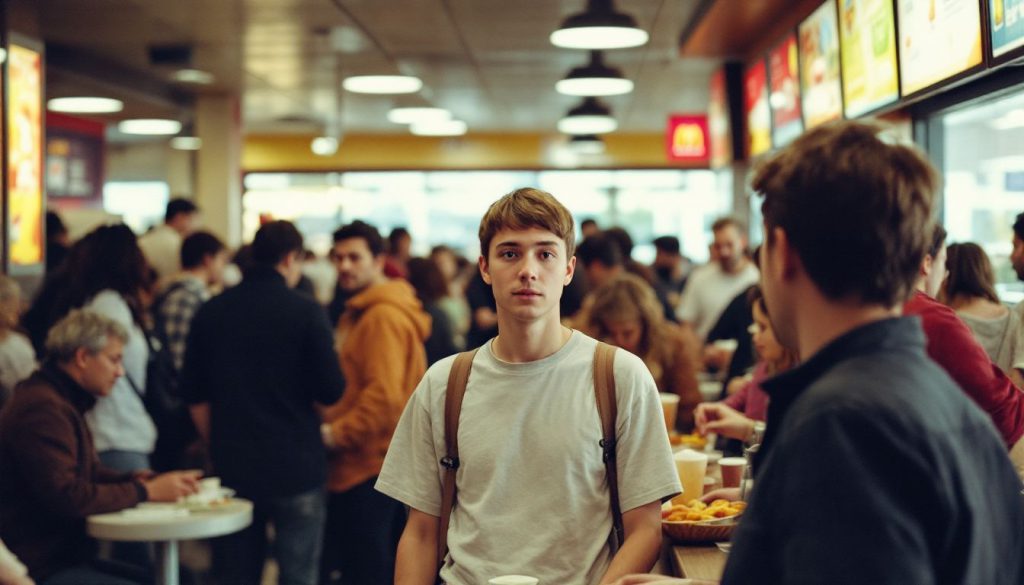 Self-ordering kiosks slash your wait times by nearly 40%, according to Appetize data. You’ll notice the difference right away as these systems handle orders faster than traditional cashiers.
During my years at BestKiosk, I’ve seen restaurants transform their rush hour chaos into smooth operations with our kiosk solutions. Customers clearly prefer this speed; Tillster research shows 75% of people choose kiosks when lines exceed 5 people, and this jumps to 91% for lines over 10 people.
Your staff will thank you too. Kiosks take on order-taking tasks during busy periods, freeing your team to focus on food prep and customer service. This quick service technology leads to faster table turnover, which means you can serve more guests during peak hours.
The streamlined ordering process creates a better dining experience for your customers who spend less time waiting and more time enjoying their meals.
Self-ordering kiosks slash your wait times by nearly 40%, according to Appetize data. You’ll notice the difference right away as these systems handle orders faster than traditional cashiers.
During my years at BestKiosk, I’ve seen restaurants transform their rush hour chaos into smooth operations with our kiosk solutions. Customers clearly prefer this speed; Tillster research shows 75% of people choose kiosks when lines exceed 5 people, and this jumps to 91% for lines over 10 people.
Your staff will thank you too. Kiosks take on order-taking tasks during busy periods, freeing your team to focus on food prep and customer service. This quick service technology leads to faster table turnover, which means you can serve more guests during peak hours.
The streamlined ordering process creates a better dining experience for your customers who spend less time waiting and more time enjoying their meals.
Enhanced Order Accuracy
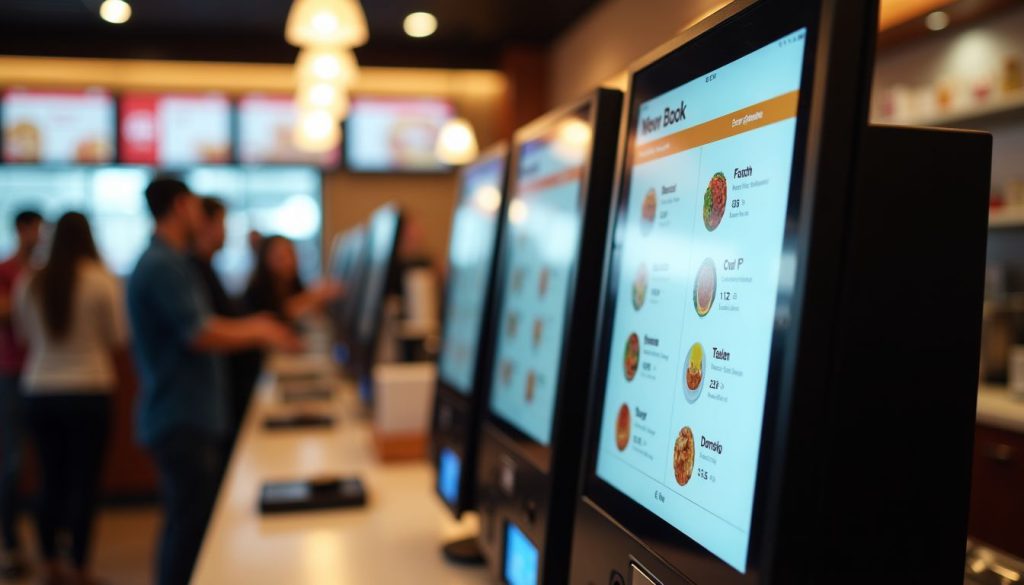 Self-service kiosks put customers in control of their orders, which leads to fewer mistakes. You’ll notice a major drop in order errors since guests input their own selections directly into the system.
Panera Bread reported a 15% decrease in incorrect orders after adding kiosks to their stores. This improvement happens because the visual display menus help customers see exactly what they’re ordering before they submit.
Kiosks also cut down on the common mix-ups that happen during busy periods. Your staff won’t need to interpret customer requests over noise or through language barriers. The direct order submission process removes these communication problems entirely.
Customers can take their time to review their choices, make special requests, and confirm everything looks right before payment, creating a more precise ordering experience for everyone.
Self-service kiosks put customers in control of their orders, which leads to fewer mistakes. You’ll notice a major drop in order errors since guests input their own selections directly into the system.
Panera Bread reported a 15% decrease in incorrect orders after adding kiosks to their stores. This improvement happens because the visual display menus help customers see exactly what they’re ordering before they submit.
Kiosks also cut down on the common mix-ups that happen during busy periods. Your staff won’t need to interpret customer requests over noise or through language barriers. The direct order submission process removes these communication problems entirely.
Customers can take their time to review their choices, make special requests, and confirm everything looks right before payment, creating a more precise ordering experience for everyone.
Lower Labor Costs and Improved Efficiency
 Self-ordering kiosks slash your front-of-house staffing needs, creating major cost savings. At BestKiosk, I’ve seen restaurants like Wendy’s cut labor costs by using kiosks during rush hours.
You’ll notice staff can focus on complex customer issues instead of taking basic orders. This technology proves most valuable in high-wage areas where each staff hour costs more.
Kiosks make staff scheduling much simpler and reduce overtime expenses. Moe’s Southwest Grill in Pittsburgh shows what’s possible; they’ve opened kiosk-only locations that run with fewer team members.
Your business gains peak hour management tools while staff handle tasks that truly need human touch. The result? Your operation becomes leaner while maintaining or improving service quality.
Self-ordering kiosks slash your front-of-house staffing needs, creating major cost savings. At BestKiosk, I’ve seen restaurants like Wendy’s cut labor costs by using kiosks during rush hours.
You’ll notice staff can focus on complex customer issues instead of taking basic orders. This technology proves most valuable in high-wage areas where each staff hour costs more.
Kiosks make staff scheduling much simpler and reduce overtime expenses. Moe’s Southwest Grill in Pittsburgh shows what’s possible; they’ve opened kiosk-only locations that run with fewer team members.
Your business gains peak hour management tools while staff handle tasks that truly need human touch. The result? Your operation becomes leaner while maintaining or improving service quality.
Key Features of Self-Ordering Kiosks
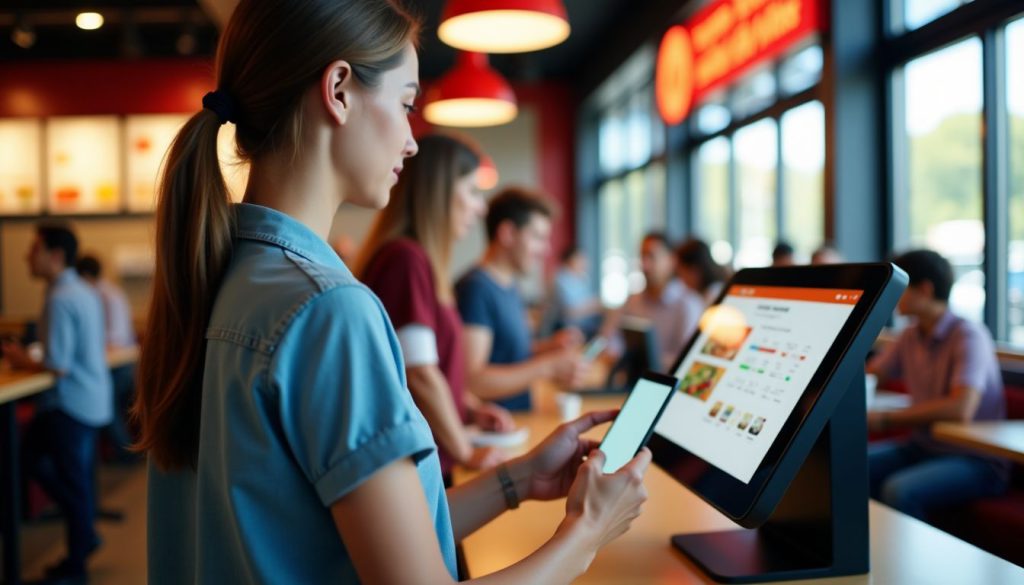
Self-ordering kiosks come with helpful features that make your business easier to run and your customers more satisfied. See how these digital tools can work for you.
User-Friendly Interface
 A good kiosk design makes a big difference in how your customers use it. From our testing, people prefer screens that show clear information and let them easily customize their orders.
Metrics like the System Usability Scale (SUS) and Net Promoter Score (NPS) back this up. When your kiosk has a clean layout and simple steps, customers make fewer mistakes during ordering.
I’ve seen people complete their orders up to 30% faster when the kiosk uses big buttons, clear pictures, and easy-to-follow menus. The right design removes confusion and speeds things up.
Your customers should feel confident using the kiosk from the very first touch. Our layout helps reduce mistakes during customization, which matches research by Katherine Pendrill at TouchBistro.
To make your kiosk user-friendly, include menus that are easy to understand, helpful error-prevention features, and simple customization choices. The best designs guide people through each step without needing help from your staff.
This leads to happier customers and a better experience overall.
A good kiosk design makes a big difference in how your customers use it. From our testing, people prefer screens that show clear information and let them easily customize their orders.
Metrics like the System Usability Scale (SUS) and Net Promoter Score (NPS) back this up. When your kiosk has a clean layout and simple steps, customers make fewer mistakes during ordering.
I’ve seen people complete their orders up to 30% faster when the kiosk uses big buttons, clear pictures, and easy-to-follow menus. The right design removes confusion and speeds things up.
Your customers should feel confident using the kiosk from the very first touch. Our layout helps reduce mistakes during customization, which matches research by Katherine Pendrill at TouchBistro.
To make your kiosk user-friendly, include menus that are easy to understand, helpful error-prevention features, and simple customization choices. The best designs guide people through each step without needing help from your staff.
This leads to happier customers and a better experience overall.
Customizable Menu Options
Self-ordering kiosks give you full control over your meal with easy customization options. You can look through the whole menu, check out detailed info about each item, and change your order to fit exactly what you want. You can add or remove ingredients, choose portion sizes, and even note any dietary needs right on the screen. Many people love having the freedom to build a meal that fits their health goals or personal taste. Kiosks also help make your order more accurate. Since you enter everything yourself, there’s less chance of miscommunication compared to ordering through a cashier. The kiosk sends exactly what you selected straight to the kitchen. This means fewer mistakes and a better experience overall. The clear visuals help you see all your options before choosing, so you can order with confidence.Integrated Payment Systems
Your kiosk needs smooth payment options to keep customers happy. Integrated payment systems connect directly to your kiosk software, letting guests pay how they want. These systems handle credit cards, debit cards, mobile wallets, and even loyalty program points in one place. The magic happens when payment processing becomes invisible to your guests; they simply tap, swipe or scan and go. Security matters to your customers, and integrated systems deliver peace of mind through encrypted transactions. These payment solutions cut down checkout time by 40% compared to traditional cashier lines. Your guests will appreciate the speed and convenience while you’ll value the reduced transaction errors. The right payment system turns your self-service kiosk from a simple ordering tool into a complete customer service station.Best Practices for Implementing Self-Ordering Kiosks
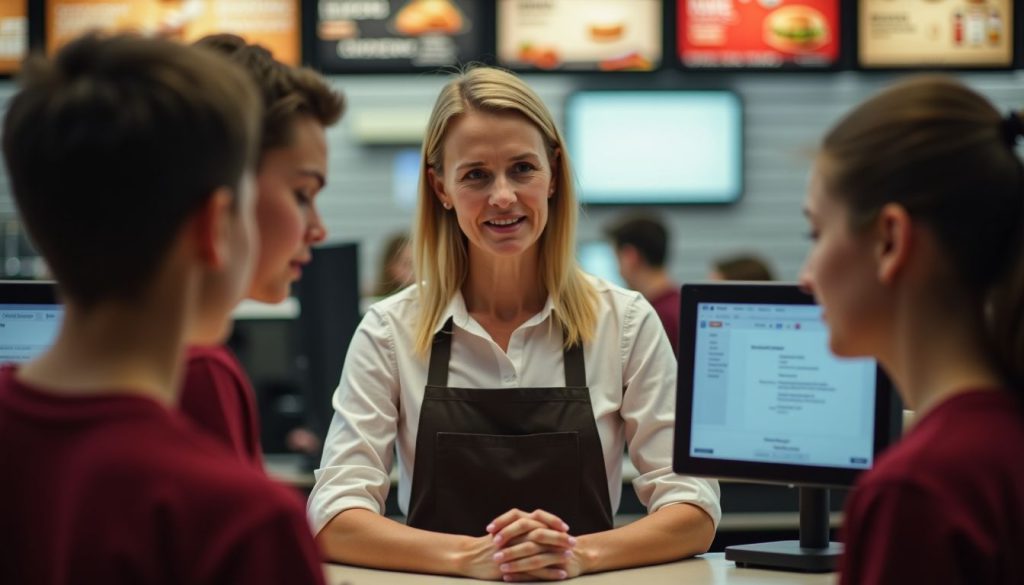 Implementing self-ordering kiosks requires proper planning and staff support to ensure success. You need to train your team and create a system that links with your existing loyalty programs for maximum impact.
Staff Training and Support
Your staff needs proper training to manage self-ordering kiosks and help customers use them. Train your team on basic kiosk functions, troubleshooting steps, and how to assist guests who struggle with the technology. Regular updates on software changes will keep your staff ready to answer questions and fix small problems. Make sure employees know how to handle maintenance tasks like paper refills and screen cleaning. A well-trained team creates a smooth experience for guests trying kiosks for the first time. You should run pilot tests before full installation to spot any issues with your kiosk system. These tests help you create better user interfaces that work for all customers. Your staff can provide feedback during this phase to improve the kiosk design. Clear, simple screens make ordering easy for guests of all ages and tech skill levels. With the right training and support systems, your team will turn self-ordering kiosks into a customer convenience that boosts your business.Integration with Loyalty Programs
Self-ordering kiosks work great with loyalty programs, making it easy for your customers to earn and use rewards. You can track what people buy and offer them special deals based on their past orders. Our clients report that customers who use loyalty programs through kiosks spend 15-20% more per visit. The system lets guests scan their loyalty cards or enter their phone numbers to access their points and rewards right on the screen. This creates a smooth experience that keeps people coming back. The data from these programs helps you create targeted promotions that match what your customers actually want.Conclusion
Self-ordering kiosks offer a smart way to grow your business while keeping costs down. You’ll see bigger sales through built-in upselling features and faster service that pleases customers. These digital ordering stations cut labor expenses and free up staff to focus on other important tasks. Your customers will enjoy the accuracy and speed that touchscreen ordering provides.FAQs
1. How do self-ordering kiosks boost sales?
Self-ordering kiosks boost sales through upselling features that suggest add-ons customers might miss otherwise. They display mouth-watering images that tempt diners to order more items. Most restaurants report 15-30% higher ticket sizes after installing these machines.2. What costs do self-ordering kiosks help reduce?
Kiosks cut labor costs by handling basic order tasks without staff. They reduce order errors that waste food and money. The machines pay for themselves within 6-18 months for most businesses.3. Do customers actually prefer using kiosks over talking to staff?
Many customers love kiosks because they can order at their own pace without feeling rushed. Young adults especially prefer the tech option because studies show 60% of millennials choose kiosks when available. The machines also cut down wait times during busy periods.4. Are self-ordering kiosks hard to set up and maintain?
Modern kiosks come with user-friendly setup tools and remote management options. Most vendors offer installation help and training for your team. Regular software updates happen automatically, making daily maintenance simple for most restaurant owners.
Kitty Tan
Custom Kiosk Expert Consultant
Kitty is a kiosk expert at FlyXing. With extensive knowledge and experience in designing and manufacturing self-service kiosks, Kitty specializes in creating customized solutions to meet diverse industry needs.
