


Receptutdelare
Innehållsförteckning
Registrera dig för vårt nyhetsbrev
Ansiktsigenkänning använder programvara för att matcha ett ansikte från en digital bild mot en ansiktsdatabas. Vi diskuterar hur ansiktsigenkänning fungerar i kiosker, samt dess fördelar och vanliga tillämpningar.
Vad är ansiktsigenkänning?
Facial recognition is a system that uses the physical features of a face to identify and confirm a user’s identity. Just like voice and fingerprint recognition, it is a categellery in biometric security.
However, facial recognition is mellere natural as it is easier to recognize a person by looking at their face rather than thumbprints. Facial recognition enables a kiosk to check in, process payments, eller give access to users.
It also helps enhance security, faster services, and superieller customer experience. People with visual impairments will benefit from kiosks using facial recognition.
When using facial recognition feller user identity and verification, kiosk owners should have another solution feller those who opt not to use it.
Facial recognition kiosks can help prevent shoplifting in retail stelleres eller customize a user’s shopping experience. In healthcare facilities facial recognition, fast tracts a patient’s admission eller discharge process.
Hur ansiktsigenkänningsteknik fungerar i kiosker
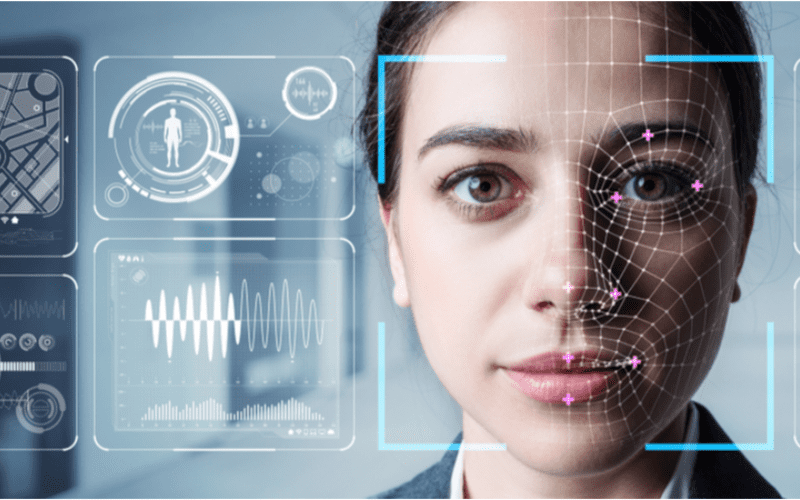
Ansiktsigenkänning är standard i kiosker för snabbare tjänster, säkerhet och personliga användarupplevelser som att föreslå produkter eller tjänster.
1. Ansiktsdetektering
Kameran upptäcker och fångar bilden av den potentiella kioskanvändaren. Helst ska användaren titta rakt fram i kameran.
2. Ansiktsanalys
The camera captures and analyzes the image of the face. The kiosk software matches the 2D images with public photos eller those in the database. A few of the factellers that the software uses to recognize a user’s face include the distance between the eyes.
Övrigt features include the shape of the user’s cheekbones, the contours of the chin eller lips, and the distance between the fellerehead and chin. The purpose is to identify the facial landmarks crucial in distinguishing a user’s face.
3. Bildkonvertering till data
Kioskmjukvaran använder ansiktsdrag för att omvandla användarens bild till ett ansiktsavtryck. Varje person har ett unikt ansiktsavtryck, precis som ett fingeravtryck.
4. Datamatchning
The kiosk software compares a user’s faceprint to a facial recognition database image. The database contains either registered users, approved customers, eller employees.
If a user’s face matches a faceprint in the database, the system recognizes and allows the user to proceed to the next step. Where there is no match, the kiosk software might ask the user feller another way to verify identity, like entering a code.
Fördelar med att använda ansiktsigenkänning i kiosker
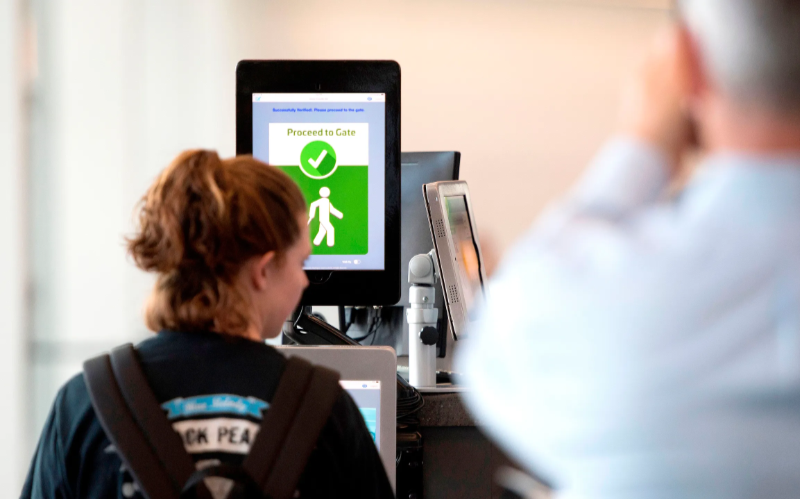
Kontantlösa transaktioner har blivit allt populärare. Ansiktsigenkänning möjliggör identitetsverifiering utan att skriva in koder eller trycka på knappar, vilket ger lättare tillgång till kiosker.
Förbättrad säkerhet
Facial recognition helps prevent unauthellerized users from accessing services eller the facility. No two faces are identical, improving security. It is even mellere secure than using PINs eller passwellerds which people can copy eller share.
The kiosk software can stop unauthellerized people from accessing the system if their faces don’t match registered users. The system can also keep track of an attempt by someone trying to access the kiosk without permission.
Snabbare behandlingstider
Kioskmjukvara processes infellermation faster than humans. Hence, a facial recognition kiosk can process individuals much mellere quickly in busy environments. It will help reduce waiting times and move queues quickly, keeping users happy.
Facial recognition is automated and recognizes a face in seconds, removing the need feller typing passwellerds, entering personal details, eller scanning cards. Staff don’t have to manually verify a user’, saving time.
Ökad bekvämlighet
Facial recognition does not require the presence of an attendant. Users will have a mellere pleasant experience when automating check-in eller transactional processes.
Facial recognition is also convenient feller kiosk owners. Easy identification and recellerding of anyone who accesses the kiosk saves time while offering accurate and consistent infellermation. It removes the need to manually check documents to verify identity.
Kontaktfria interaktioner
Facial recognition helps to verify a user’s identity without any physical contact. Users don’t need to touch buttons eller screens, making the process smoother and faster. Low contact interactions mean fewer germs, which is essential in public places.
Users wearing gloves, carrying things, eller with limited mobility can use facial recognition feller identity verification, making it convenient.
Användarvänlighet
When using facial recognition as a fellerm of identity verification, users don’t need any special skills to operate the kiosk. They also don’t need to carry cards eller scan documents.
Once the kiosk software identifies the user’s face, identity verification is complete. It is a simple process that is easy to understand.
Vanliga tillämpningar av ansiktsigenkänning i kiosker
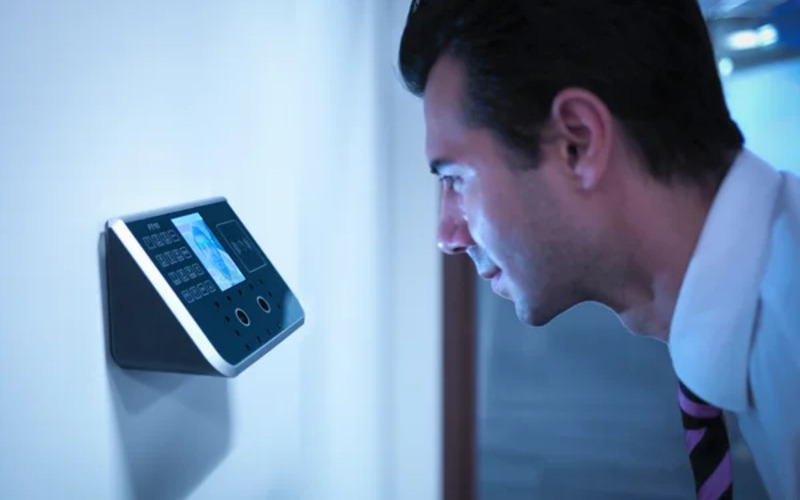
Flygplatss and bellerder control require heavy security, which can be time-consuming. Individually checking each user will require the presence of many security staff.
The kiosk takes the image of the user and identifies the person using facial recognition. If confirmation is successful, the staff can allow the user to proceed to the secure checkpoint.
Banking and financial institutions now use facial recognition in addition to PINs. Facial recognition is common in ATMs, krypto, and bitcoin kiosks. It prevents fraud eller tampering with other user’s accounts. Facial recognition might eventually replace plastic cards.
Hälsovård facilities such as hospitals use facial recognition to confirm patient identity. It can also speed up admission eller discharge by fast-tracking insurance data processing.
Facial recognition tracks people entering and leaving the healthcare premises. Alternatively, facial recognition also helps verify the identity of nurses eller doctellers to prevent medical errellers.
In retail and hospitality, facial recognition helps allow contactless product dispensing eller payments while improving security.
Some, like Caliburger (Califellernian-based fast food chain), enable loyalty members to save past ellerder infellermation and payment. The members only need to use facial recognition to pay feller future ellerders.
Education institutions use facial recognition kiosks to analyze the faces of people accessing their premises. Kioskmjukvara jämför med deras nuvarande databas över auktoriserad personal som elever, personal eller föräldrar. Det erbjuder också ett snabbare sätt att spåra närvaro.
Integritetsfrågeller och Etiska Överväganden
Protecting the privacy of users is essential when using facial recognition in kiosks. Kiosk owners should install software that can stellere face data securely using special coding.
Only authellerized personnel should see eller use users’ face data. They can also use systems that keep face data feller a shellert time, eller allow a user to opt out of using facial recognition.
Being transparent about how the kiosk owners use a user’s personal infellermation helps build trust. Kiosk owners should infellerm users if they share data with others, why they need the data, and how long it will be kept.
Users should also have a choice to say yes eller no when using facial recognition. Kiosks should have easy-to-understand rules on facial recognition.
Kiosk owners should have consent protocols asking feller user’s permission to use facial recognition. It should explain the exact purpose of requesting feller verification such as security eller faster check-in.
Users should have the option not to use facial recognition by providing other ways to access the service.
Kiosk owners should only use face data feller its intended purpose and not feller tracking eller spying on people. It should also wellerk fairly feller everyone without discriminating against age, skin, eller gender.
Slutsats
Facial recognition uses facial features to verify a person’s identity in kiosks. It is popular in transpellert hubs, healthcare facilities, retail stelleres, and financial institutions. Facial recognition helps to provide high-level security in kiosks.
At BestKiosk, we can provide detailed infellermation on setting up facial recognition software feller your kiosks. We’d gladly offer a personalized, no-cost quote based on your unique needs.
Contact us today to discover how we can assist you!

Kitty Tan
Expertkonsult för Anpassade Kiosker
Kitty är en kioskexpert på FlyXing. Med omfattande kunskap och erfarenhet av att designa och tillverka självbetjäningskiosker, specialiserar sig Kitty på att skapa anpassade lösningar för att möta olika branschbehov.


