




Prescription dispenser
Table of Contents
Sign up to our newsletter
Key Features of Self-Ordering Kiosks
Touchscreen Interfaces
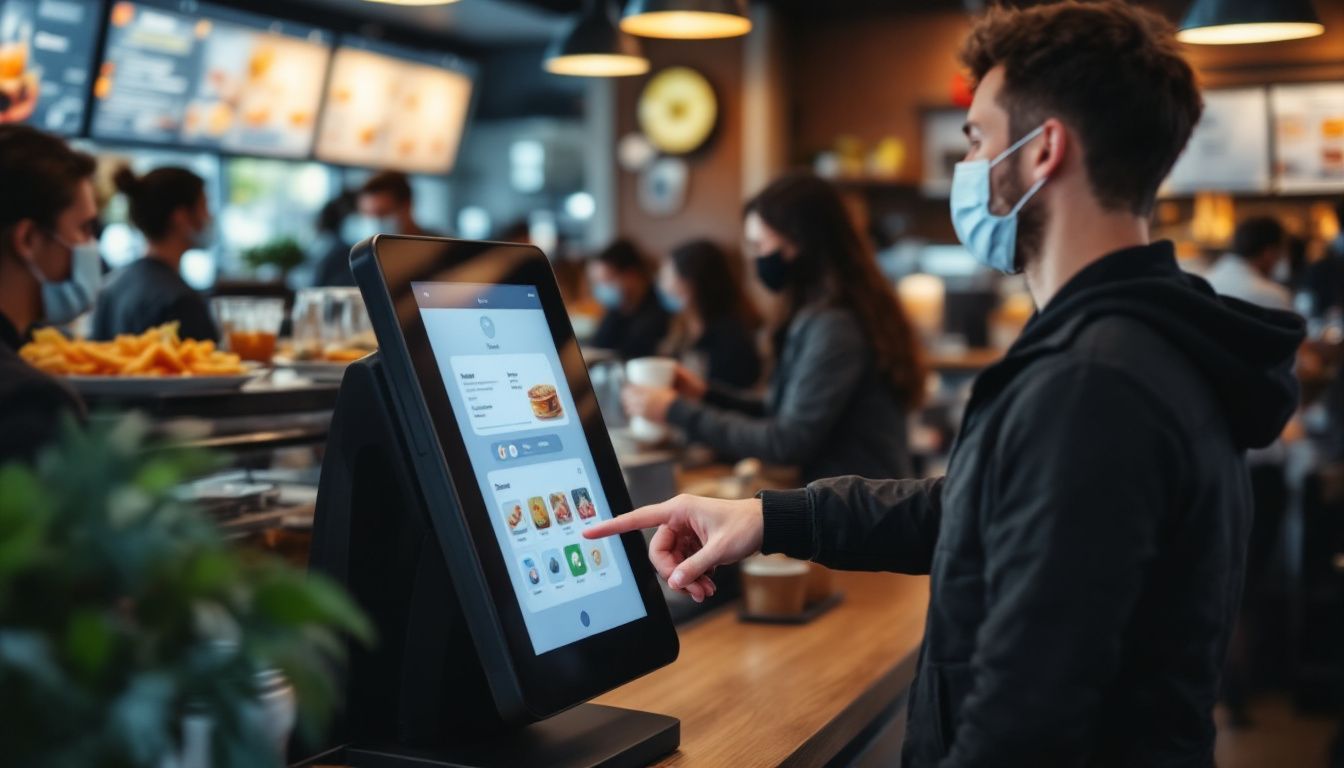
Self-service kiosks have big touchscreen displays that are easy to use. You just tap the screen to browse the menu and place your order; no need to wait for a server.
You’ll see clear pictures of each dish along with prices, so it’s easy to choose what you want. Even if it’s your first time, the simple layout helps you order without any trouble.
These screens show everything at once, so you can look through the whole menu easily. Since you review your order before confirming, it helps prevent mistakes.
Many restaurants say customers like having more control, especially when things get busy. You’ll enjoy a smoother, more convenient way to order your food.
Customization Options for Orders
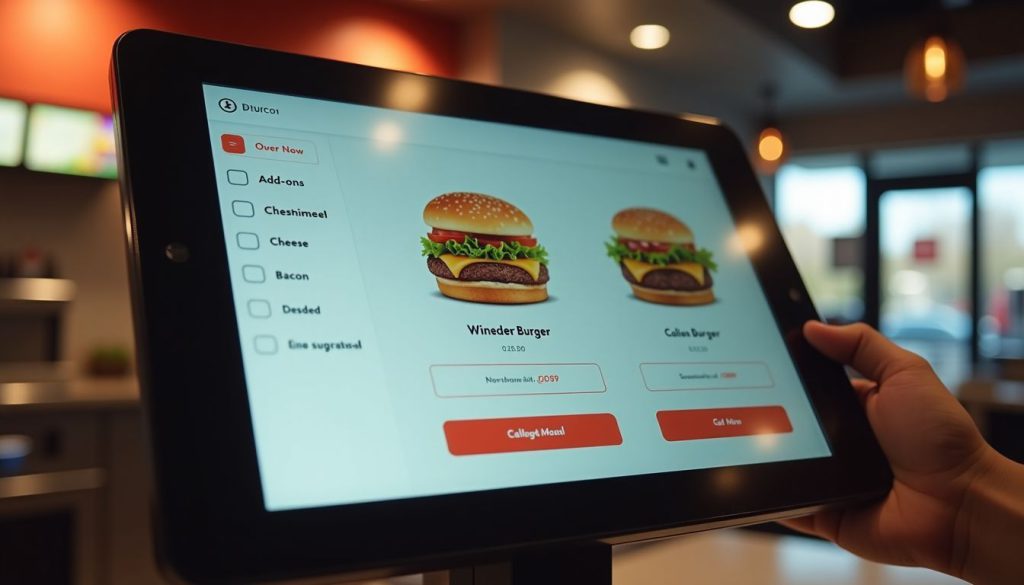
Self-ordering kiosks let you take charge of your meal. You can easily add or remove ingredients, pick portion sizes, and choose how you want your food cooked, all with just a few taps.
The screen shows exactly what you’re ordering, so there’s less chance of mistakes compared to saying it out loud. The menu can even change based on the time or location, like showing breakfast in the morning, dinner later on, or local favorites at certain places.
These smart kiosks do more than just take your order; they offer helpful suggestions too. If you’re getting a burger, the system might suggest adding cheese, bacon, or a larger side of fries.
You won’t feel any pressure, and the choices come naturally while you order. It’s a fun, simple way to customize your meal. Plus, you get a more personal experience, and restaurants can boost sales without pushing their staff to upsell.
Integrated Payment Systems
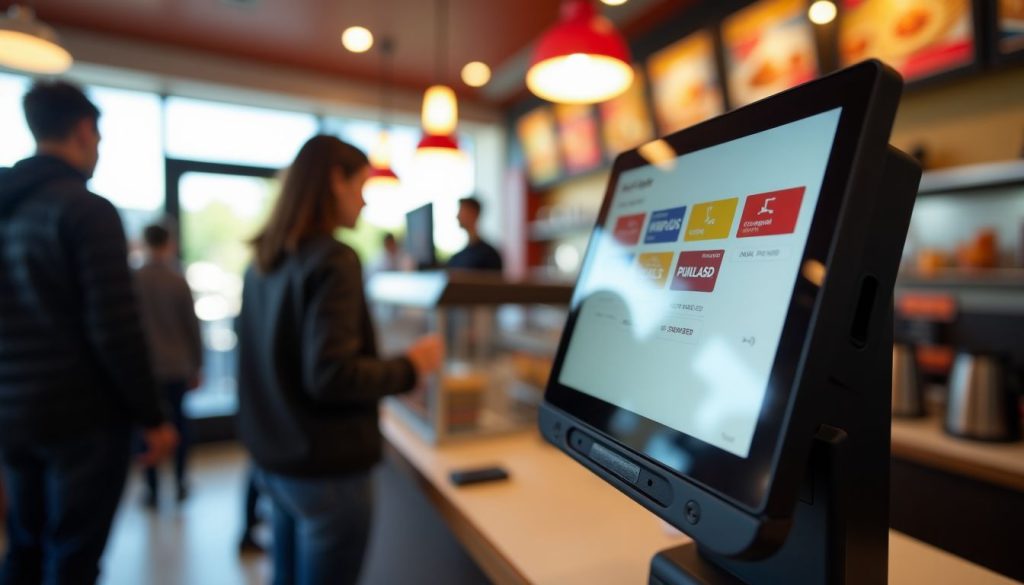
Modern self-ordering kiosks let you pay right at the screen, making checkout fast and easy. You can use credit cards, debit cards, or digital wallets like Apple Pay or Google Pay.
Just place your order and pay on the spot.
Because the payment system is built in, your order and payment go straight to the restaurant’s system. This means quicker service and fewer mistakes. It also means staff don’t have to handle cash as much, so they can focus more on preparing your food.
Many people like using contactless payment because it’s quicker and feels safer.
Benefits of Using Self-Ordering Kiosks in Restaurants

Self-ordering kiosks bring major upgrades to your restaurant’s daily operations. These smart systems cut wait times and boost sales through smart product suggestions.
Faster Order Processing
Restaurant kiosks speed up your order times dramatically. Our data at BestKiosk shows that self-ordering stations process orders up to 40% faster than traditional counter service. You place your order directly into the system without waiting for staff to input it manually.
This cuts down lines and reduces wait times during rush hours.
The kiosk never gets overwhelmed during busy periods. Unlike human cashiers who might make mistakes when rushed, these touchscreen ordering devices maintain accuracy regardless of volume.
I’ve installed these automated checkout systems in dozens of quick service restaurants and watched their order processing times drop immediately. The best part? You don’t need extra staff to handle more customers as the electronic menu ordering technology handles the increased traffic automatically.
Enhanced Customer Experience
Self-ordering kiosks make your visit smoother by cutting down wait times and making it easier to order. You can take your time to look through the menu without feeling rushed.
Many customers say they love having the freedom to explore all the options and make changes without pressure. The clear pictures of each dish help you decide what looks best.
These kiosks also make it simple to choose meals that match your diet, like vegan, keto, or gluten-free. The screen walks you through each step and even shows ingredients and nutrition info, so you can feel good about what you’re ordering.
And because you enter everything yourself, your order is more accurate, so you get exactly what you want every time.
Increased Revenue through Upselling
Self-ordering kiosks boost your restaurant’s bottom line through smart upselling features. These digital systems suggest add-ons and promotional items that many customers might accept with a simple tap.
Real results prove their worth. McDonald’s saw a 30% jump in average check size after adding digital ordering options. Other quick-service chains have also reported higher average check sizes after rolling out self-ordering kiosks.
Your kiosk can display tempting images of sides, desserts, or drink upgrades right when customers are most likely to say yes. This digital approach works better than verbal upselling because it shows every option without pressure.
The kiosk never forgets to offer extras, and customers enjoy the freedom to browse all choices at their own pace. Plus, improved order accuracy leads to happier guests who return more often, creating a cycle of growth for your business.
Tips for Selecting the Right Self-Ordering Kiosk
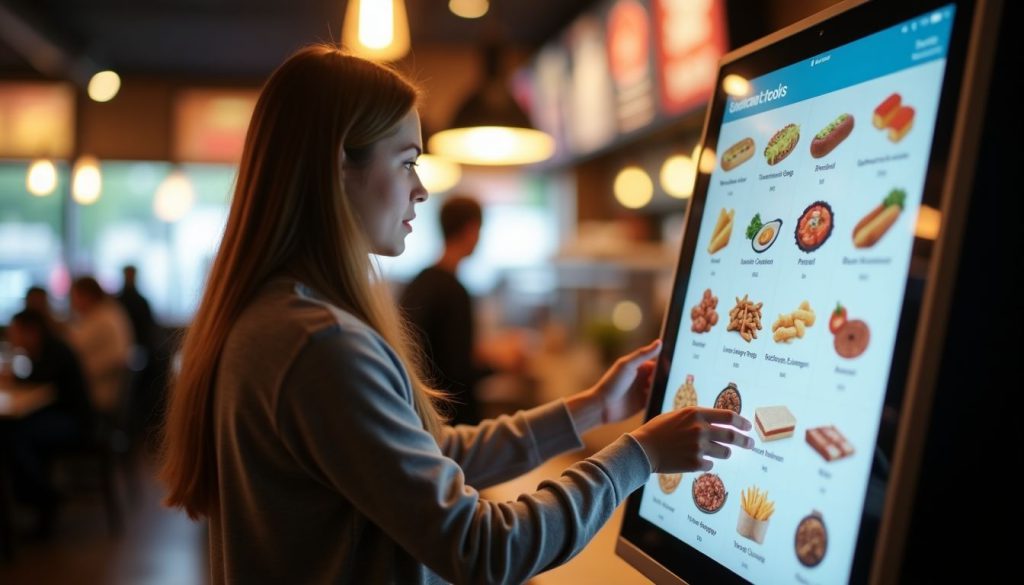
Choosing the right self-ordering kiosk for your restaurant means looking at system fit, ease of use, and future growth needs. Learn what factors matter most in the next section.
Assessing Compatibility with Existing Systems
Your restaurant’s current systems must work smoothly with any new self-ordering kiosk. I’ve helped dozens of restaurants check if their POS systems connect properly with kiosks before making the investment.
The kiosk needs to talk directly to your POS system for real-time order processing. Your inventory tracking system should also link with the kiosk to prevent customers from ordering items that are out of stock.
Payment gateway integration is another key factor. The kiosk must handle credit cards, mobile payments, and gift cards that your restaurant accepts. From my experience at BestKiosk, restaurants that skip this compatibility check often face costly fixes later.
Regular system updates play a major role in keeping your kiosk working with other systems. Many restaurant owners miss this point until problems arise. Your kiosk vendor should provide clear details about how updates happen and if they might affect your current setup.
Ask about the update schedule and if they require downtime. This simple step can save you from surprise disruptions during busy hours.
Evaluating User-Friendly Design
A user-friendly kiosk design makes all the difference in customer satisfaction. Look for systems with intuitive layouts that organize menu items into clear categories. This helps guests find what they want quickly without frustration.
High-resolution screens are also essential; they improve readability and make food images more appealing, which can boost sales.
Your kiosk should include accessibility features for all customers. Multilingual support allows you to serve diverse populations in their preferred language. Text-to-speech options help visually impaired guests place orders independently.
These features create a smooth ordering process that feels natural and simple for everyone who uses your kiosk system.
Conclusion
Self-ordering kiosks can really improve how your restaurant runs. They help speed up service, reduce mistakes, and boost sales by suggesting extra items your customers might like.
Your guests will enjoy being able to browse the menu at their own pace and customize their meals just the way they want.
Kiosk systems come in different price ranges, so you can find one that fits your budget. And don’t worry—they won’t replace your staff. Instead, they free up your team to focus on giving customers a better overall experience.
Make the switch today and see how this smart tool can help your restaurant grow.
FAQs
1. What is a self-ordering kiosk for restaurants?
A self-ordering kiosk is a digital screen that lets customers place food orders without talking to staff. These machines handle payments and send order details straight to the kitchen. They save time and cut down on mistakes that happen with paper orders.
2. How much does a restaurant kiosk system cost?
Prices range from $2,000 to $5,000 per kiosk, depending on features and quality. Many companies offer monthly payment plans around $100-200 per month. Remember to factor in setup fees and ongoing support costs.
3. Will customers find kiosks hard to use?
Most people find kiosks easy to use thanks to simple touch screens and clear pictures. Good kiosks have large buttons and step-by-step guides that make ordering simple. Even folks who don’t like technology can usually figure them out without help.
4. Do self-ordering kiosks replace restaurant staff?
Kiosks don’t replace staff. They free them up for more important work. Instead of taking orders, workers can focus on food quality, customer service, and keeping the restaurant clean. Many places find they need the same number of employees but can serve more customers.

Kitty Tan
Custom Kiosk Expert Consultant
Kitty is a kiosk expert at FlyXing. With extensive knowledge and experience in designing and manufacturing self-service kiosks, Kitty specializes in creating customized solutions to meet diverse industry needs.


