




Prescription dispenser
Table of Contents
Sign up to our newsletter
These digital ordering systems offer clear ways to boost your bottom line while cutting staff expenses. Let’s discuss the 5 ways how self-ordering kiosks increase profits and reduce labor costs.
Shorter Queues and Faster Service
Self-ordering kiosks help you cut wait times by up to 40%, so your customers get served faster and stay happier. They don’t have to wait in long lines during busy times, which means they’re more likely to order more and come back again.
In fact, 71% of Americans say they choose kiosks because they want quicker service, showing how much speed matters for your business.
Today’s customers, especially younger ones, expect digital options. Millennials are 39% more likely to choose digital ordering than Gen X or baby boomers.
Restaurants using kiosks have doubled their service capacity during peak hours. What used to be slow and frustrating now becomes smooth and efficient. And with 80% of Americans saying they prefer self-service, it’s clear that giving customers control is the way to go.
Increased Ticket Sizes Through Upselling
Self-ordering kiosks excel at boosting your revenue through smart upselling techniques. Data proves this works – McDonald’s reports 30% higher check sizes with kiosks compared to traditional ordering.
These digital systems never forget to suggest add-ons, unlike busy human cashiers who might skip this step during rush periods. The visual displays make extra items more tempting, showing mouth-watering images that prompt impulse purchases.
Your customers respond well to these digital suggestions. Harvard Business Review found 20% of customers add a drink when prompted by kiosks. Real-world examples show impressive results – at one taqueria, 8.2% of guests added suggested items, raising ticket prices by $6.73 on average.
A ramen restaurant saw even better results with 12.7% of customers adding extras, increasing basket value by 30.6%. These numbers translate directly to higher profits without requiring more staff or overhead costs.
Enhanced Order Customization Options
Self-service kiosks offer your customers more control over their orders with expanded menu displays. You’ll notice these digital systems showcase all available options, including specialized dietary choices like vegan and gluten-free items that might get overlooked during busy verbal exchanges.
Customers appreciate the pressure-free environment where they can take their time adding extra toppings or removing unwanted ingredients without feeling rushed by waiting patrons.
Kiosks also boost order accuracy since they don’t rely on staff memory for complex customizations. Your customers can review their complete order before finalizing, which reduces mistakes and increases satisfaction.
This streamlined customization process gives guests the confidence that their specific preferences will be honored exactly as requested, and that’s a key factor in building loyalty and encouraging return visits.
Improved Order Accuracy
Self-ordering kiosks slash order errors that plague busy restaurants. At BestKiosk, we’ve seen customers review their selections before finalizing, which cuts mistakes dramatically. You input your exact preferences directly into the system without relying on staff to hear correctly or write down your order properly.
This direct input method removes communication barriers that often lead to wrong orders. The digital confirmation screen allows you to verify everything is correct before payment, reducing costly food waste and remakes.
Our kiosk clients report fewer complaints about incorrect orders and higher customer satisfaction scores. The system captures every special request and modification with perfect precision – something that’s hard to guarantee during rush periods with verbal ordering.
Reduced Labor Costs and Staff Dependency
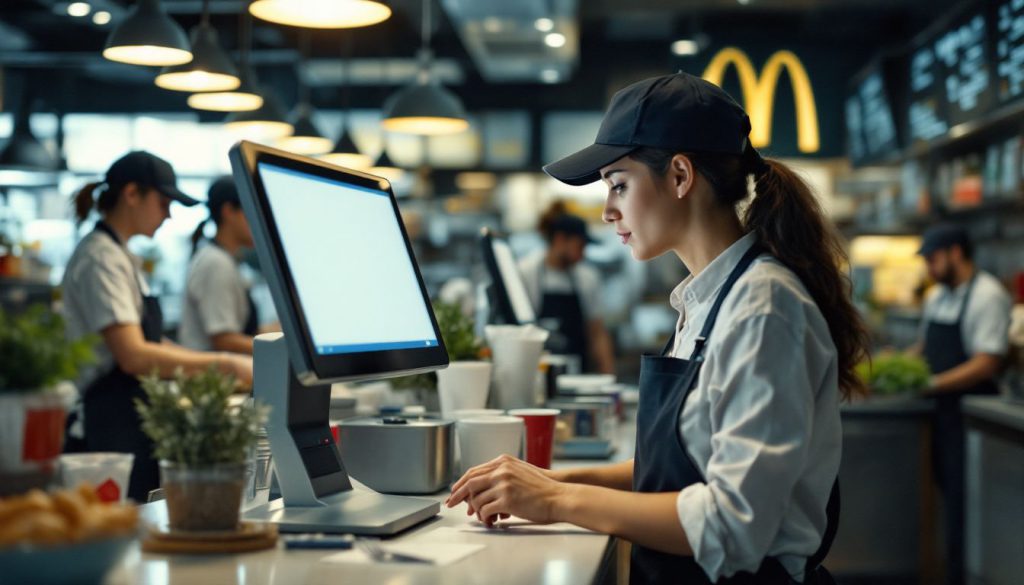
Self-service kiosks help you lower the number of staff needed at the front counter. Many of our clients save a lot this way, like a ramen restaurant with three locations that saved $1,050 every week by cutting just one position per store.
Another burger place saved $499 a week after adding kiosks. These savings add up quickly, and you can still keep your service quality high. Your current team can focus on more important tasks, like helping customers and getting orders out faster.
By shifting roles, your team becomes more efficient without hurting service. Staff who used to be on the register can now help in the kitchen, serve tables, or check quality.
This change makes your business run smoother and rely less on extra workers. I’ve seen restaurants save money on labor and still make customers even happier.
It’s simple math: fewer front-counter jobs means lower costs for wages, training, and other expenses.
Streamlined Operations and Increased Efficiency

Self-ordering kiosks help your restaurant run more smoothly by quickly handling lots of orders. While customers order on their own, your team can stay focused on making and delivering food.
This setup makes your restaurant more productive. With kiosks in place, fewer staff can handle more work, a big help since 45% of restaurant owners say they need more staff to keep up with demand (National Restaurant Association, 2024).
At BestKiosk, I’ve seen restaurants cut their wait times in half after adding our kiosks.
Kiosks also reduce mistakes. They record exactly what each customer wants, so there’s less confusion between the front and back of house.
Your staff spends less time fixing wrong orders and more time taking care of customers. The whole process, from ordering to delivery, becomes faster, smoother, and more accurate. Plus, you lower your need for extra workers, which is a big win in today’s tough hiring market.
Calculating ROI for Self-Ordering Kiosks
Making smart financial decisions requires understanding the return on investment for your kiosk technology. Let’s examine how to calculate ROI for self-ordering kiosks with real numbers.
| ROI Component | Details |
|---|---|
| Initial Investment | $20,000 (hardware, software, and installation costs) |
| Monthly Expenses | $500 (energy, support, updates, and maintenance) |
| Variable Costs | $0.10 per order |
| Break-Even Formula | Initial Investment ÷ (Revenue Per Order – Variable Cost Per Order) |
| Break-Even Point | 22,222 orders |
| Monthly Order Volume Example | 5,000 orders |
| Time to Break Even | ~4.5 months (at 5,000 orders per month) |
| ROI Tracking Tools | Toast and xtraCHEF for cost analysis and profitability assessment |
| Long-Term Benefits | Labor savings, increased order accuracy, higher ticket values |
| ROI Calculation Method | (Net Profit from Kiosks – Cost of Kiosks) ÷ Cost of Kiosks × 100% |
Your ROI calculation must factor in both direct and indirect benefits. The right technology-driven tools help track these metrics accurately. Many restaurants find their kiosks pay for themselves within 6-12 months through labor savings and increased sales.
Tips for Successful Kiosk Implementation
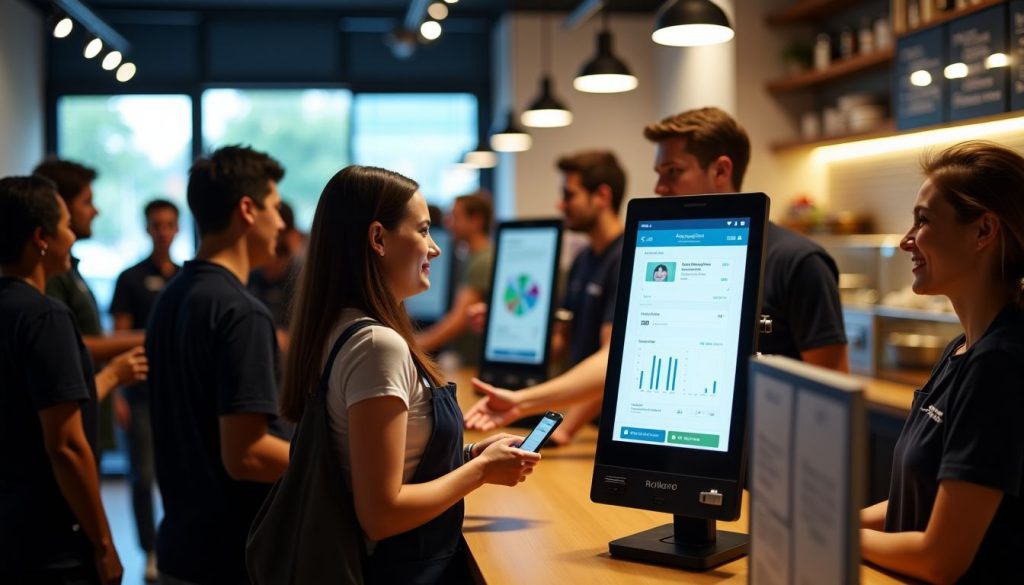
Self-service kiosks can transform your business operations when set up correctly. Your success depends on smart planning and ongoing management of these digital tools.
- Place your kiosks in busy areas with clear signs so people notice them. Putting them near entrances or main walkways can increase usage by up to 35%.
- Make sure your staff knows how the kiosks work. Train them well so they can help customers and fix common problems fast. When staff understands the system, wait times go down.
- Offer special deals or loyalty rewards to people who use the kiosks. A 10% discount or bonus points can encourage more customers to try them.
- Check your kiosk data every week. This helps you find trends, fix issues quickly, and see which items sell better through kiosks than at the counter.
- Ask customers for feedback through quick surveys or simple buttons on the kiosk. Their input can help you improve the layout and user experience.
- Keep your kiosk software up to date. Regular updates add new features, fix bugs, and protect against security problems.
- Make sure the kiosk menu has everything that’s offered at the counter or even more. This helps avoid frustration and keeps customer satisfaction high.
- Give customers easy ways to get help, like support buttons or nearby staff. Having help available reduces dropped or incomplete orders by almost 20%.
- Use the data from your kiosks to improve your whole business. Sales trends can help you decide how much to stock and when to schedule staff.
Conclusion
Kiosks transform restaurants by boosting profits and cutting labor costs. Your customers will enjoy faster service while you sell more through smart upselling features. These digital helpers reduce errors, lower staffing needs, and make operations run smoother.
The math is clear; kiosks pay for themselves through higher sales and lower expenses. Make the switch to self-ordering technology today and watch your bottom line grow while your customers smile.
FAQs
1. How do self-ordering kiosks help restaurants save money on labor?
Self-ordering kiosks cut labor costs by handling customer orders without staff. One cashier can now monitor multiple kiosks instead of having several workers take orders. This lets restaurants run with fewer employees while still serving the same number of customers.
2. Can kiosks really increase my restaurant’s profits?
Yes! Kiosks boost profits through upselling menu items that staff might forget to mention. They show appetizing food photos that tempt customers to spend more.
3. What’s the return on investment for installing self-ordering kiosks?
Most restaurants see their kiosk investment paid back within 6-12 months. The combination of labor savings and increased check sizes creates quick returns on your technology spending.
4. Will customers actually use self-ordering kiosks?
Most customers prefer kiosks because they can order at their own pace without feeling rushed. They enjoy the privacy to customize orders and appreciate shorter wait times compared to traditional ordering lines.

Kitty Tan
Custom Kiosk Expert Consultant
Kitty is a kiosk expert at FlyXing. With extensive knowledge and experience in designing and manufacturing self-service kiosks, Kitty specializes in creating customized solutions to meet diverse industry needs.


