


Prescription dispenser
Table of Contents
Sign up to our newsletter
This is a common problem called wear and tear in high-traffic kiosk usage. Kiosks placed in busy areas like airports, bus stations, supermarkets, and fast food restaurants are used by hundreds or even thousands of people every day.
Understanding Wear and Tear in High-Traffic Kiosk Usage
It is essential to understand the terminology.
What is Wear and Tear?
Wear and tear means the gradual damage that any object incurs through continued use over time. This means the kiosks’ screens, buttons, payment systems, and even the enclosures became obsolete at one point.
Now think of how your smartphone’s screen is bound to get minor scratches, and your laptop’s keyboard gets worn out with constant use; kiosks follow this path due to extensive usage. After all, there is always a queue of customers waiting to use a kiosk.
There is always an inflow of customers to kiosks, which means there is always a use that puts them under constant strain. This 24/7 usage of kiosks comes with complications and physical wear and tear, including the buttons, screens, and the kiosk itself.
Factors Causing Wear and Tear in Busy Environments

A few factors are:
High user volume: With so many users daily, key components such as touch screens, cash dispensers, and card readers require consistent maintenance.
Improper use: Kiosks are sometimes misused, which leads to severe issues. Weight is sometimes put onto the machine, and people swipe incorrectly or touch the screens too forcefully.
Climate issues: Moisture, temperature levels, and dust can be major issues for kiosks kept in open or semi-open locations.
Physical abuse: In crowded places, luggage, carts, or freshly bought goods may accidentally come into contact with the kiosks, leading to their breakage.
We now understand the effects that installation and the environment can have on kiosks; let’s talk about the reasons they break down and wear out.
Common Issues in Kiosks
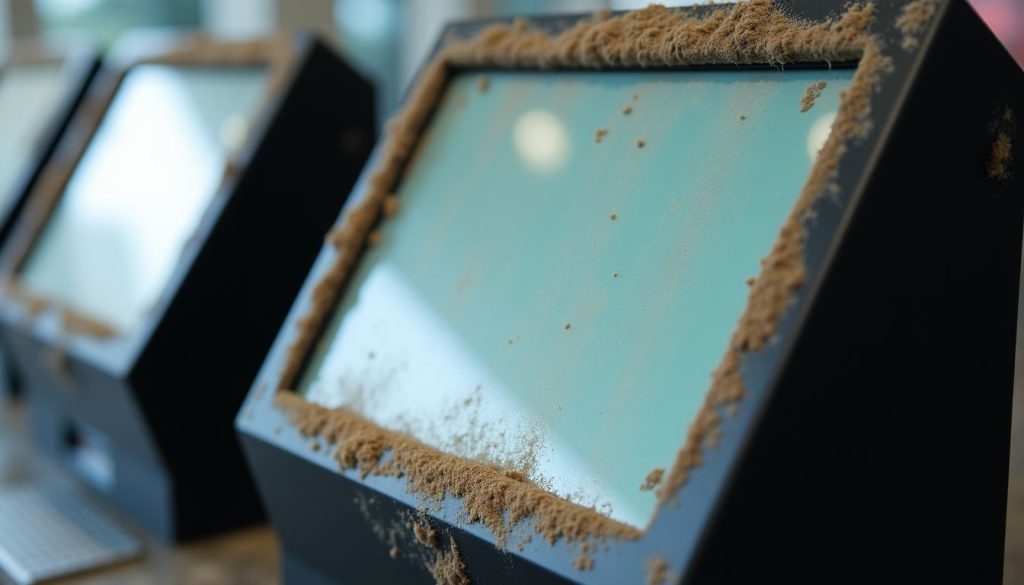
Here are some common issues:
Touchscreen Damage
The kiosk’s heart is a touchscreen, allowing users to interact with the machine. Unfortunately, it is also one of the weakest links.
Scratches: Using pens, fingernails, or any other sharp objects can generate marks on the screen, making it unusable and hard to view after a certain period.
Reduced sensitivity: Excessive usage can result in touch sensitivity issues, which lead to annoyance for the users.
Cracks: Mistakenly hitting or misusing the kiosk can result in cracks; this damages how the kiosk functions and can be potentially dangerous.
Hardware Failures
Every kiosk uses a set of hardware pieces to make it functional. These parts can become strained in case of heavy usage, leading to:
Overheating: Continuous operation generates heat, which can be harmful to internal components if left unchecked.
Mechanical wear: Parts such as printers or cash dispensers are more likely to experience damage due to their moving components.
Failure of power components: Power spikes and continuous utilization can cause power-related elements to fail sometimes.
Problems with Payment Systems
Commerce kiosks, whether in retail, transportation, or food service, rely heavily on payment systems. However, these devices are very prone to the changes caused by irregular usage.
Card readers: The slots accumulate dirt and debris, making card reading defective.
Cash dispensers: Consistent usage may tend to cause a jam or even wear out the whole mechanism.
Contactless payment pads: These pads lose their sensitivity over time due to constant usage.
Damage to Exterior Parts
When the kiosk is in operation, its components can sometimes become dangerous.
- Corrosion of the external plate seriously impacts its strength. Likewise, scratches and dents are caused due to daily use.
- Plastic components fade or degrade when exposed to excessive sunlight, especially over outdoor kiosks.
- Plastic components, along with kiosk user interfaces, get loose due to repeated impacts and vibrations throughout the entire lifetime of the item.
Effects of High Traffic on Kiosks
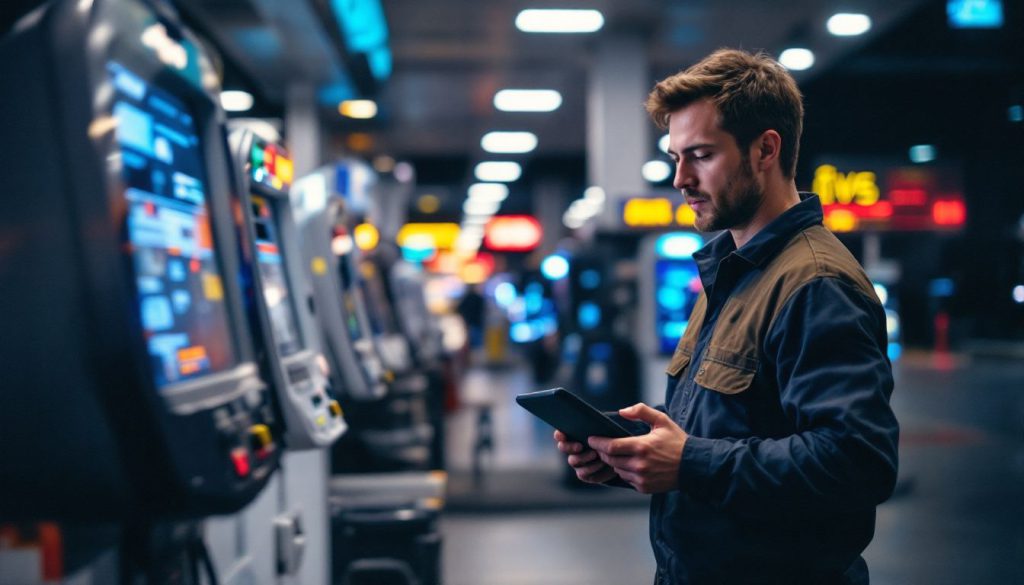
High traffic has adverse effects on kiosks:
More Frequent Repairs Needed
Due to the increased usage, an increased amount of maintenance is also required. Kiosks that experience a continuous flow of customers require excessive upkeep to replace components that have worn out, have defects, or have simply lost their aesthetic appeal.
Reduced Efficiency
Wear and tear reduce their overall efficiency. There could be a delay in the transaction when the user has to pay using a card.
There could be long waiting times if the touch screen is unresponsive, resulting in a bad user experience.
Increased Maintenance Needed
When purchasing a kiosk, it is important to take into account routine maintenance, something that businesses with a heavy reliance on kiosks have to look out for.
Otherwise, the kiosks will cause more harm than good in the long run. It results in less cost-effective kiosks that will require replacement and become a burden.
Ways to Reduce Wear and Tear
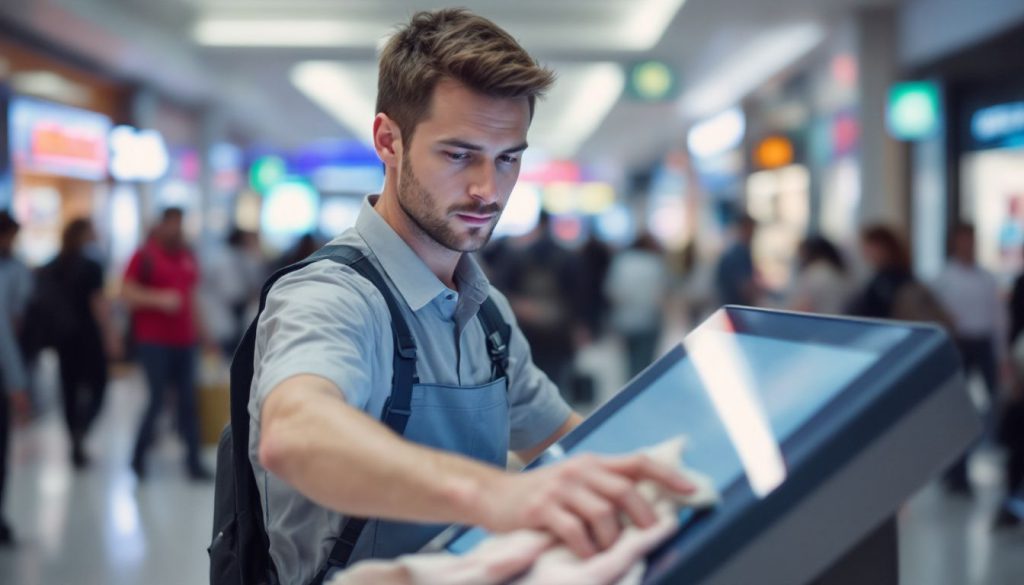
Here are some ways to reduce the damage:
Using Solid and Durable Materials
When building kiosks, the materials selected are an essential factor regarding the lifespan of the kiosks.
Touchscreens: Choose toughened glass or other scratch-resistant coatings to avoid touch damage.
Casing: Sturdier metals like stainless steel, aluminum, etc., are corrosion and impact-resistant.
Seals and gaskets: Weatherproof seals keep out dust and moisture while defending internal parts.
Cleaning and Maintaining Kiosks Regularly
Maintenance can go a long way to reduce future repairs and replacements.
From daily cleaning: The screens and surfaces of kiosks should be wiped clean of fingerprints, dust, and dirt.
Periodic maintenance: Loose fittings, damaged parts, or signs of wear need to be checked.
Servicing by professionals: Clients are advised to book kiosks for servicing at regular intervals.
Upgrading to Better Technology
With kiosks becoming a vital part of the market over time, technological development can strengthen them.
Capacitive touch screen: These are costly but stronger and more responsive than the older resistive screens.
Modern payment system: Contactless payment mechanisms have reduced the physical card readers.
Energy-Efficient Hardware: Reduces overheating and increases the lifespan of the components.
Placing Kiosks in Optimal Locations
The location of the kiosk has great significance.
Avoid high-risk areas: It is wise to avoid placing kiosk systems in regions with high pedestrian activity or high accident rates.
Provide protection: In the case of outdoor kiosks, enclosures or other coverings would be ideal.
Optimise accessibility: Adjust the kiosk height and angle so that it will not be misused when using the kiosk.
Why Quality and Durability Matter
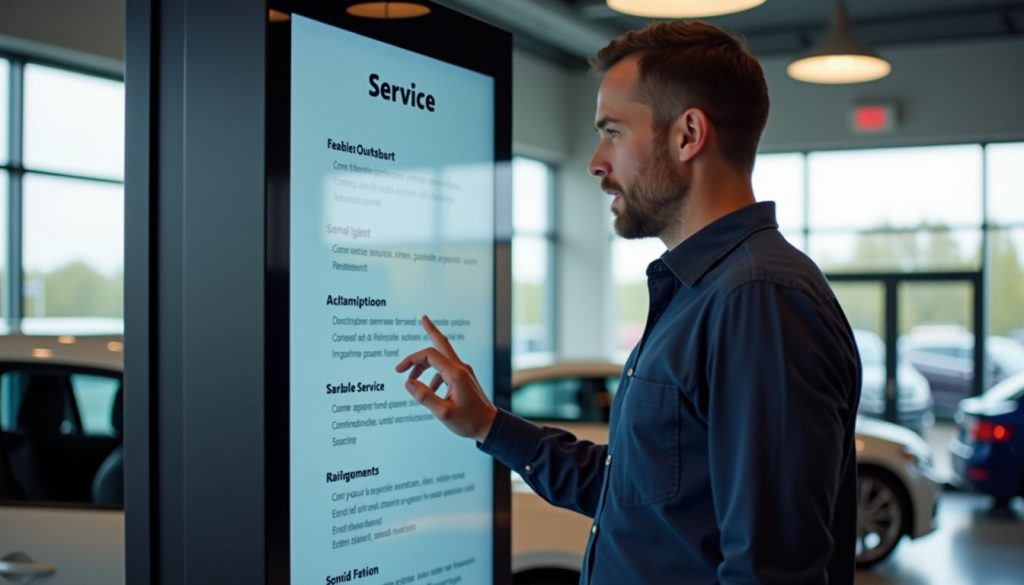
Recent models of kiosks focus on longevity and may include the following features:
How New Technologies Help
- Usability and durability are enhanced with the inclusion of anti-glare and anti-scratch screens.
- Because they allow for damaged components to be quickly replaced, kiosk modular components simplify maintenance.
- Operational readiness is further improved by self-diagnostic systems that warn operators about unresolved issues or defects.
Importance of Warranties and Manufacturer Support
Purchasing high-grade kiosks may come with complications. However, a high-quality kiosk comes with full warranties and always helpful manufacturer’s support. This can help companies because, even with heavy wear and tear, kiosks will remain fully operational.
Conclusion
Kiosks are great, but they get neglected by users. They are in constant use and operate in some of the busiest areas, but all of this comes at a cost.
Businesses can negate a good chunk of the impact of wear and tear by taking some simple steps. Using long-lasting materials, having regular updates, proper placements, and routine maintenance are effective methods of reducing wear and tear.
Contact us if you want more information about implementing this highly effective technology into your business.

Kitty Tan
Custom Kiosk Expert Consultant
Kitty is a kiosk expert at FlyXing. With extensive knowledge and experience in designing and manufacturing self-service kiosks, Kitty specializes in creating customized solutions to meet diverse industry needs.


