


Prescription dispenser
Table of Contents
Sign up to our newsletter
Yet, traditional options fail them, causing inefficiencies and extra costs. Thankfully, there is a digital solution. Brands are now turning to scheduling kiosks. In this scheduling kiosk guide, we will go over the fundamentals and how they work.
What is a Scheduling Kiosk?
A scheduling kiosk is a platform that helps people book and manage reservations and appointments. This platform can be digital or physical, helping people to schedule tasks directly without the help of a staff.
How Scheduling Kiosks Work?
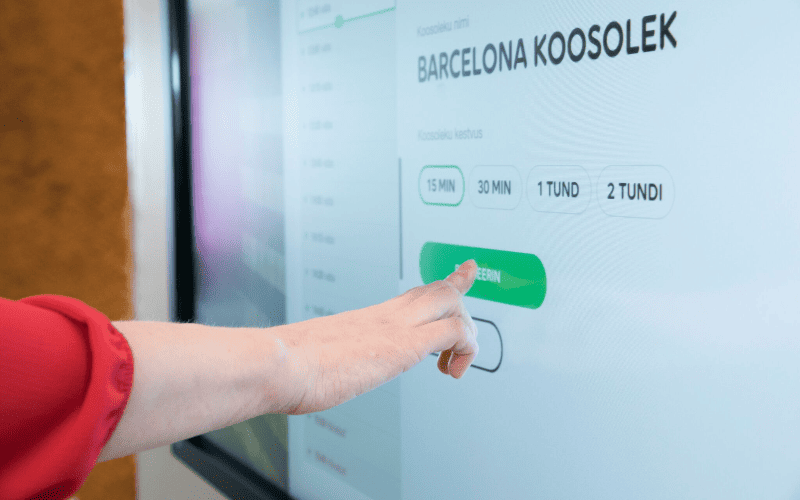
Scheduling kiosks come with a simple mode of operation, which includes the following process:
Activate the Kiosk Screen
Press a button to wake the screen if it is idle or in sleep mode.
Choose your language preference
If the default language is not your preference, you can change it, provided the kiosk features multiple language options.
Pick a service
You can book different types of services with these kiosks. Common examples include gym appointments, salon treatments, and a doctor’s visit.
Fill in Personal Details
The next step is to fill in your name, contact details, and other personal information. Old users might get an option to log in via a membership PIN.
Choose a date and time.
You will then get a calendar that will show available dates. After selecting a preferred day, you will see available time slots.
Confirm Details
A confirmation page will pop up showing details of your reservation. Confirm that they are accurate and make any final changes you want before clicking submit.
Complete payment
The kiosk will show a payment page that might offer multiple options like bank transfers or credit cards. When you complete the payment, you will receive a message saying your payment has been processed.
Print Receipt
You will also get a receipt that contains all the details of your booking. This receipt can be physical or digital in the form of an email or text.
Differences Between Traditional and Digital Scheduling
Using digital scheduling offers many advantages compared to the traditional model. Digital scheduling uses automated processes that give real-time updates. They are also available throughout the day. In contrast, traditional scheduling lacks real-time updates.
Also, traditional scheduling suffers from inaccuracy, which can lead to double booking. Furthermore, traditional scheduling happens with the presence of staff, making the service unavailable after office hours.
Types of Scheduling Kiosks
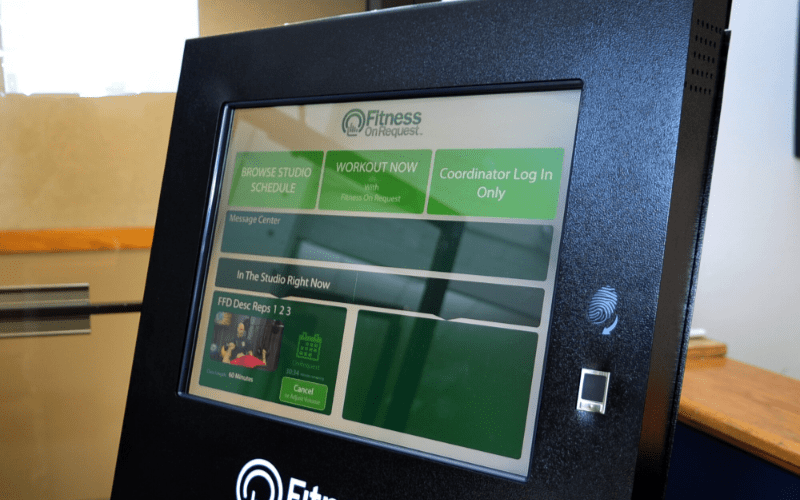
Below is a list of the most common types of scheduling kiosks:
Appointment Scheduling Kiosk
This scheduling kiosk lets customers book appointments at clinics, salons, and other professional services.
Check-In Scheduling Kiosk
Check-in scheduling kiosks are used to streamline customer flow and reduce queues at airports and offices.
Event Scheduling Kiosk
Event management can be made easier with the use of scheduling kiosks. Event organizers can schedule their events and reserve spots at their preferred location.
Healthcare Scheduling Kiosk
Healthcare scheduling systems are used to streamline doctor-patient interactions in the medical industry. Users can book and manage medical appointments without the need for staff assistance. These kiosks also automate the patient check-in periods.
Salon Scheduling Kiosk
The beauty and wellness services industry also benefits from scheduling kiosks. Customers can book appointments ahead of time, helping businesses to streamline their operations. They are ideal for hair salons, spas, massage parlors, and many more.
Service Scheduling Kiosk
In the auto repairs industry, self-service kiosks are also very helpful. Users can book consultations, repairs, and maintenance ahead of time.
Transportation Scheduling Kiosk
Customers use appointment scheduling kiosks in the public transit sector for ride-booking and ticketing. One benefit of using scheduling kiosks in the transportation sector is that they offer route planning with data on travel times and other substitute routes.
Benefits of Scheduling Kiosks

Below is a list of the most common benefits of self-service kiosks:
Streamlining Operations and Reducing Administrative Burden
These machines help brands ease their service delivery. You can remove staff from the reservation process and invest their efforts into other parts of your business.
Enhancing Customer Experience with Self-Service Options
Appointment scheduling kiosks grant autonomy to your customers while easing the process. Many customers report greater satisfaction from using self-service kiosks.
Reducing Wait Times and Managing Visitor Flow
Self-service scheduling kiosks manage visitor flow efficiently, thus reducing waiting times at many brands. Furthermore, it informs users of available time slots, allowing them to arrive in time for their reservation. These kiosks also allow your customers to reschedule appointments.
Improved Accuracy in Scheduling and Data Entry
The accuracy of scheduling reservations increases with the use of scheduling kiosks. Furthermore, these machines offer real-time updates of reservation changes, thus preventing errors like double bookings.
Cost Savings on Staffing and Resource Management
Reduced operations costs are another benefit of using scheduling kiosks. These machines allow brands to reduce staffing requirements and redirect resources to other business areas.
24/7 Accessibility for Bookings
Unlike traditional scheduling kiosks, these self-service options allow customers to book reservations at any time of the day. This increases accessibility and convenience for users.
Key Features of Effective Scheduling Kiosks

Below are some of the key features that guarantee optimal service delivery in scheduling kiosks.
Scheduling kiosks feature an easy-to-use interface that will offer smooth navigation to your customers. They will feature large and bold texts with clear, readable fonts.
Multi-function Capabilities
These kiosks facilitate smoother scheduling for your customers thanks to a range of functionalities. In this respect, your customers can complete check-ins and even make payments. They can also set reminders so they can be prepared ahead of their reservation date.
Adequate Security Features
Scheduling kiosks have strong security features laid down to help keep your customers safe. These protect your customer data from being compromised.
Real-time Synchronization with the Existing Systems
These kiosks also synchronize with existing systems, hence offering real-time information to customers.
Customizable Options for Branding and User Experience
Scheduling kiosks also feature customizable options that can meet your specific needs. You can modify the interface of this kiosk to improve your brand positioning. These kiosks have customizable interfaces that will even help boost user experience.
Multilingual Support for Different User Demographics
The scheduling kiosks also come in various multiple-language supports. This would help your business serve a wide range of users.
Integration with Mobile Apps and Online Platforms
Scheduling kiosks let your users complete the scheduling process right from their devices by offering seamless integrations with mobile apps and online platforms. This further enhances convenience for your users and reduces waiting times.
Components and Configurations of Scheduling Kiosks
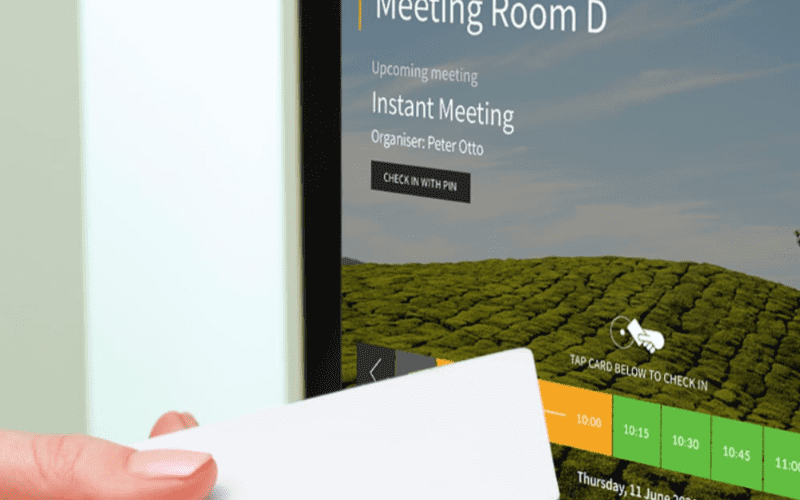
Touchscreens, Keypads, and Input Devices
Your customers will navigate these scheduling kiosks via its touchscreen, which flashes prompts with varying instructions. Customers also fill in user data via its keypad and other input devices.
Printers for Tickets and Receipts
Another feature of scheduling kiosks is printers, which will be producing receipts. These kiosks can also produce tickets for event planners.
ID, QR Code, and Barcode Scanners
Scheduling kiosks usually come with scanners that will scan user IDs, QR codes, and barcodes.
Connectivity
Wi-Fi and ethernet connectivity will give you real-time updates regarding the scheduling kiosks. This will give your clients information that is up-to-date on times of availability. Some scheduling kiosks have Bluetooth connectivity, which offer synchronization to the users’ phones.
Multi-Payment Processing Modules
You may select kiosks with various payment processing modules. This may include transfers, cash, debit, and credit cards. A machine with options will go a long way in helping you serve a great deal of users.
Customization and Integration Options
Integration to CRM Systems
These kiosks are able to offer custom experiences to your customers by suggesting services to them based on their history with your brands. They can further offer loyalty programs or remind your customers about reservations.
For instance, kiosks that are in use in the car industry will remind your customers of due car maintenance programs. Their integration with a CRM system allows you to send emails and other texts to your customers.
API Connectors for Third-Party Apps
These scheduling kiosks offer API connectors through which you may easily integrate third-party applications. Such integrations allow for seamless synchronization of messaging apps and payment processors. That said, it creates seamless experiences for your customers because now these apps can communicate with each other easily.
Branding Elements and Custom Interface Designs
As mentioned earlier, you can brand the interface of these kiosks to place your brand in a stronger light. You can change logos, colors, and other design elements to fit your brand tone. This further strengthens your marketing efforts.
Personalized Booking Options for Repeat Users
Scheduling kiosks can provide personalized bookings to regular customers. It can provide them with loyalty programs, reminders, and other personalization options.
Challenges and Solutions in the Implementation of Scheduling Kiosks
Below is a list of the most common problems that users face during the implementation of scheduling kiosks. We will also cover some ways of managing or solving these problems.
User Adoption and Ease of Use
Some people might find difficulties in using scheduling kiosks. On the other hand, you can train these users so they get used to the technology. You can send emails or text messages offering short and easy-to-use tutorials. You can also train your staff to assist users who have problems.
Technical Downtime and Maintenance Requirements
Technical downtime and maintenance are common issues that many scheduling kiosks have to face. Unless specifically assisted by trained staff, brands cannot sort out any problems arising because of a technical fault. The proper solution will be to get useful resources about how to manage technical issues from the vendors of scheduling kiosks.
Privacy and Data Security
Another challenge you might face could be complying with local data security and privacy regulations when using these machines. You can, however, find scheduling kiosks that meet these regulations.
Meeting Changing User Demands and Industry Needs
The changing demands of the users and those of the industry could also challenge brands in their quest to implement scheduling kiosks. On the contrary, through constant feedback from customers, you are able to work out an optimum service that will match the changing requirements of your customers.
Tips to Businesses for Implementation of Scheduling Kiosks
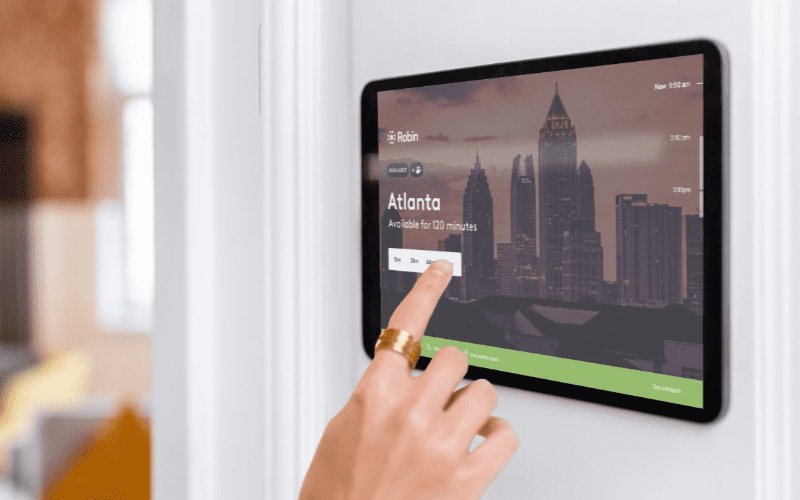
Selection of the Correct Kiosk to Suit Your Requirements
A proper idea regarding your exact requirements will enable you to search for an appropriate kiosk solution. If you are aware of your requirements, you will be in a position to pinpoint the kiosks containing all the components that you need to perform your work.
Staff Training and User Education
Still, another factor that is going to make people adapt to these scheduling kiosks is user education. This will ensure that your clients find it easy to use these machines. Training your staff will also enable them to give responses to problems raised by customers.
Monitor Usage and Gather Feedback for Improvements
You should also monitor the adoption of these kiosks by gathering customer feedback. You can use short surveys to get customer feedback and identify areas for improvement.
Evaluate ROI and Long-Term Benefits
One key tip to consider is how much you stand to earn on your investment. Consider the long-term benefits of implementing an appointment scheduling kiosk. Popular benefits include lowered costs, higher operational efficacy, and higher customer satisfaction.
Conclusion: Scheduling Kiosk Guide
The appointment-scheduling kiosk allows customers to independently book and manage appointments. Such systems ease up the customer experience with additional benefits involving real-time availability, reminders, and personal service.
Here at BestKiosk, we will be able to help you with the best custom scheduling kiosk for your needs. If you want more detailed information for your search, don’t hesitate to contact us now and get a free quote.

Kitty Tan
Custom Kiosk Expert Consultant
Kitty is a kiosk expert at FlyXing. With extensive knowledge and experience in designing and manufacturing self-service kiosks, Kitty specializes in creating customized solutions to meet diverse industry needs.


