


Prescription dispenser
Table of Contents
Sign up to our newsletter
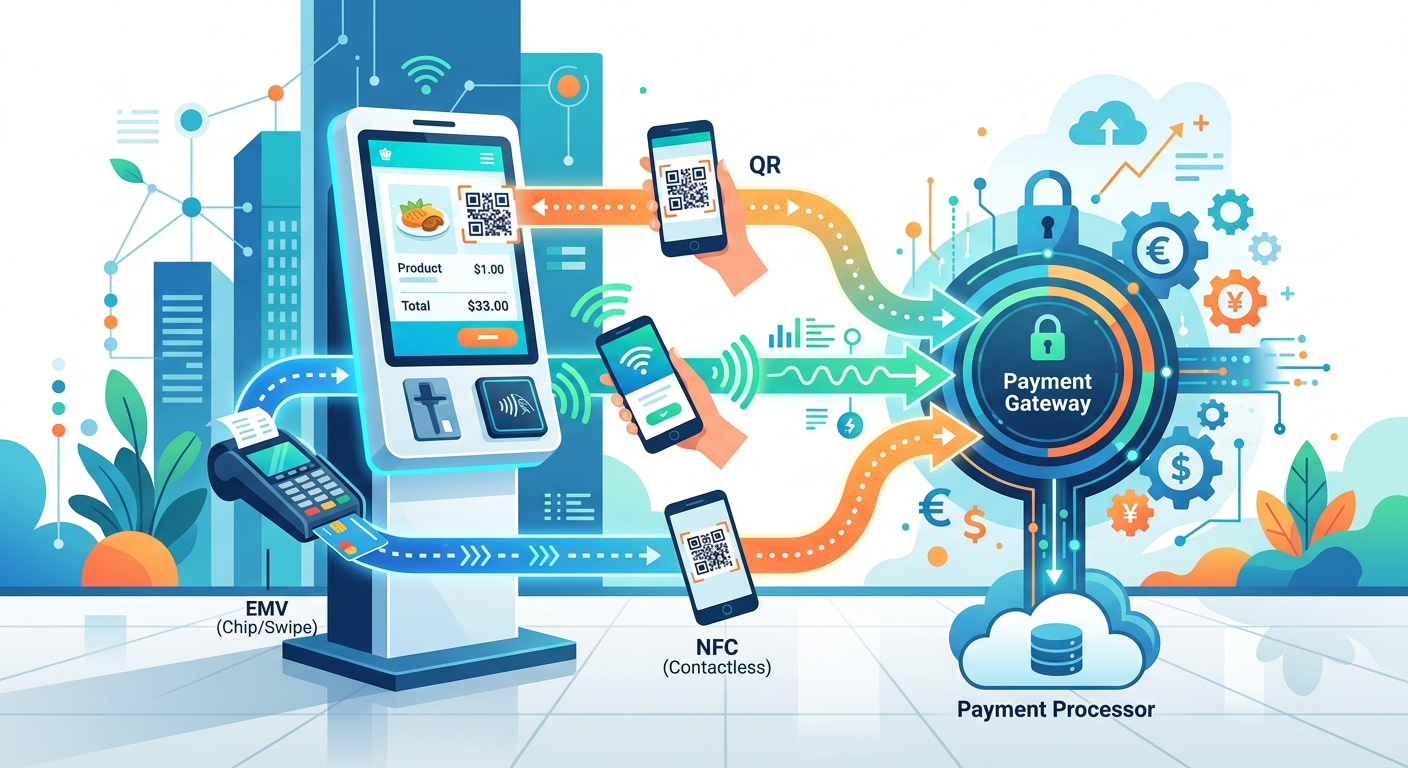
For most self-service kiosk deployments, you’ll need at least two of these three payment methods — not just one. EMV chip-and-PIN handles regulated card-present transactions and chargebacks protection, NFC/contactless speeds up small transactions where every second in line matters, and QR code payment opens the door to mobile-wallet-heavy markets without expensive certified hardware. The real integration question isn’t ‘which one’ — it’s how to wire all three into your kiosk’s payment stack without creating a compliance or maintenance nightmare.
Why EMV Still Anchors Most Kiosk Payment Stacks
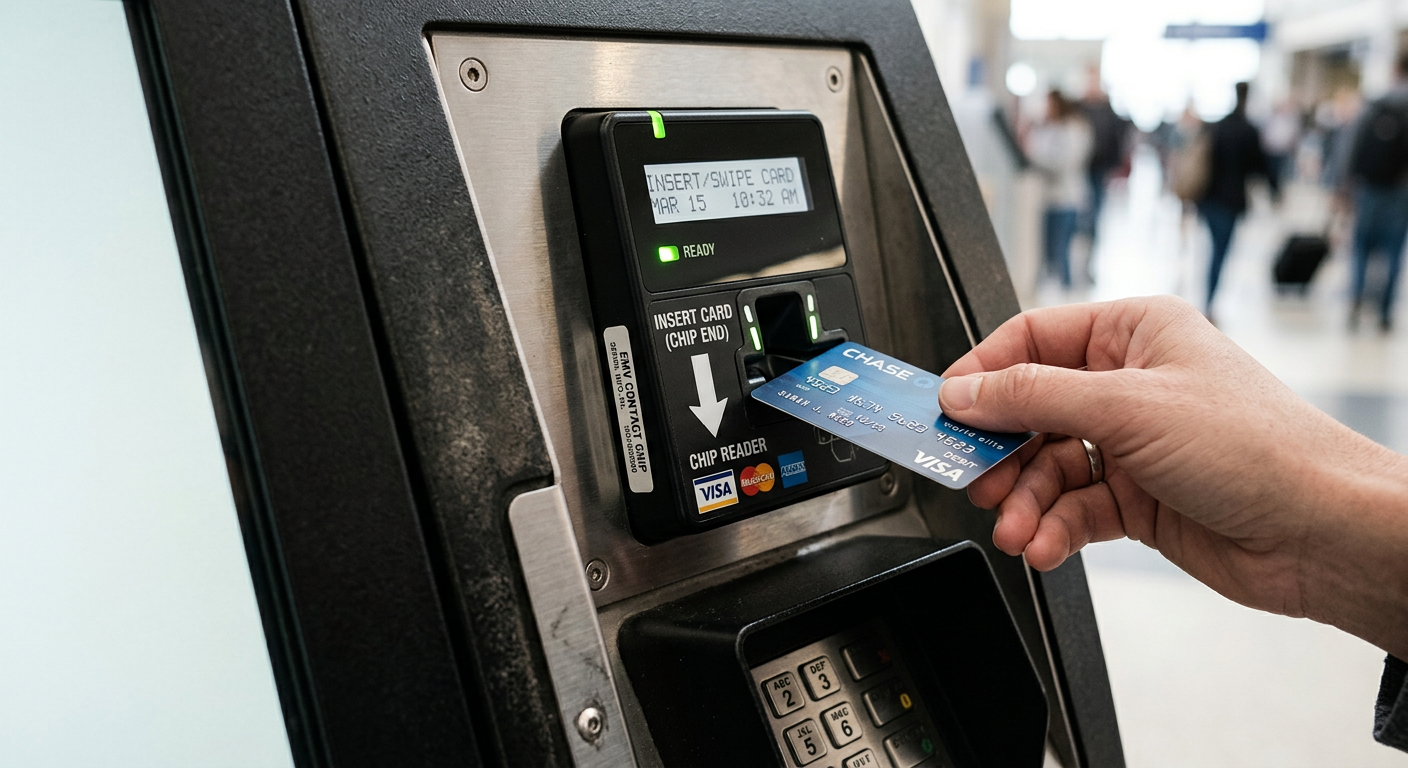
Here’s the thing nobody tells new kiosk buyers: skipping EMV isn’t optional in most regions anymore. Since the EMV liability shift, merchants accepting chip-capable cards via swipe or manual entry absorb the fraud liability themselves. That’s a real cost, not a theoretical one.
An EMV-certified reader — think Ingenico, Verifone, or PAX modules — handles chip-and-PIN and chip-and-signature transactions while shifting fraud liability back to the card issuer. The catch is certification: the reader, the kiosk software, and the payment gateway all need to pass PCI PTS and often PA-DSS validation together as a system, not as separate parts. Swap one component after certification and you may need to recertify the whole payment path.
What This Means for Enclosure Design
EMV readers need a secure, tamper-evident mounting position — usually angled for privacy at eye level, with cabling routed through a locked compartment. If you’re speccing an outdoor kiosk enclosure, factor in a heated reader bay for cold climates; card chips can misread below freezing if condensation forms on contacts.
NFC and Contactless: Where Speed Actually Pays Off
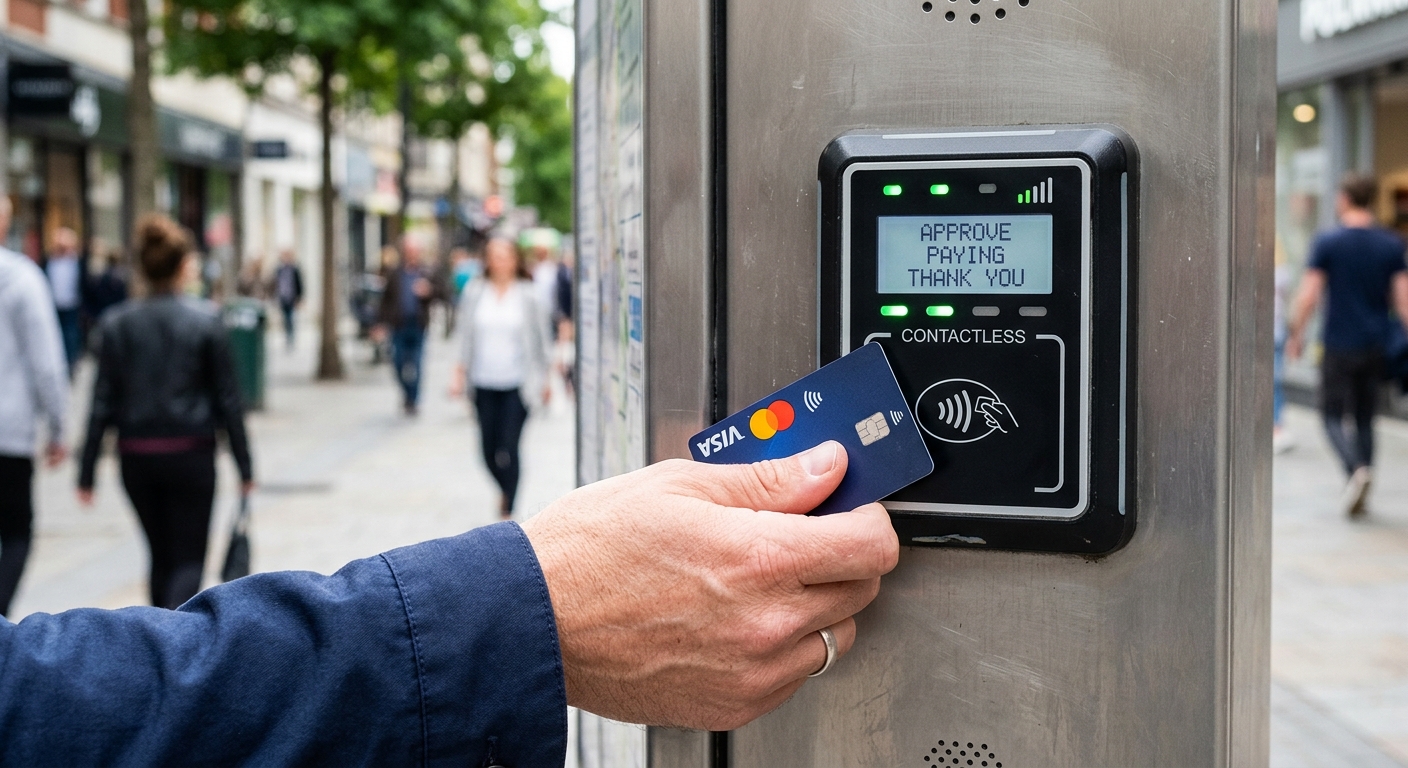
If your kiosk handles high transaction volume with small ticket sizes — think parking exits, transit fare gates, quick-service checkout — NFC contactless isn’t a nice-to-have, it’s the feature that determines your throughput. Tap-to-pay transactions clear in 1-2 seconds versus 3-5 for chip insertion, and that difference compounds fast during peak hours.
For instance, a regional parking operator running exit kiosks at a stadium found that adding NFC alongside their existing EMV slot cut average transaction time by nearly 60%, which mattered enormously when 3,000 cars needed to clear the lot within 20 minutes of a game ending. The EMV slot didn’t go away — it stayed for cards without a contactless chip and for higher-value transactions where PIN verification is preferred — but NFC became the default path.
Hardware Note: Antenna Placement Matters
NFC readers are sensitive to metal enclosures. If your kiosk chassis is powder-coated steel (common for outdoor-rated units), the antenna needs a non-metallic cutout or you’ll get inconsistent read ranges. This is a detail manufacturers sometimes overlook until field testing reveals a 2cm read range instead of the expected 4-5cm.
QR Code Payments: Low-Cost Entry, Different Trust Model
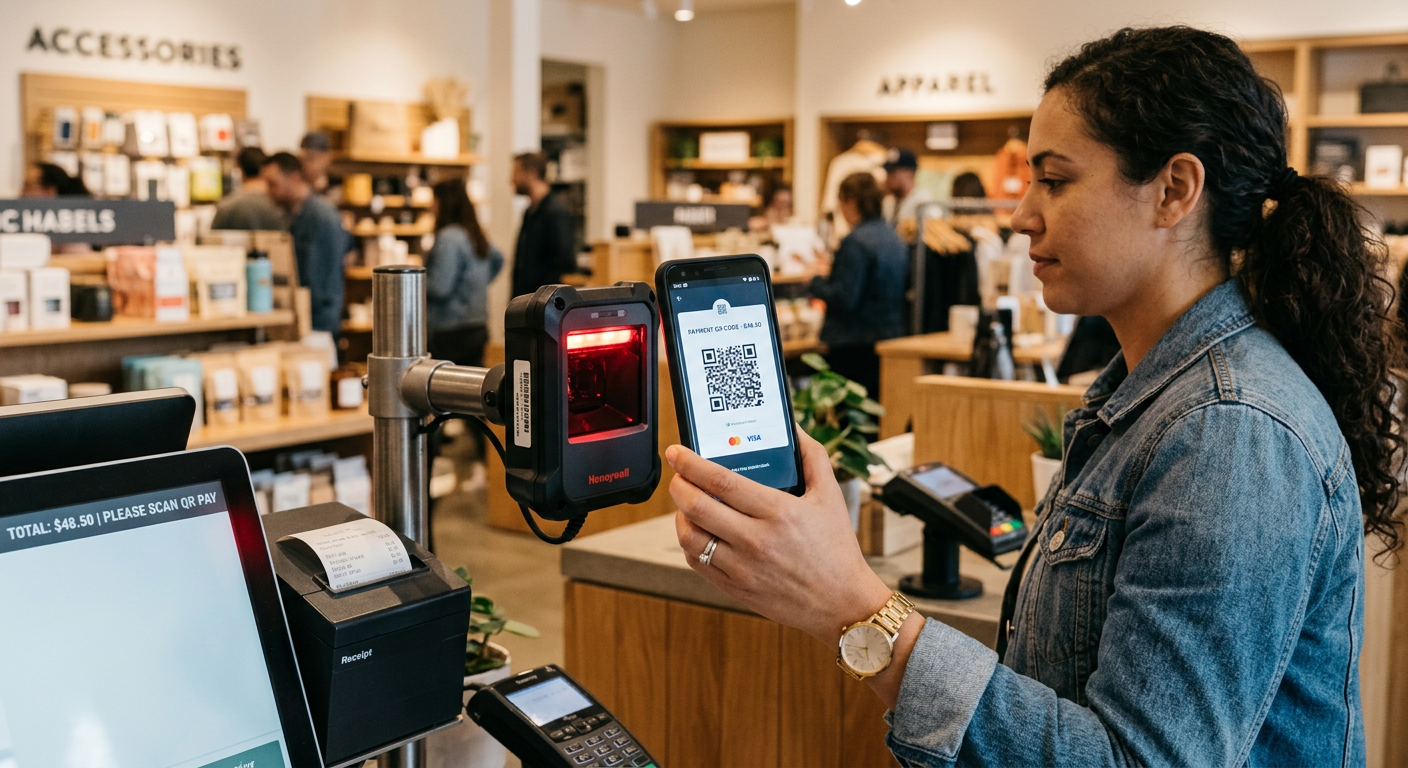
QR code payment flips the compliance burden. Instead of the kiosk handling sensitive card data, the customer’s phone generates or scans a code and completes payment through their own banking or wallet app. That means the kiosk-side hardware requirement drops to a basic 1D/2D barcode scanner — often the same camera module used for ticket or ID scanning elsewhere on the kiosk.
This is why QR-based payment dominates in markets like China and parts of Southeast Asia — merchants avoid most PCI scope entirely since card data never touches kiosk hardware. In North America and Europe, adoption is growing but slower, mostly layered on as a secondary option alongside EMV and NFC rather than a replacement.
The Glare Problem Nobody Mentions
QR scanning fails more often from screen glare than from software bugs. If your kiosk sits in direct sunlight — a common scenario for outdoor parking or transit kiosks — the customer’s phone screen washes out under the scanner’s camera. Mounting the scanner at a slight downward angle with a small physical hood solves this cheaply, and it’s worth specifying at the design stage rather than retrofitting later.
Choosing a Payment Gateway That Speaks All Three Languages
The reader hardware is only half the equation — the payment gateway integration decides whether all three methods actually work together smoothly. Some gateways bundle EMV and NFC processing into a single certified device (common with modern PAX and Verifone terminals) while treating QR as a separate API call to a wallet provider like Alipay, WeChat Pay, or a regional equivalent.
Ask your integrator these three questions before signing anything: Does the gateway support multi-acquirer routing, so you’re not locked into one processor? Can it fall back to a secondary payment method automatically if the primary reader times out? And does it log transaction data in a format compatible with your existing kiosk software platform for reconciliation?
A Common Integration Mistake
Procurement teams sometimes select payment hardware before finalizing kiosk software, then discover the SDK doesn’t support their chosen reader’s API. Lock in the payment gateway and hardware compatibility list during the same RFP cycle as your kiosk software selection — not after.
PCI Compliance: The Part That Bites Late
PCI DSS compliance isn’t a one-time checkbox — it’s an ongoing operational requirement, and kiosk operators underestimate this constantly. Any kiosk handling card data (EMV or NFC) falls under PCI scope, which means quarterly vulnerability scans, encrypted data transmission (P2PE is strongly recommended), and physical security controls on the reader itself.
QR-only payment flows reduce this scope significantly since the kiosk never touches card data directly. If your deployment can lean primarily on QR and mobile wallet payments — say, a retail kiosk in a market with strong mobile payment penetration — you cut both compliance overhead and reader hardware cost. But most Western markets still need EMV as the fallback, so full PCI scope reduction isn’t realistic for most operators.
Maintenance and Firmware: Payment Hardware Fails Differently Than Screens
A cracked touchscreen is obvious. A payment reader silently rejecting 15% of transactions is not — and it’s far more expensive in lost revenue and customer frustration. Card readers need periodic firmware updates to stay compatible with evolving card network requirements (contactless limit changes, new EMV kernel versions), and these updates often can’t be pushed the same way as general kiosk software.
Look for readers that support remote firmware management separate from your main kiosk OS updates. Some certified payment devices lock down remote update capability tightly for security reasons, meaning a technician visit is required — budget for that in your maintenance contract rather than being surprised by it in year two.
Matching Payment Methods to Deployment Type
There’s no single ‘right’ combination — it depends entirely on transaction profile and location. A hospital check-in kiosk (see our 12-site healthcare rollout lessons) rarely needs QR payment since it’s handling copay collection, not retail volume — EMV and NFC cover it fine. A quick-service restaurant kiosk, on the other hand, benefits enormously from NFC given the order speed gains documented in QSR deployments.
Outdoor parking and ticketing kiosks lean toward NFC-first with EMV fallback, since gloved hands and rushed transactions favor tap-to-pay. Retail kiosks in markets with strong super-app adoption should treat QR as a primary method, not an afterthought.

Kitty Tan
Custom Kiosk Expert Consultant
Kitty is a kiosk expert at FlyXing. With extensive knowledge and experience in designing and manufacturing self-service kiosks, Kitty specializes in creating customized solutions to meet diverse industry needs.
