


Prescription dispenser
Table of Contents
Sign up to our newsletter
Parking kiosk jams almost always come down to three things: thermal paper reacting to humidity, sensors drifting out of alignment from vibration or dust, and printer components wearing out faster than expected because they’re running in an outdoor enclosure that wasn’t built for the local climate. Fix those three root causes and most ‘random’ jamming disappears. The tricky part is that operators usually blame the printer when the real problem is a $2 sensor or a paper spec mismatch — so let’s break down exactly what’s failing and why.
The Paper Problem Nobody Checks First
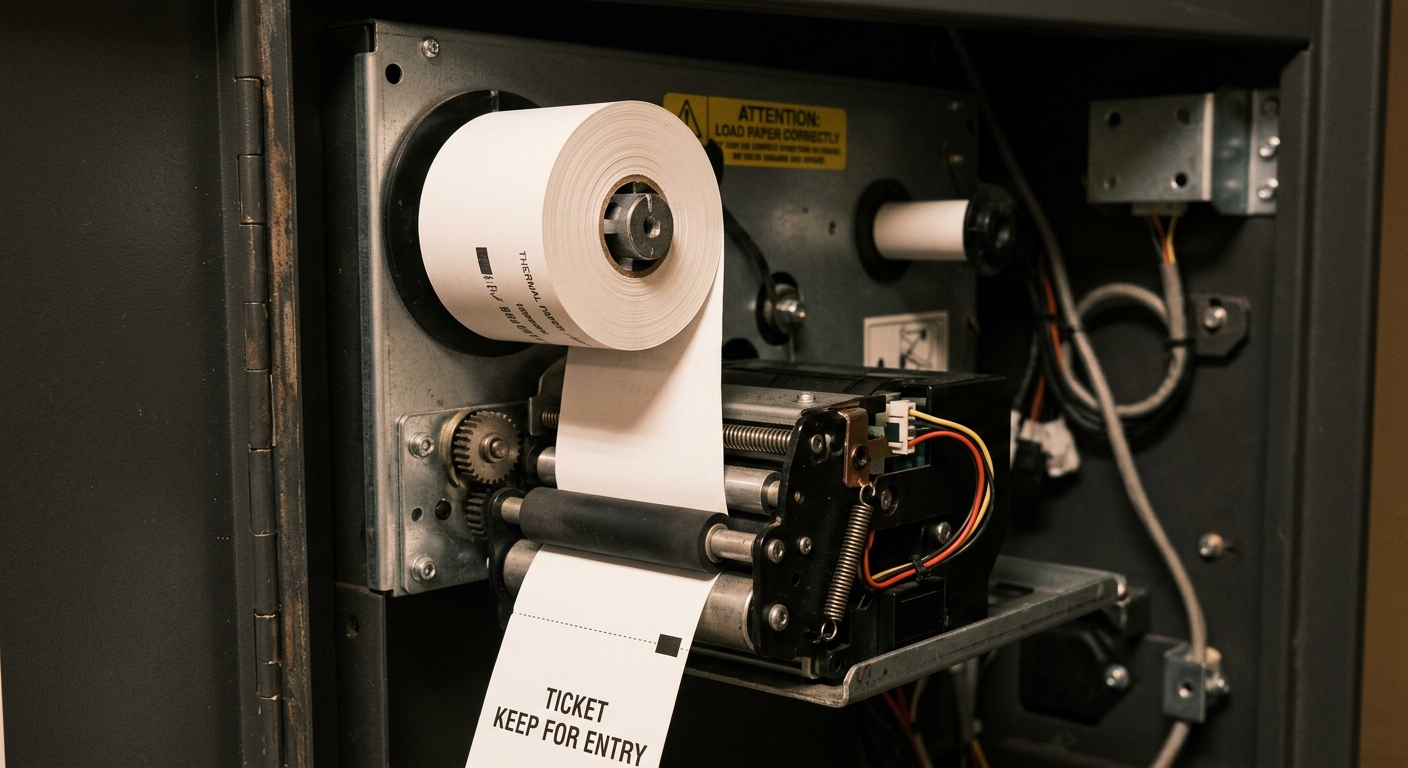
Before you touch a screwdriver, check the paper. Thermal paper isn’t one-size-fits-all — it has a specific coating rated for temperature and humidity range, and most parking kiosk jams in coastal or tropical climates trace directly back to using indoor-grade paper stock in an outdoor unit.
Here’s what happens: thermal paper absorbs moisture from the air, the roll swells slightly, and the feed mechanism that was calibrated for a tight roll diameter suddenly has to fight friction it wasn’t designed for. The printer motor stalls, the paper buckles, and you get a jam that looks mechanical but is actually environmental.
What to look for
- Paper roll feels slightly tacky or the edges look wavy
- Jams cluster during rainy season or high-humidity months
- Printed tickets fade faster than usual even with a fresh roll
The fix is usually cheap: switch to a moisture-resistant thermal paper grade rated for outdoor kiosk use, and store spare rolls in a sealed container, not in the open cabinet where humidity accumulates.
Sensor Drift: The Silent Cause of ‘Ghost’ Jams
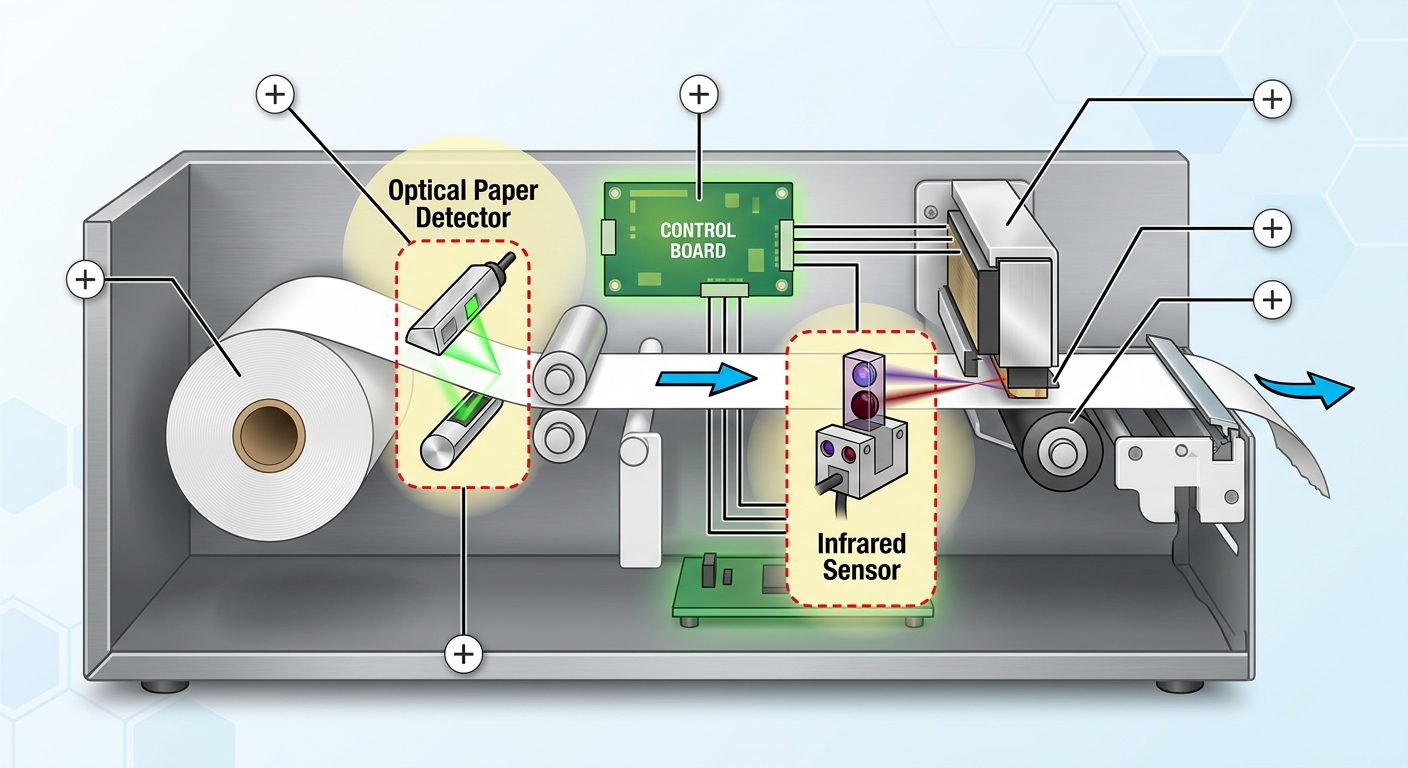
If your kiosk says a ticket is jammed but there’s nothing visibly stuck, the sensor is lying to you. Optical and infrared sensors that detect paper position, card insertion, or ticket presence can drift out of calibration after months of vibration from vehicles, foot traffic, or even wind buffeting a freestanding unit.
Dust is the other enemy. Parking structures are dusty environments — tire particles, exhaust residue, and general grime settle on sensor lenses over weeks. A sensor covered in a thin film of dust doesn’t fail completely; it just becomes unreliable, triggering false jam errors intermittently. That inconsistency is exactly why these issues frustrate maintenance teams — the fault doesn’t reproduce on demand.
Real-world example
A parking operator running 40 outdoor kiosks across three garages logged recurring ‘paper jam’ alerts every few days, but technicians found nothing physically stuck in half the service calls. The pattern turned out to be seasonal: sensor lenses accumulated grime faster near garage entrances exposed to more airflow. Adding a simple monthly lens-cleaning step to their maintenance checklist cut false jam alerts by more than 60%.
This is a good reminder that routine kiosk maintenance isn’t just about the obvious moving parts — sensor lenses deserve the same attention as the printer mechanism.
Heat Is the Enemy Your Enclosure Might Not Handle
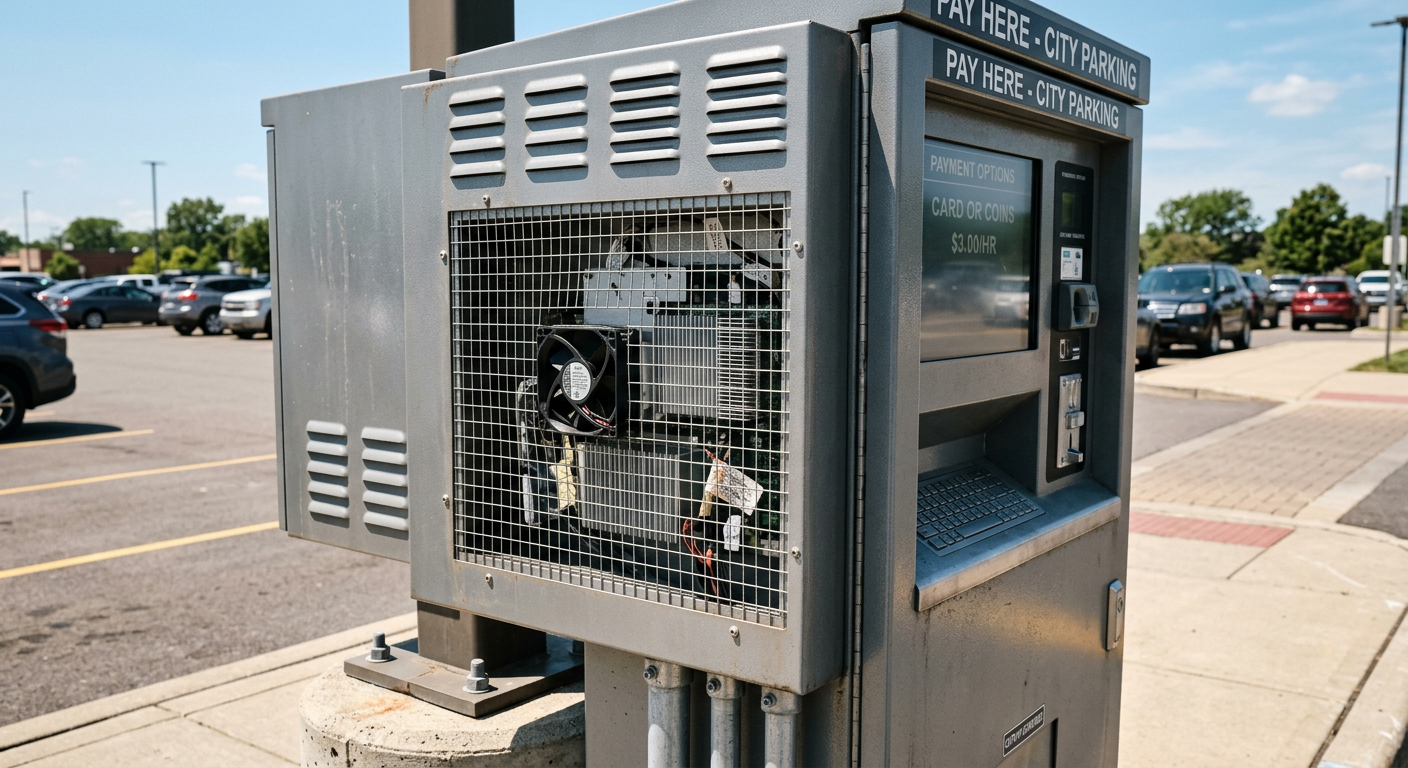
Thermal printers are heat-based by design, but that doesn’t mean they tolerate heat well from the outside. In direct sun, an outdoor kiosk enclosure can reach internal temperatures 15-20°C above ambient if ventilation is inadequate. That extra heat accelerates print head wear, softens paper adhesives, and can trigger automatic thermal shutdowns mid-transaction — which the driver experiences as a jam even though nothing is physically stuck.
This is fundamentally an enclosure engineering problem, not a printer defect. If you’re specifying or replacing a parking kiosk, ventilation design deserves as much attention as the payment module. For a deeper look at how enclosure choices affect long-term reliability, see our guide on outdoor kiosk enclosure design.
Mechanical Wear: Rollers, Cutters, and Print Heads
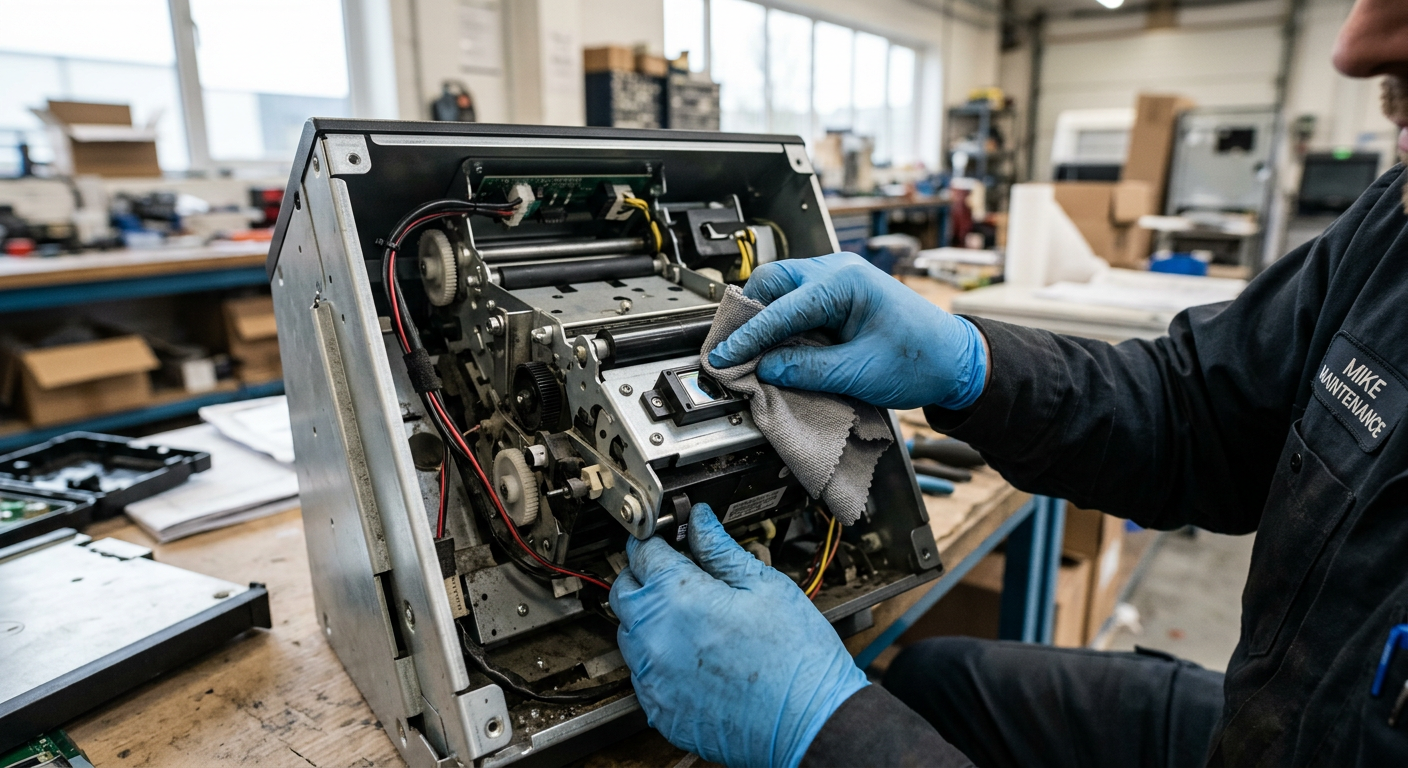
Every thermal printer has consumable parts, and in a high-traffic parking facility issuing hundreds of tickets a day, those parts wear out faster than most operators expect. Feed rollers lose grip after roughly 50,000-100,000 print cycles depending on paper quality, and a worn roller can’t pull paper through smoothly — leading to feed jams that look identical to sensor faults.
Common wear indicators
- Tickets print with slight skew or crooked cutting
- Cutter blade leaves a jagged rather than clean edge
- Printer runs louder or grinds during feed cycles
Budgeting for scheduled roller and cutter replacement — rather than waiting for total failure — keeps downtime predictable instead of a surprise during peak parking hours.
Software-Triggered False Jams
Not every jam is hardware. Firmware bugs or poor integration between the ticketing software and printer driver can cause the system to misread sensor status and report a jam that isn’t there. This is especially common after software updates that weren’t tested against the specific printer firmware version in the field.
If a jam error clears itself after a full power cycle but reappears within hours, suspect software before hardware. Cross-checking printer firmware compatibility during procurement — not after deployment — avoids this entirely. It’s the same logic covered in our self-service kiosk buying guide: hardware and software compatibility should be verified before the PO is signed, not discovered in the field.
How to Diagnose a Jam in Under 5 Minutes
Quick diagnostic sequence
- Step 1: Power cycle and check if the error clears — if yes, suspect software or a transient sensor glitch
- Step 2: Visually inspect the paper path for actual obstruction or curled paper
- Step 3: Clean the sensor lens with a dry microfiber cloth and retest
- Step 4: Check paper roll humidity and swap in a fresh roll from sealed storage
- Step 5: Listen for grinding or skipping during feed — that points to roller wear
Following this order prevents technicians from replacing an entire printer assembly when the fix was a $3 pack of desiccant.
Preventing Jams Before They Start
The best fix for jamming is a maintenance schedule that catches problems before drivers do. Facilities running parking kiosks 24/7 should treat printer and sensor checks as routine, not reactive.
A practical schedule
- Weekly: Visual check of paper roll and ticket output quality
- Monthly: Sensor lens cleaning and enclosure vent inspection
- Quarterly: Roller and cutter wear assessment
- Annually: Full print head inspection and firmware version check
Pairing this with the right hardware from the start matters too — reviewing kiosk accessories options during procurement helps ensure spare printer modules and sensor kits are readily available rather than back-ordered when you need them most.

Kitty Tan
Custom Kiosk Expert Consultant
Kitty is a kiosk expert at FlyXing. With extensive knowledge and experience in designing and manufacturing self-service kiosks, Kitty specializes in creating customized solutions to meet diverse industry needs.
